by Johannes Hans
Enhances Obsidians Codeblocks by letting them execute the code
CodeBlocks++
CodeBlocks++ is a plugin for Obsidian that allows you to define custom Codeblocks
which can be highlighted and executed. It allows for general customization aswell as individual styling using metadata properties.
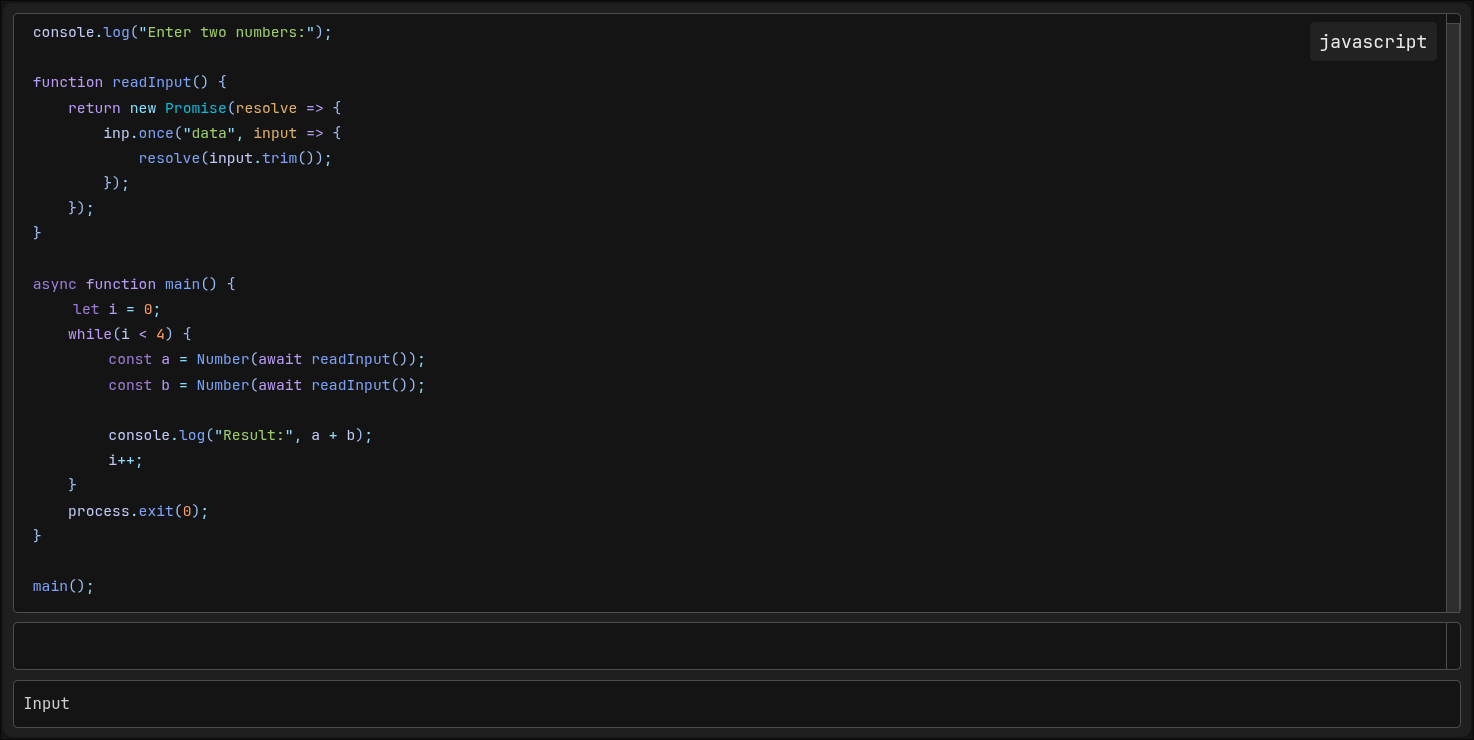
Installation
Go into your Obsidian Vault
cd .obsidian/plugins
git clone https://github.com/CommandJoo/CodeBlocksPlusPlus.git
Go into your Obsidian Settings / Community Plugins and enable it.
Usage
Codeblock Syntax
To use executable Codeblocks define a Codeblock with the language "cbpp".
Settings for a specific Codeblock can be specified by the "@cbpp:" prefix.
```cbpp
@cbpp:lang=js
@cbpp:theme=monokai
@cbpp:input=false
function hello() {
	console.log("Hello, World!");
}
```
These settings will automatically removed by the renderer.
Alternatively you can also allow inline metadata in the settings allowing, the codeblock to define the language directly inside the first line.
```cbpp js
function hello() {
	console.log("Hello, World!");
}
```
This allows for a much cleaner syntax.
List of Codeblock Settings
| Setting | Value | Description |
|---|---|---|
| lang | <string> | A language provided by Shikis bundled languages |
| theme | <string> | A theme provided by Shiki used for syntax highlighting (overwrites the settings value) |
| numbers | <boolean> | Whether or not line numbers should be displayed (overwrites the settings value) |
| runnable | <boolean> | Whether or not the Codeblock will be executable (overwrites the settings value) |
| input | <boolean> | Whether or not there should be an input field for the user (overwrites the settings value) |
Registering Languages
In order to execute Codeblocks you need to register languages with an interpreter in the Settings tab of this Plugin
Credits
- Shiki, used for Syntax highlighting in rendered Codeblocks
For plugin developers
Search results and similarity scores are powered by semantic analysis of your plugin's README. If your plugin isn't appearing for searches you'd expect, try updating your README to clearly describe your plugin's purpose, features, and use cases.