Cooksync
approvedby furst
Automatically imports recipes collected using Cooksync.
★ 3 stars↓ 566 downloadsUpdated 1y agoGPL-3.0
Cooksync Official
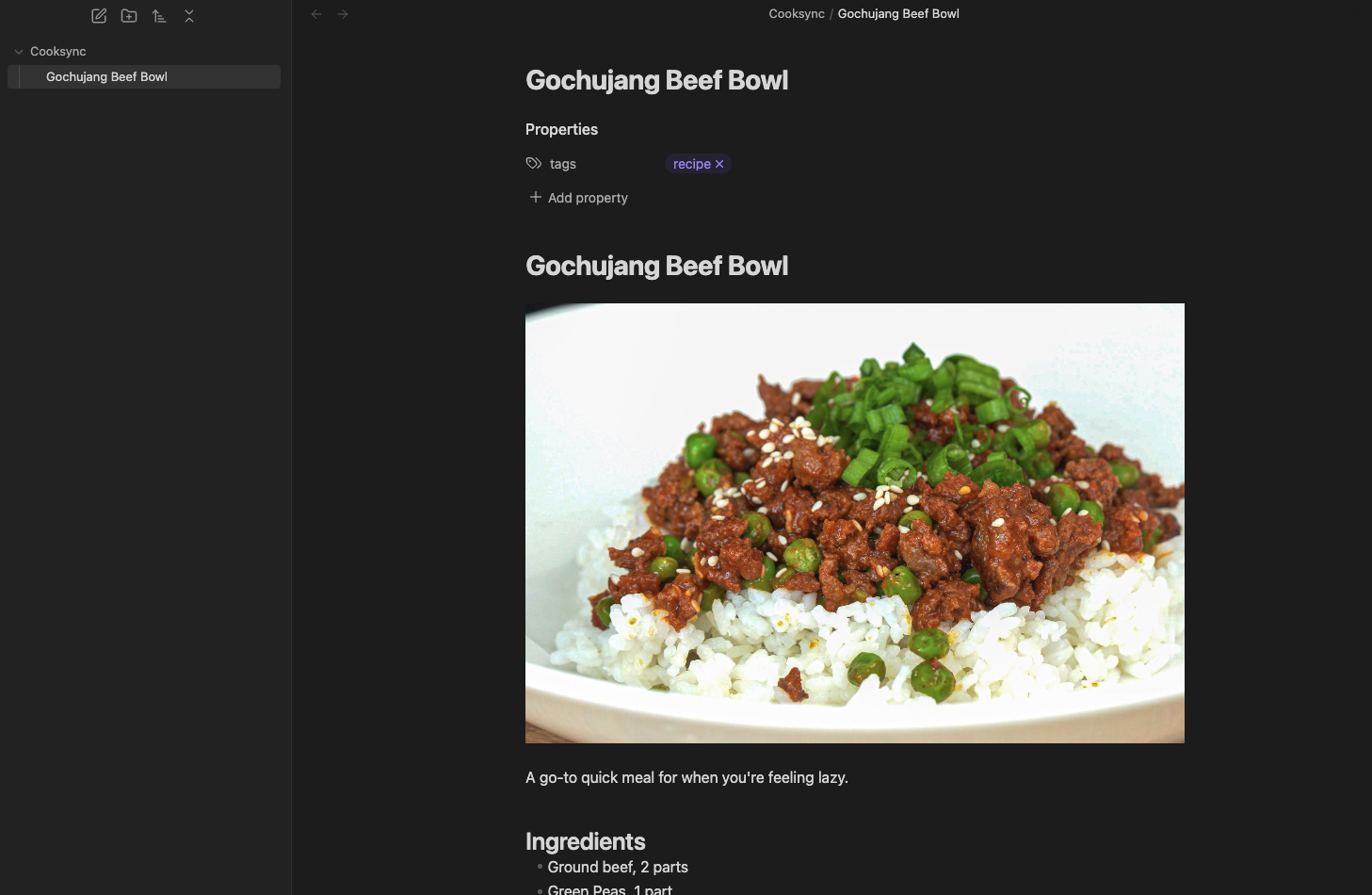
This is the official Obsidian plugin for Cooksync, maintained by the Cooksync team. It enables automatic import of recipe data from your Cooksync account. Note that this plugin requires a Cooksync account — a paid service that makes it easy to collect recipes from almost any recipe website.
Features
- Automatically sync your Cooksync recipes into Obsidian
- Includes recipe data, source, and cover image
- Option to automatically add tags to imported recipes
Installation and Usage
- Install the Cooksync plugin within Obsidian.
- Enable the plugin.
- Go to the plugin settings and connect your Cooksync account.
- Customize the export settings, if desired.
- Initiate the first sync.
- Choose whether to keep auto-sync enabled or manually run the "Cooksync Sync" command to import recipes.
Support
- Check our Documentation.
- For additional assistance, please email us at info@cooksync.app.
For plugin developers
Search results and similarity scores are powered by semantic analysis of your plugin's README. If your plugin isn't appearing for searches you'd expect, try updating your README to clearly describe your plugin's purpose, features, and use cases.