Crafty
approvedby liolle
Add tooltip to any canvas node and quickly navigate between canvas nodes.
★ 16 stars↓ 2,989 downloadsUpdated 2mo agoMIT
Crafty

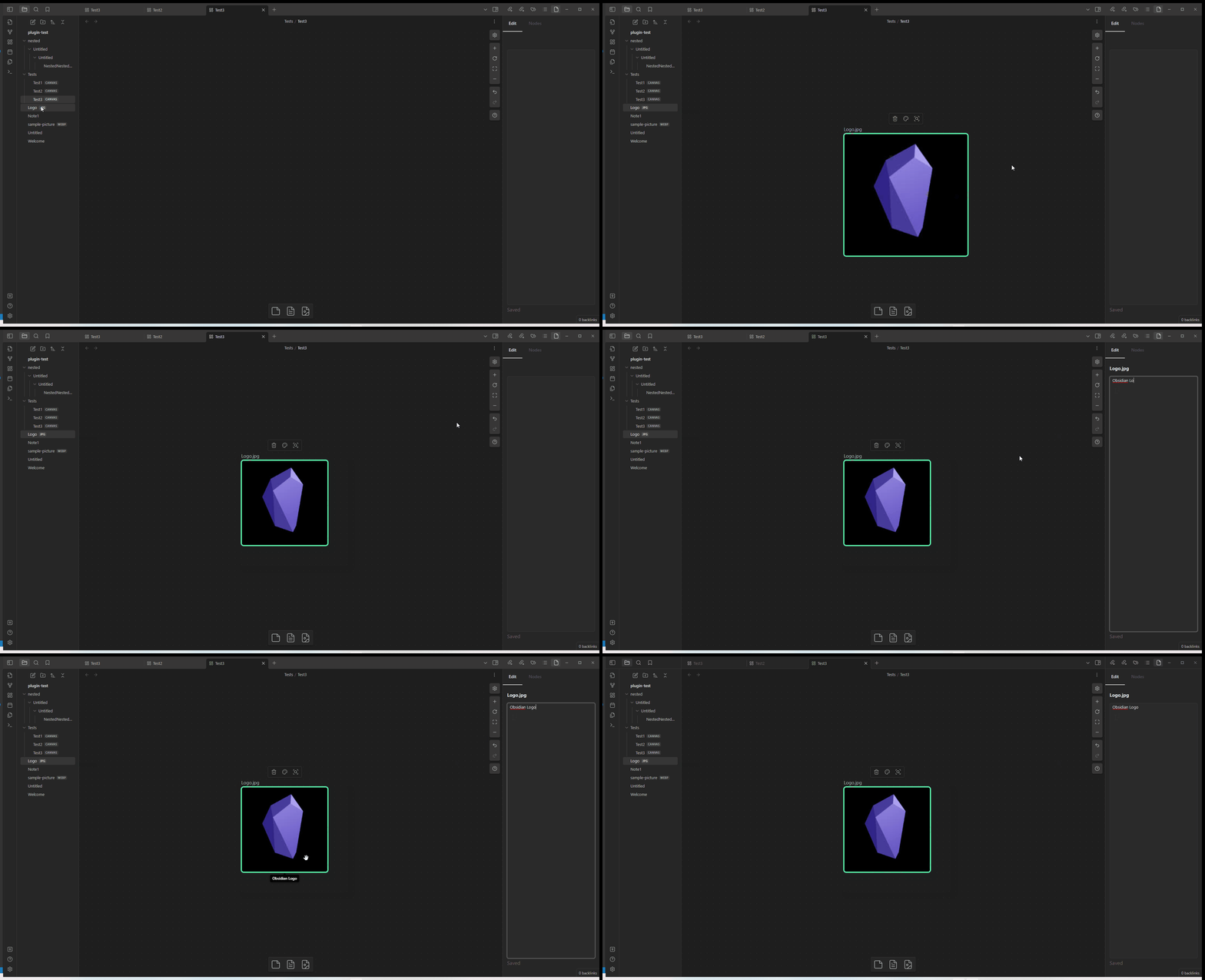
This Obsidian plugin enables users to attach tooltips to each node on their canvas. Additionally, it offers seamless navigation between nodes.
Features
-
Node tooltip
-
Navigation
Make sure to set the hotkeys
Setting > Hotkeysto be able to navigate nodes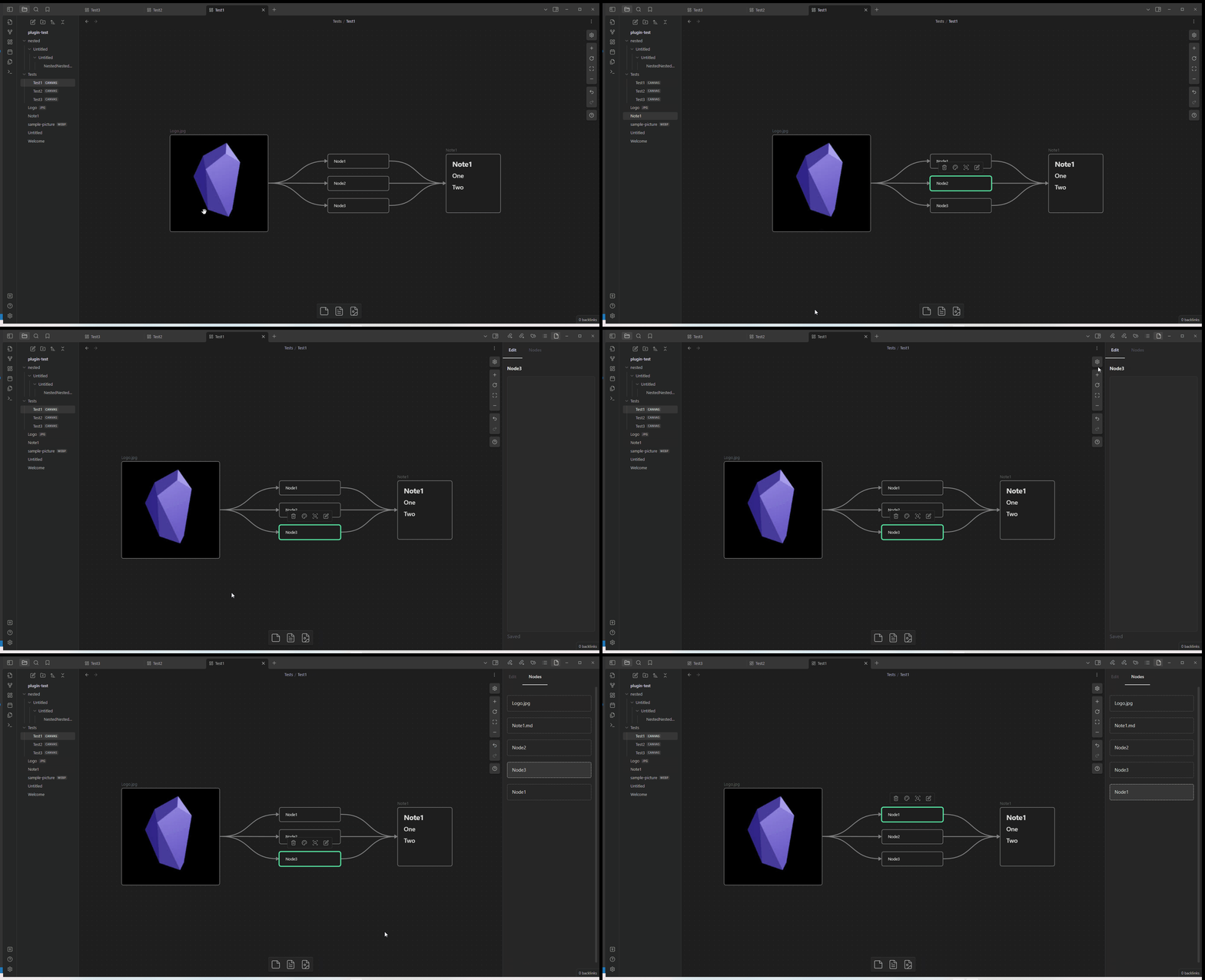
-
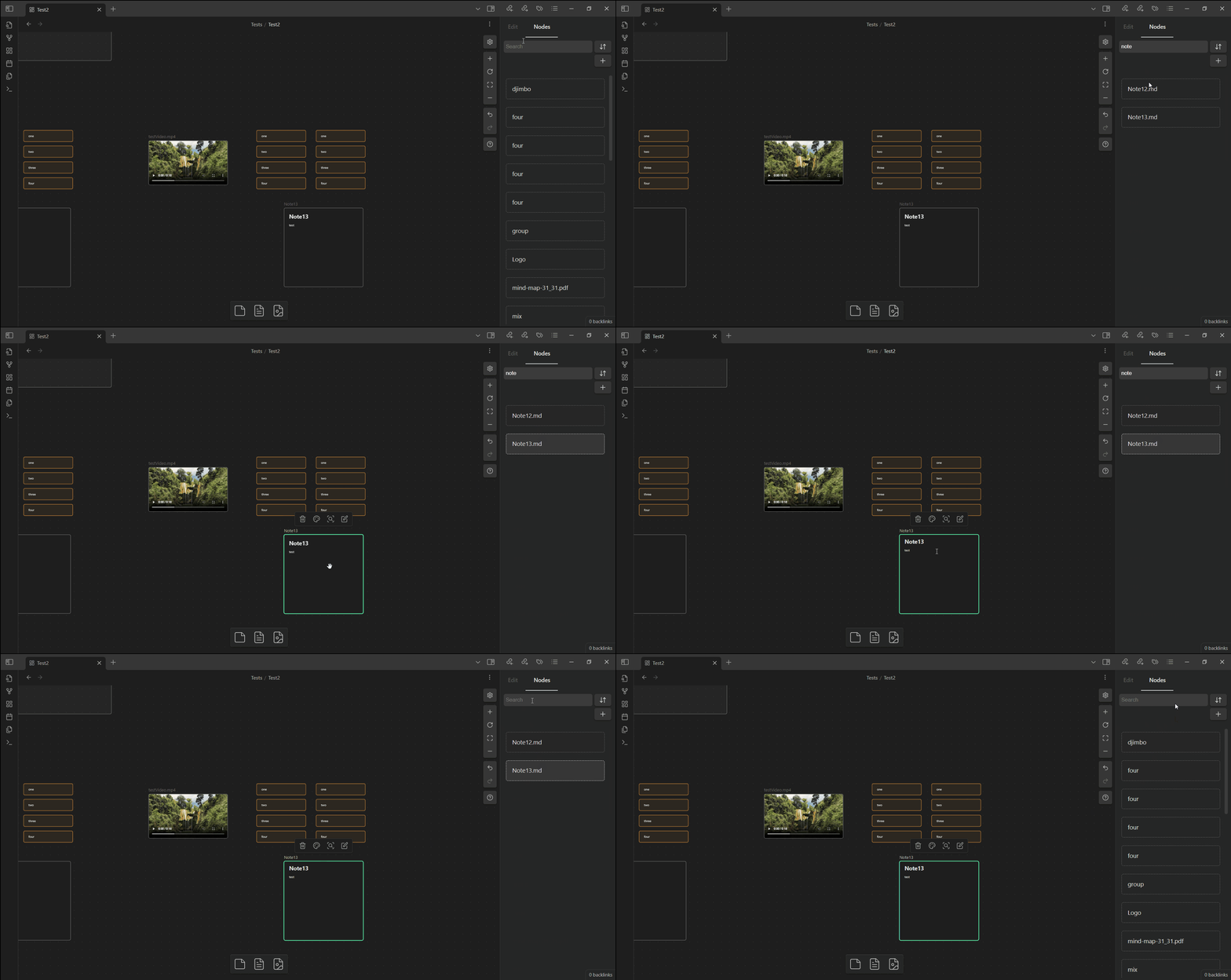
Search
Search for nodes title
-
Sort/filter nodes
Commands and Hotkeys
| Hotkey | Action |
|---|---|
| Blank by default | Previous node |
| Blank by default | Next node |
| Blank by default | Show/Hide sidebar |
How to Install
Now available in the Obsidian Community Plugin Directory
For plugin developers
Search results and similarity scores are powered by semantic analysis of your plugin's README. If your plugin isn't appearing for searches you'd expect, try updating your README to clearly describe your plugin's purpose, features, and use cases.