Create a folder named obsidian-docxer in your vault's plugins folder (<vault>/.obsidian/plugins/).
Download main.js, styles.css and manifest.json from the latest release and put them in the obsidian-docxer folder.
Enable the plugin in Settings -> Community plugins -> Installed plugins
Usage
Add a .docx file to your vault.
Open the file in Obsidian.
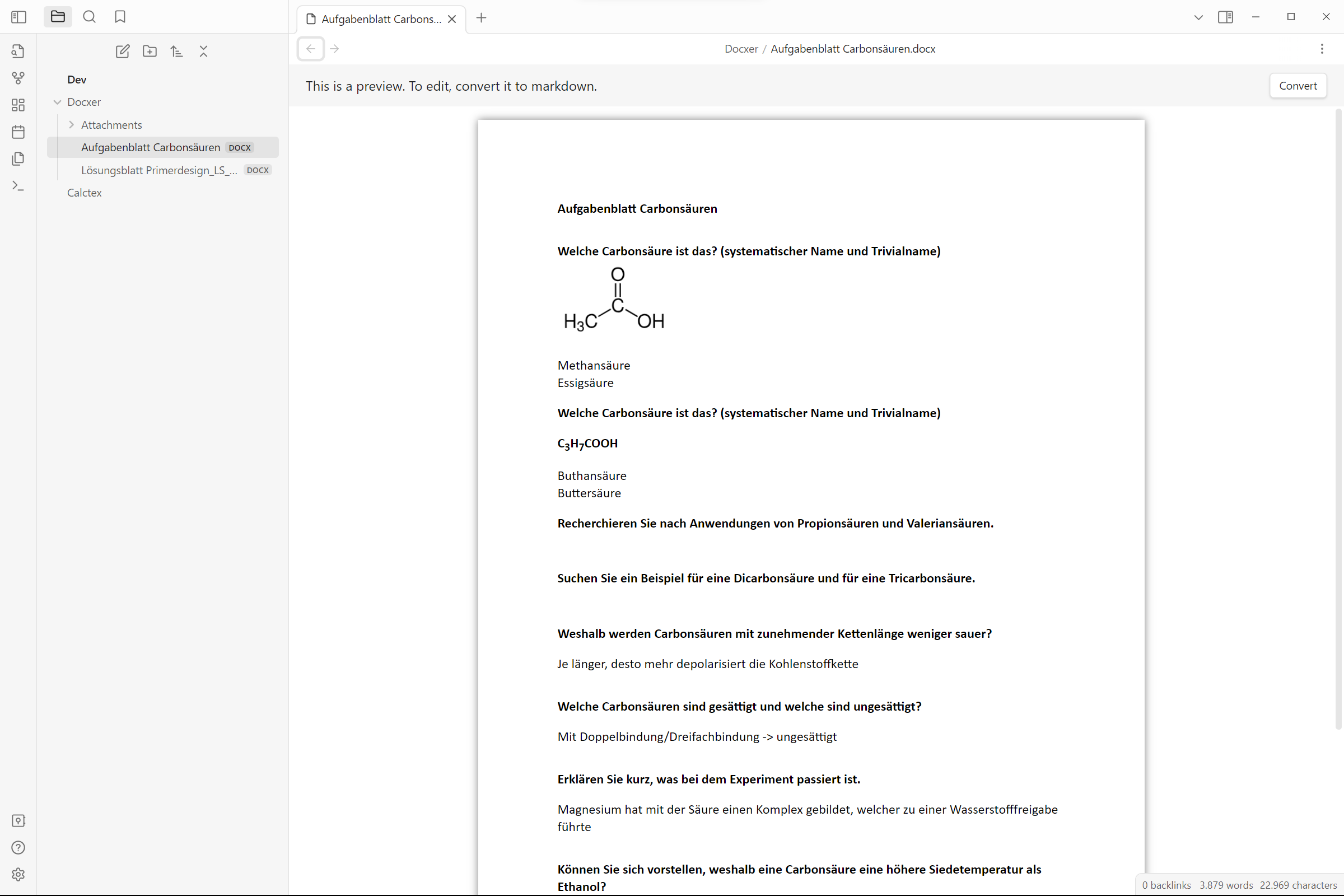
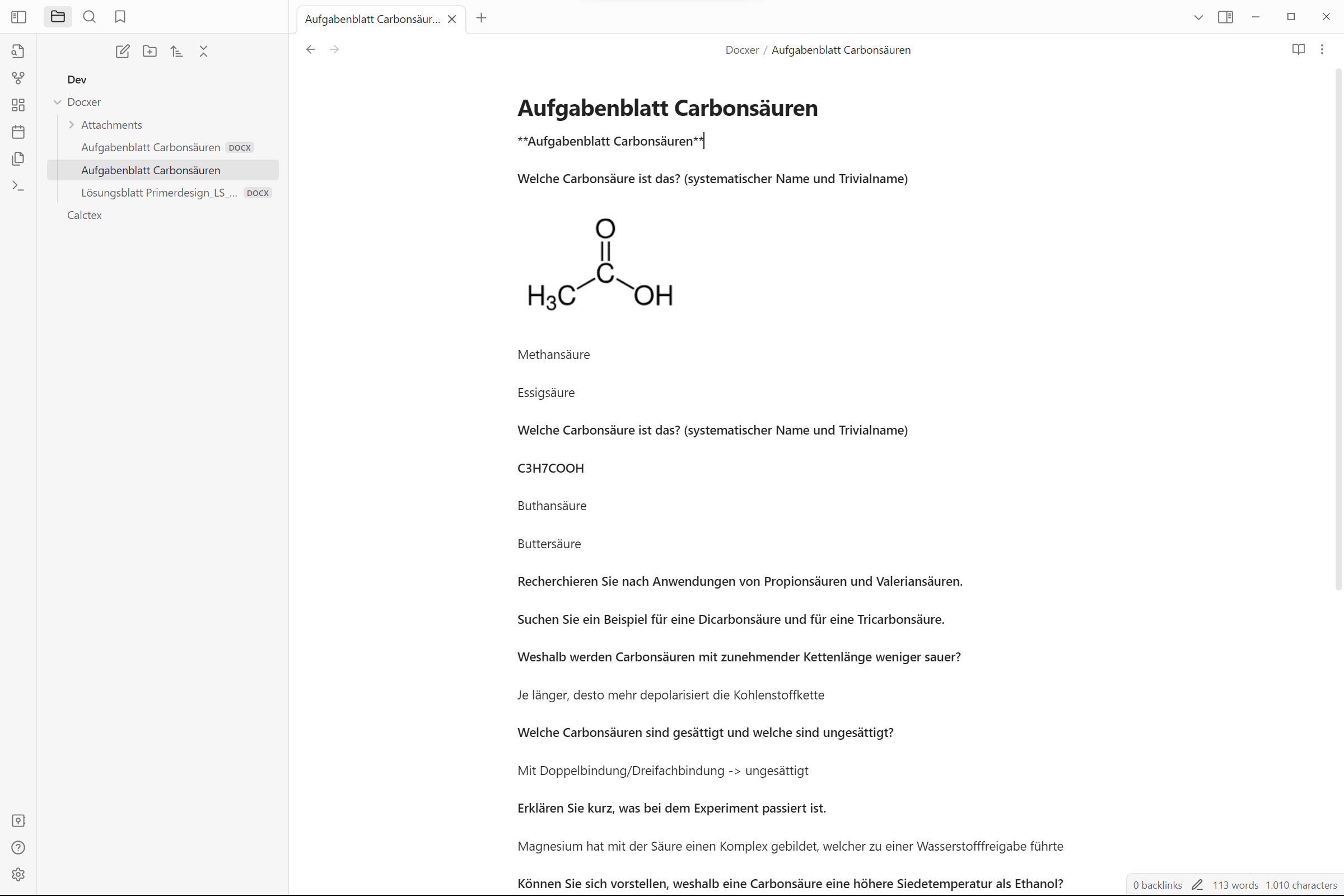
Click the "Convert" button in the top right corner of the editor to convert the file to markdown.
Support
Please consider supporting the plugin. The two easiest ways to support the plugin are either by starring ⭐ the repository or by donating any amount on Ko-fi ❤️. Thank you!
Implementation
Docxer uses docx-preview to render the previews, mammoth to convert docx to HTML and turndown to finally convert the HTML to Markdown.
Screenshots
Contributing
All contributions are welcome! Here's how you can help:
Create a fork of the repository
Create a branch with a descriptive name
Make your changes
Debug the plugin using npm run dev
Create a pull request
Wait for the review
For plugin developers
Search results and similarity scores are powered by semantic analysis of your plugin's README. If your plugin isn't appearing for searches you'd expect, try updating your README to clearly describe your plugin's purpose, features, and use cases.