Dream Journal
approvedby eharris128
Record your dreams to promote dream retention, enhance lucidity, and go deeper into dreaming. - This plugin has not been manually reviewed by Obsidian staff.
Dream Journal Plugin
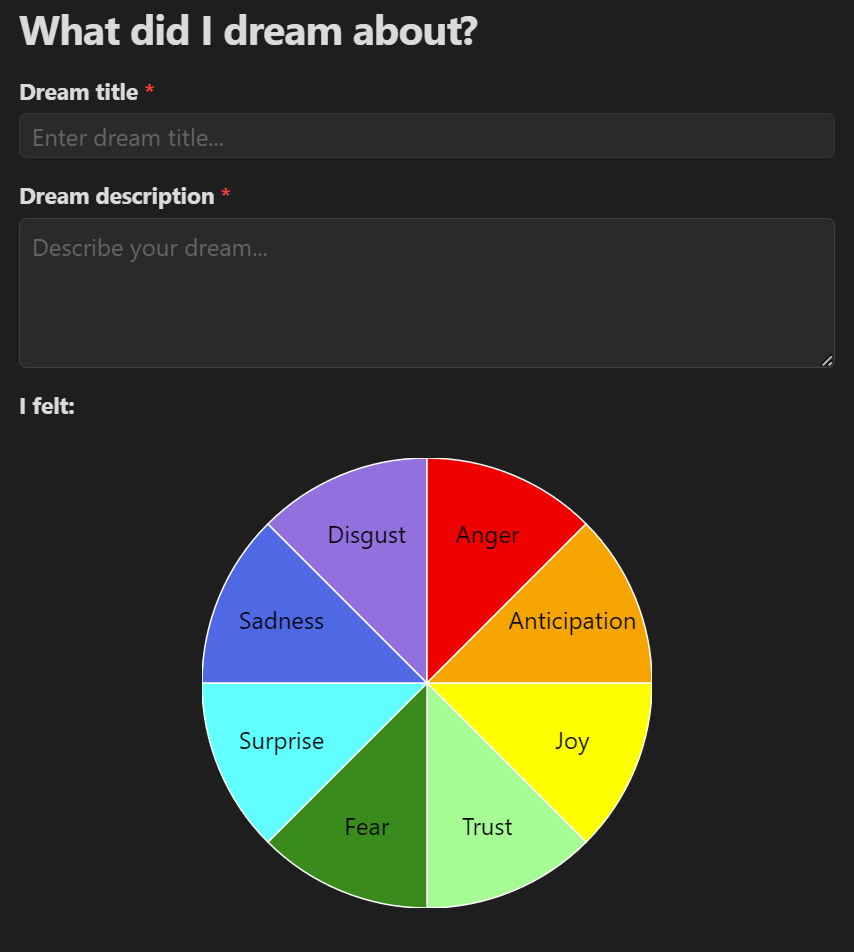
The Dream Journal plugin allows you to record and analyze your dreams directly within Obsidian. Capture dream details, associate emotions, and keep track of your dream experiences over time.
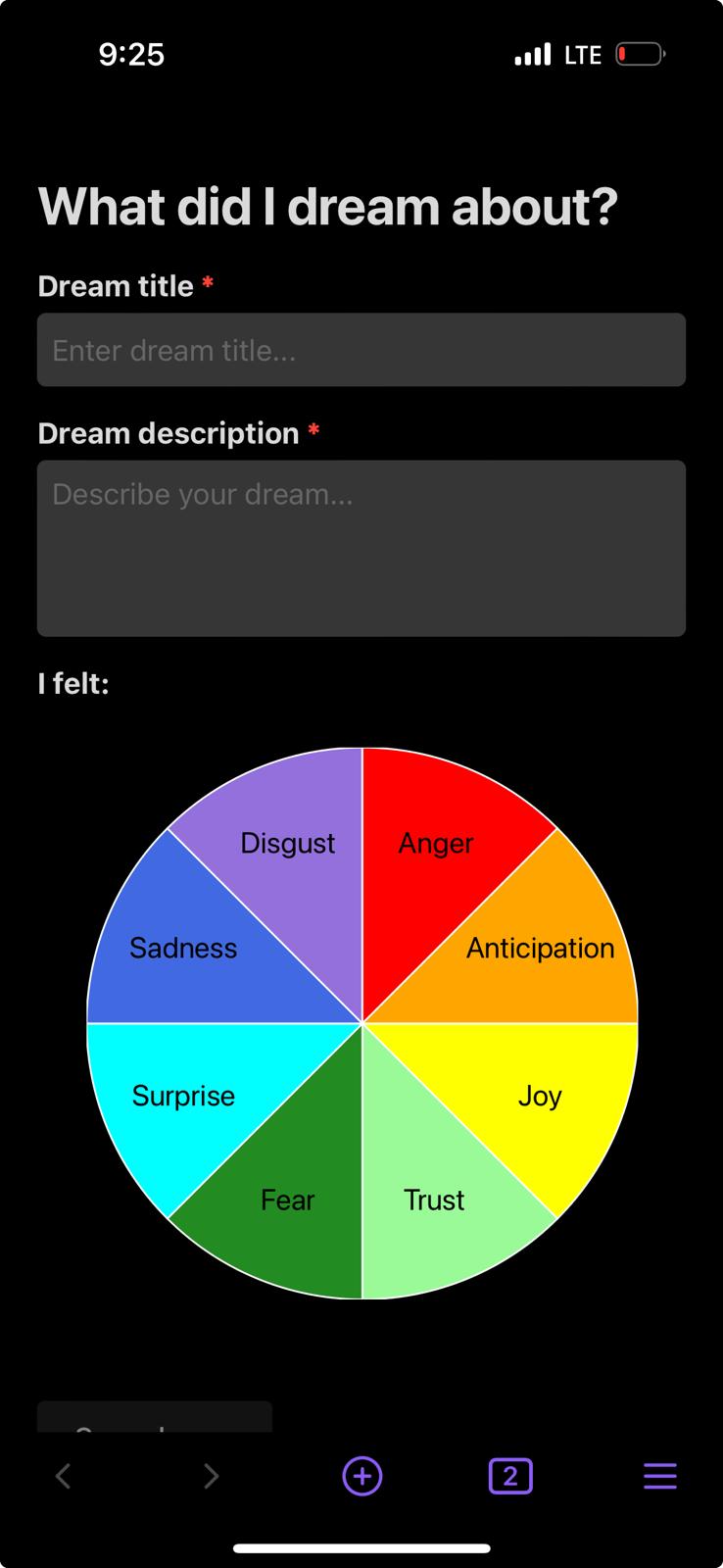
Mobile support:
Features
- Record dream entries with titles and descriptions
- Select emotions associated with each dream using an emotion wheel
- Optionally rate each dream on the 28-item LuCiD scale (Voss et al 2013) — factor scores (insight, control, thought, realism, memory, dissociation, emotion) are saved as note properties for later analysis
- Automatically save dream entries as Markdown files in your vault
- View and manage your dream journal entries within Obsidian
Installation
- Open Obsidian and go to Settings
- Navigate to Community Plugins and disable Restricted Mode
- Click on Browse and search for "Dream Journal"
- Install the plugin and enable it
Usage
- Click on the moon icon in the left sidebar or use the command "Record dreams" to open the Dream Journal
- Enter your dream title and description
- Use the emotion wheel to select emotions associated with your dream
- Optionally expand the lucidity questionnaire and rate the statements that apply (unanswered statements are skipped)
- Click "Save dream" to record your entry
Upcoming features
- Indicate whether or not there was any dream recall for a night.
- LuCiD score analysis and visualization
- Support exporting dreams bucketed by date range.
Speculative features
- Dream sign collection
- Lucid dream and nightmare frequency scales by Stumbrys et al 2013
- Supplement induction review questions
Development
This plugin is built using TypeScript and React. To set up the development environment:
- Clone this repository
- Run
npm installto install dependencies - Run
npm run devto start the development build process
Building
To create a production build, run:
npm run build
Attribution
This plugin uses React, a library for building user interfaces.
License
For plugin developers
Search results and similarity scores are powered by semantic analysis of your plugin's README. If your plugin isn't appearing for searches you'd expect, try updating your README to clearly describe your plugin's purpose, features, and use cases.