↓ 425 downloadsUpdated 7d agoMIT
Obsidian echarts lite
Feature:
- compatiable with mobile
- latest echarts version(v6.0.0)
Install
install from obsidian plugin market
- Not published yet
manual install
- download assets from release
- create a folder named
echarts-litein your obsidian vault plugin folder({your obsidian vault path}/.obsidian/plugins/) - move the downloaded assets to the new created folder
- reload Obsidian
- enable the plugin
install from BRAT(Currently Recommended)
- Install BRAT if you haven't installed it yet.
- Enable BRAT in Settings → Community plugins
- Open Command Palette(Ctrl+P) and type
BRAT: Plugins: Add a beta plugin for testto open the Community Plugin Manager. - input the plugin repository url: https://github.com/x-ideas/obsidian-echarts-lite
- select the latest version
- click
Add pluginbutton to install the plugin. - enable
echarts-liteplugin in Settings → Community plugins if it's not enabled automatically.
How to Use
```dataviewjs

const option = {
	tooltip: {
		trigger: "axis",
		axisPointer: {
			type: "shadow",
		},
	},
	legend: {},
	xAxis: {
		type: "category",
		data: ["Mon", "Tue", "Wed", "Thu", "Fri", "Sat", "Sun"],
	},
	yAxis: {
		type: "value",
	},
	series: [
		{
			name: "name",
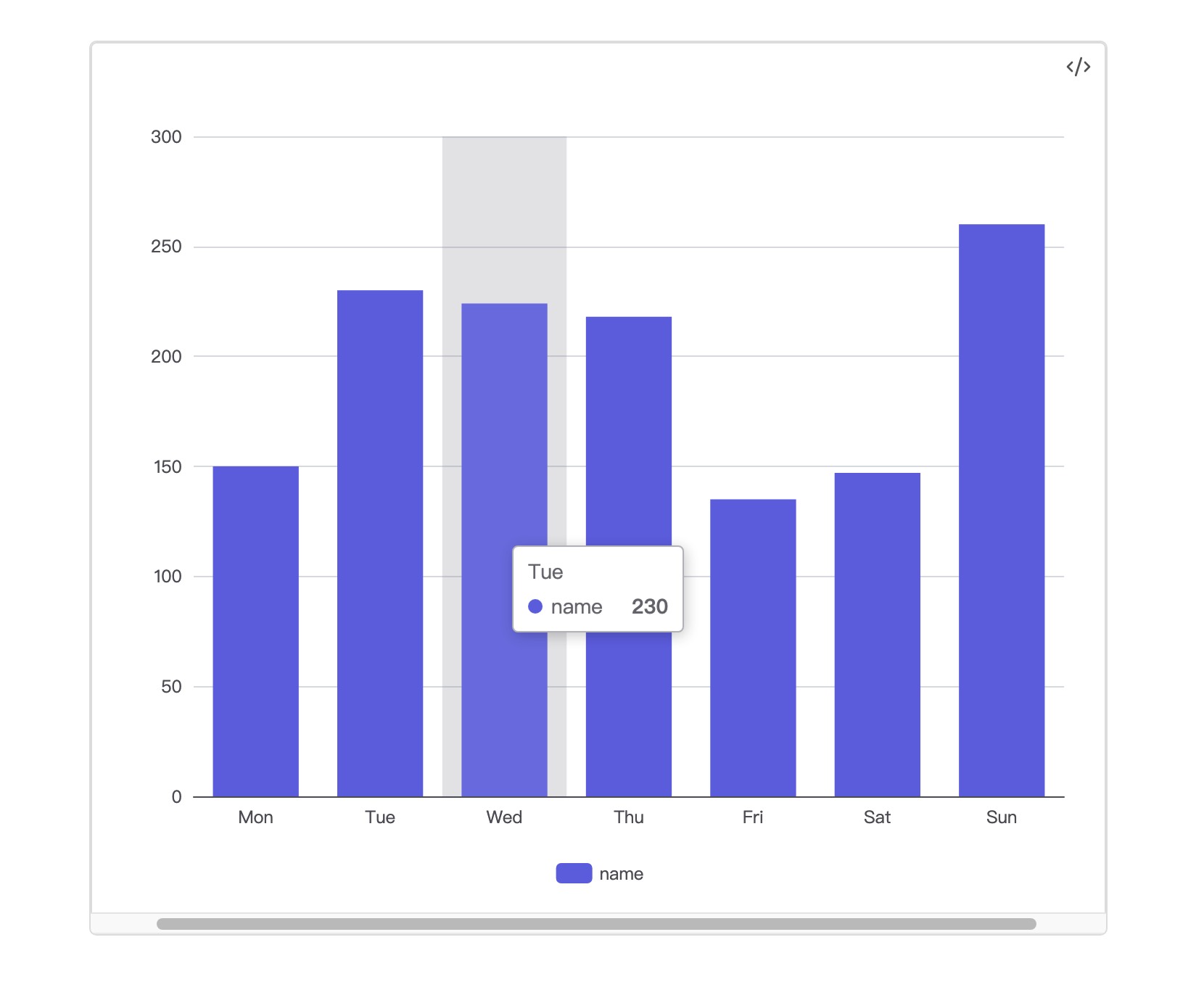
			data: [150, 230, 224, 218, 135, 147, 260],
			type: "bar",
		}
	]
}
app.plugins.plugins['echarts-lite'].api.render(option, this.container)
and the result will be like this:
Other
- ispired by obsidian-echarts
For plugin developers
Search results and similarity scores are powered by semantic analysis of your plugin's README. If your plugin isn't appearing for searches you'd expect, try updating your README to clearly describe your plugin's purpose, features, and use cases.