Emotion Book
approvedby oxilldat
Emotion diary plugin for Obsidian - This plugin has not been manually reviewed by Obsidian staff.
Emotion Book
- English
- Русский
Emotion Book is a plugin for Obsidian that adds structure to your daily notes. Record your state throughout the day, track dynamics, and store entries directly in separate Markdown files.
Key Features
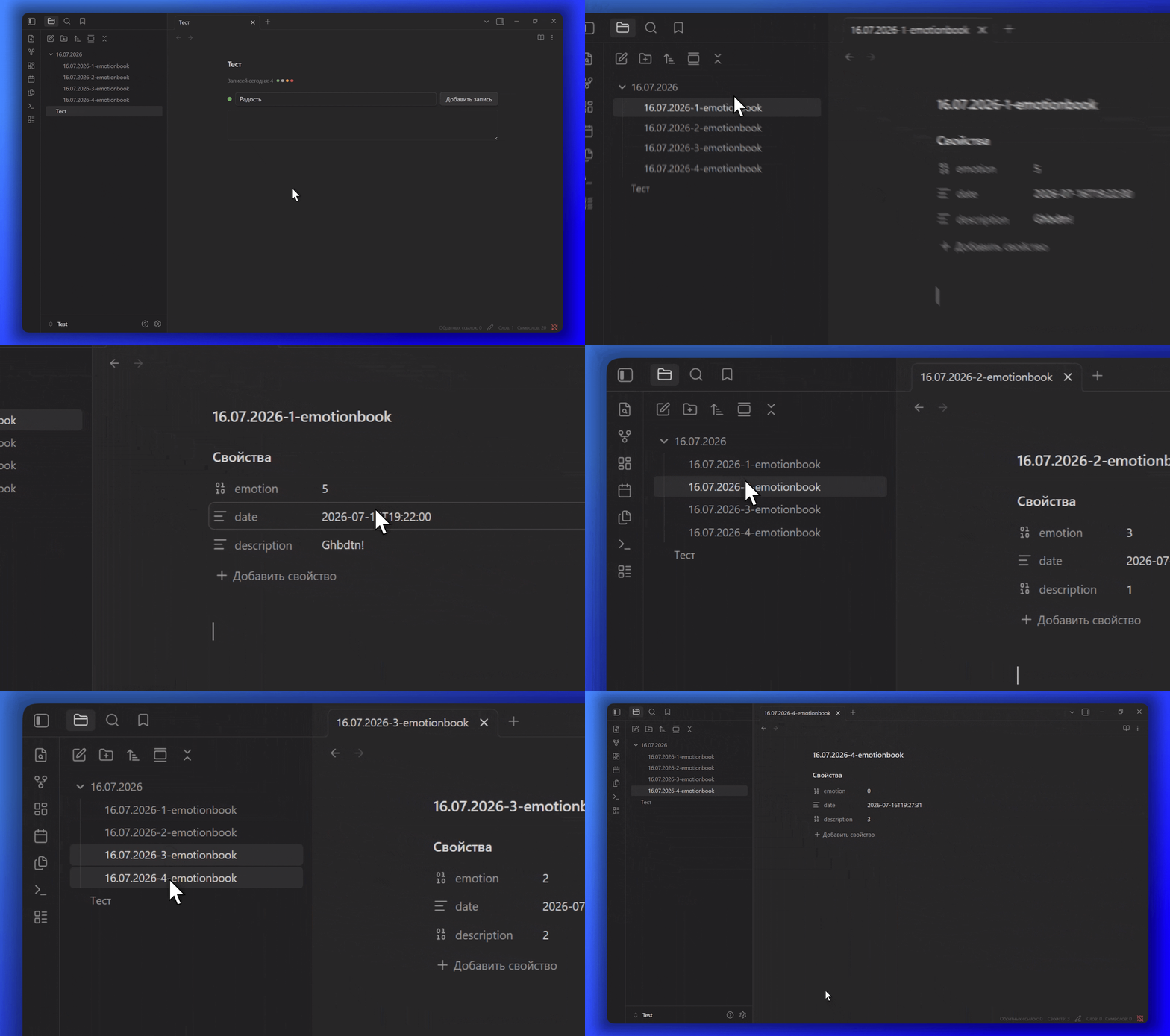
- Quick entry via a dialog: Pick an emotion from the list, click Add entry, and type your note in a pop-up window. The chronological feed of the day is shown right below, inside your daily note.
- Flexible Emotion Customization: Create your own emotions, adjust their colors, and assign custom weights (0–10).
- Smart note date: Each entry is saved to the folder of the day its note belongs to. The day is detected from a frontmatter field (configurable,
createdby default), then from the file name, then from the file creation date. - Clean Markdown: All new entries are saved as individual
.mdfiles with clean YAML Frontmatter (tags, date, emotion), making them easy to analyze via Dataview or other plugins. - Legacy Format Support: Full compatibility with
emotion-bookblocks containing JSON data directly inside the code block. - Bilingual Interface: Full support for Russian and English languages.
Installation
Manual Installation
- Download
main.js,styles.css, andmanifest.jsonfrom the latest release. - Navigate to your Obsidian vault directory:
.obsidian/plugins/ - Create an
emotion-bookfolder and copy the downloaded files into it.
Automatic Installation
- Open the Obsidian Community Plugins store.
- Search for the plugin.
- Click Install.
Usage
Adding a block to a page
To embed the emotion diary into a daily (or any other) note, add the following code block:
```emotion-book
```
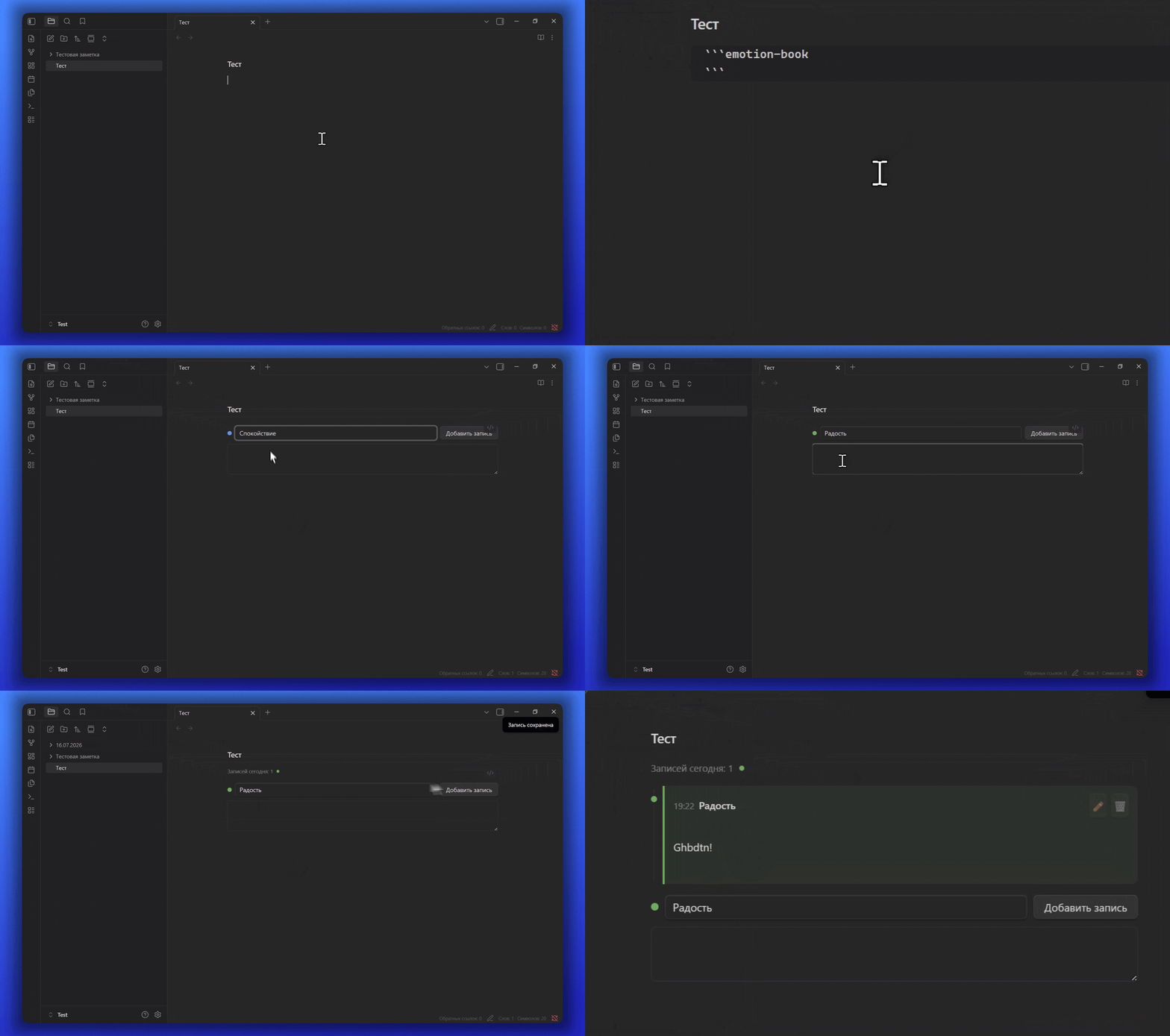
Then it works like this: choose an emotion in the drop-down, click Add entry, write a few words in the dialog, and save. The entry appears in the day's timeline right below.
Settings
In the plugin settings (Settings → Emotion Book), you can configure:
- Language: Switch between Russian and English interface languages.
- Folder: Path to the folder where entry files will be automatically created.
- Frontmatter date field: Name of the note's frontmatter field used as the entry's date (default
created). If it is missing, the date falls back to the file name, then to the file creation date. - Emotion List: Manage the name, color, and numerical value (0–10) of each emotion.
- Reset: Quick reset back to the default set of emotions.
Support
If you would like to support me and my work, you can subscribe to my social media or donate via Boosty:
For plugin developers
Search results and similarity scores are powered by semantic analysis of your plugin's README. If your plugin isn't appearing for searches you'd expect, try updating your README to clearly describe your plugin's purpose, features, and use cases.