File Media Gallery
approvedby Arseniy Seroka
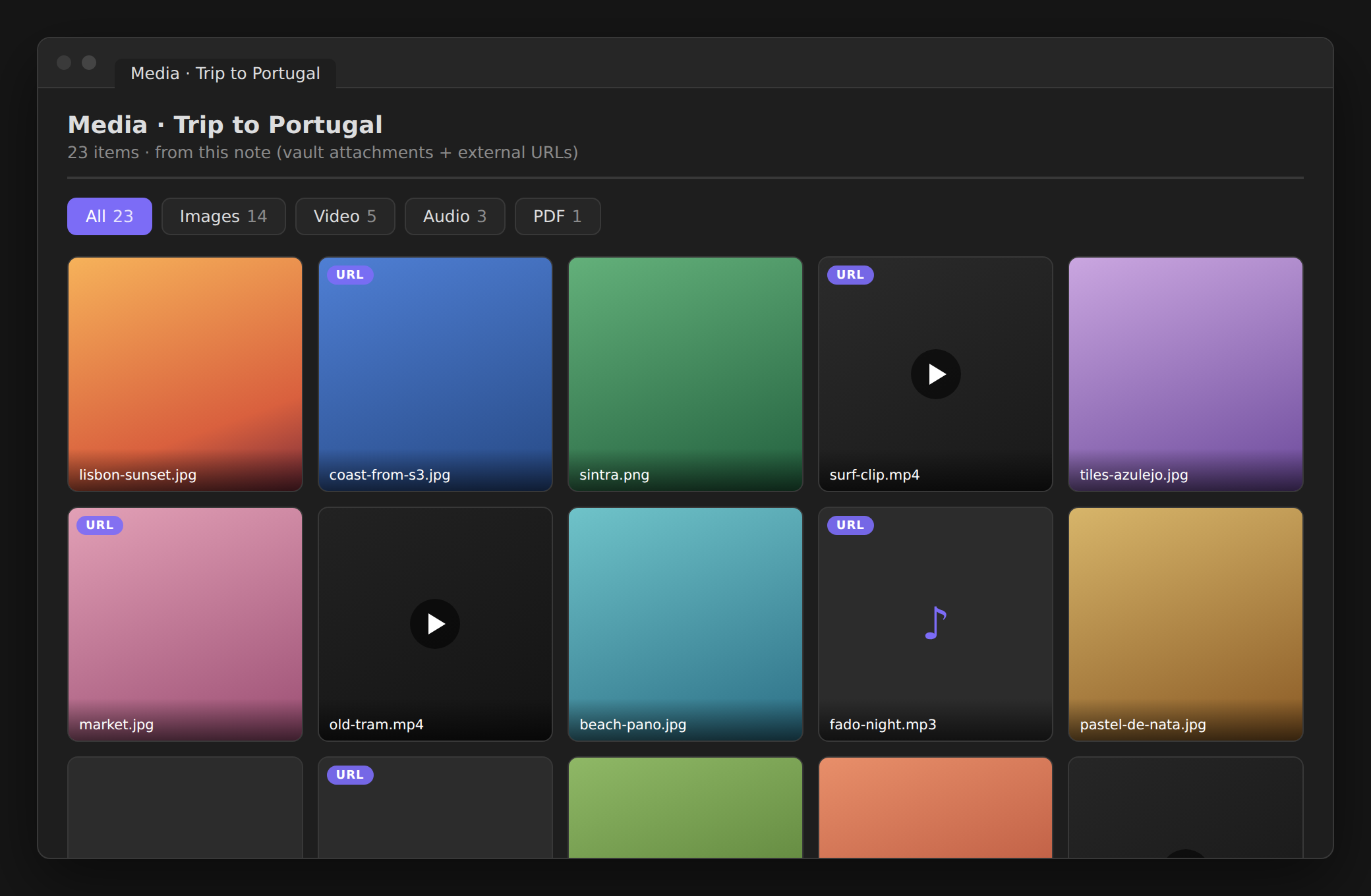
Right-click a note to view all its media (images, video, audio, PDF) as a gallery with per-type tabs and a fullscreen lightbox. - This plugin has not been manually reviewed by Obsidian staff.
File Media Gallery
Right-click a note → Show all media from the file → a gallery of everything it references.
Images, video, audio, and PDFs — from vault attachments and external URLs (like links to your own S3/object storage) — gathered into per-type tabs with a fullscreen lightbox. Great for notes whose media lives outside the vault.
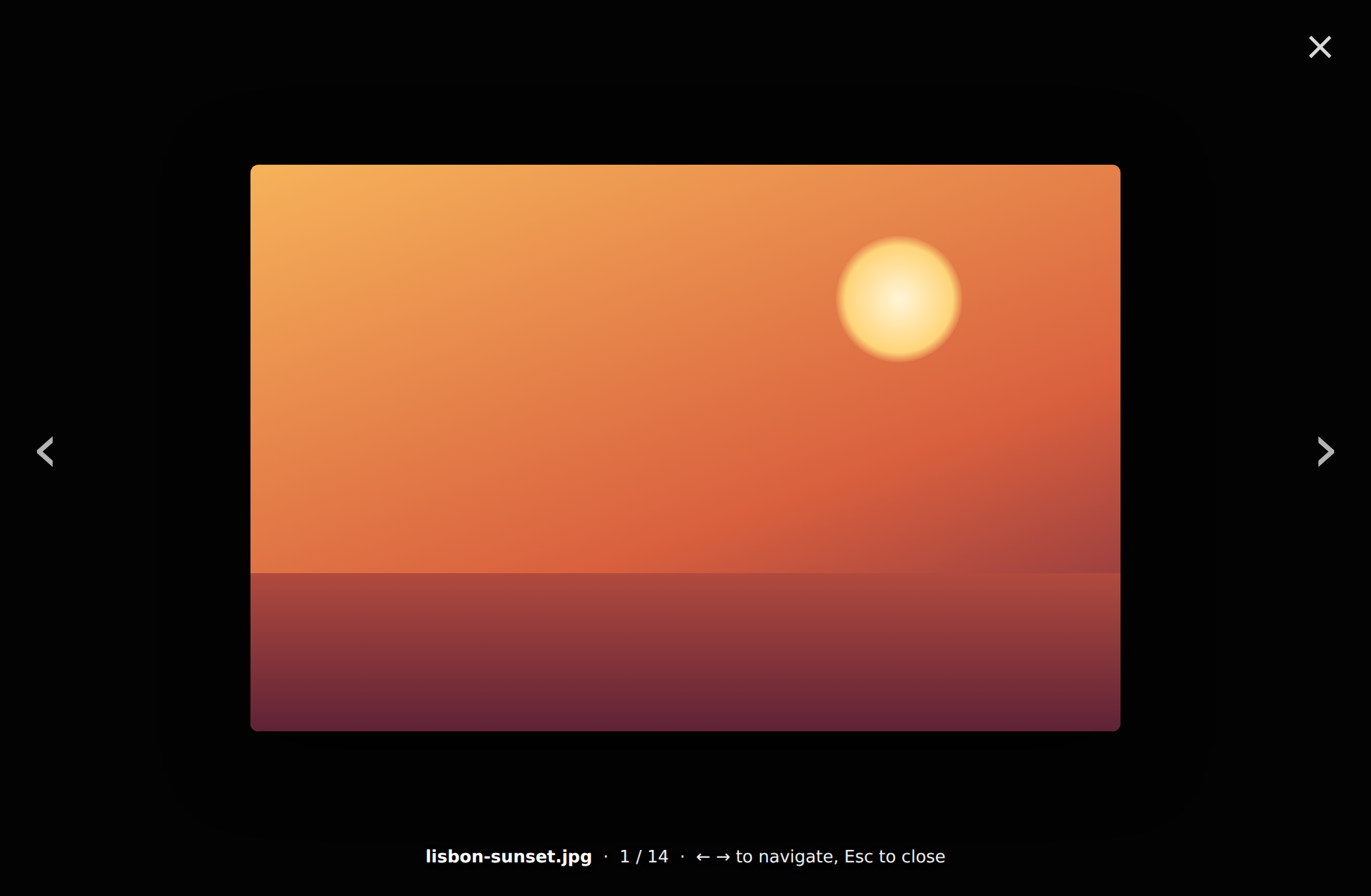
Click any thumbnail for a fullscreen lightbox with prev/next:
Features
- 🔎 Finds everything it references — embeds (
![[img.png]],), vault links ([[img.png]]), and externalhttp(s)URLs parsed from the markdown (,[caption](https://…/file.pdf), bare URLs). - 🗂️ Per-type tabs —
All · Images · Video · Audio · PDF · Files(only the ones present show, each with a count). - 🔍 Fullscreen lightbox — click a thumbnail to enlarge;
‹ ›/← →to step through,Escor click-outside to close. - 🎬 Right tile for each type — image covers, video first-frame tiles with a ▶ badge, inline audio, inline PDF, and other files (pptx, docx, zip…) with an Open externally action.
- 🔄 Refresh button re-scans the note.
Usage
- Right-click a note (or run Show all media from the active note).
- Pick Show all media from the file.
- Browse the tabs; click any thumbnail for the lightbox.
Privacy & network
No network requests of its own, no telemetry, nothing written. It only displays the media your note already references — external URLs are loaded by the app from those URLs (same as rendering them in the note), vault files load locally.
Install
Community plugins (recommended): Settings → Community plugins → Browse → search File Media Gallery → Install → Enable.
BRAT: add jagajaga/obsidian-file-media-gallery.
Manual: download main.js, manifest.json, styles.css from the
latest release
into <vault>/.obsidian/plugins/file-media-gallery/, then enable it.
How it works
For the selected note it gathers references two ways — vault files from Obsidian's
metadata cache, and external http(s) URLs parsed from the raw markdown (robust to
brackets in link text and URL-encoding) — classifies each by extension,
de-duplicates, and lays them out in per-type tabs. Plain JavaScript, no build step,
desktop and mobile.
Related
- Folder Reader — read every note in a folder together as one continuous scrolling view.
License
MIT © Arseniy Seroka
For plugin developers
Search results and similarity scores are powered by semantic analysis of your plugin's README. If your plugin isn't appearing for searches you'd expect, try updating your README to clearly describe your plugin's purpose, features, and use cases.