Media Gallery view
approvedby RobertoJarquinRR
Make a gallery of your videos and images - This plugin has not been manually reviewed by Obsidian staff.
Media Gallery
Media Gallery lets you create a gallery of your video and image files directly inside of your notes in Obsidian
Roadmap
- Video support
- Image support
- Audio support
- Pdf support
Examples
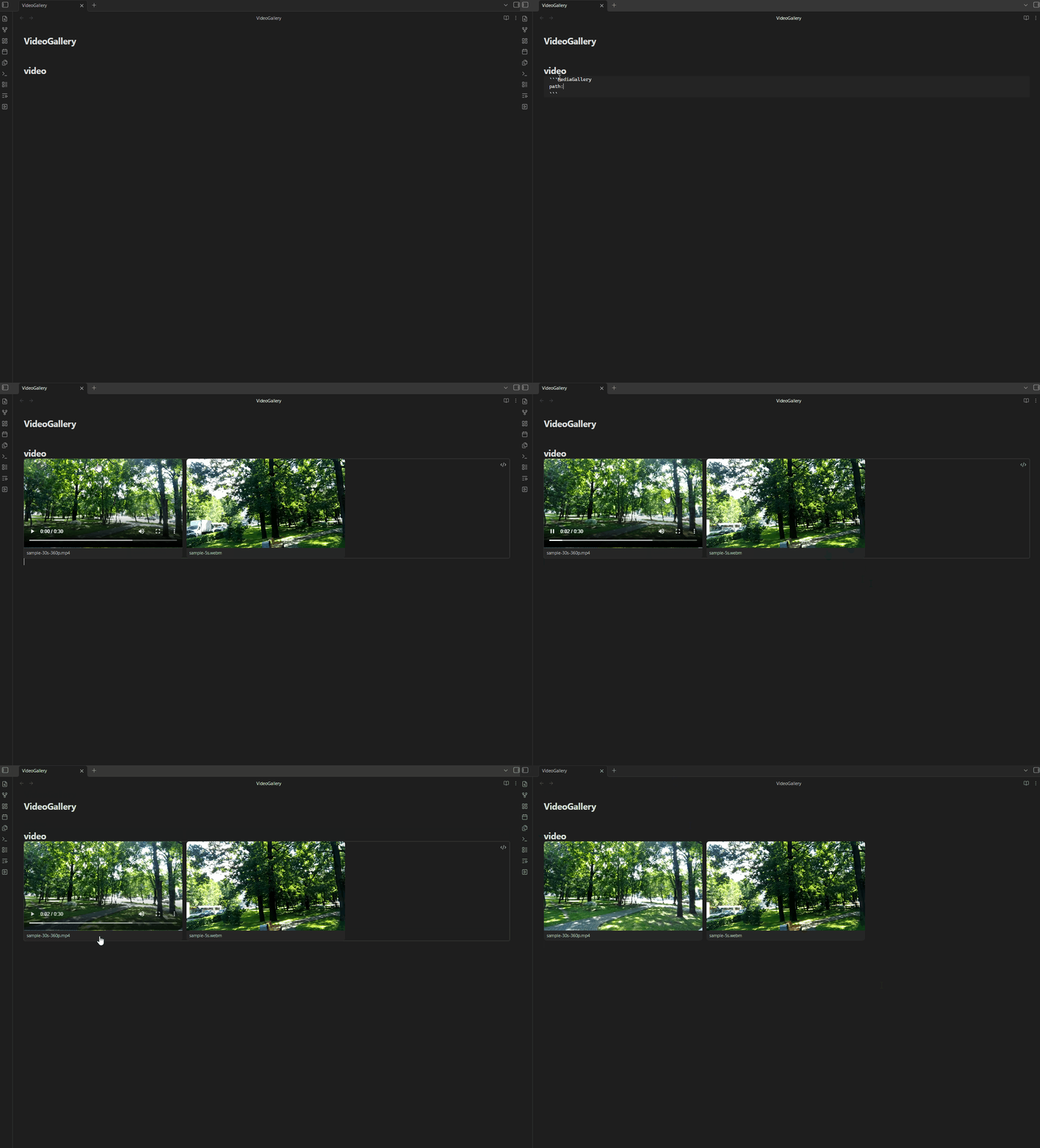
Video
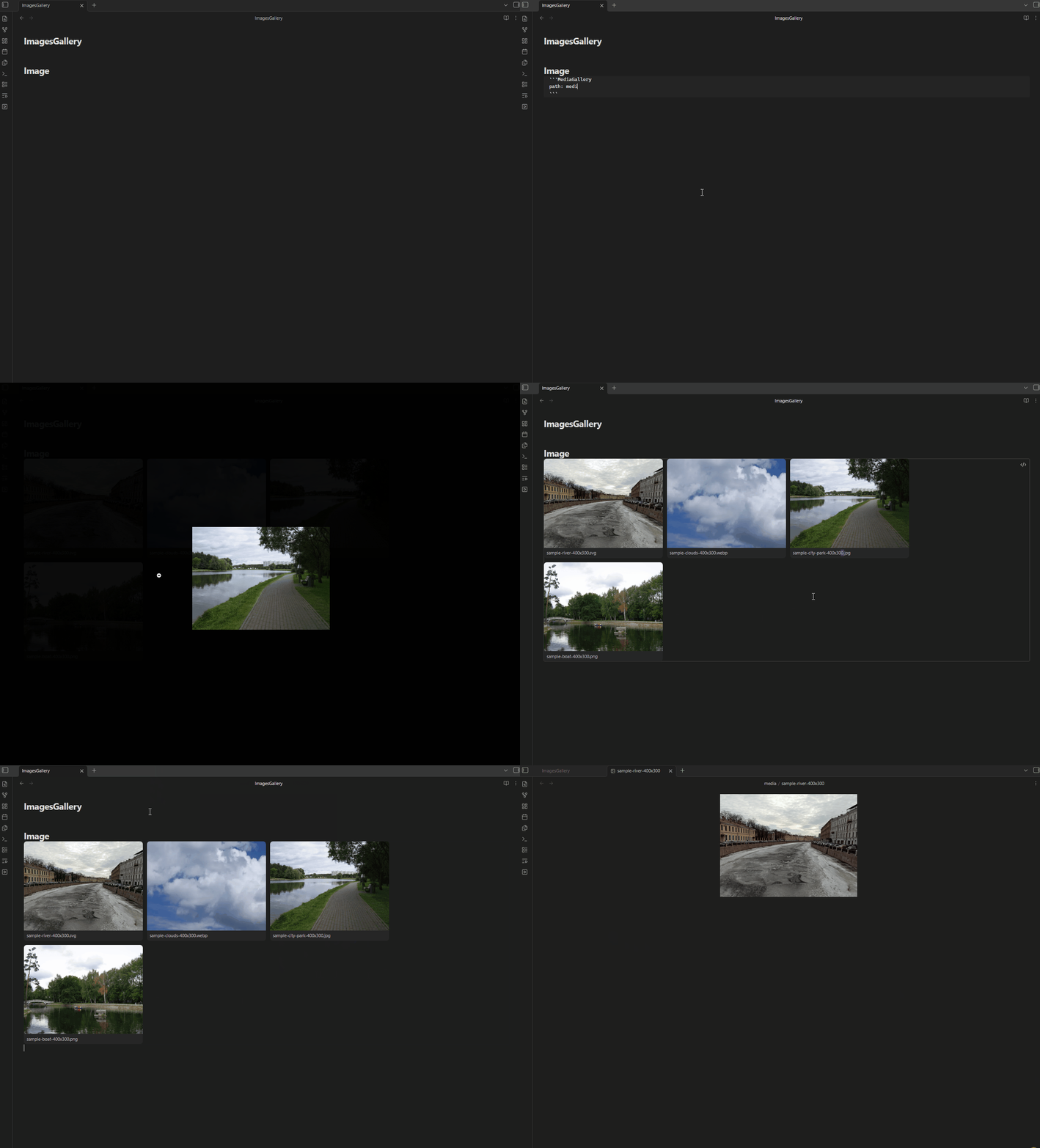
Image
Installation
Via BRAT (Beta)
- Install the BRAT plugin in Obsidian.
- Open BRAT settings and click "Add Beta Plugin".
- Enter this repository URL:
https://github.com/RobertoJarquinRR/Media-Gallery-view - Enable the plugin in Obsidian's Community Plugins settings.
Via Obsidian Community Plugins
Search for "Media Gallery" in Obsidian's Community Plugins browser and install it directly.
Usage
Create a code block with the language set to MediaGallery in any note. Specify a path: to the folder containing your media, and an optional type: to choose between a video or image gallery. If type: is omitted, the gallery defaults to video.
```MediaGallery
path: directory/videos
type: video
```
```MediaGallery
path: directory/images
type: image
```
The plugin will render all matching files found in the specified folder as a gallery grid.
- Video gallery: hover a card to reveal playback controls.
- Image gallery: click a card to open it in a fullscreen lightbox. Close it by clicking the background or pressing
Esc. - Both: double-click a card to open the underlying file in a new tab.
Recommendation
For a better video playback experience, consider installing the Media Extended plugin. Note that this only improves playback when you open a video in a separate note — the gallery itself renders videos with the default HTML5 player for performance reasons.
For plugin developers
Search results and similarity scores are powered by semantic analysis of your plugin's README. If your plugin isn't appearing for searches you'd expect, try updating your README to clearly describe your plugin's purpose, features, and use cases.