Git Integration
approvedby noradroid
Easily backup vault on a remote repository.
Obsidian Git Integration Plugin
This is a Git Integration plugin for Obsidian (https://obsidian.md) to allow users to easily backup their obsidian vault on a remote repository.
This plugin works on Windows 10+ and requires Git to be installed in the local system.
Open the git menu
Click "Open git menu" ribbon icon.

The menu will pop up, which shows options to init, commit or sync.
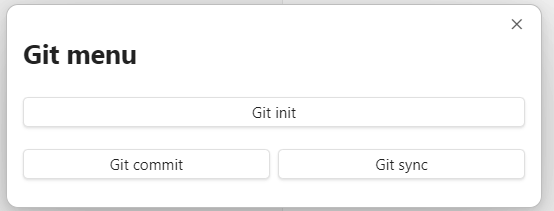
Setup remote repository
Create an empty repository on GitHub.
Open to the git menu and select "Git init" or open the command palette (Ctrl+P on Windows) and search "Open init repository modal".
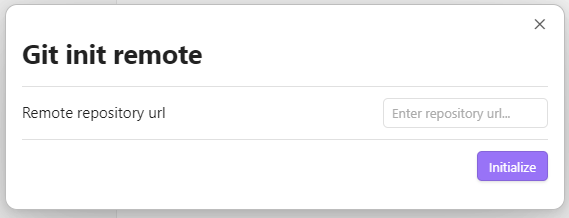
Paste the remote repository url and click "Initialize" to finish setting up.
Create a commit
Open to the git menu and select "Git commit" or open the command palette (Ctrl+P on Windows) and search "Open commit changes modal".
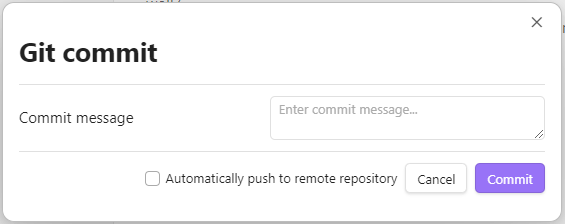
Enter a commit message and click "Commit". This is equivalent to performing git add . followed by git commit -m "<message>".
You may also check "Automatically push to remote repository" to push immediately after commit.
Sync with remote repository
Open to the git menu and select "Git sync" or open the command palette (Ctrl+P on Windows) and search "Sync with remote repository".
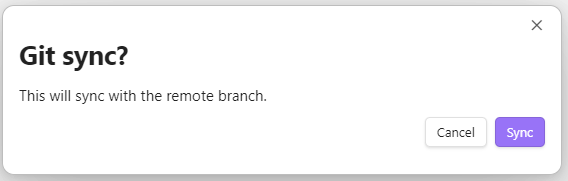
Click "Sync" to push new changes to remote.
For plugin developers
Search results and similarity scores are powered by semantic analysis of your plugin's README. If your plugin isn't appearing for searches you'd expect, try updating your README to clearly describe your plugin's purpose, features, and use cases.