GraphFrontier
approvedby pikiby
Advanced graph view with pin modes, orbit layout, strong pull, edge painting, and physics controls. - This plugin has not been manually reviewed by Obsidian staff.
GraphFrontier
GraphFrontier is not a plugin for Obsidian Graph View. It is a fully independent plugin with its own physics engine, designed to implement ideas that are not possible in the standard graph plugin.
The main goal is to build an ideal, universal data-visualization tool that keeps the strengths of Graph View while removing its limitations.
It helps create a clean, well-organized structure for large collections of notes and stays very smooth even with a very large number of objects.
Especially useful for:
- Finding patterns
- Documentation
- Visualizing relationships in database structures
- Prompt engineering
Support
This project is actively growing, and I would be very grateful for your support.

I would be happy to hear your ideas:
https://github.com/pikiby/GraphFrontier/discussions
And I would really appreciate your help with bug reports:
https://github.com/pikiby/GraphFrontier/issues
Installation
Download:
https://github.com/pikiby/GraphFrontier/releases/download/0.7.5/graphfrontier-0.7.5.zip
- Download
graphfrontier-0.7.5.zipfrom Releases - Extract it into your vault plugins folder:
<vault>/.obsidian/plugins/graphfrontier/
- In Obsidian enable the plugin:
Settings -> Community plugins -> GraphFrontier -> Enable
Recent Updates (0.7.5)
- New notes now enter the physics simulation immediately instead of remaining stationary until a node is moved.
- Added and removed links now wake settled physics so graph topology updates arrange themselves automatically.
- Ordinary content-only note updates remain passive and do not disturb an already settled layout.
Features
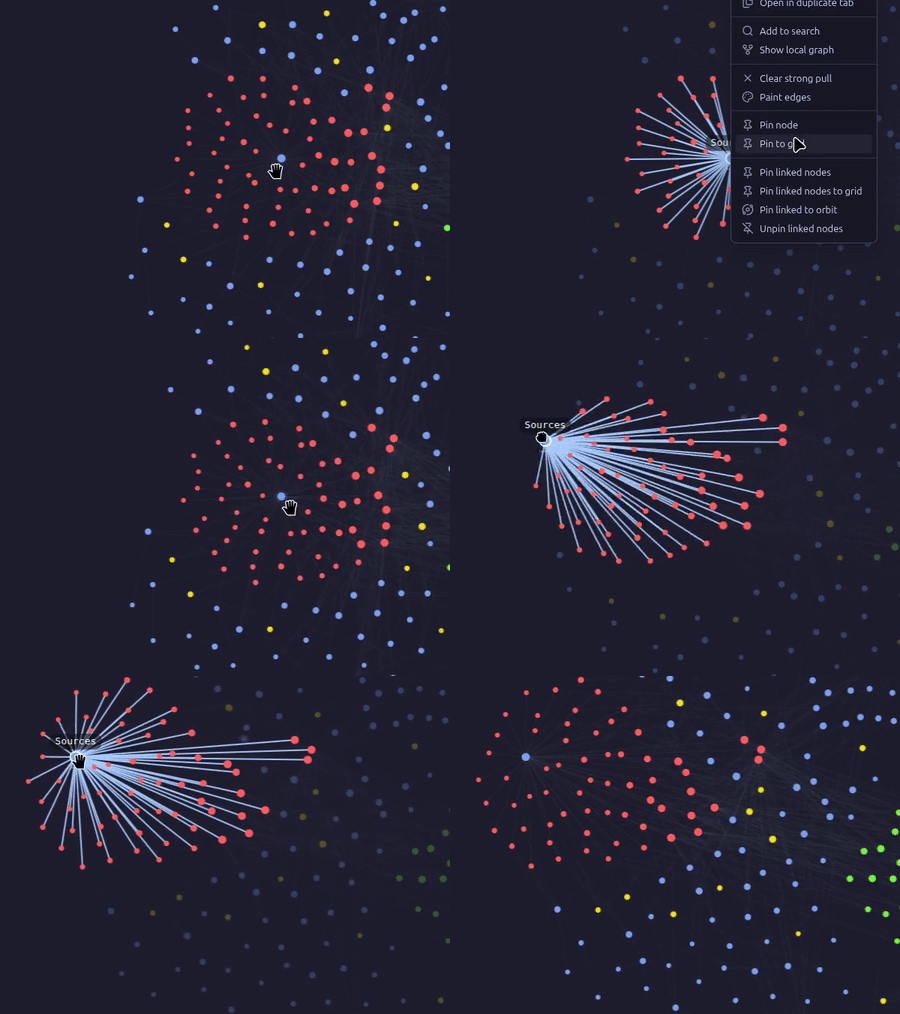
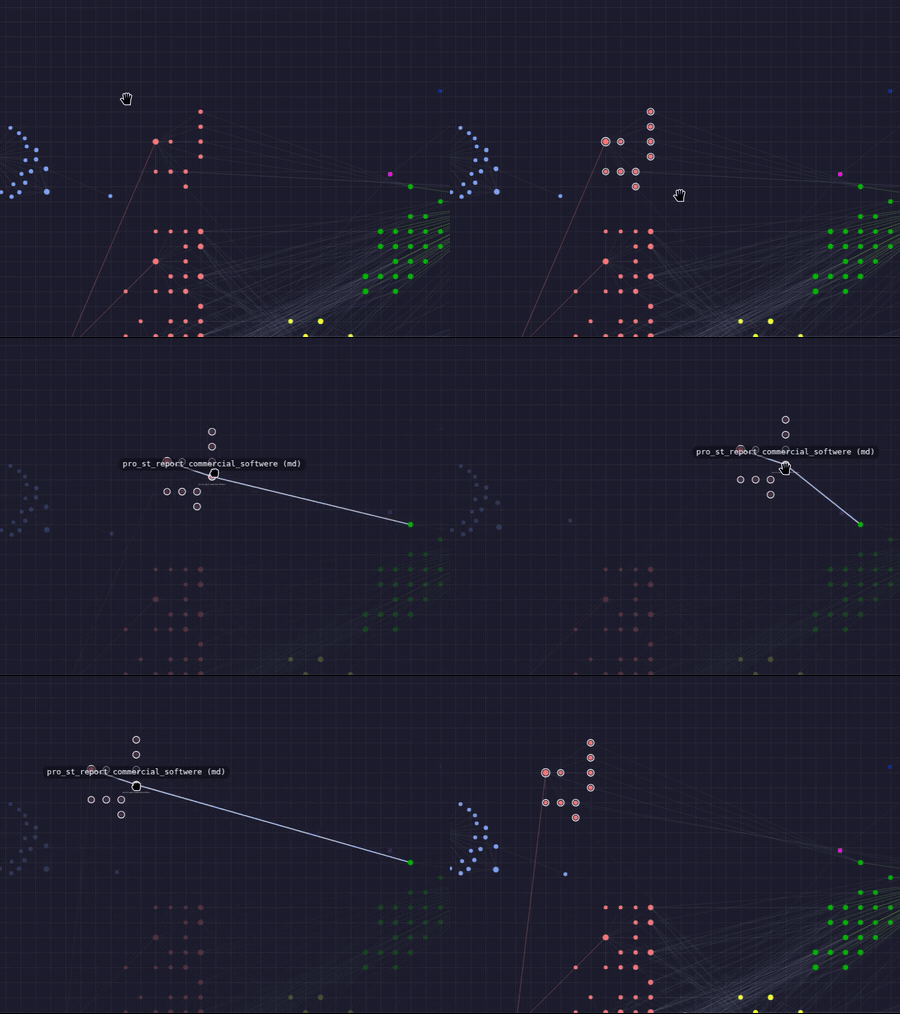
Pin nodes exactly where you want them |
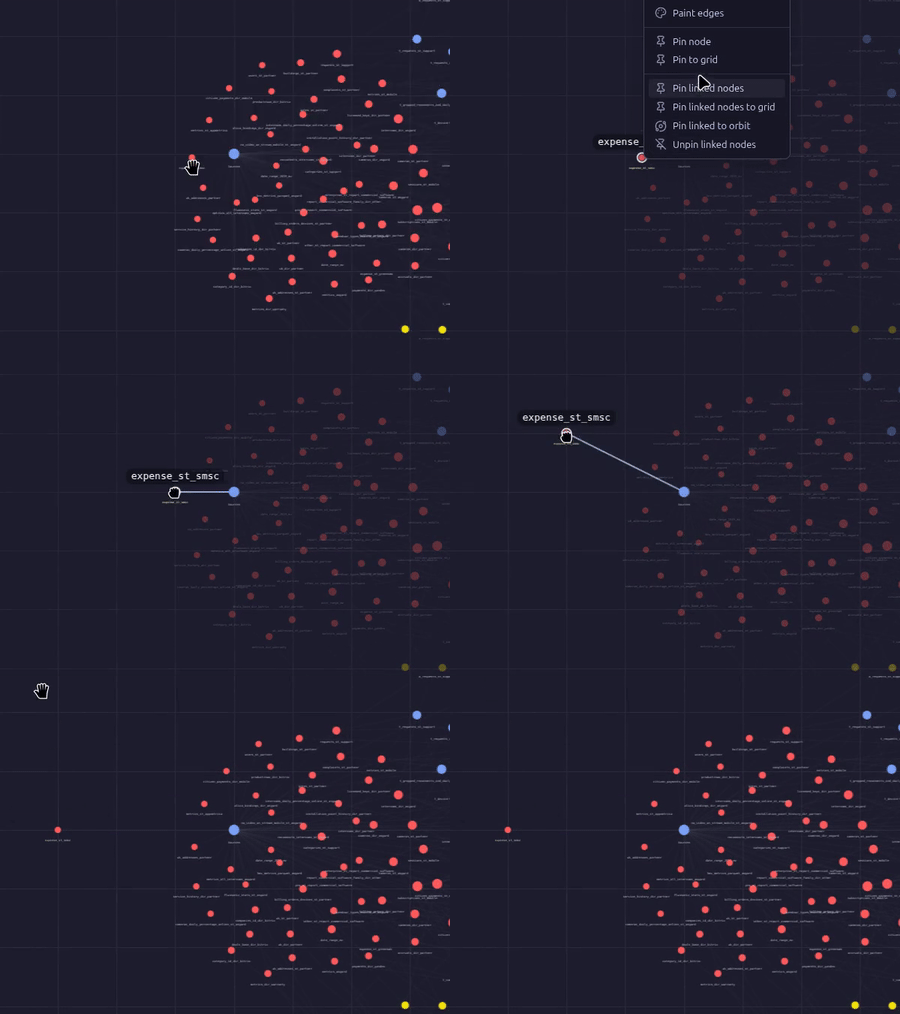
Pin nodes to the grid |
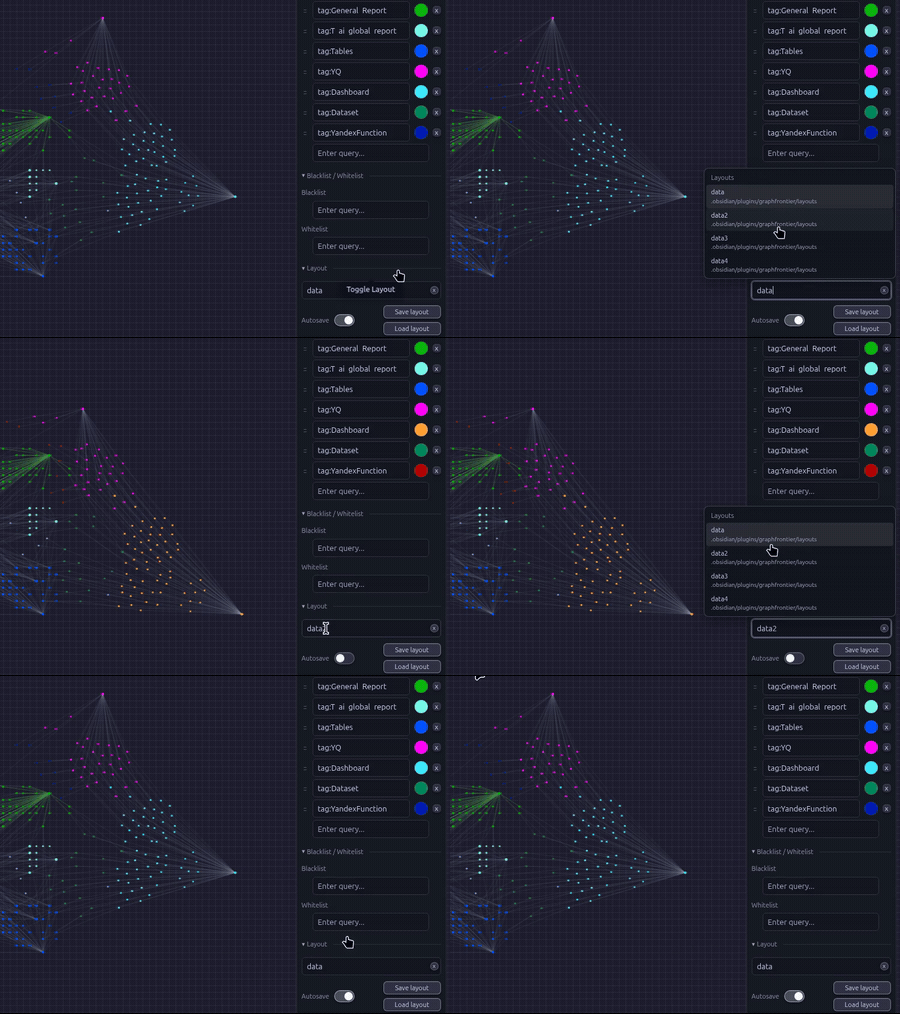
Save node positions and keep your layout exactly where you want it every time you open the graph |
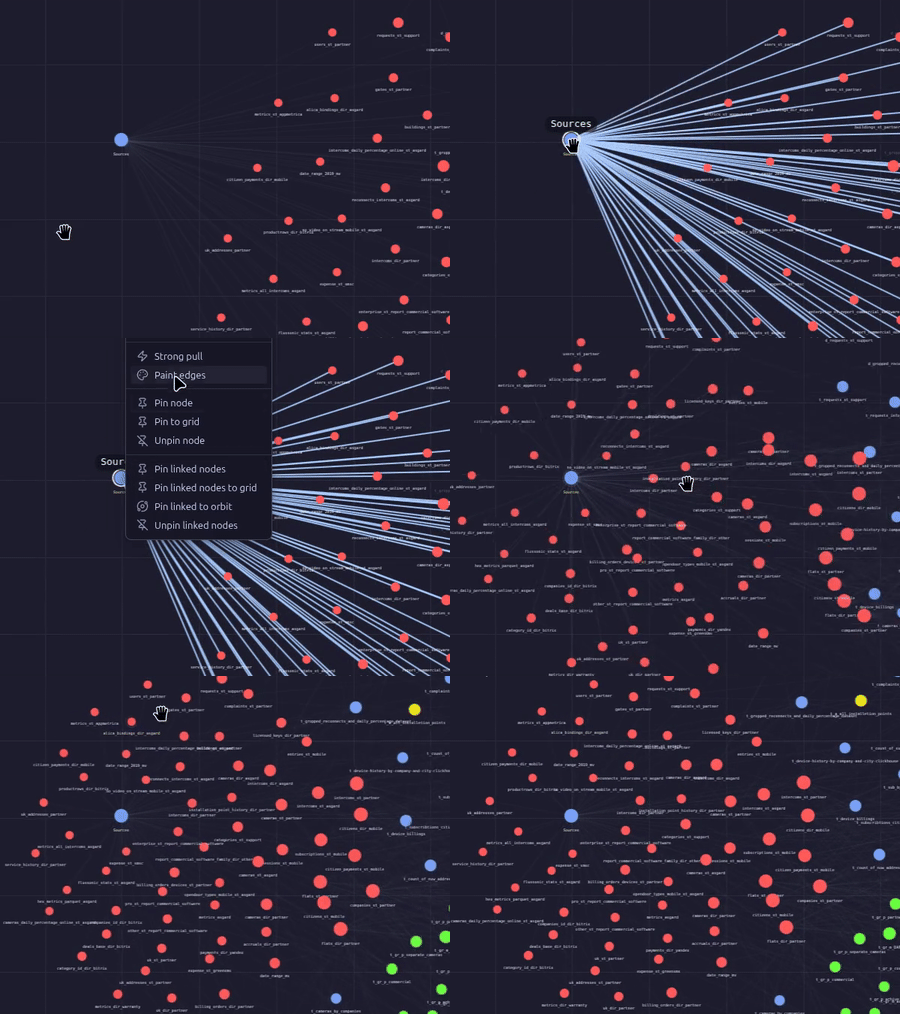
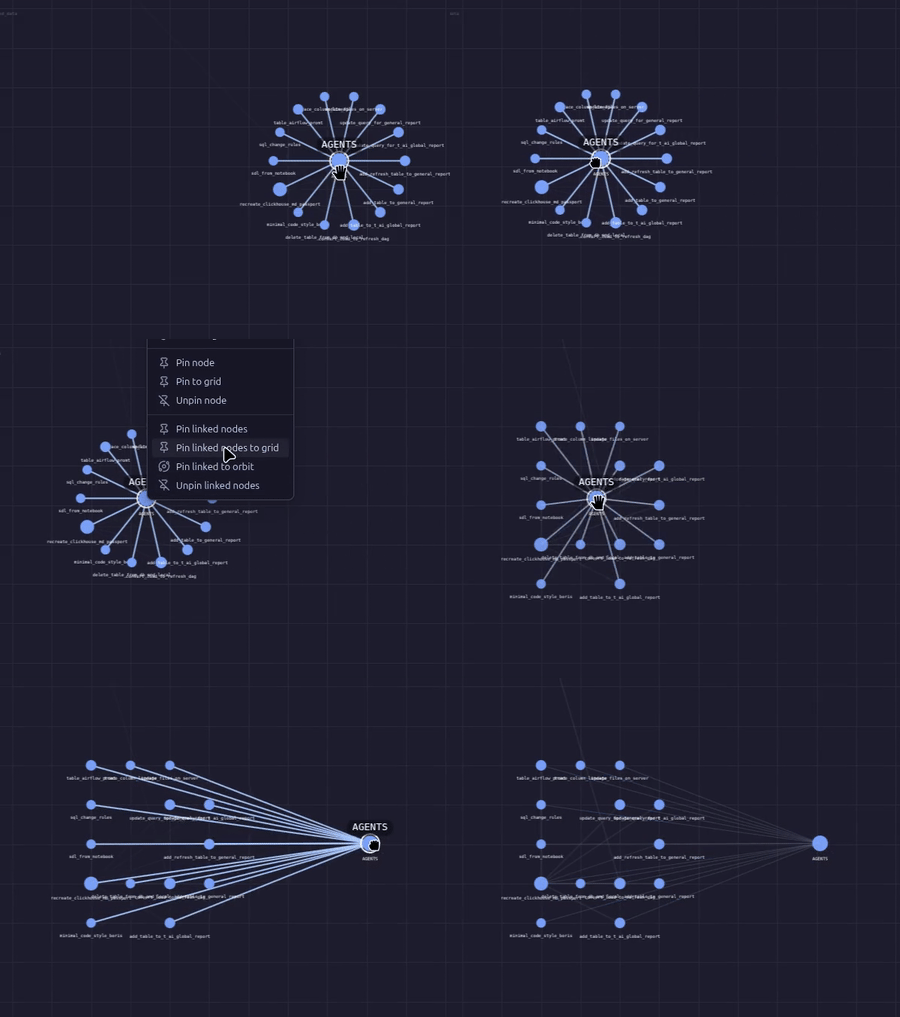
Boost attraction to a specific node |
Place linked nodes on another node orbit with one click |
Move linked nodes and keep them exactly where you need them |
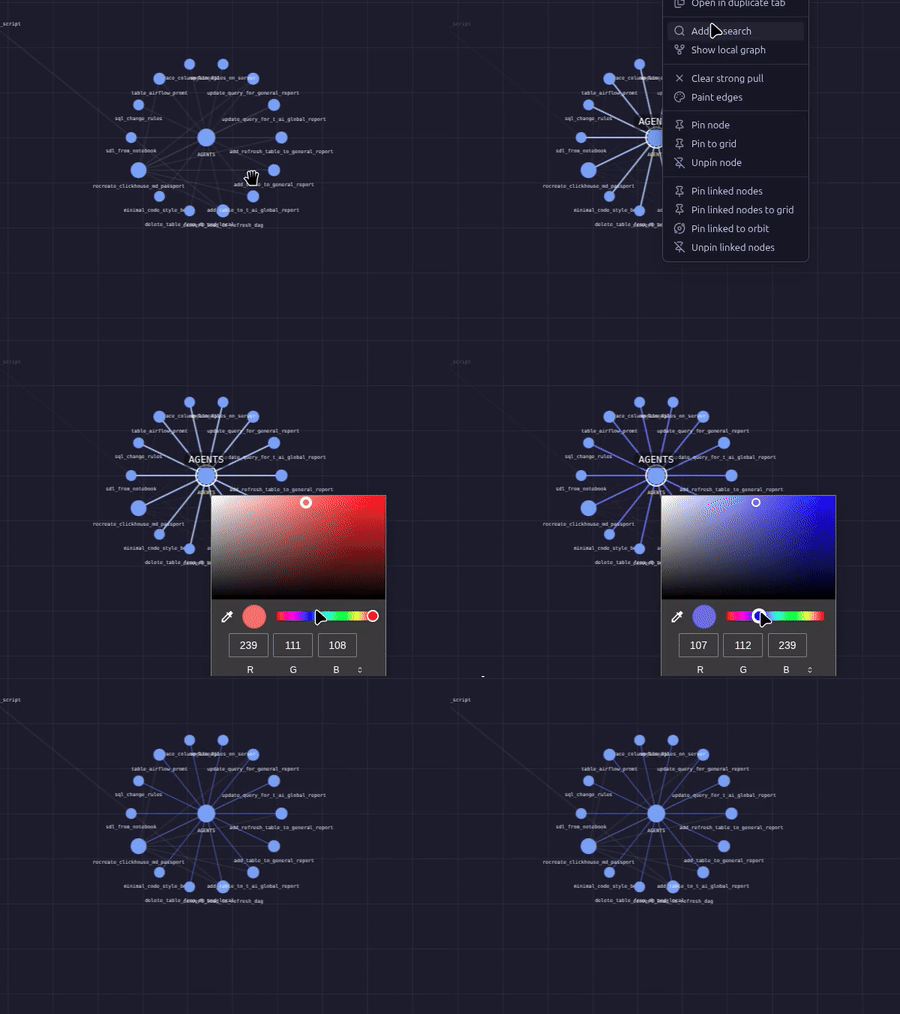
Paint links for better visual clarity |
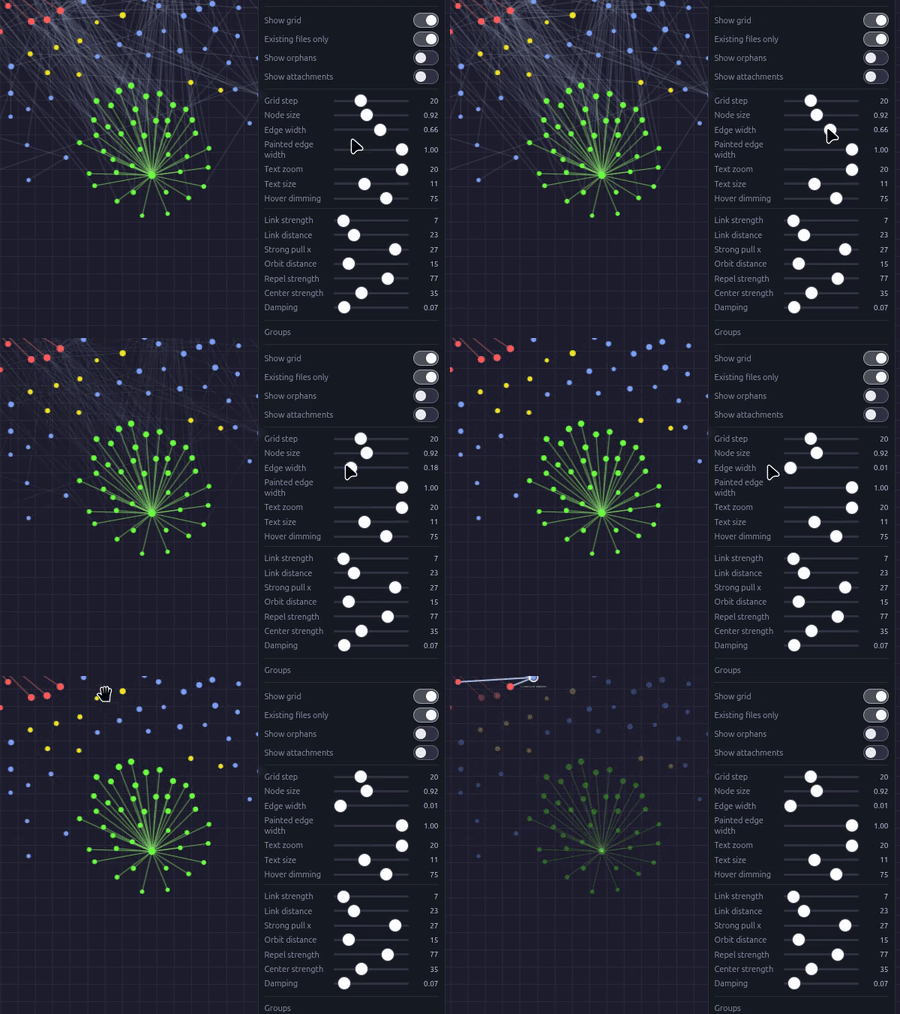
Hide links you do not need |
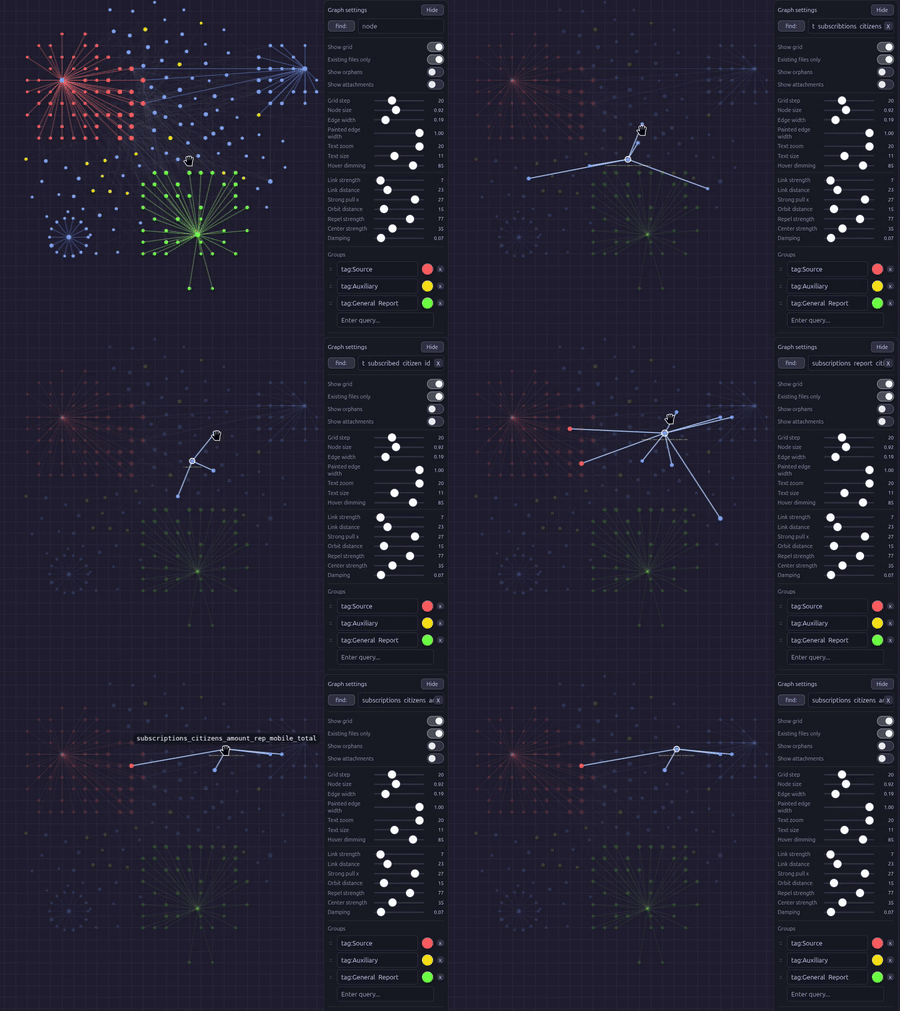
Find mode explore links in the full context |
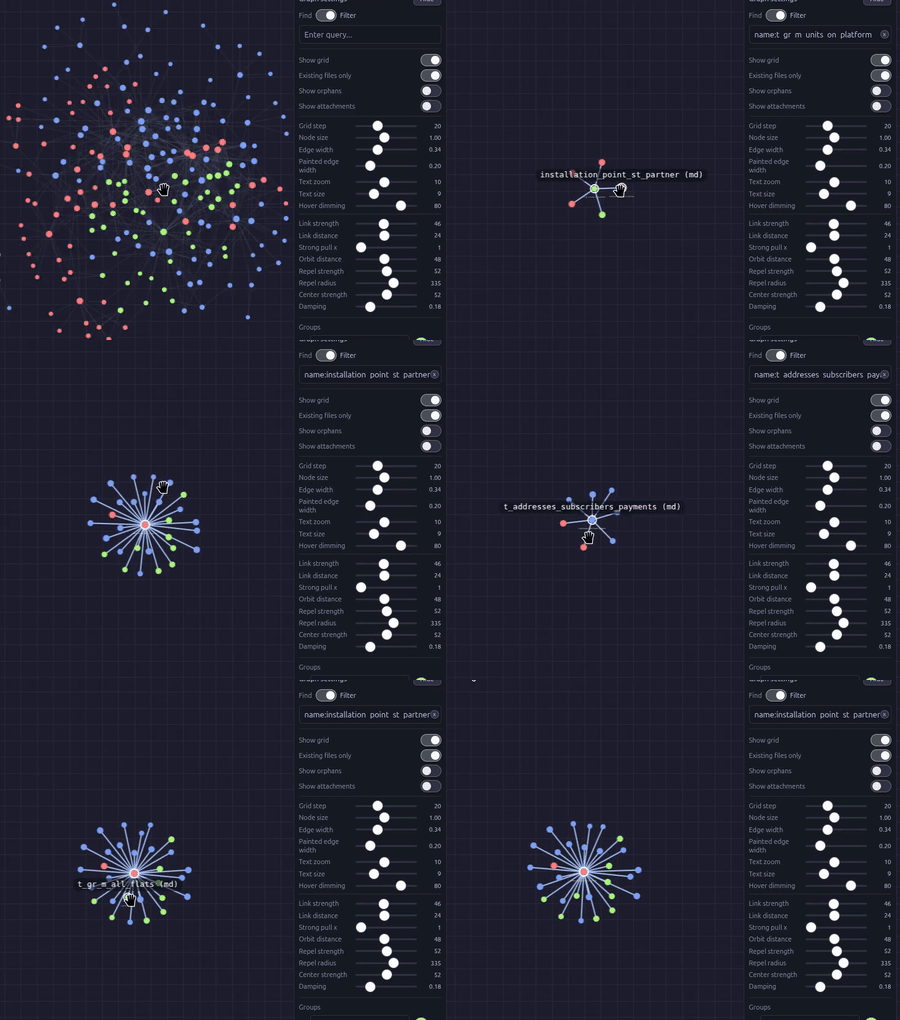
Filter mode local graph behavior directly in the global view |
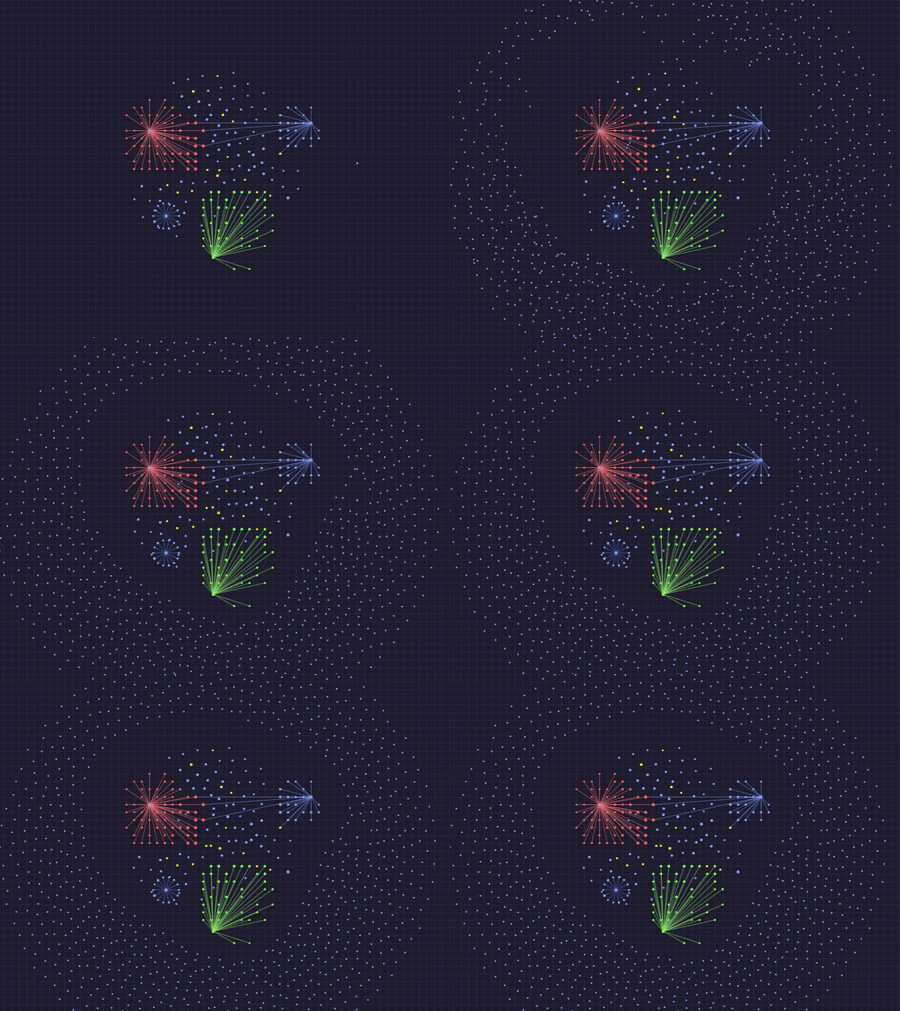
Orphan files stay separate from primary nodes |
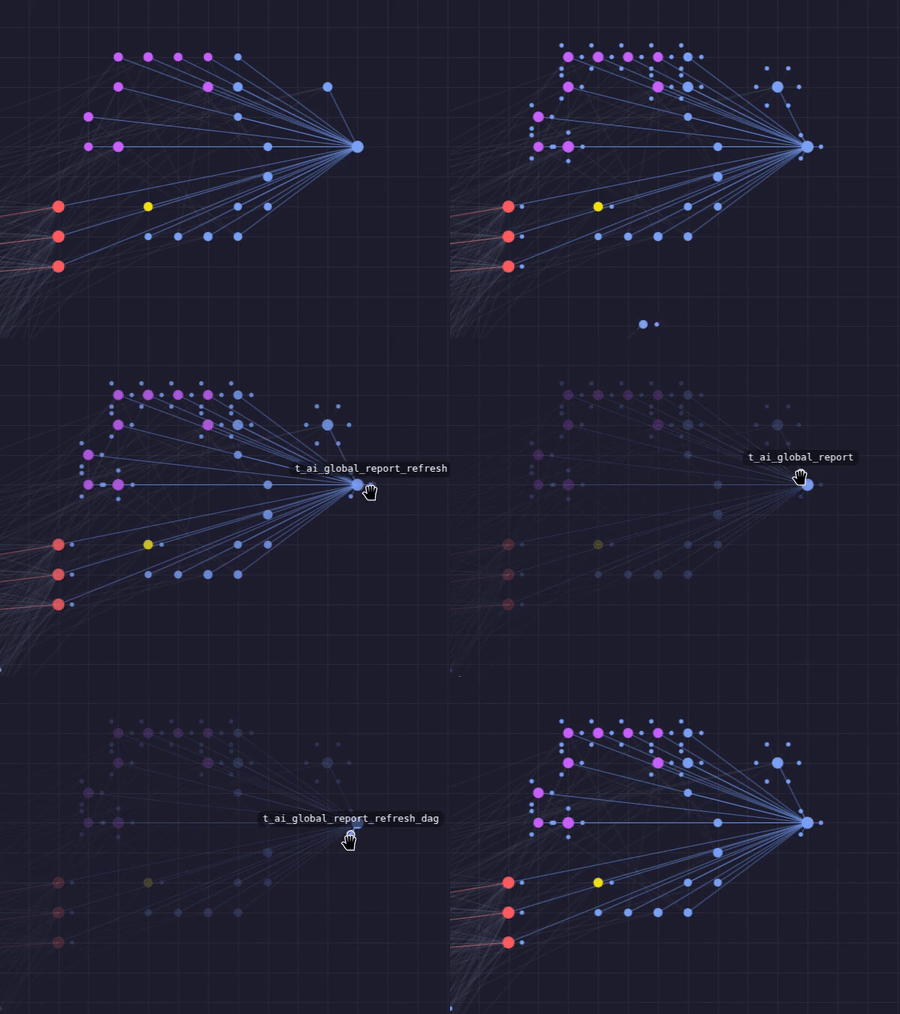
Show only linked attachments and place them directly on node orbits |
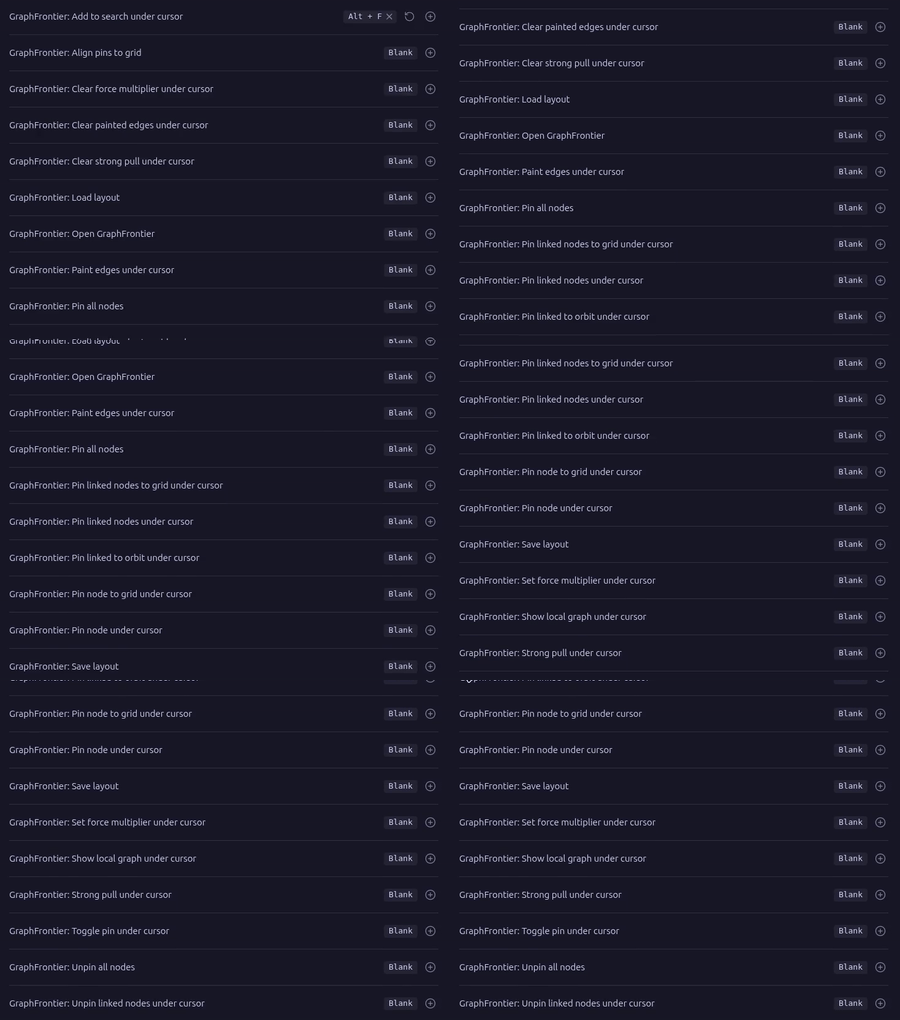
Hotkey support |
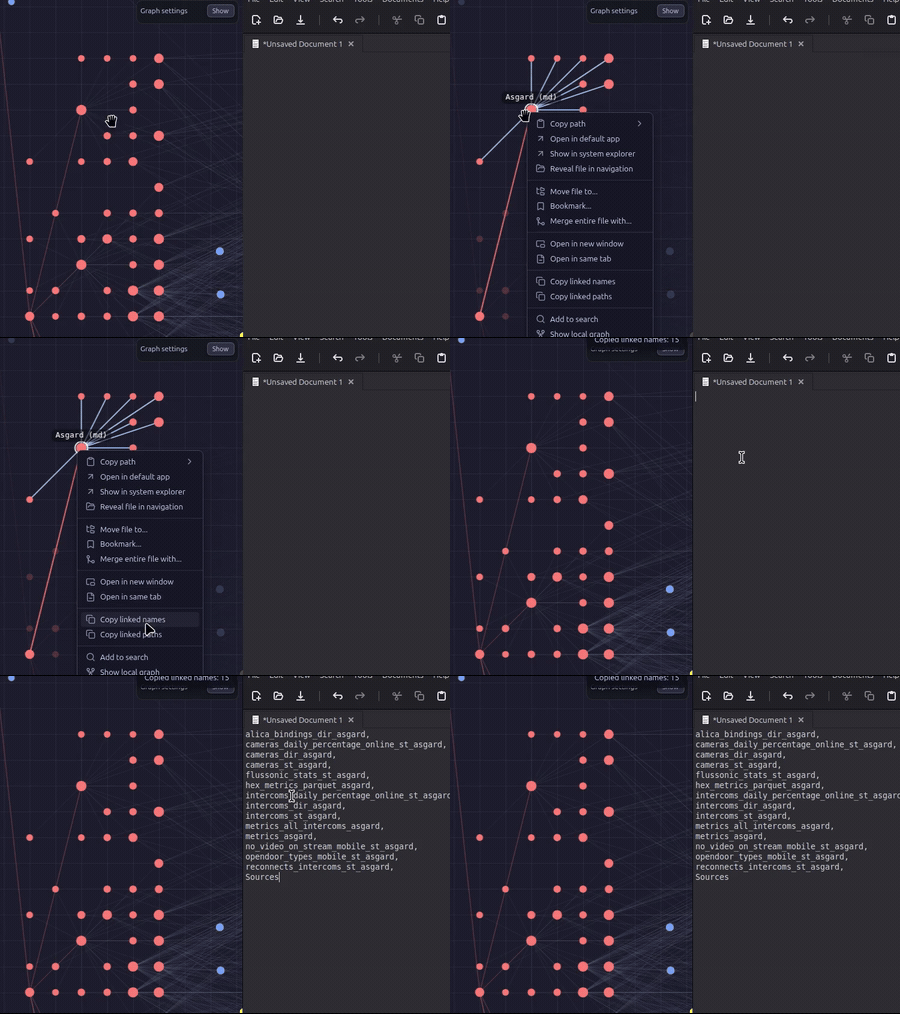
Copy linked names and paths in one click |
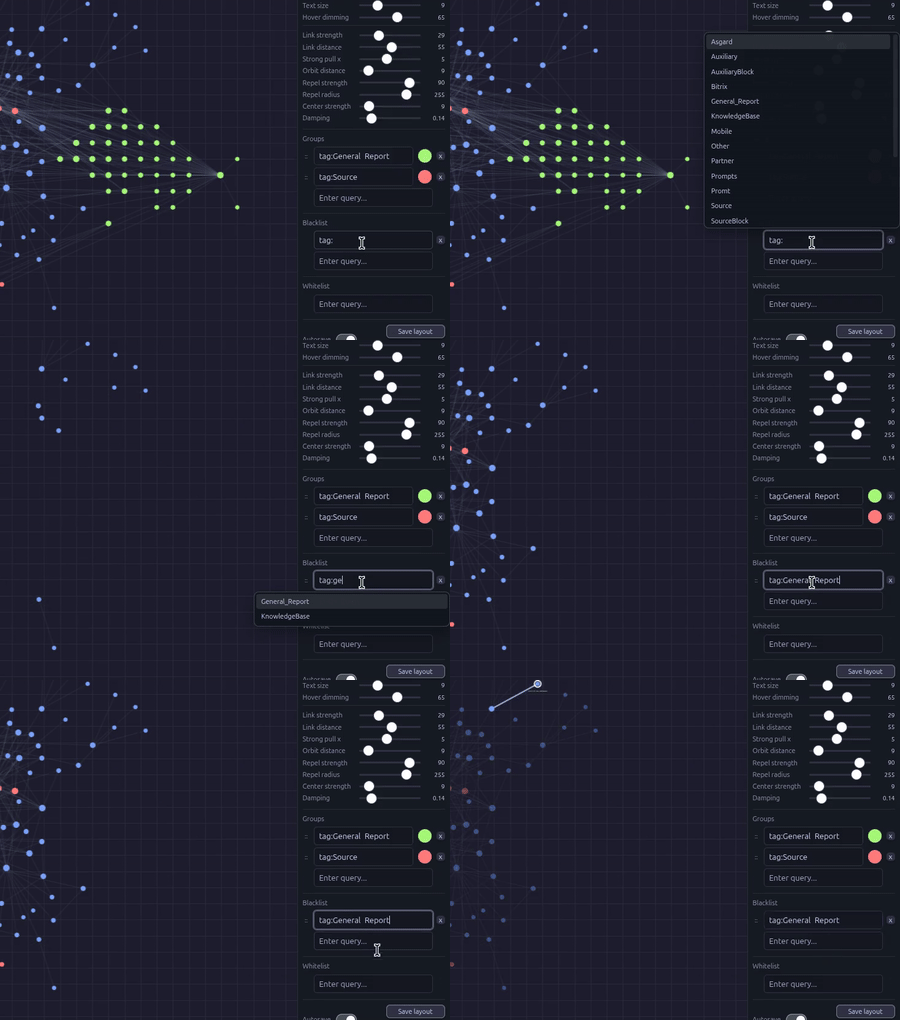
Hide unnecessary objects |
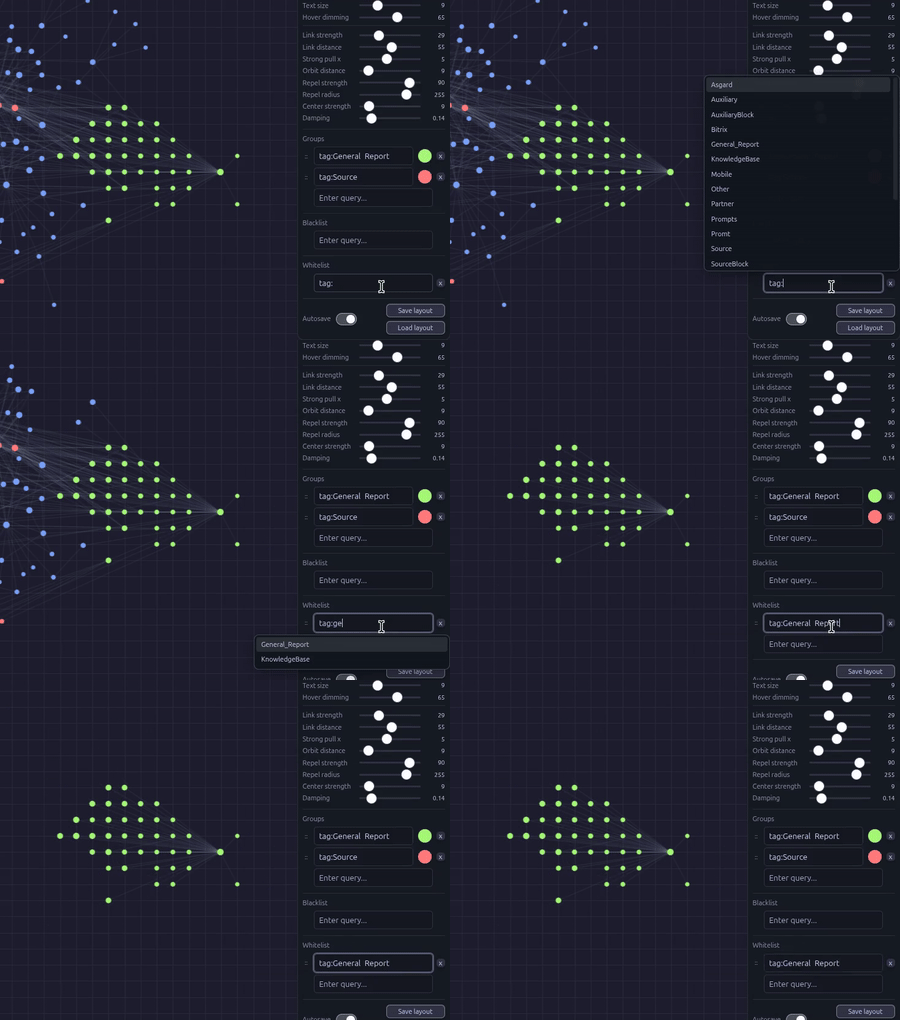
Keep only necessary objects |
Documentation
- Installation:
docs/installation.md - Usage:
docs/usage.md - Settings:
docs/settings.md - Hotkeys and commands:
docs/hotkeys.md - Physics model:
docs/physics.md - Troubleshooting:
docs/troubleshooting.md
Project Structure
src/main.js: plugin core, persistence, graph data collection, commands registrationsrc/view.js: view lifecycle, UI, interactions, context actions, runtime orchestrationsrc/physics.js: simulation and orbit-related calculationssrc/render.js: render pass, visual helpers, focus/label/color behaviorsrc/constants.js: defaults, limits, command metadata, shared constantssrc/static/: plugin release assets source (manifest.json,styles.css,versions.json)dist/: built plugin files ready to install into a vault plugin folderdist/release/: packaged release zip files
License
MIT. See LICENSE.
For plugin developers
Search results and similarity scores are powered by semantic analysis of your plugin's README. If your plugin isn't appearing for searches you'd expect, try updating your README to clearly describe your plugin's purpose, features, and use cases.