New 3D Graph
approvedby apoo711
Visualize your Vault in 3D with a powerful, highly customizable, and filterable graph.
3D Graph for Obsidian
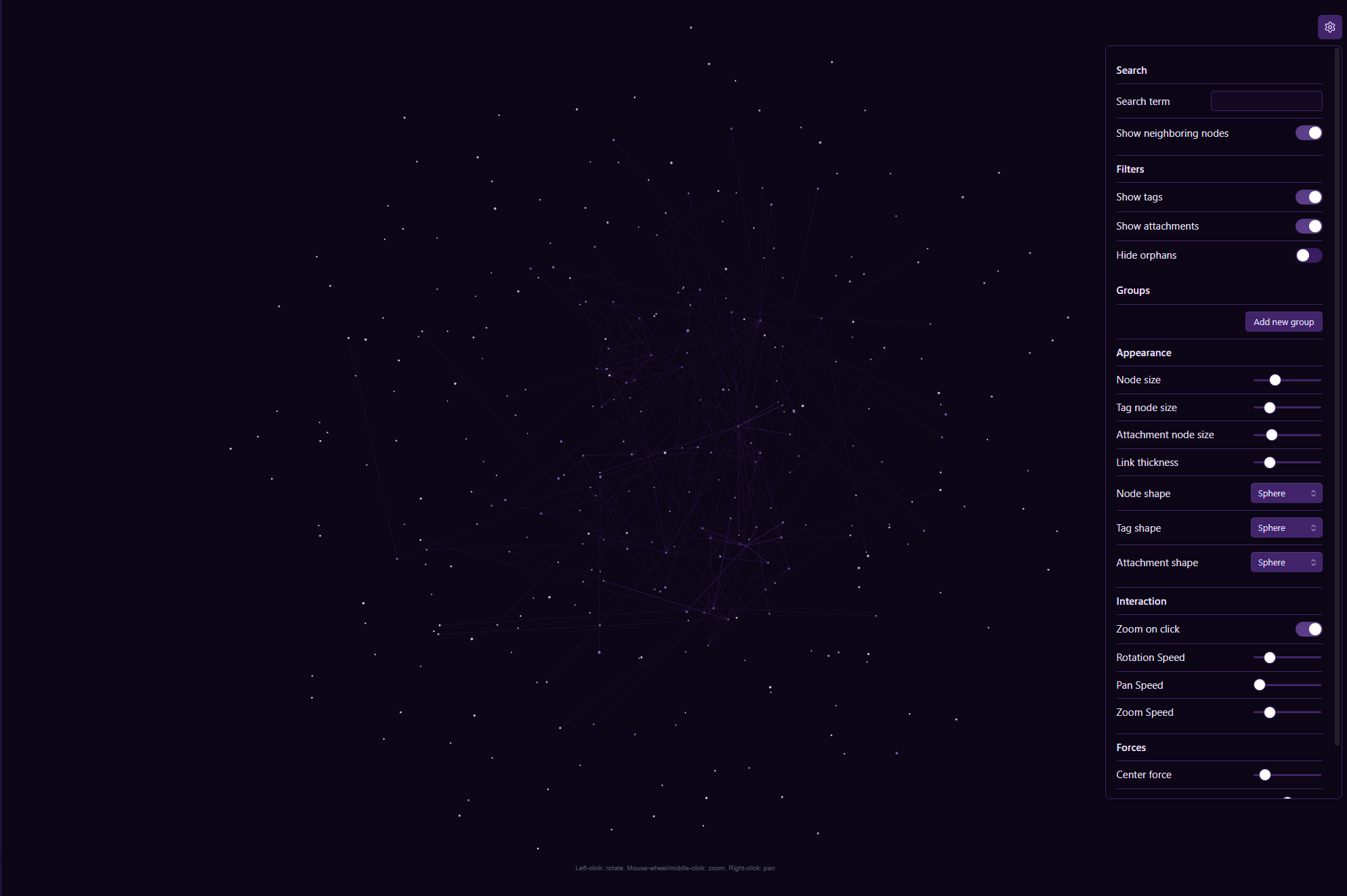
A plugin for Obsidian that provides a high-performance 3D, force-directed graph view of your vault. Powered by a custom Rust + WebAssembly physics engine with 128-bit SIMD acceleration, it offers an immersive, fluid way to visualize and explore thousands of note connections.
💡 Check out my blog post here
Why Choose This 3D Graph?
While other 3D graph plugins exist, this one is built for extreme performance and deep customization:
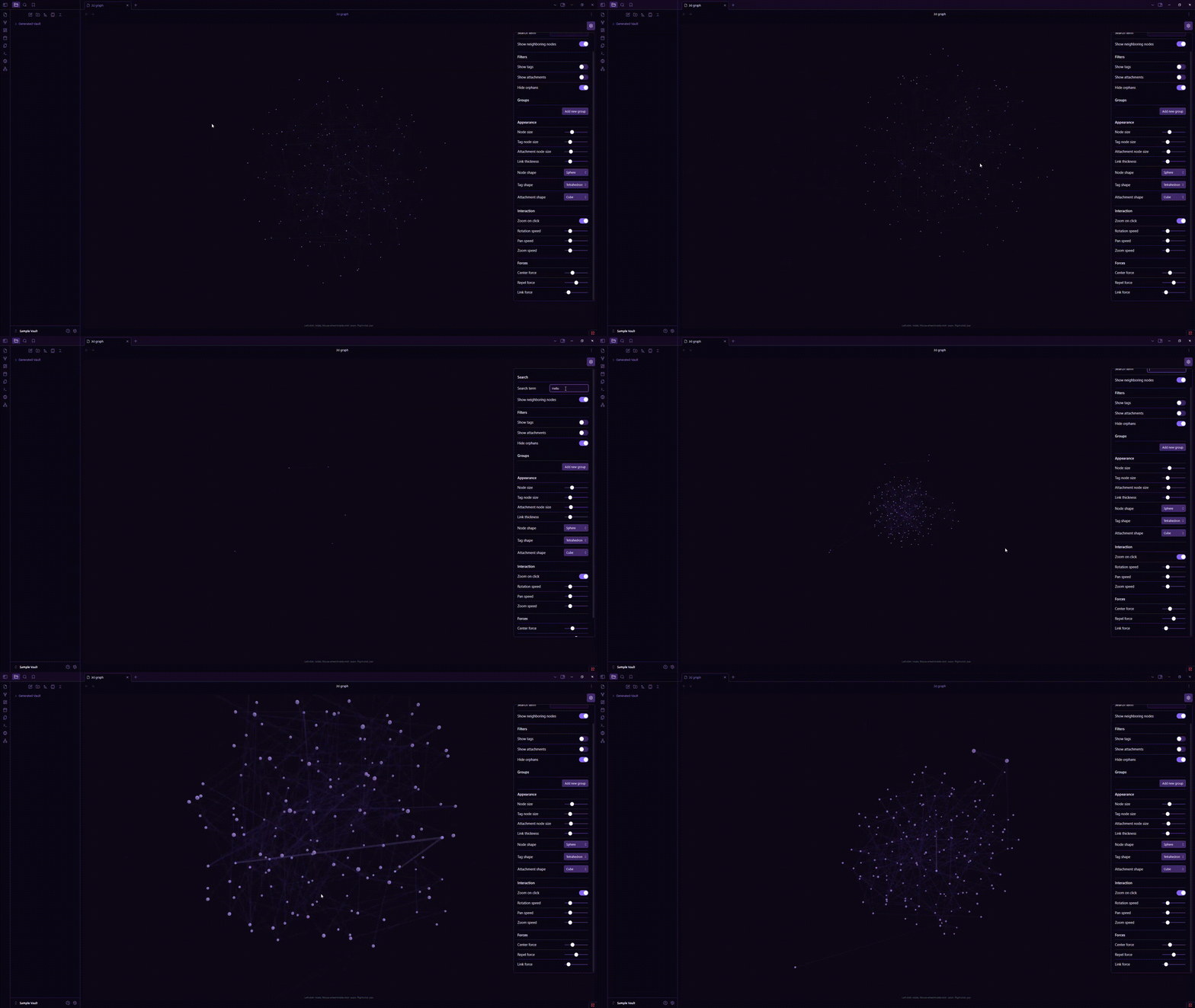
- Blazing Fast Rust WASM Physics Engine: Physics calculations are offloaded to a dedicated Web Worker running a Rust WebAssembly engine with 128-bit SIMD intrinsics and a 3D Barnes-Hut Octree ( $O(N \log N)$ ). Handles 50,000+ nodes and edges effortlessly at 60+ FPS while keeping camera rotation buttery smooth.
- Unparalleled Customization: Granular control over your graph's appearance and physics. Independently customize shapes, sizes, and colors for notes, attachments, and tags. Fine-tune repulsion, attraction, gravity, and damping with live sliders.
- Zero-Copy & Energy Efficient: Zero-copy array buffer transfers eliminate GC pauses. Automatic kinetic energy cooling pauses physics calculations when the layout reaches equilibrium to save 100% CPU when idle.
- Powerful Filtering & Coloring: Visually organize your vault with
path:,tag:,file:, and text queries to create custom color-coded groups, filter tags/attachments/orphans, and highlight neighbor connections.
Key Features
- Interactive 3D Canvas: Pan, zoom, and rotate around your notes from any angle with responsive WASD keyboard controls.
- Node Interaction:
- Single-click a node to focus the camera and highlight immediate links.
- Double-click a node to open it in a new tab.
- Drag & Drop nodes in 3D space to re-anchor layout positions live.
- Rust WASM Physics Backend:
- Off-thread simulation tick loop running inside a Web Worker.
- Instant parameter updates and zero-copy position synchronization.
- Advanced Filtering & Search:
- Live Search: Instant query filtering for notes and neighboring connections.
- Live Filters: On-the-fly toggles for attachments, tags, and orphan nodes.
- Deep Customization:
- Color Groups: Rule-based styling with
path:,tag:,file:, or content matching. - Node Appearance: Custom shapes (Sphere, Cube, Pyramid, Tetrahedron) and sizing.
- Physics Controls: Tweak Center force, Repel force, Link force, and WASM engine mode.
- Color Groups: Rule-based styling with
How to Install
Recommended Method (Community Plugins)
- Open Settings > Community plugins.
- Turn Restricted mode OFF.
- Click Browse and search for "New 3D Graph".
- Click Install, then Enable.
Beta Installation (via BRAT)
- Install the BRAT plugin from Community Plugins.
- Open BRAT settings (
Settings>BRAT). - Click Add Beta plugin and enter
Apoo711/obsidian-3d-graph. - Enable 3D Graph in Community Plugins.
Open the 3D Graph from the ribbon icon on the left sidebar or using the Command Palette (Ctrl/Cmd + P $\rightarrow$ "Open 3D Graph").
Settings Overview
Go to Settings > 3D Graph Plugin or use the in-graph floating settings gear icon:
- Search & Filters: Search term matching, neighboring node inclusion, and tag/attachment/orphan toggles.
- Color Groups: Custom color assignment rules using
path:,tag:, andfile:. - Appearance & Display: Custom geometry shapes, sizes, colors, and label visibility distance.
- Interaction: Keyboard navigation (WASD), zoom speed, pan speed, and rotation sensitivity.
- Forces: Adjust Repel force, Link force, Center force, and toggle "Use Rust WASM Physics Engine".
Acknowledgements
- Rust & WebAssembly: High-performance physics core using
glamSIMD vector math,wasm-bindgen, andwasm-opt. - Three.js: 3D scene rendering, lighting, and GPU instancing.
- Built with ❤️ for the Obsidian community.
For plugin developers
Search results and similarity scores are powered by semantic analysis of your plugin's README. If your plugin isn't appearing for searches you'd expect, try updating your README to clearly describe your plugin's purpose, features, and use cases.