by Jerome.wwwwww
精美 PDF 导出:Paged.js 分页引擎,封面、目录、页眉页码,三套排版预设(正式报告 / 预览快照 / 紧凑打印)。
PDF-export · Beautiful PDF Export for Obsidian
English | 中文
Repository: https://github.com/JerommeWEI/j-studio-export
Version: v0.4.1 · Author: JerommeWEI
Platform: Desktop Obsidian (isDesktopOnly)
Export any Obsidian note as a formal, printable, deliverable A4 PDF — with cover, table of contents (real page numbers), running headers, footer page numbers, and elegant pagination. Not the built-in export that breaks pages, warps styles, and feels unfinished.
Preview
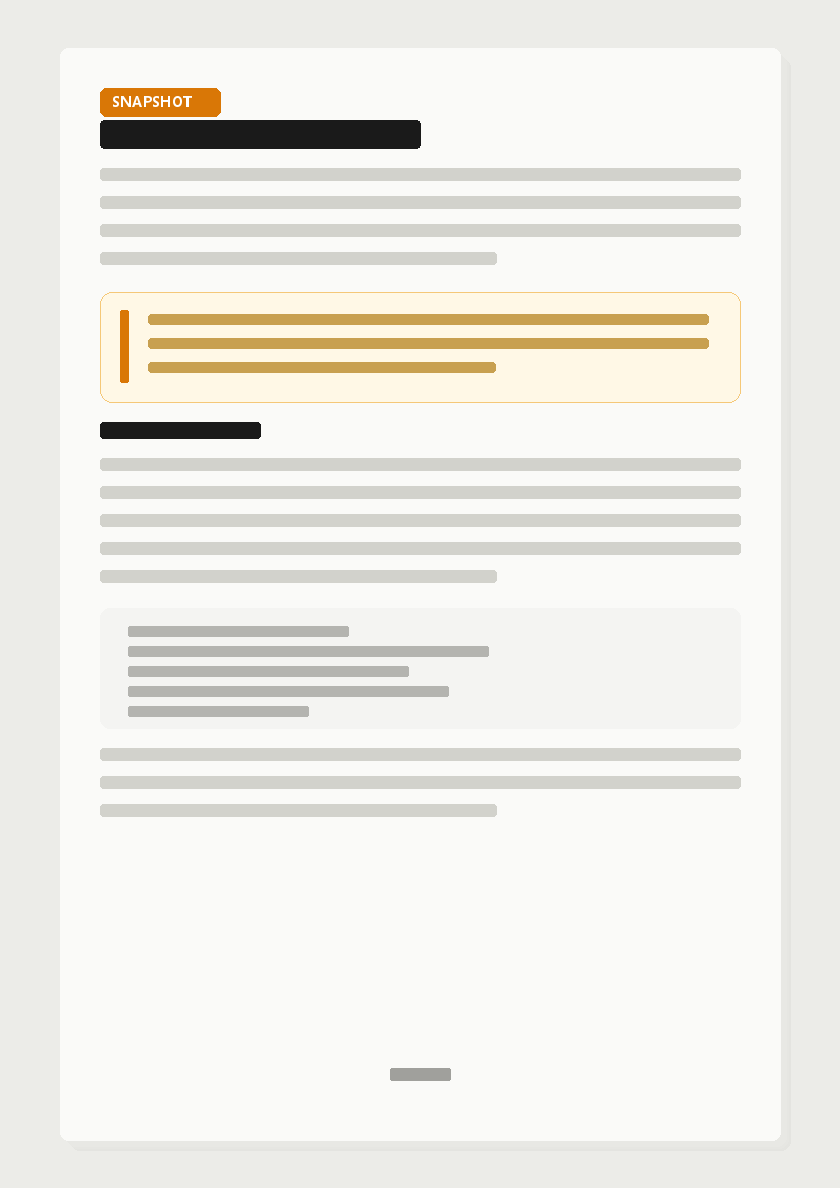
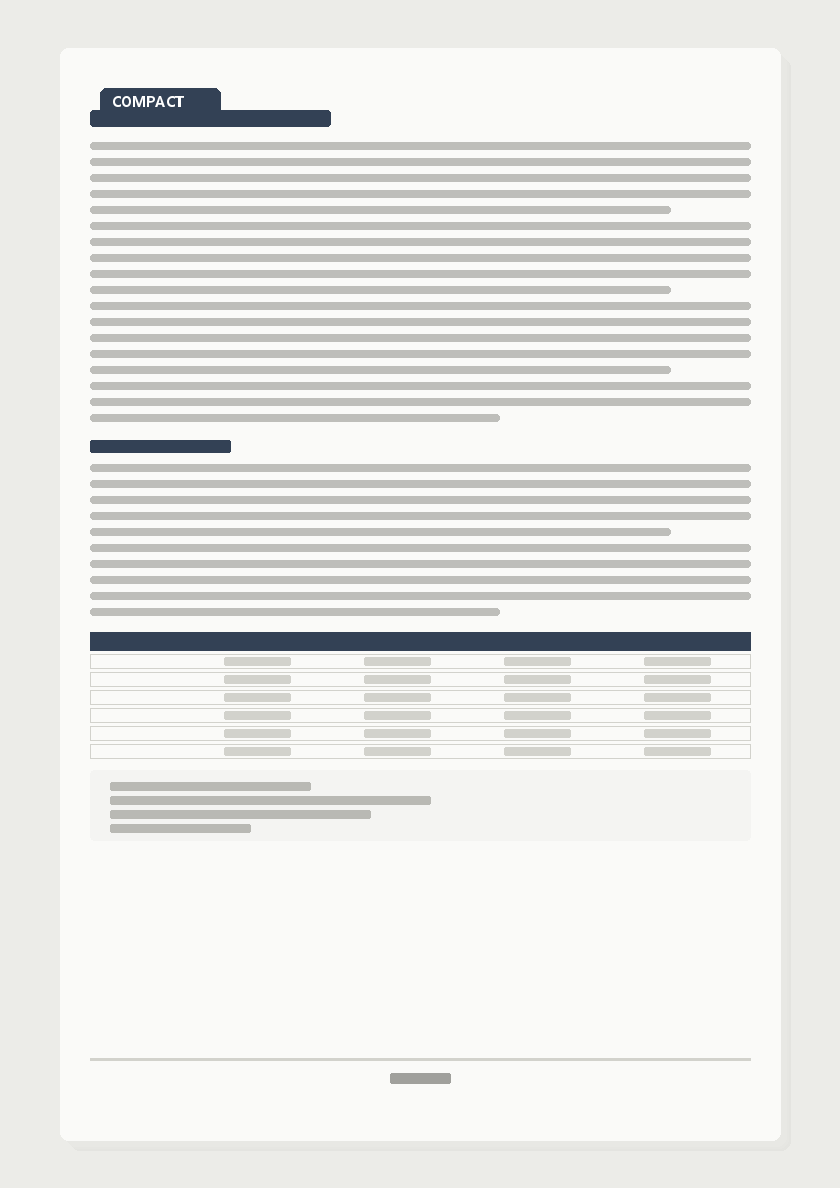
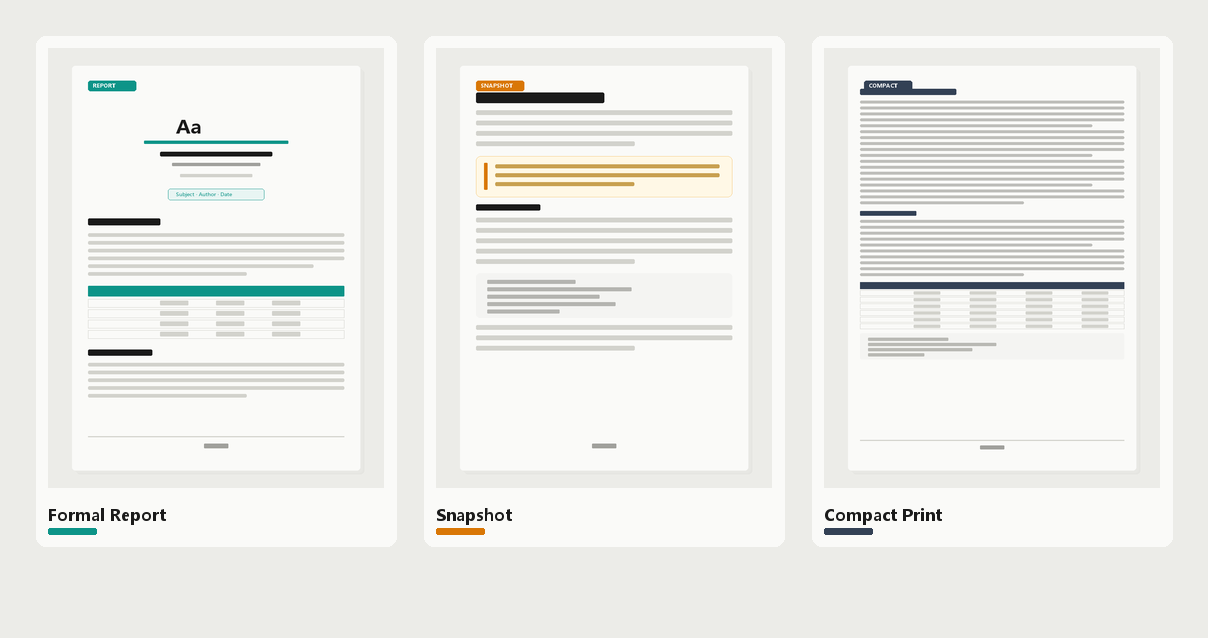
Conceptual mockups of the three export presets (illustrative, not live screenshots):
| Formal Report | Snapshot | Compact Print |
|---|---|---|
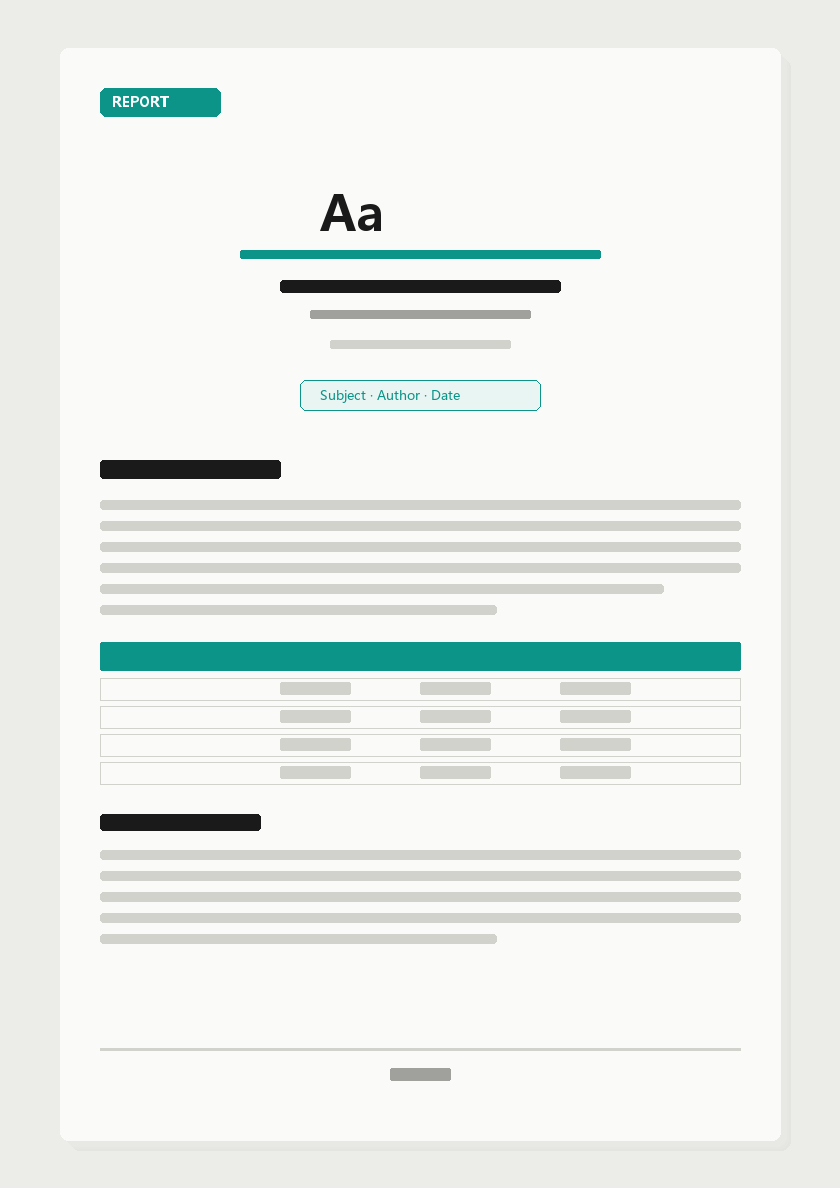 |  |  |
- Formal Report — cover + TOC with real page numbers + headers/footers; H1 starts a new page
- Snapshot — close to Obsidian reading feel: airier leading, bold body text
- Compact Print — smaller type, tighter leading, narrow margins for paper
Why this plugin
| Pain point | What this plugin does |
|---|---|
| Built-in PDF export breaks pages and clips charts | Paged.js engine; table headers repeat across pages; orphan/widow control |
| Styles drift from Reading view | Collects real vault CSS, sanitizes it, injects for typesetting |
| No formal document feel (cover / TOC / headers) | “Formal Report” preset: cover + auto TOC + headers + page numbers |
| Charts, Mermaid, math don’t export | Uses Obsidian’s renderer; images embedded as base64 |
| Want a faithful archive / paper-friendly print | “Snapshot” and “Compact Print” presets |
Good for: project close-out reports, calibration/lab notes, weekly archives, handoff docs for colleagues and leads, printed handouts.
Quick start
- Install
- Community plugins: search PDF-export (recommended)
- Or manually: drop
main.js/manifest.json/styles.cssfrom the Release into
.obsidian/plugins/j-studio-export/
- Enable: Settings → Community plugins → turn on PDF-export
- Export
- Click the 📄 download icon in the left ribbon, or
- Command palette (
Ctrl/Cmd+P):
| Command | What it does |
|---|---|
| Export current note as beautiful PDF | Opens a dialog to pick preset and options |
| Quick export (skip dialog, use default preset) | Exports immediately with the default preset |
Export dialog
- Top: Export PDF / Export HTML (HTML for sharing or browser
Ctrl+Pfallback) - Three preset cards: Formal Report / Snapshot / Compact Print
- Card-style toggles (label left, switch right): cover page, TOC page, headers, page numbers
Three presets
| Preset | Character | Best for |
|---|---|---|
| Formal Report | Cover + TOC (real page numbers) + headers/footers; H1 starts a new page; proper A4 document | Delivery, archive, leadership |
| Snapshot | Close to Obsidian reading feel: looser leading, bold body | Archival snapshot, side-by-side compare |
| Compact Print | Small type, dense leading, narrow margins | Paper, handouts, save ink |
Cover metadata (frontmatter, with sensible fallbacks):
title: Document title
subtitle: Subtitle
subject: Section / topic (e.g. Venus Product)
author: Byline
date: 2026-10-13
kicker: Small header text (optional)
The first H1 that matches the document title is auto-hidden so it does not repeat on the cover and body.
How it works
Note (.md)
  → Obsidian MarkdownRenderer (Dataview / Mermaid / Excalidraw / math all real-rendered)
  → Images inlined as base64 + vault CSS collected
  → CSS sanitize (drop selectors Paged.js can’t handle, strip @media print)
  → Styles injected screen-only (real styles for pagination measurement; print styles only from presets/)
  → Paged.js 0.4.3 pagination (page numbers / headers / TOC page numbers)
  → Hidden-window Chromium printToPDF
No build step: main.js is plain JavaScript. While developing, edit presets/*.css and reload the plugin; before release run node tools/embed-assets.js to embed presets into main.js.
Changelog
v0.4.1
- Bilingual README: English (
README.md) and Chinese (README.zh-CN.md) with a language switcher at the top - Preview illustrations: conceptual mockups of the three presets (
docs/images/) so the README shows rendering effects, not only text
v0.4.0
- Copy button removed from export: Obsidian’s code-block “copy” icon no longer appears in PDFs (DOM strip + CSS fallback)
- Consistent top-of-page gap: spacing is applied to each page’s content area (
pagedjs_page_content), so code blocks / paragraphs / headings share the same header-to-first-line distance, and no extra blank bar appears inside gray code blocks - Community review cleanup: standard MIT LICENSE, manifest description punctuation, fewer unnecessary
!importants
v0.3.0
- True top-of-page gap for body pages:
margin-topat page breaks collapses, so content on page 2+ stuck to the header; switched topadding-top- Headings (h1–h4) and body blocks (paragraphs / lists / quotes / code / tables) share one “header → first line” gap
- Formal Report header-to-body gap increased (
padding-bottom4mm → 7mm)
- Mid-page paragraph spacing changed to
margin-bottom+padding-topso the unified gap does not explode paragraph spacing
v0.2.0
- Export dialog buttons fixed: bottom buttons were clipped under some themes; now pinned to the top
- Dialog scrolls: tall content is no longer truncated
- Toggle cards: tinted sections, label left / switch right
- Author field set to JerommeWEI
v0.1.0
- First release: three presets, Paged.js pagination, cover / TOC / headers + page numbers, HTML fallback export
Settings
| Setting | Description |
|---|---|
| Default preset | Preset preselected when the dialog opens |
| Author name | Cover byline |
| Output location | Ask every time (Save As) / write next to the note |
| Open after export | Open the file when export finishes |
| Custom CSS | Appended after all presets; highest priority |
File structure
j-studio-export/
├── manifest.json              # Plugin manifest (version, author, minAppVersion)
├── main.js                    # Export pipeline + embedded-asset fallback
├── styles.css                 # Export dialog / settings UI
├── versions.json              # Version → minAppVersion map
├── presets/                   # Typesetting styles (day-to-day iteration entry)
│   ├── _base.css              # Element styles, break guards, cover/TOC skeleton
│   ├── report.css             # Formal Report
│   ├── snapshot.css           # Snapshot
│   └── compact.css            # Compact Print
├── vendor/paged.polyfill.js   # Paged.js 0.4.3
├── tools/embed-assets.js      # Before release: embed presets/vendor into main.js
└── docs/images/               # Conceptual preview mockups for README
dev-test/ is a local verification loop (not shipped in Release):
cd .obsidian/plugins/j-studio-export/dev-test
node build-test.js report    # sample content → HTML
node render.js report        # Chrome render → PDF + screenshot
node verify.js report        # DOM/pixel assertions
node pdf-check.js report     # PDF text assertions
Typesetting iteration notes
- Rules that affect measurement (type size, leading, spacing) live in
presets/*.css, scoped with.jx-export .jx-contentto beatapp.css - Do not rely on
@media print— print styles come only from presets - Top-of-page gap uses
padding-top, notmargin-top— margins collapse at page breaks - After editing presets, run
node tools/embed-assets.jsbefore release
Known pitfalls (Paged.js scars)
- Must use Paged.js 0.4.3 (0.5.0-beta margin box / break is broken)
- Selectors with
:is(a,b)and commas fail the whole pagination (0 pages) — must go throughcss-sanitize leader()is unsupported; TOC dots use flex + a dotted spanapp.css’shtml, body { height: 100% }clips page 2+ in print — collected styles are screen-only
Known limits
- Code blocks use Cascadia Code / Consolas (preview icon fonts are not for code)
- Frosted glass is not real on paper; the Snapshot preset translates it into equivalent print typesetting
- Audio / video / iframe embeds are not included in PDFs
- A few CJK characters may copy as radical variants (Chromium + Source Han CMap quirk; rendering is fine)
- If silent print is unavailable, falls back to “export self-contained HTML + browser
Ctrl+Pguidance”
Permissions (for reviewers and users)
Export must write PDF / HTML files locally, so the plugin uses Node fs to write files and read presets/, vendor/ static assets. Note content is read via Obsidian’s vault.read API. No network upload, no telemetry.
License
MIT.
Bundles Paged.js v0.4.3, also MIT.
For plugin developers
Search results and similarity scores are powered by semantic analysis of your plugin's README. If your plugin isn't appearing for searches you'd expect, try updating your README to clearly describe your plugin's purpose, features, and use cases.