by MHElnour
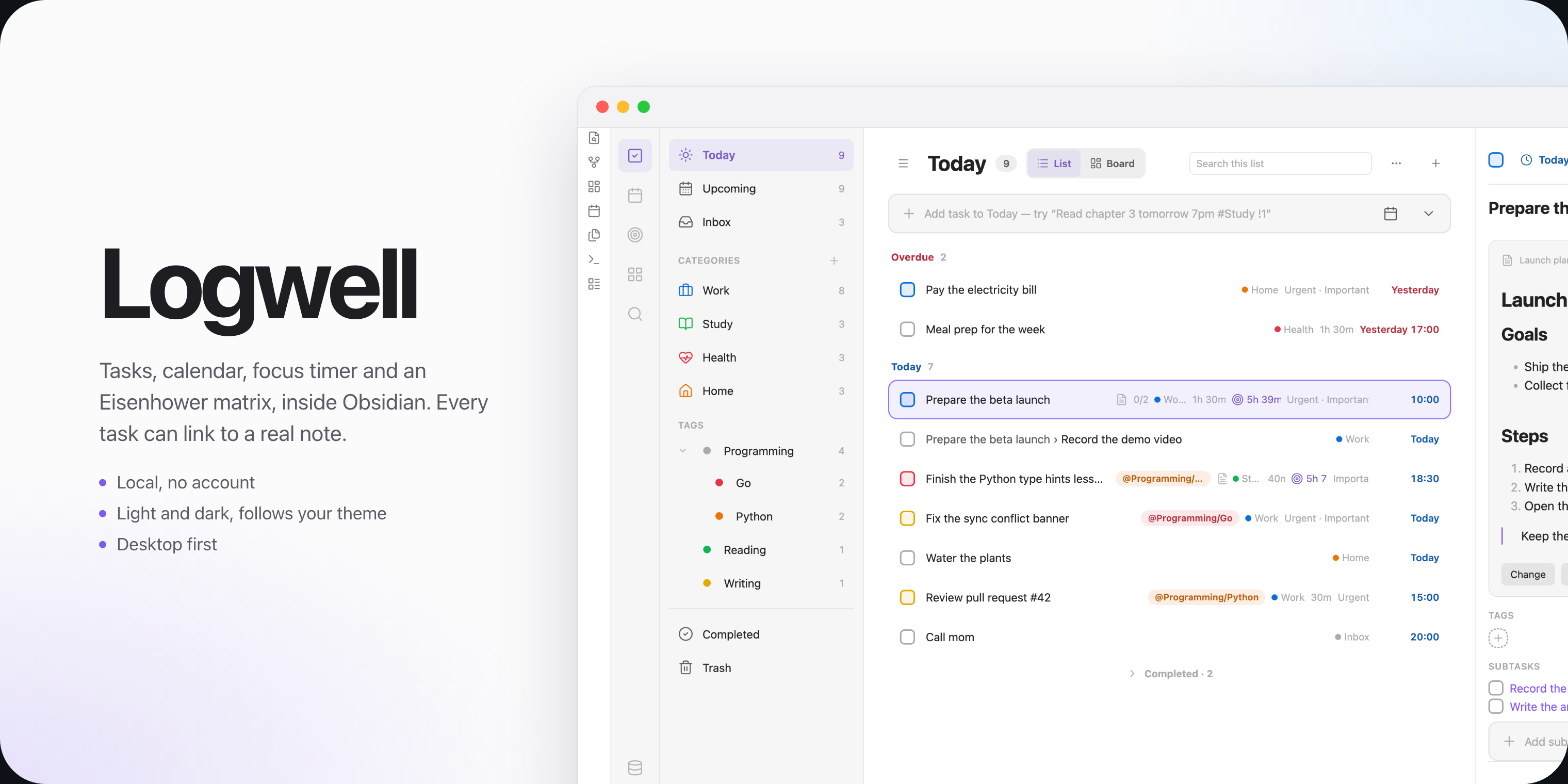
Tasks with natural-language Quick Add, lists, sections, tags, repeats, habits, a calendar, a board, an Eisenhower matrix and a focus timer.
Logwell
Logwell is a task manager for Obsidian. It brings tasks, a calendar, an Eisenhower matrix, a focus timer and habits into one tab, and keeps all of it in one database file in your vault.
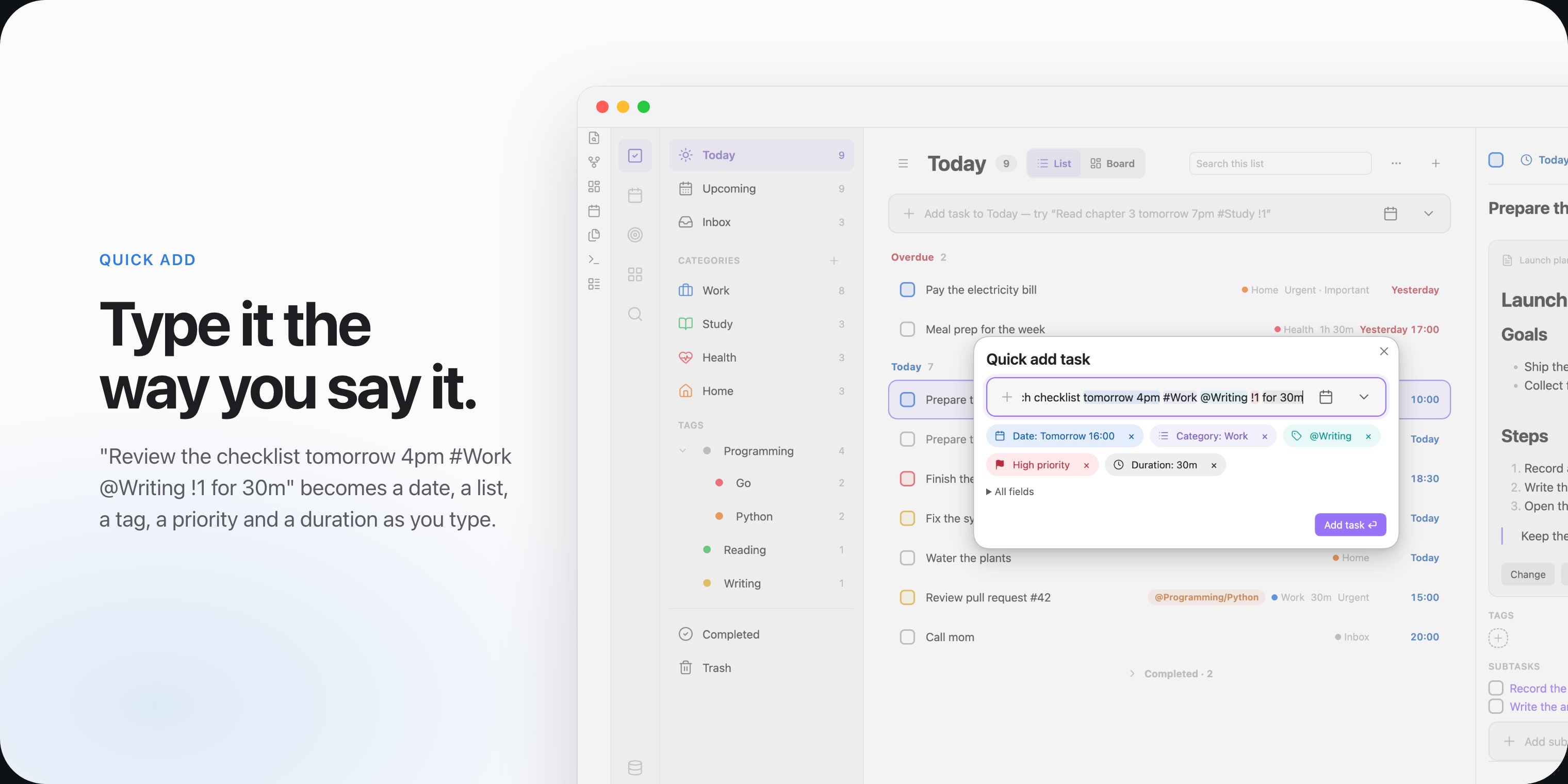
It is for people who plan their days in Obsidian and want their tasks next to their notes, without turning every task into a note. You type a task as a sentence, and Logwell finds the date, list, tags and priority in it. Most changes can be undone.
Logwell runs on Obsidian for desktop.
Features
- Tasks with dates, times, deadlines, durations, priorities, subtasks and a linked description note.
- Quick Add reads a line such as
Pay rent friday #Home @errands !1as you type. - Lists, sections and tags, with nested tags and a board of columns.
- Views: Today, Upcoming, Inbox, Completed and Trash, with sorting, grouping and search.
- Repeating tasks that stay one task and keep their history.
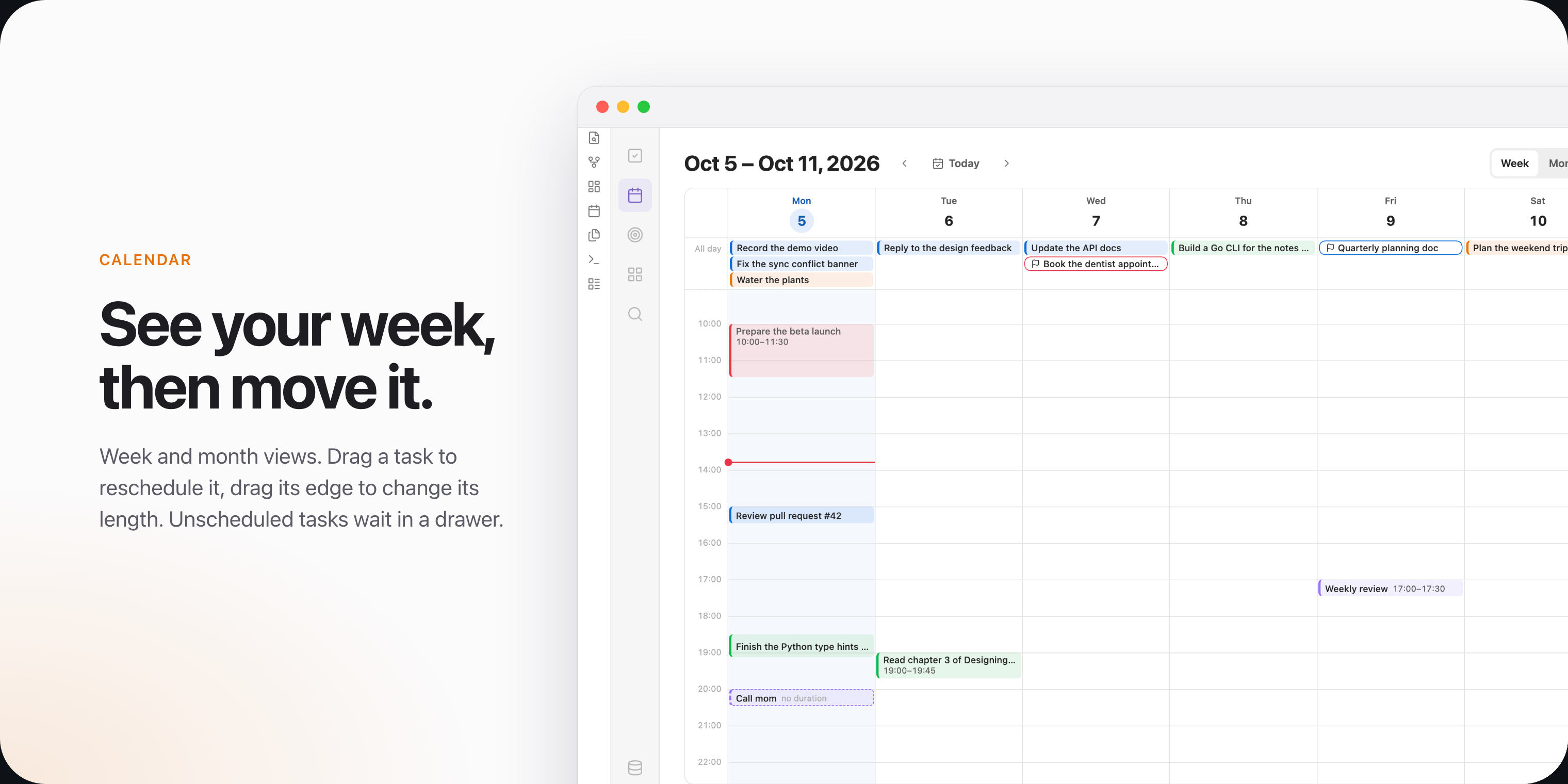
- A calendar with week and month views, where you drag tasks to reschedule them.
- An Eisenhower matrix that sorts tasks by urgency and importance.
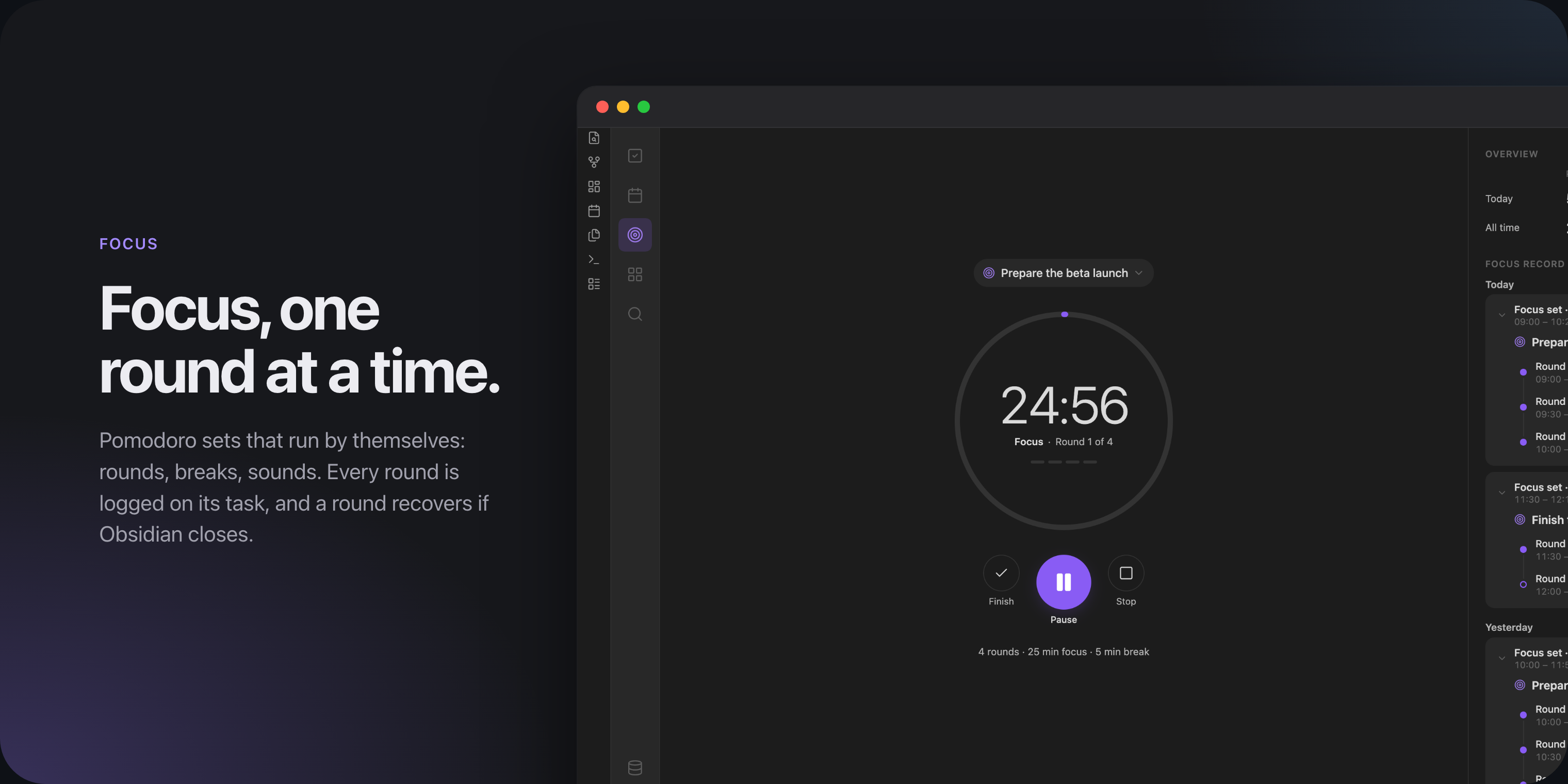
- Focus: timed rounds with breaks, and a record of every round.
- Habits with check-ins, streaks, goals and reminders.
- A task block that shows a live list of tasks inside any note.
- Optional TickTick sync, off until you turn it on. See Privacy.
Install
Logwell is not in the community plugin directory. Install it by hand:
- Download
main.js,manifest.jsonandstyles.cssfrom the latest release. - Put them in
<your vault>/.obsidian/plugins/logwell/. Create the folder if it does not exist. - In Obsidian, open Settings, then Community plugins. Turn on community plugins if they are off, reload the list and turn on Logwell.
- Choose Create database in the notice that appears.
Getting started walks you through these steps and your first task.
Your data
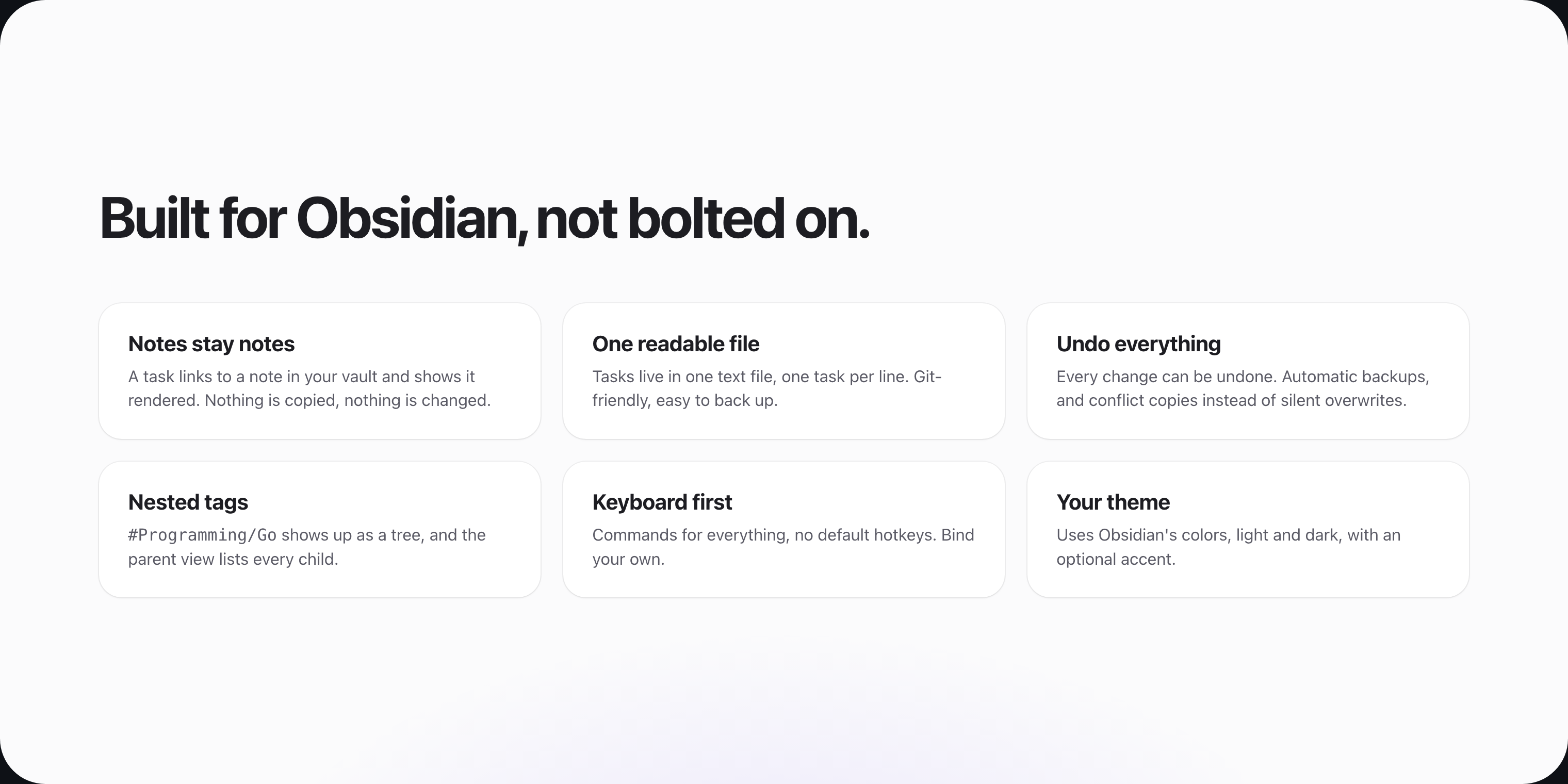
Your tasks stay in your vault, in one plain text file that works with Git and file-sync tools. Logwell keeps backups and never copies your notes into it. See Your data.
Documentation
- Documentation: every page, from first steps to reference.
- Release notes: what changed in each release.
License
Logwell is released under the MIT License.
For plugin developers
Search results and similarity scores are powered by semantic analysis of your plugin's README. If your plugin isn't appearing for searches you'd expect, try updating your README to clearly describe your plugin's purpose, features, and use cases.