Marp
approvedby jichoup
Create slide decks in Markdown with Marp.
Obsidian Marp Plugin
Plugin to use Marp with Obsidian.md.
Open the Preview
Select the tab for the Markdown file, then click the button on the ribbon or run Marp: Open Preview from the command palette to see a preview.
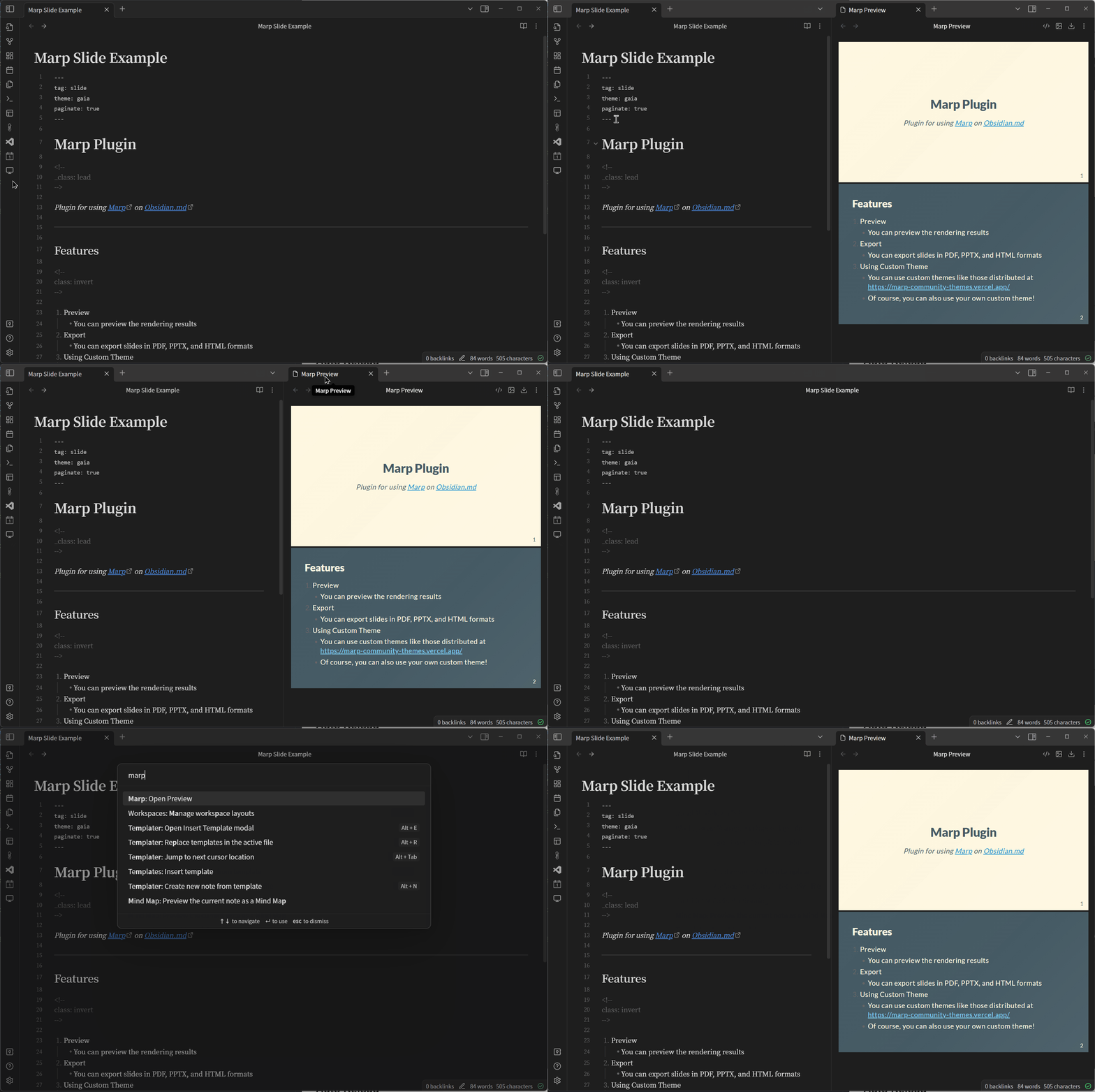
Auto Reload
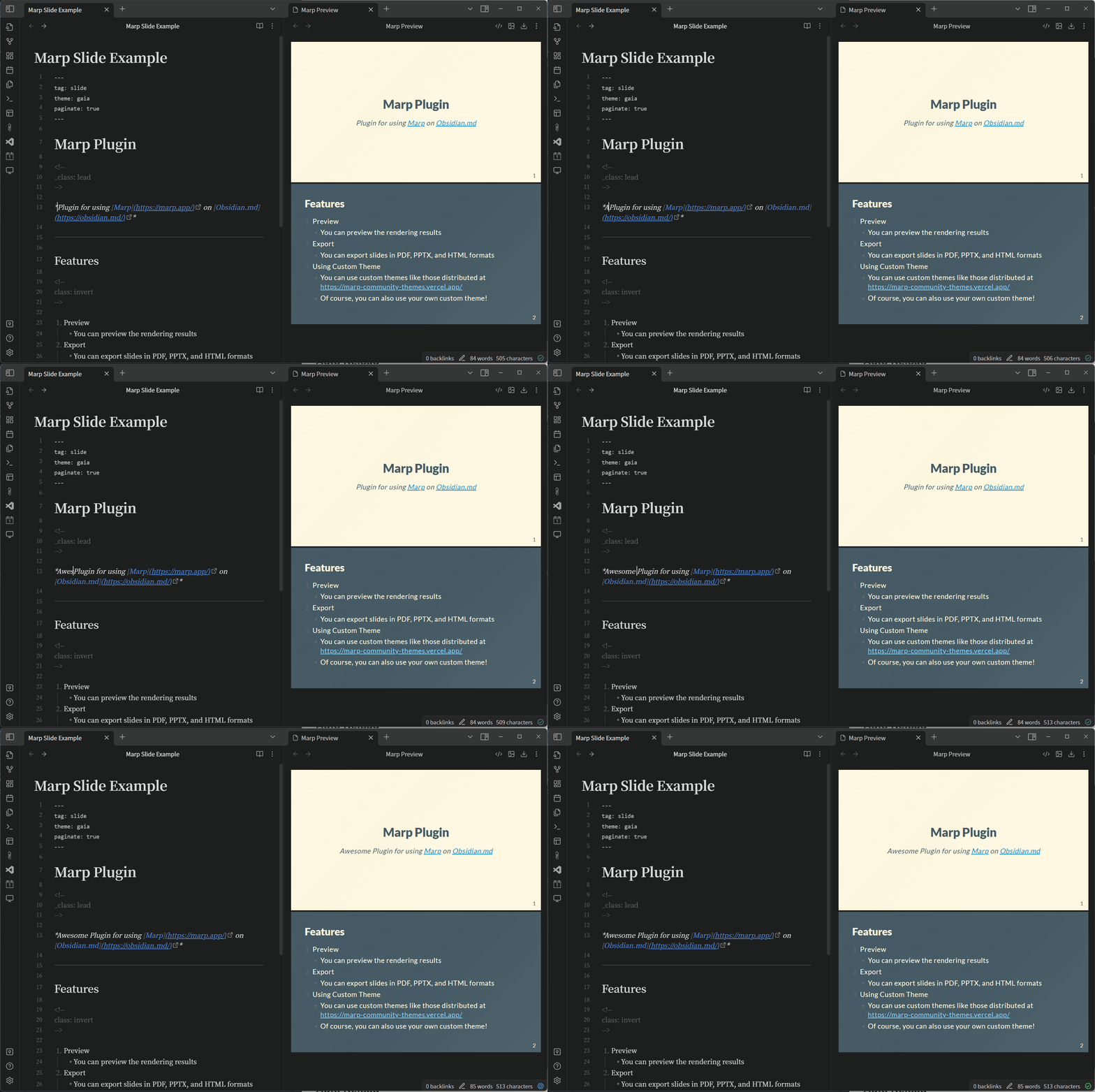
Export Slides
You need to have Node.js installed to export slides, as this plugin uses the npx command to export slides.
You can choose your preferred format from PDF, PPTX and HTML.
The output is always to the Downloads directory.
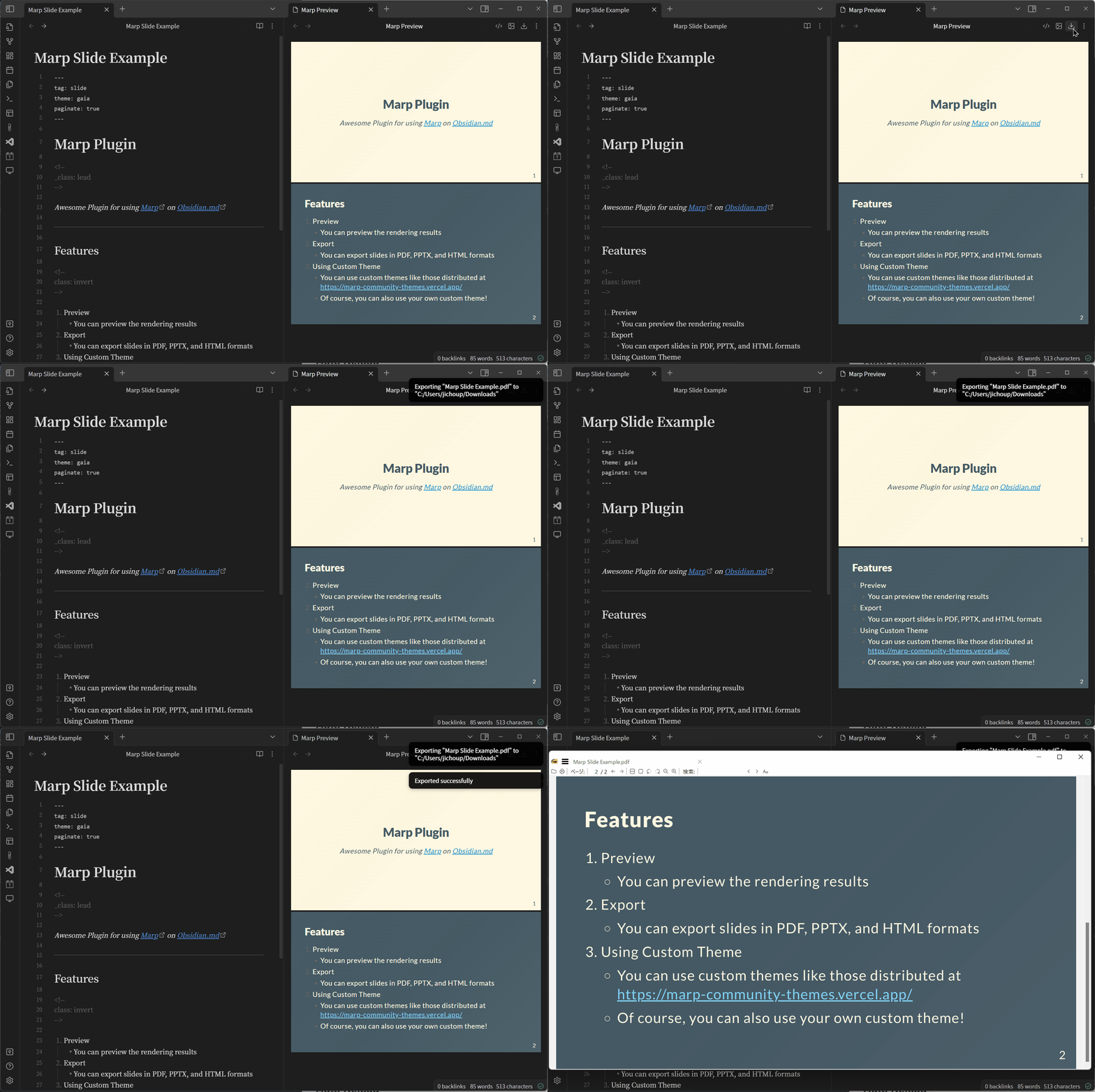
Embed Images
When exporting, images are converted to Base64 and embedded in the file, so you can share slides with embedded local images.
The image path can be an absolute or relative path from the root of the vault.
You can use both Wikilink format (![[path/to/image.png]]) and CommomMark format ().
Transition

Transitions can be used by exporting in HTML format.
However, you need to set the viewTransition API to Enable in Chrome 110.
(Not required if you are using the beta version (111+) of Chrome.)

Settings
Enable Auto Reload
type: toggle
default: on
If on, the preview will be updated automatically when the Markdown file is saved.
Enable Open Preview in Split Tab
type: toggle
default: on
Enables the ability to open previews in split tabs. If disabled, a new tab will be created in the same split as the markdown file.
Theme Folder Location
type: text
default: MarpTheme
Specify the relative path to the directory where the theme is stored. By saving the css files in the specified directory, Marp can use a custom theme.
*Obsidian must be restarted after adding css.
Example: If you set MarpTheme as Theme Folder Location
<your-vault>
└── MarpTheme  ← Make this directory
    ├── beamer.css  ← Then save custom css here!
    ├── border.css
    └── gradient.css
For plugin developers
Search results and similarity scores are powered by semantic analysis of your plugin's README. If your plugin isn't appearing for searches you'd expect, try updating your README to clearly describe your plugin's purpose, features, and use cases.