Format code
approvedby ivariable
Commands to format code (internally uses prettier).
★ 25 stars↓ 12,895 downloadsUpdated 4y agoMIT
Obsidian Format Code plugin
This is a plugin for Obsidian that introduces custom commands to format code.
Currently supports the following languages:
- JSON
- YAML
- HTML
- GraphQL
- TypeScript
Prettier is used under the hood.
How to use
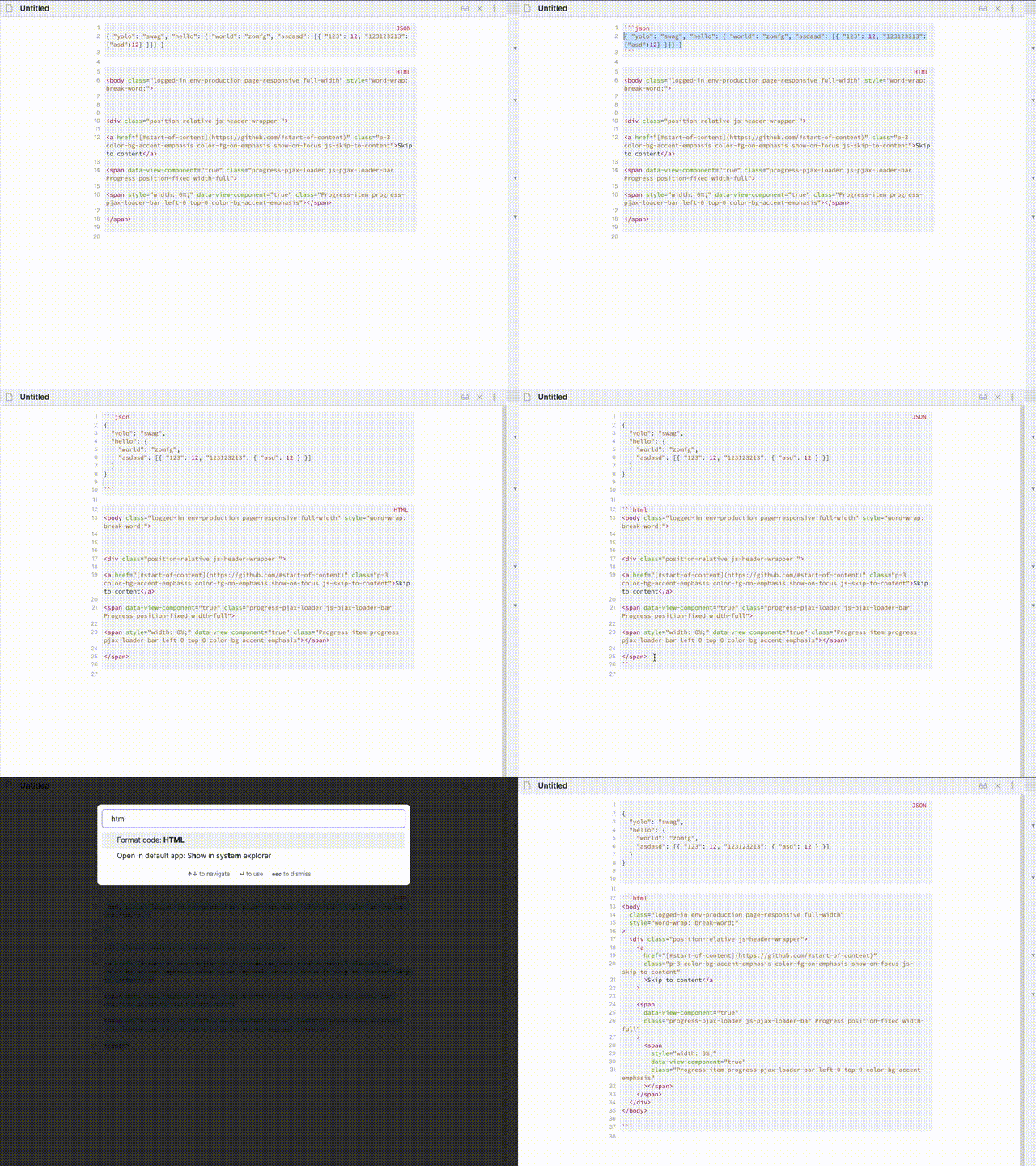
How to install
Until this plugin is not published in the Obsidian ecosystem you can install it using How to develop instructions
How to develop
- Clone the repository to
.obsidian/plugins/obsidian-format-code npm inpm run dev- Launch Obsidian
- Enable plugin in the Obsidian settings under "Community plugins" > "Installed plugins"" >"Format code"
For plugin developers
Search results and similarity scores are powered by semantic analysis of your plugin's README. If your plugin isn't appearing for searches you'd expect, try updating your README to clearly describe your plugin's purpose, features, and use cases.