Min Width
approvedby doitian
Set the Minimum Width of the Active Pane.
Obsidian Min Width Plugin
What This Plugin Does?
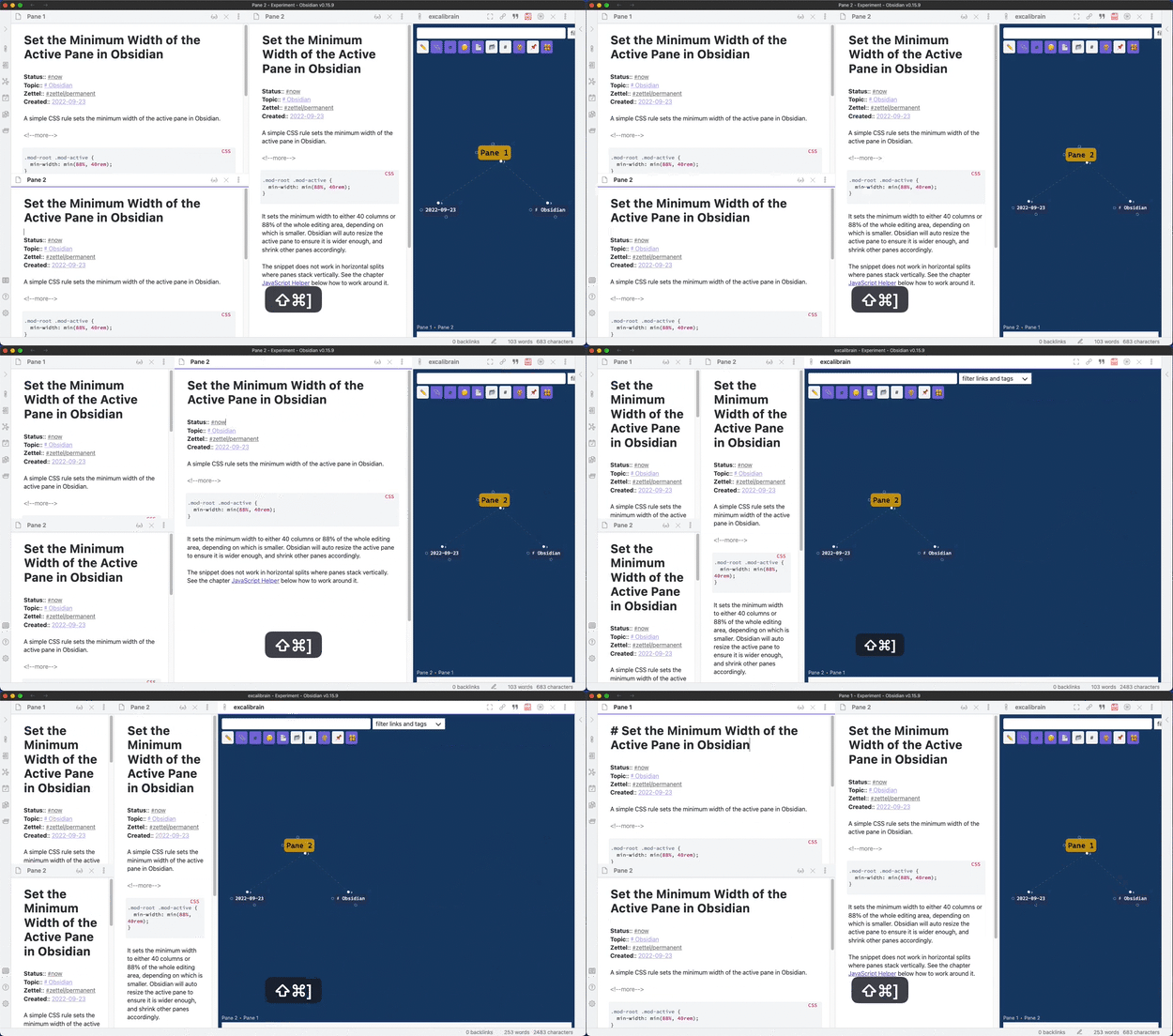
The Min Width plugin sets the minimum width for the active pane. Obsidian will auto resize the active pane to ensure it is wider enough and shrink other panes accordingly.
This plugin is based on the blog post Set the Minimum Width of the Active Pane in Obsidian.
How to Use
Install the plugin by searching "Min Width" in the community plugins. Or manually copy over main.js, manifest.json in the release to the folder .obsidian/plugins/obsidian-min-width/ in your vault.
The default settings set the minimum width to either 40 columns or 88% of the whole editing area, depending on which is smaller. The settings tab also supports overriding the minimum width for different view types. Following is a list of some known view types:
markdown: The markdown editorexcalidraw: The view type used by plugin Excalidraw and Excalibrain.
CSS Snippet
This plugin will add the class min-width-plugin-active to the active column. If you find out that the plugin does not work as expected, the possible cause is some more specific CSS rules have overridden the rules set in this plugin. You can add more specific CSS rules in the Appearance / CSS snippets settings section. The following example is from the issue #4:
.workspace
  .mod-root
  .workspace-tabs.mod-stacked.min-width-plugin-active
  .workspace-tab-container
  .workspace-leaf.mod-active {
    width: min(88%, 40rem);
}
For plugin developers
Search results and similarity scores are powered by semantic analysis of your plugin's README. If your plugin isn't appearing for searches you'd expect, try updating your README to clearly describe your plugin's purpose, features, and use cases.