Reading Time
approvedby avr
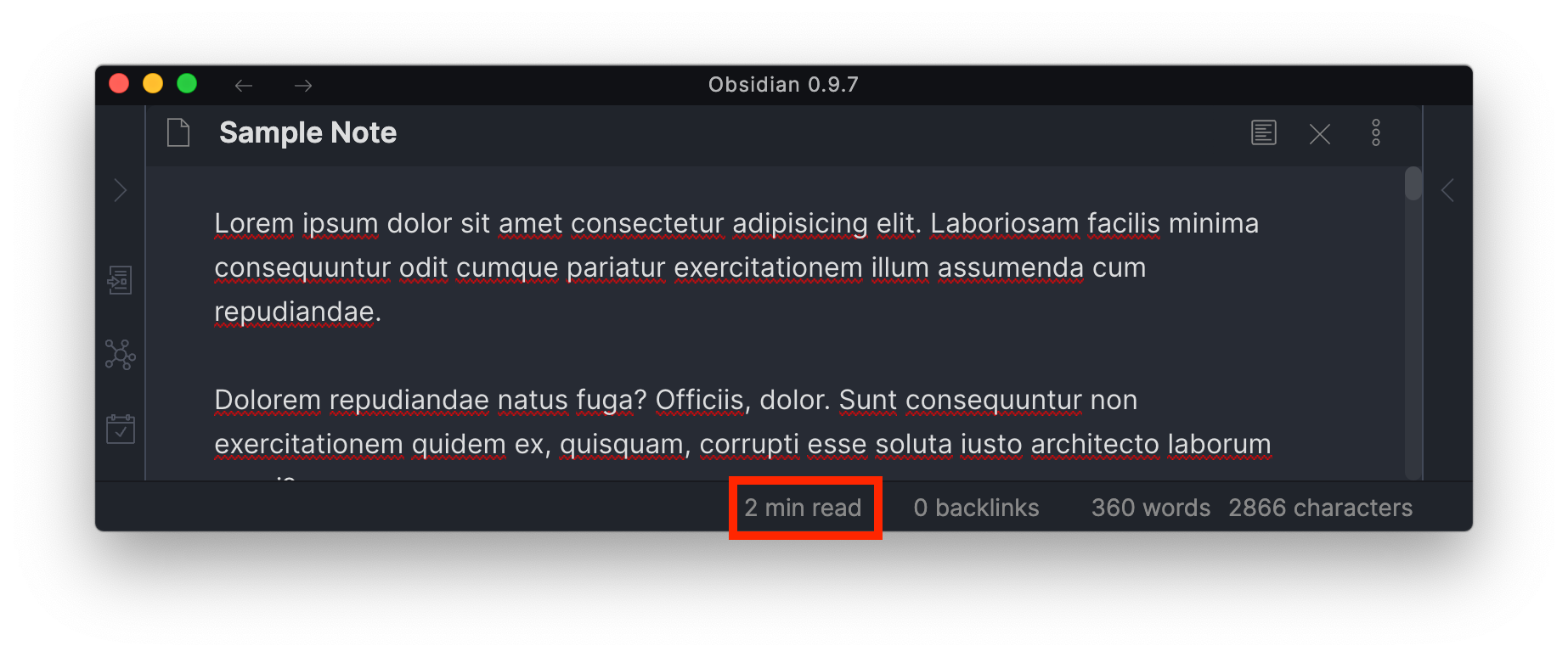
Add the current note's reading time to the status bar.
★ 77 stars↓ 110,773 downloadsUpdated 2y agoMIT
Obsidian Reading Time Plugin
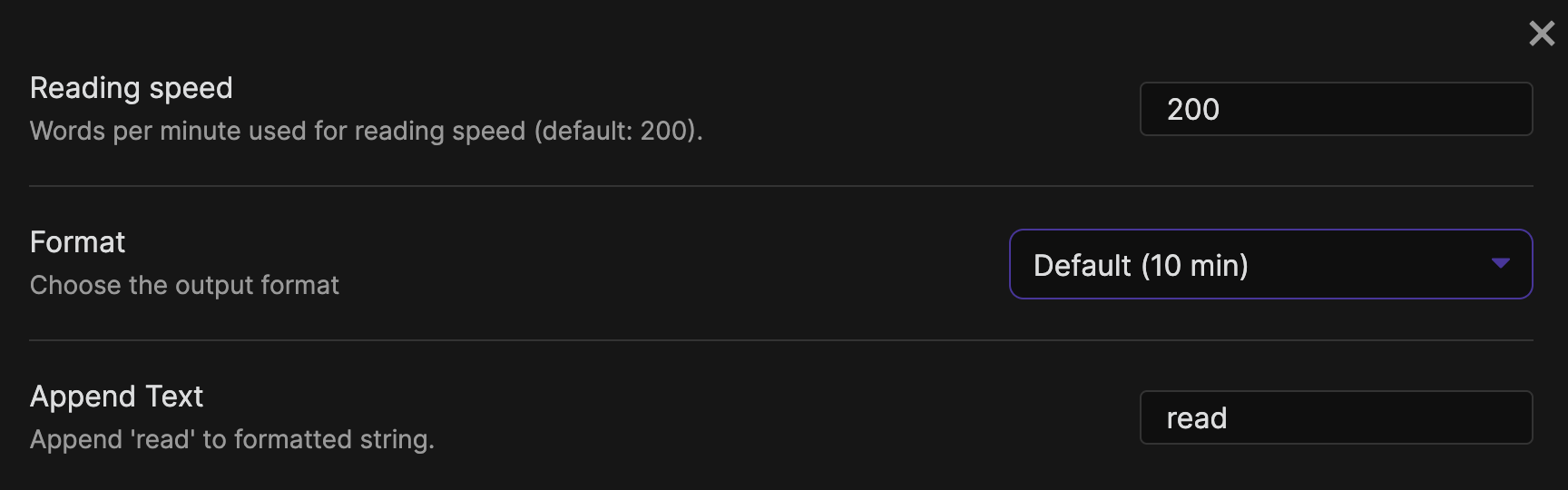
Simple plugin to add an estimated reading time for the selected note to the StatusBar.
How to install the plugin
- Download the Latest release
- Extract the
obsidian-reading-timefolder from the zip to your vault<vault>/.obsidian/plugins/
Contributing
Development
npm install
npm run build
cp main.js manifest.json /path/to/your/vault/.obsidian/plugins/obsidian-reading-time
Release
- After all changes for the release are merged create a new branch for the release
- Update the changelog with new features and fixes
- Run the
version-bump.mjsscript with the new version as an argument - Commit all changed files and create a pull request
- After the pull request is merged, create a new annotated tag for the release:
git checkout main
git pull
git tag -a x.y.z -m "x.y.z"
git push --tags
The release will automatically be drafted.
For plugin developers
Search results and similarity scores are powered by semantic analysis of your plugin's README. If your plugin isn't appearing for searches you'd expect, try updating your README to clearly describe your plugin's purpose, features, and use cases.