Tomorrow's Daily Note
approvedby frankolson
Create tomorrow's daily note for preemptive planning.
Tomorrow's Daily Note

An Obsidian plugin that creates tomorrow's daily note for preemptive planning.
See the changelog for the latest changes and updates.
Requirements
- Obsidian v1.1.0+.
- Daily notes plugin enabled
Installation
Follow the steps below to install Tomorrow's Daily Note:
- Search for "Tomorrow's Daily Note" in Obsidian's community plugins browser
- Enable the plugin in your Obsidian settings (find "Tomorrow's Daily Note" under "Community plugins").
- Start creating future daily notes.
Usage
You can open tomorrow's daily note using ribbon icon or the following command: Tomorrow's Daily Note: Open tomorrow's daily note
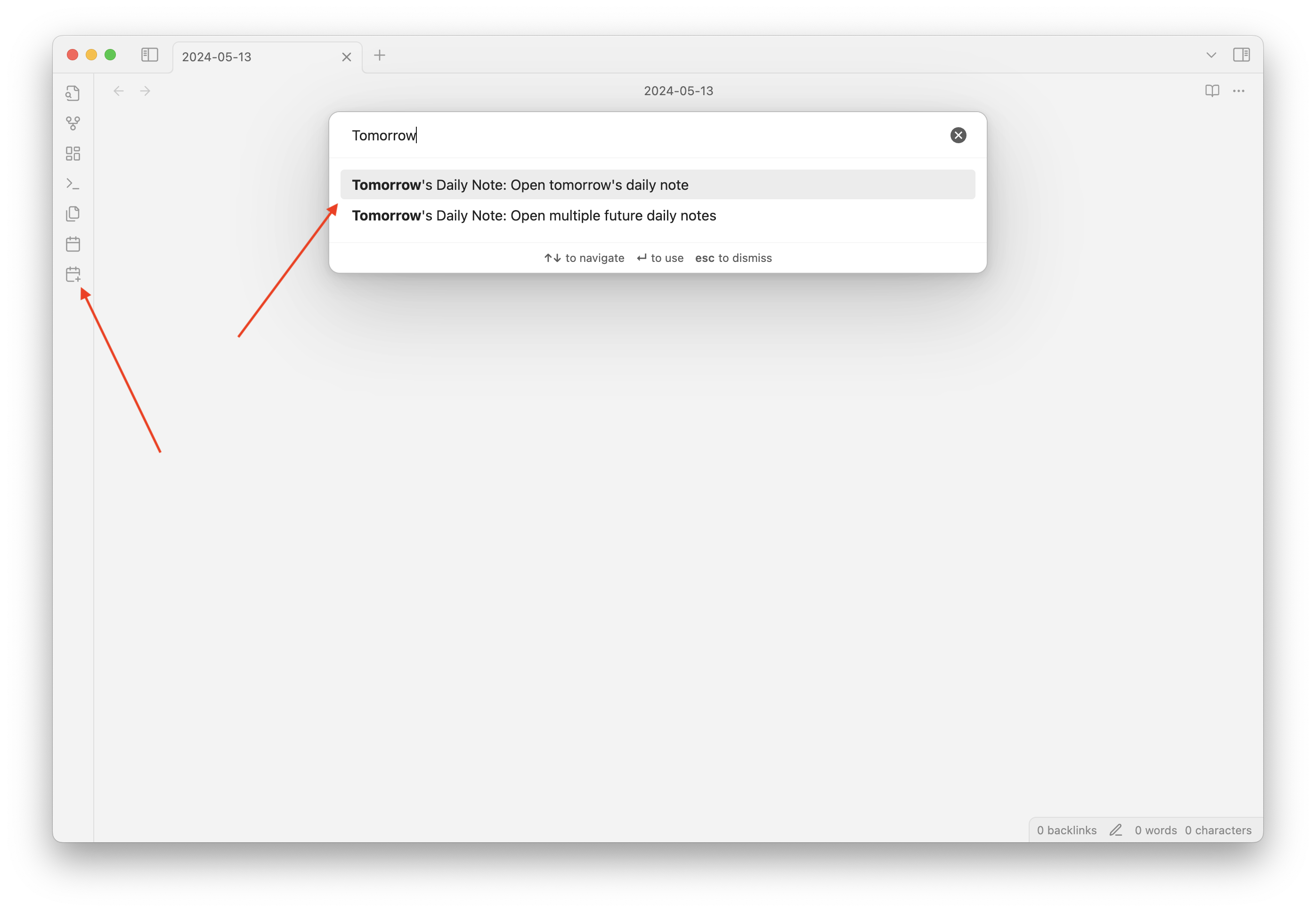
Multiple Future Daily Notes
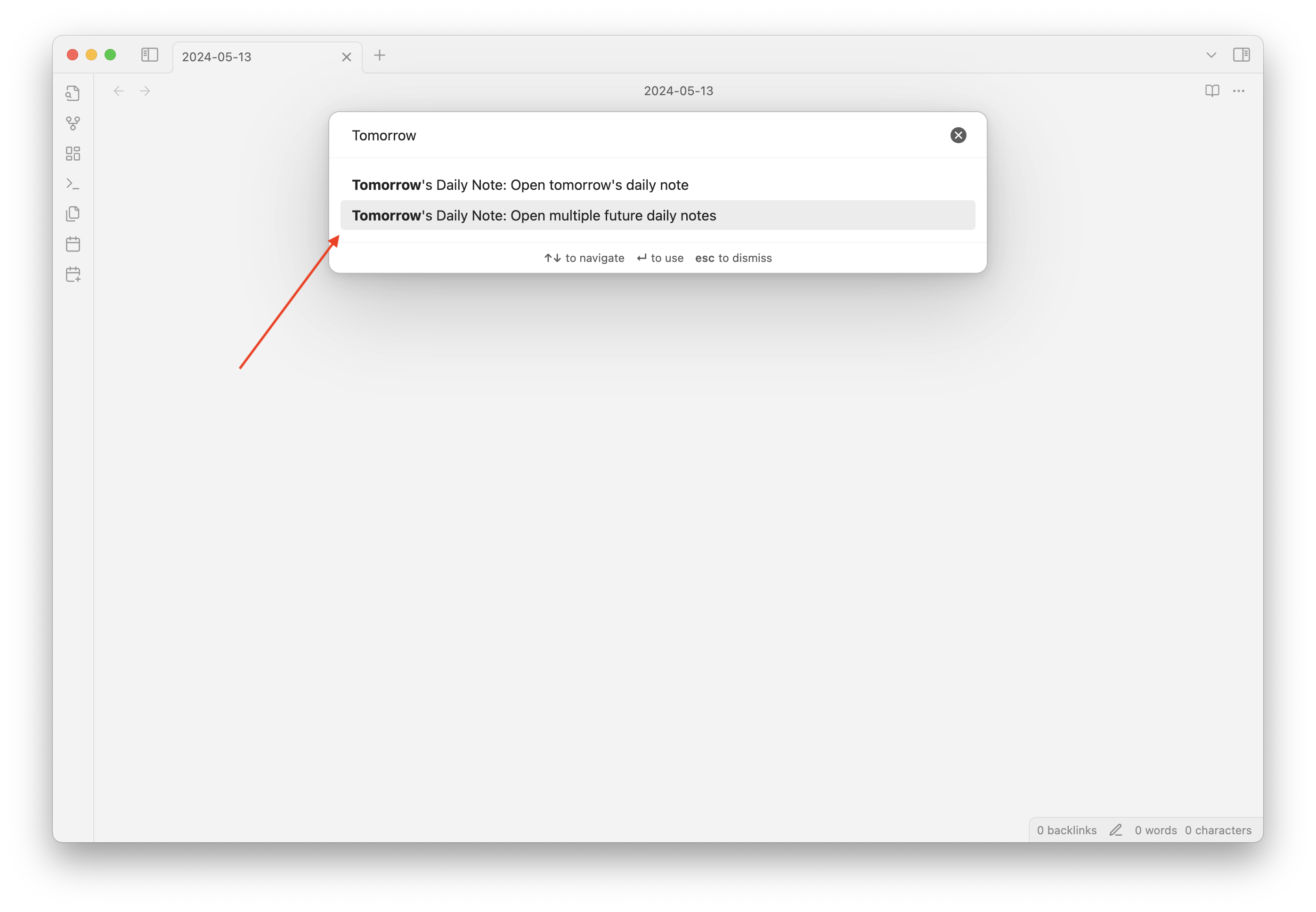
You can create multiple future daily notes by using the following command: Tomorrow's Daily Note: Open multiple future daily notes
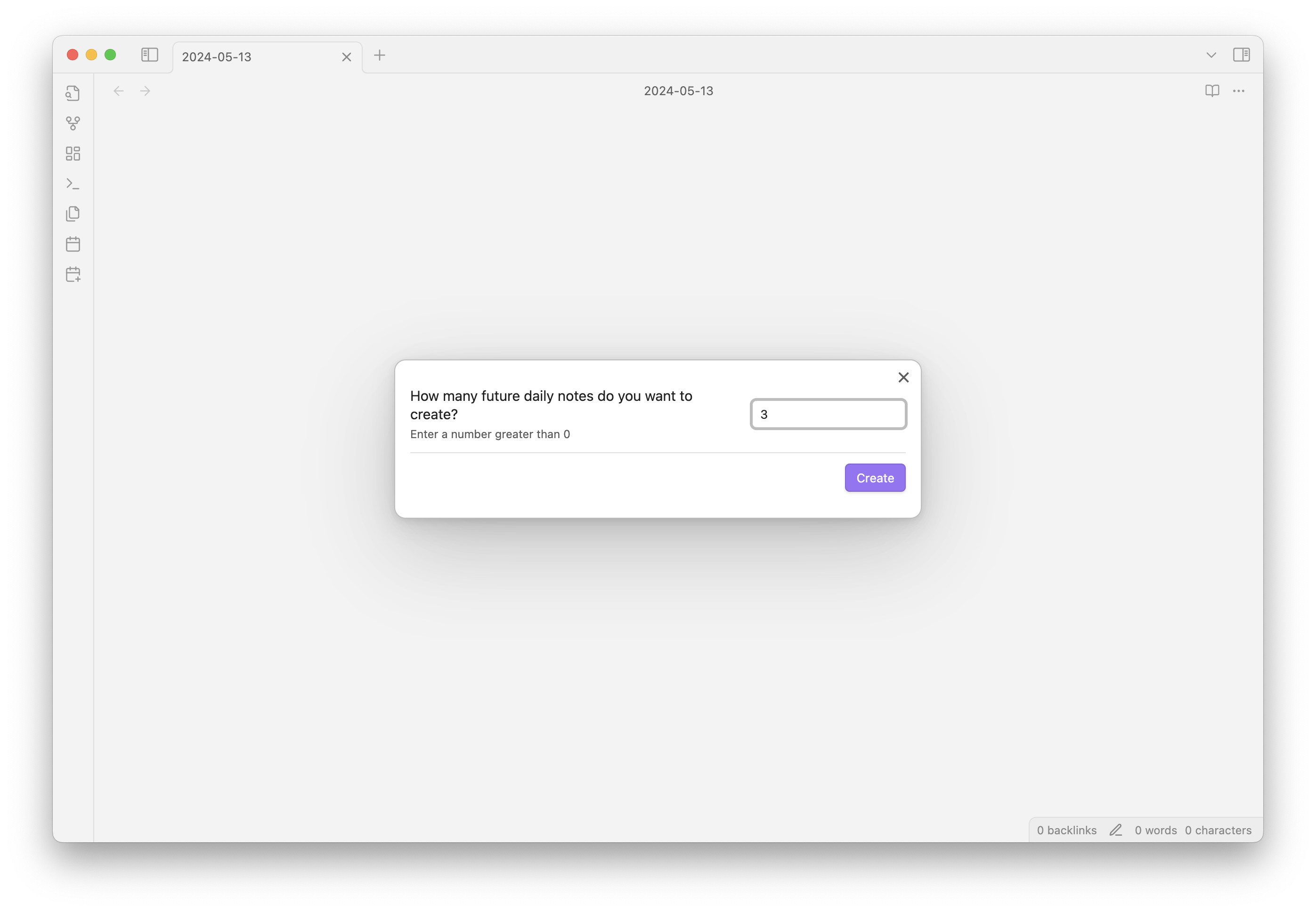
Doing so will launch a modal where you can specify the number of future daily notes you want to create.
Settings
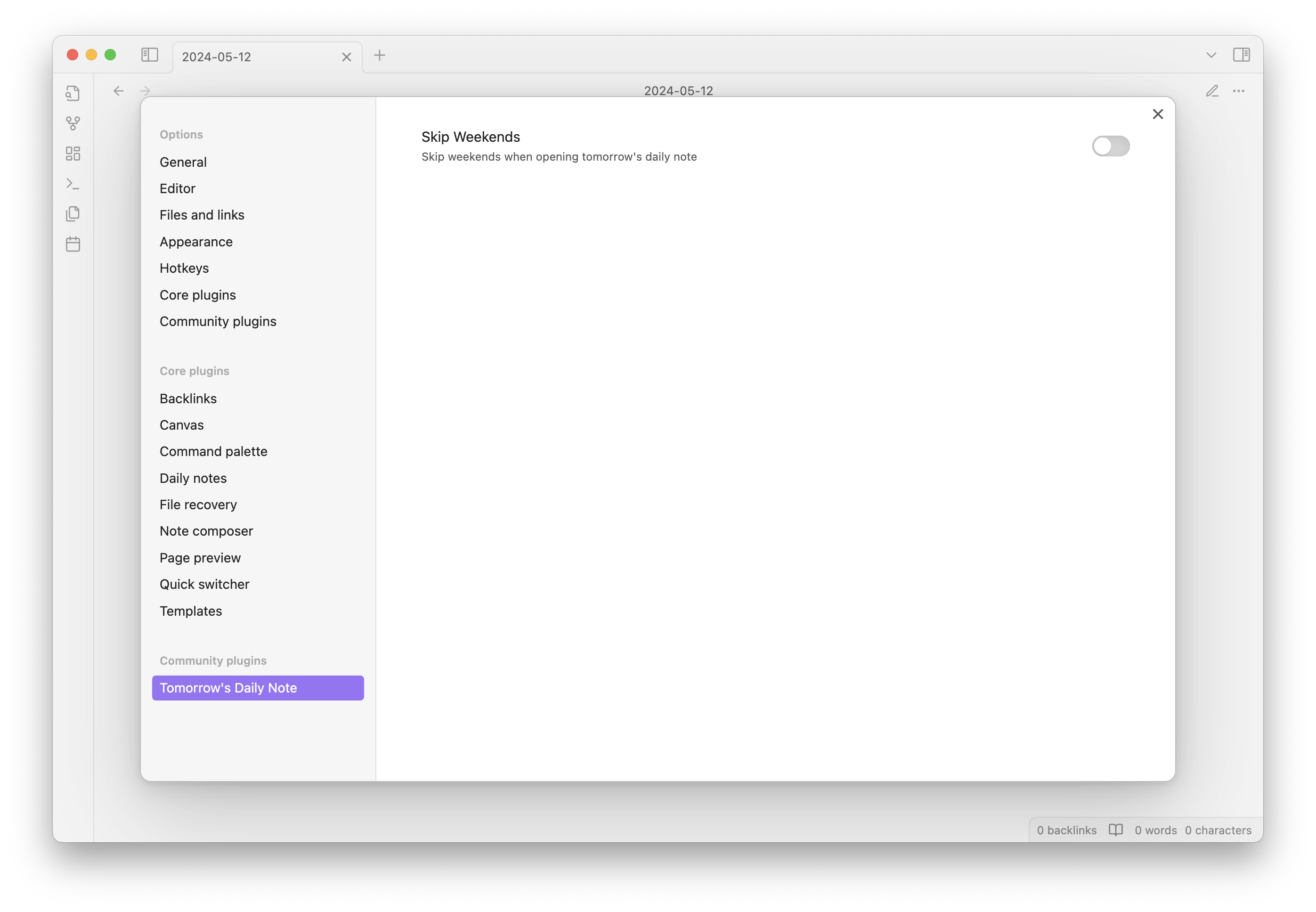
You can configure the following settings from the plugin settings menu:
- Skip Weekends: If enabled, the plugin will skip weekends when creating tomorrow's daily note.
For developers
Pull requests are both welcome and appreciated.
If you would like to contribute to the development of this plugin, please follow the guidelines provided in CONTRIBUTING.md.
Deployment
- Bump the version in
manifest.jsonand thepackage.jsonfiles. - Create a new release on GitHub with the version number as the tag:
git tag -a <version number> -m "<version number>" - Push the tag:
git push origin <version number> - The release will be automatically built and deployed by GitHub Actions, and you can check the progress in the repository's Actions tab.
- Then go add release notes to the newly created draft release in the repository's Releases tab.
- Once you're happy with the release notes, click the "Publish release" button.
Donating
I really enjoy building stuff. Sometimes for myself, sometimes for others. If have been helped by this plugin and wish to support it, please see the following link:
https://github.com/sponsors/frankolson
Donations will go towards my computing costs, licenses for development tools, and the time I spend developing and supporting this plugin.
Thank you!
For plugin developers
Search results and similarity scores are powered by semantic analysis of your plugin's README. If your plugin isn't appearing for searches you'd expect, try updating your README to clearly describe your plugin's purpose, features, and use cases.