OWiki Sync
approvedby johnhom
Sync your vault with a self-hosted OWiki server via WebSocket. - This plugin has not been manually reviewed by Obsidian staff.

OWiki Sync
Multi-device sync plugin for Obsidian


Sync notes across devices · Your notes only travel through your own server · Offline changes are never lost · Desktop & mobile
English · 中文
[!WARNING] Experimental software: both this plugin and the OWiki server are in an early experimental stage. The sync logic has not been validated at scale, and edge cases may cause note data loss or corruption. Back up your vault before connecting (keep a full copy independent of the sync pipeline). We are not responsible for any data loss caused by using this plugin (see the MIT LICENSE).
✨ Features
- Realtime multi-device sync — save on one device and every other device gets it within 2 seconds; edits, renames and deletes all follow along
- Only changed files transfer — untouched notes don't move a byte; zero traffic when devices match
- Conflicts never lose content — if two devices edit the same note, mergeable changes merge automatically; the rest are saved as
xxx.conflict.mdcopies — your local file is never silently overwritten - Offline changes are never lost — changes made while disconnected are stored locally and delivered on reconnect
- Per-device identity — new devices join via PIN and can be unbound whenever you like
- Single-device mode — when only one device is allowed to write, the others enter an observing state: connected and readable, but not writable; flip it back and they resume instantly
- Attachments sync too — images and other attachments travel along with your notes
- Desktop & mobile — the status bar shows connection state live, and the sidebar icon triggers a manual sync in one click
🚀 Quick start
Three steps: deploy the server → install the plugin → connect.
1. Deploy the OWiki server
This plugin ships without a server. Deploy OWiki first (one container or a single binary):
docker run -d --name owiki \
  -p 8787:8787 \
  -e OWIKI_TOKEN=<sync-token> \
  -e OWIKI_ADMIN_USER=admin \
  -e OWIKI_ADMIN_PASSWORD=<strong-password> \
  -v ./owiki-data:/data \
  johnhom1024/owiki:latest
Open http://<server>:8787 in a browser, sign in, and create a vault in the web console to get a sync token.
2. Install the plugin
From the community directory (once listed): Obsidian → Settings → Community plugins → Browse → search for owiki-sync
Manual: download main.js, manifest.json, and styles.css from Releases and drop them into:
<your-vault>/.obsidian/plugins/owiki-sync/
Before it's listed (BRAT)
Install the BRAT plugin, add johnhom1024/owiki-sync as a beta plugin in its settings, and you'll get the plugin — plus automatic updates with every GitHub release — before the official listing goes live.
3. Connect to your server
- Enable the plugin and open its settings; enter your server address and sync token
- The first connection reconciles automatically: remote-only files come down, local-only files go up
- From then on it runs in the background — edits, renames, and deletes all sync automatically
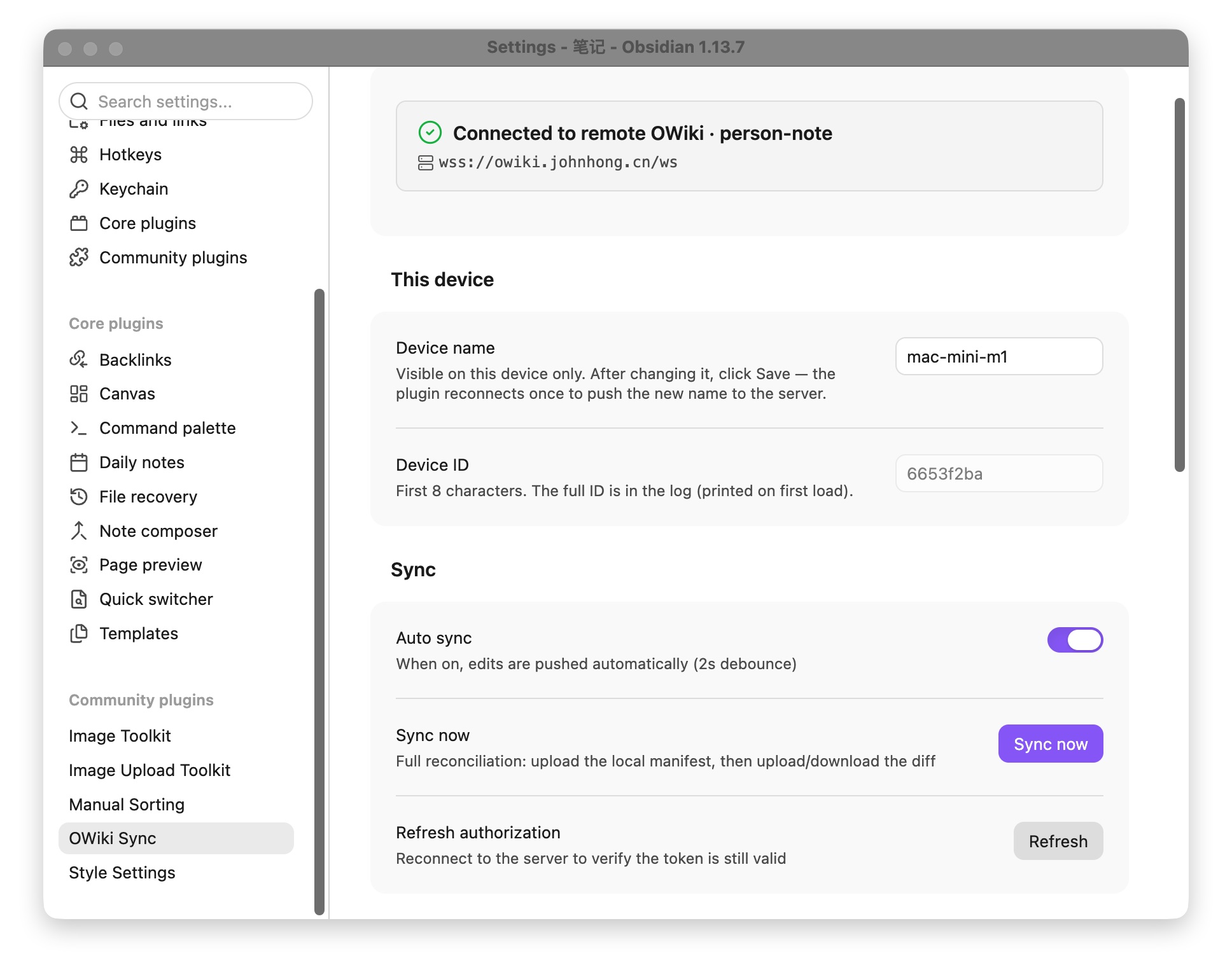
The status bar shows connection state and sync progress in real time; the settings page lists authorized devices and the sync log.
📖 More
- OWiki server — deployment docs, web console, open AI API
- Website — how sync works and a feature overview
🤝 Contributing
pnpm install
pnpm build       # production build (minified)
pnpm typecheck   # type checking
For deploying to a local vault, see TESTING.md (in Chinese).
📄 License
For plugin developers
Search results and similarity scores are powered by semantic analysis of your plugin's README. If your plugin isn't appearing for searches you'd expect, try updating your README to clearly describe your plugin's purpose, features, and use cases.