AICHE Voice
pendingby AICHE
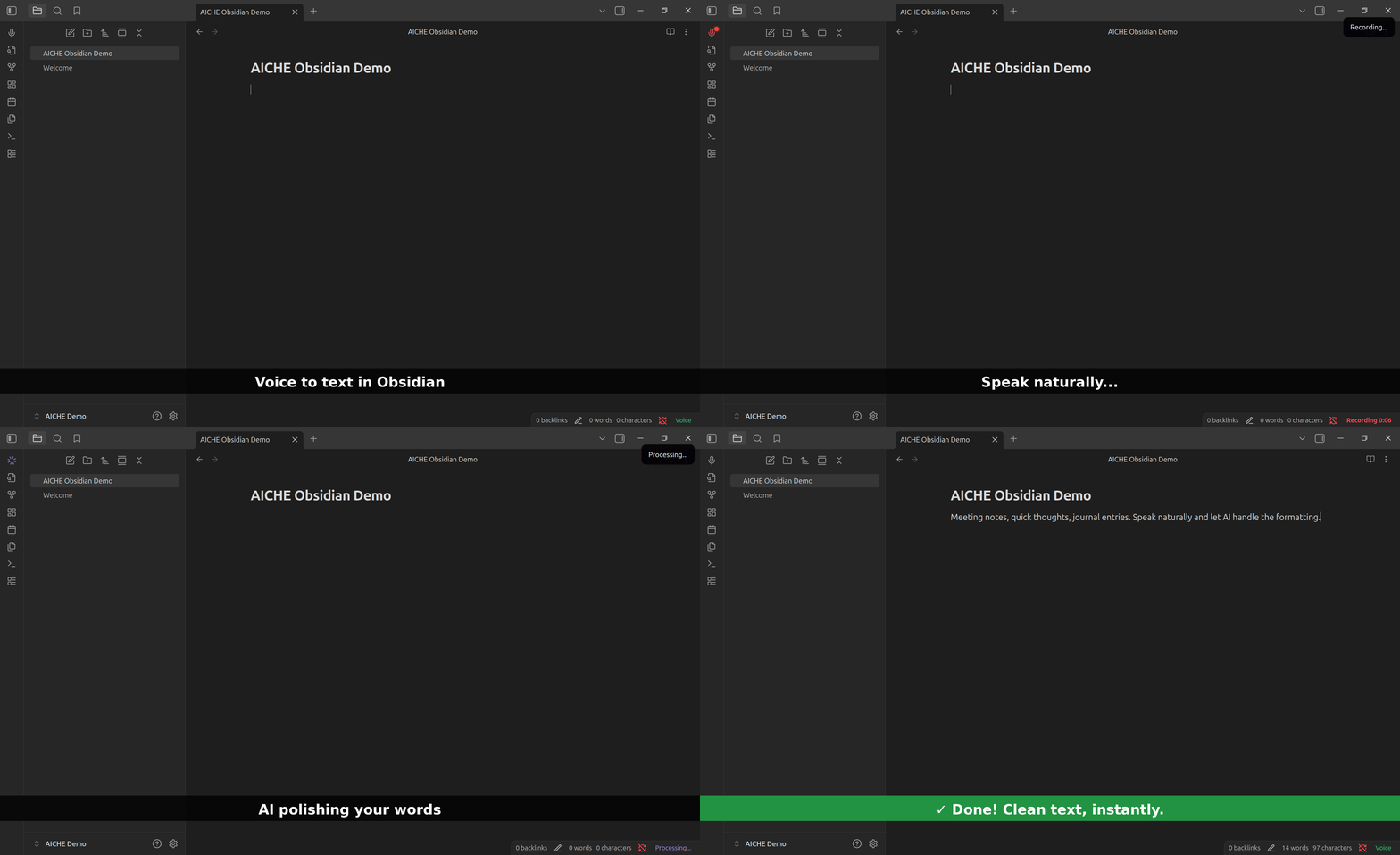
Voice-to-text transcription powered by AI. Click to record, speak naturally, get polished text in seconds.
AICHE Voice for Obsidian
Speak into your notes. Polished text in seconds.
Part of AICHE - one subscription, voice-to-text everywhere: desktop apps, Obsidian, mobile, browser.
What It Does
Press record, speak naturally, get clean text with grammar and punctuation handled. Not raw transcription - readable sentences.
Install
Community Plugins
- Settings → Community Plugins → Browse
- Search "AICHE Voice"
- Install → Enable
Manual
- Download latest release
- Extract to
.obsidian/plugins/aiche-voice/ - Enable in Community Plugins
Setup
- Settings → AICHE Voice → Sign In
- Authenticate in browser
- Start recording
Usage
| Method | Action |
|---|---|
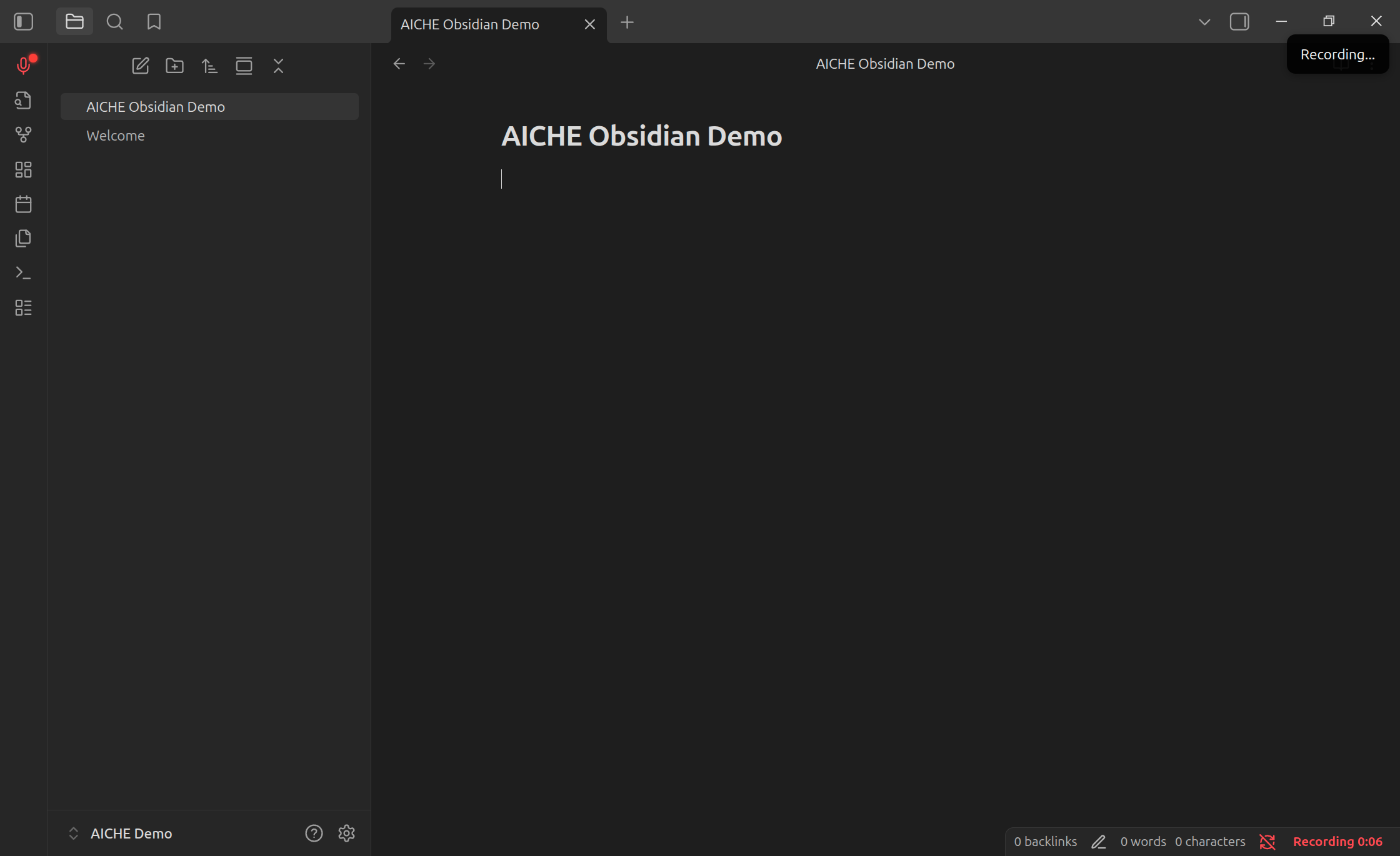
| Ribbon | Click microphone icon |
| Hotkey | Settings → Hotkeys → search "AICHE" |
| Command | Ctrl/Cmd + P → "Toggle Recording" |
| Status Bar | Click indicator, right-click for menu |
Settings
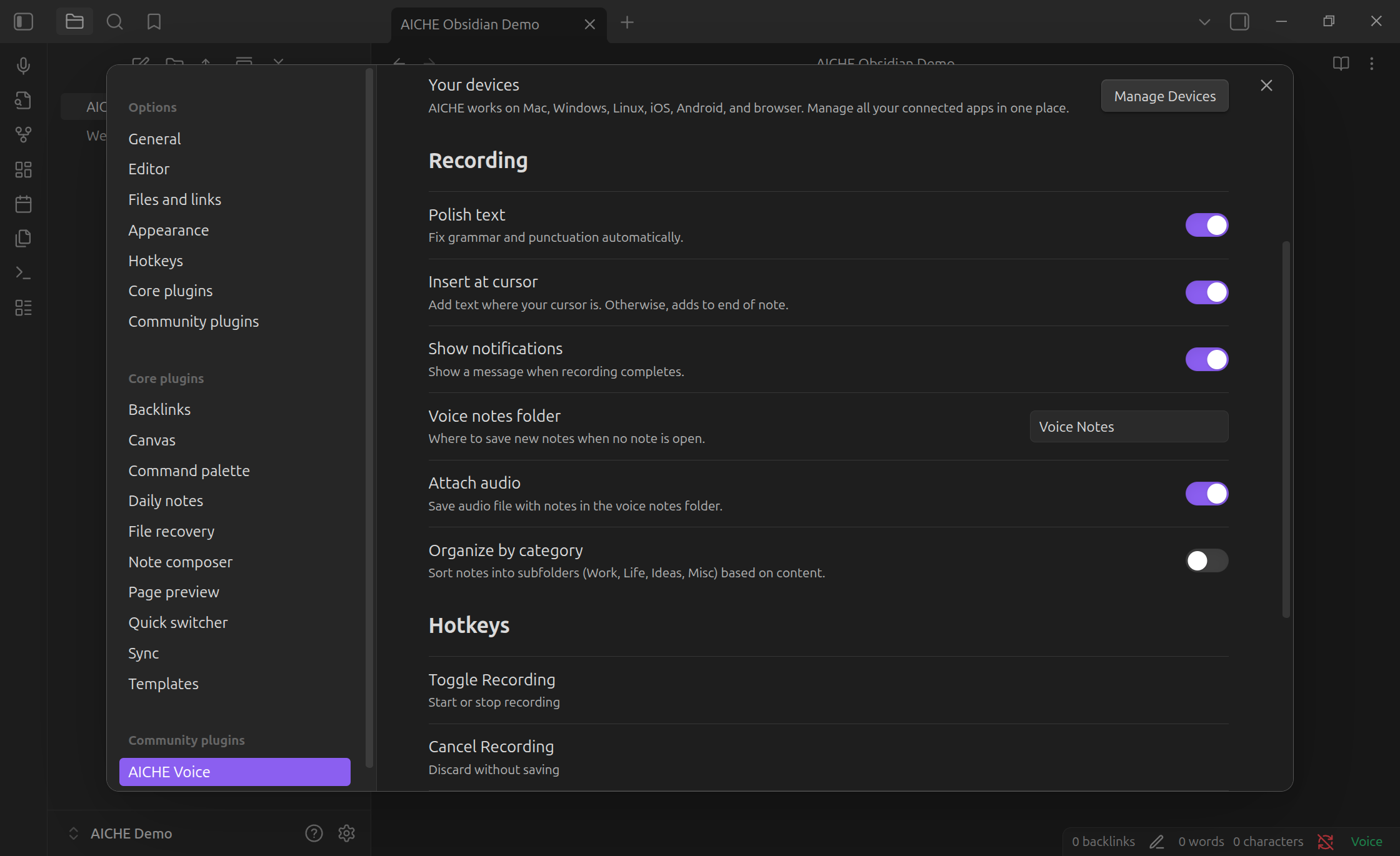
| Option | Description |
|---|---|
| Polish text | Grammar and punctuation cleanup |
| Insert at cursor | Text at cursor vs end of note |
| Notifications | Show completion notices |
| Voice notes folder | Auto-created notes location |
| Attach audio | Embed audio with voice notes |
| Category folders | Organize into Work/Life/Ideas/Misc |
Privacy
Audio sent to AICHE servers, deleted immediately after transcription. Zero retention.
- Audio: processed and purged (not stored)
- Text: stored with your account
- Offline: encrypted locally (AES-GCM), deleted after upload
Pricing
One AICHE subscription works everywhere - desktop, Obsidian, mobile, browser.
7-day free trial. Plans start at $4.99/month.
Support
License
MIT
For plugin developers
Search results and similarity scores are powered by semantic analysis of your plugin's README. If your plugin isn't appearing for searches you'd expect, try updating your README to clearly describe your plugin's purpose, features, and use cases.