Language Recall
pendingby Chas Kane
Forked from Better Recall
Add anki-like spaced repetition and recall to your vault with built-in language translation.
Language Recall (Obsidian Plugin)
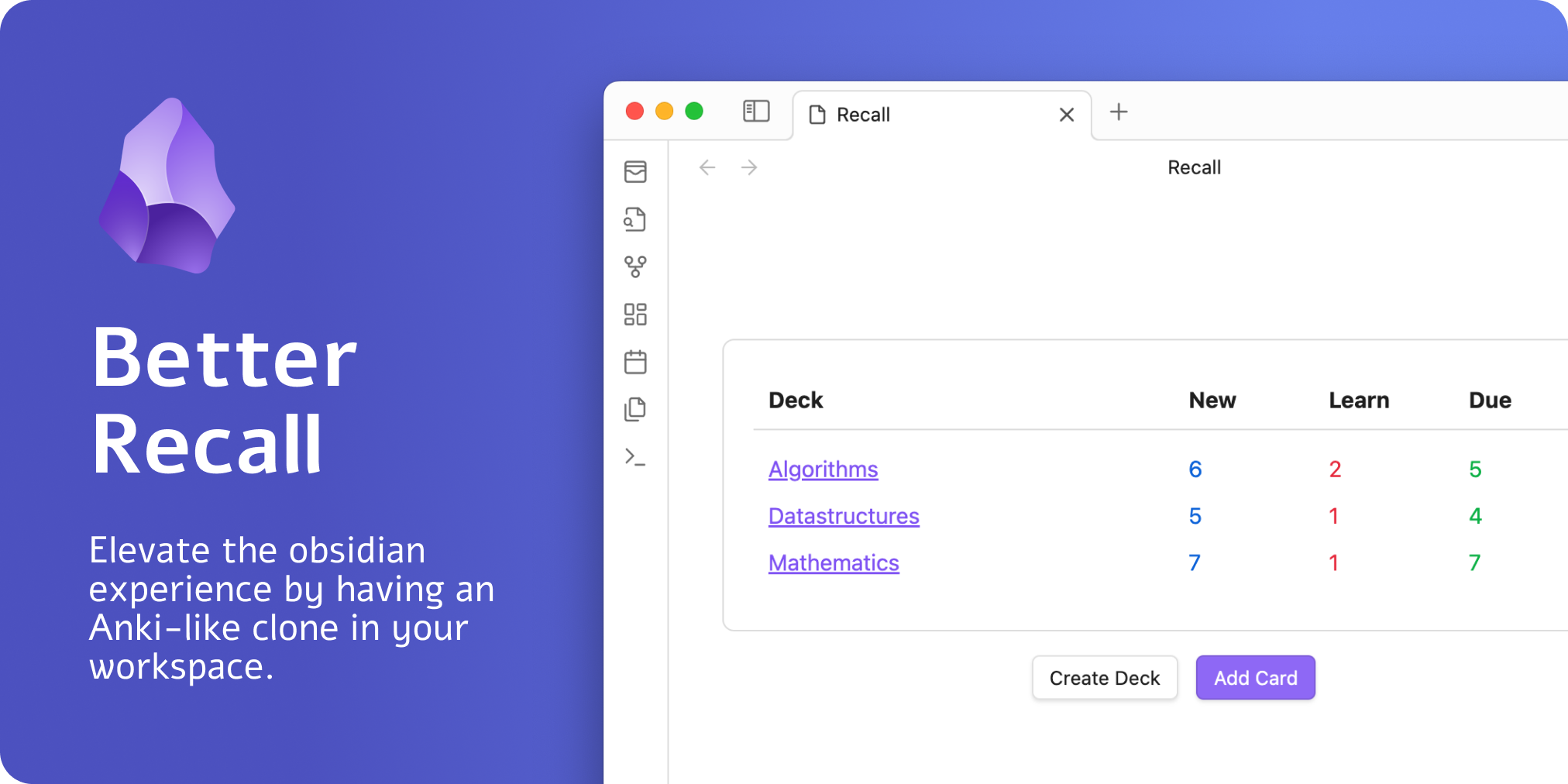
This plugin was forked from Obsidian Better Recall and extended for language learning workflows, including built-in translation while creating and editing cards.
What is it?
Language Recall gives you a simplified Anki-like spaced repetition workflow directly inside Obsidian. You can create decks, add/edit/delete cards, review due cards, and translate card content while authoring.
The plugin currently uses:
Features
- Deck management
- Create decks with optional descriptions
- Edit deck name/description
- Delete decks
- Store deck files in a configurable vault folder (
Language Recallby default)
- Card management
- Add, edit, and delete basic cards
- Move a card to a different deck while editing
- Persist your last selected deck in the card editor
- Review session
- Review cards with
Again / Hard / Good / Easy - See estimated next-review time before answering
- Edit the current card mid-review, then resume
- Render card content as Markdown (including Obsidian internal links)
- Review cards with
- Built-in translation
- Translate front -> back in the card editor with no API key
- Select source/target language and swap them quickly
- Supports common language pairs (English, Spanish, French, German, Italian, Portuguese, Japanese, Chinese, and more)
- Language choices are persisted between sessions
- Navigation and commands
- Ribbon icon to open decks
- Commands:
Language Recall: Open decksLanguage Recall: Add card
- Back navigation works from UI buttons and
Esc(including Android hardware-back behavior mapped to Escape in WebView)
- Settings
- Review interval multiplier (
0.25to4.0) - Decks folder rename/migration (moves existing deck files)
- Review interval multiplier (
How to use it
Quick start:
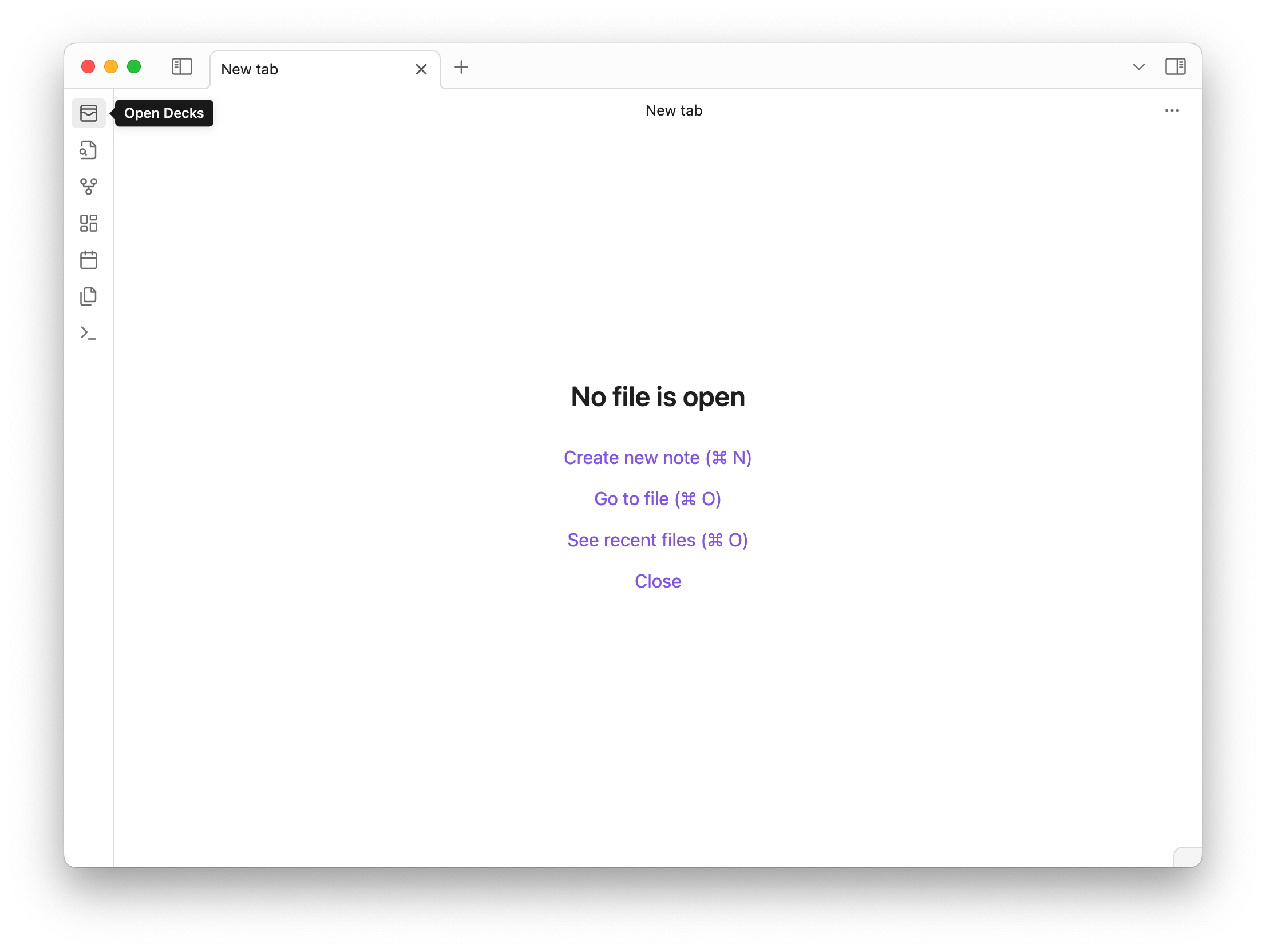
- Open decks using the ribbon icon:
-
Or run the command
Language Recall: Open decks. -
Create a deck.
-
Add cards from the deck list, deck card, or
Language Recall: Add card. -
Start reviewing from a deck's
Reviewbutton.
Reviewing cards
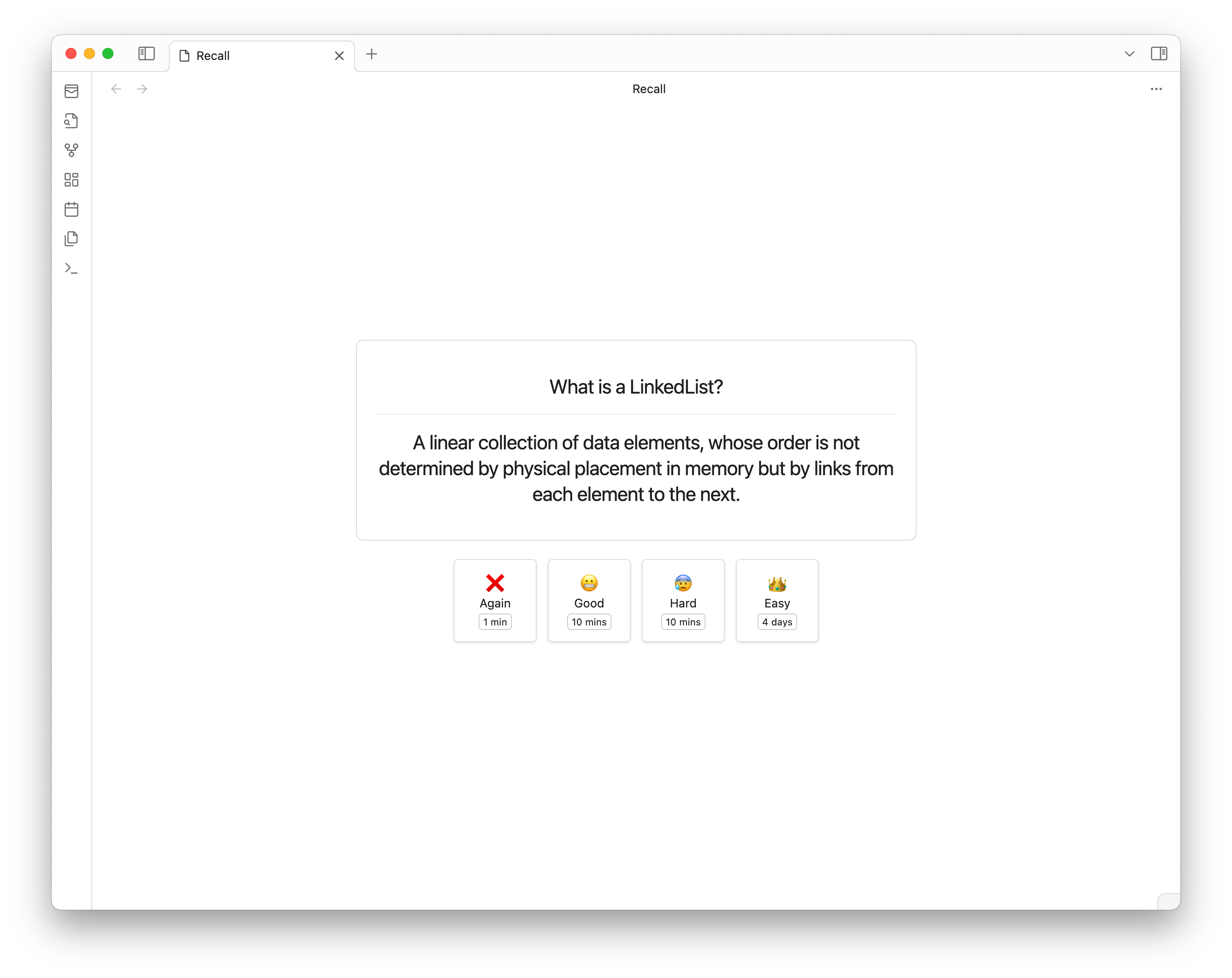
Click Review on a deck to start a session. During review:
- Press
Spaceto reveal answer - Press
1,2,3,4forAgain,Hard,Good,Easy - Use the visible next-review estimates to choose an answer
- Use the edit button to modify the current card and continue
Review timing is adjusted by the configured interval multiplier in plugin settings.
Data storage notes
- Each deck is stored as its own
.mdfile in the configured decks folder. - Deck files use frontmatter plus serialized card rows.
- The plugin handles deck filenames and migrations automatically when folder settings change.
- Avoid manually moving/renaming individual deck files.
Development
Clone and install dependencies:
$ git clone https://github.com/ChasKane/language-recall.git
$ cd language-recall
$ pnpm install
Create an env.mjs file in the project root:
export const obsidianExportPath =
  '<path-to-obsidian-vault>/.obsidian/plugins/language-recall';
Start the dev build/watch:
$ pnpm dev
This builds the plugin and watches for changes. It also copies plugin assets to the configured plugin directory.
Useful scripts:
$ pnpm lint
$ pnpm test
$ pnpm build
For plugin developers
Search results and similarity scores are powered by semantic analysis of your plugin's README. If your plugin isn't appearing for searches you'd expect, try updating your README to clearly describe your plugin's purpose, features, and use cases.