Frontmatter Image
pendingby Ezra Marks
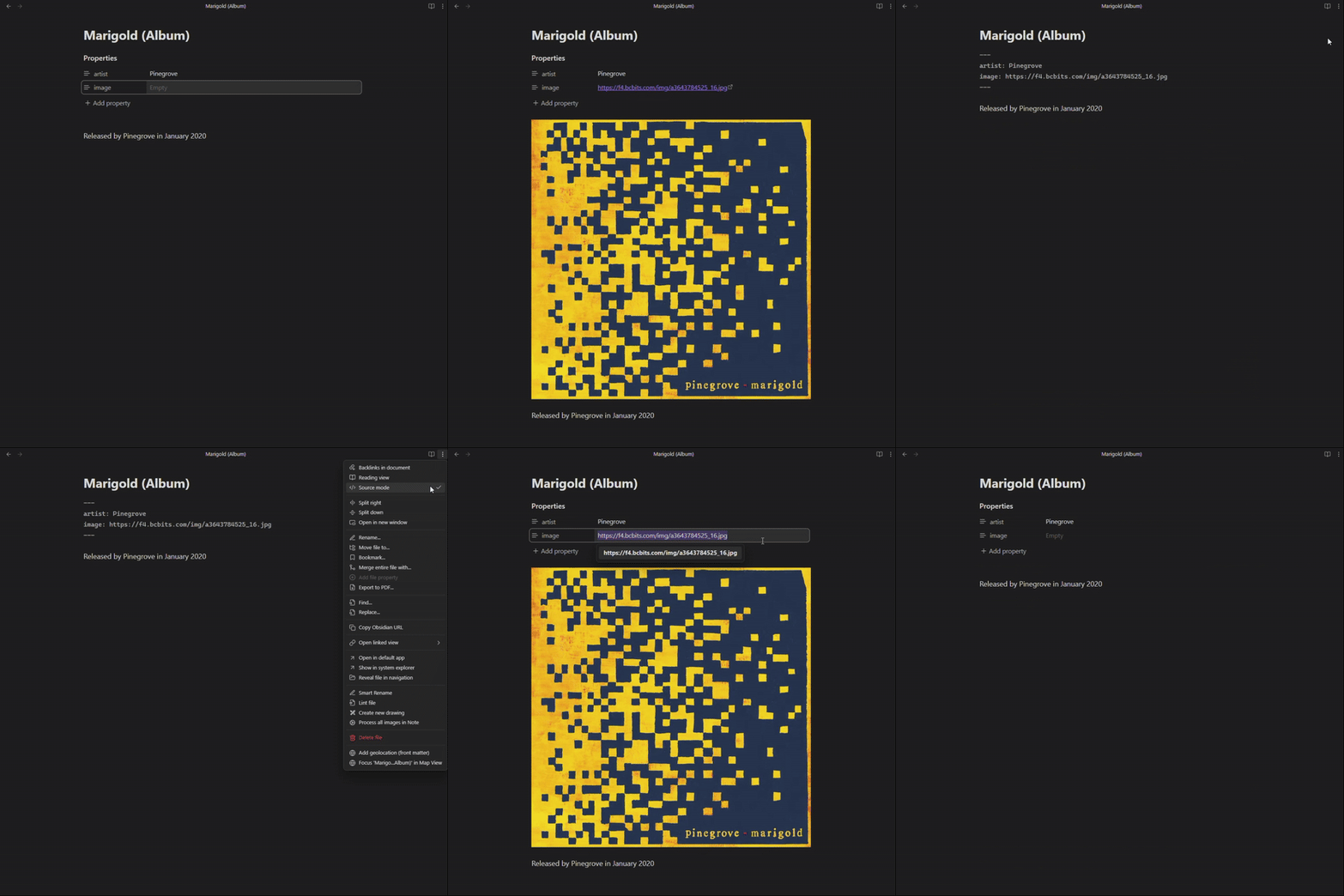
Automatically displays images using URLs stored in your frontmatter, with no manual image embedding required.
Frontmatter Image Plugin for Obsidian
Automatically displays images using URLs stored in your frontmatter, with no manual image embedding required.
Demo
Features
- Automatically renders images from URLs in your frontmatter
- Supports configurable frontmatter keys
- Works in both Live Preview and Reading modes
Usage
-
Add an image URL to your frontmatter:
--- url: https://example.com/your-image.jpg --- -
The image will automatically appear below your frontmatter section.
Configuration
In the plugin settings, enter the frontmatter keys you want to use for image URLs (one per line). The plugin will check each key in order and display the first image it finds.
Installation
Install from the Obsidian Community Plugins browser by searching for "Frontmatter Image".
License

This project is licensed under the MIT License - see the LICENSE file for details.
Support
Please report any issues or feature requests on the GitHub repository.
Thanks for using the Frontmatter Image plugin for Obsidian!
For plugin developers
Search results and similarity scores are powered by semantic analysis of your plugin's README. If your plugin isn't appearing for searches you'd expect, try updating your README to clearly describe your plugin's purpose, features, and use cases.