Typing Cat
pendingby Egor Ilin
A cozy typing cat that keeps you company and tracks your typing speed.
Typing Cat
A cozy typing cat for Obsidian that keeps you company and tracks your typing speed.
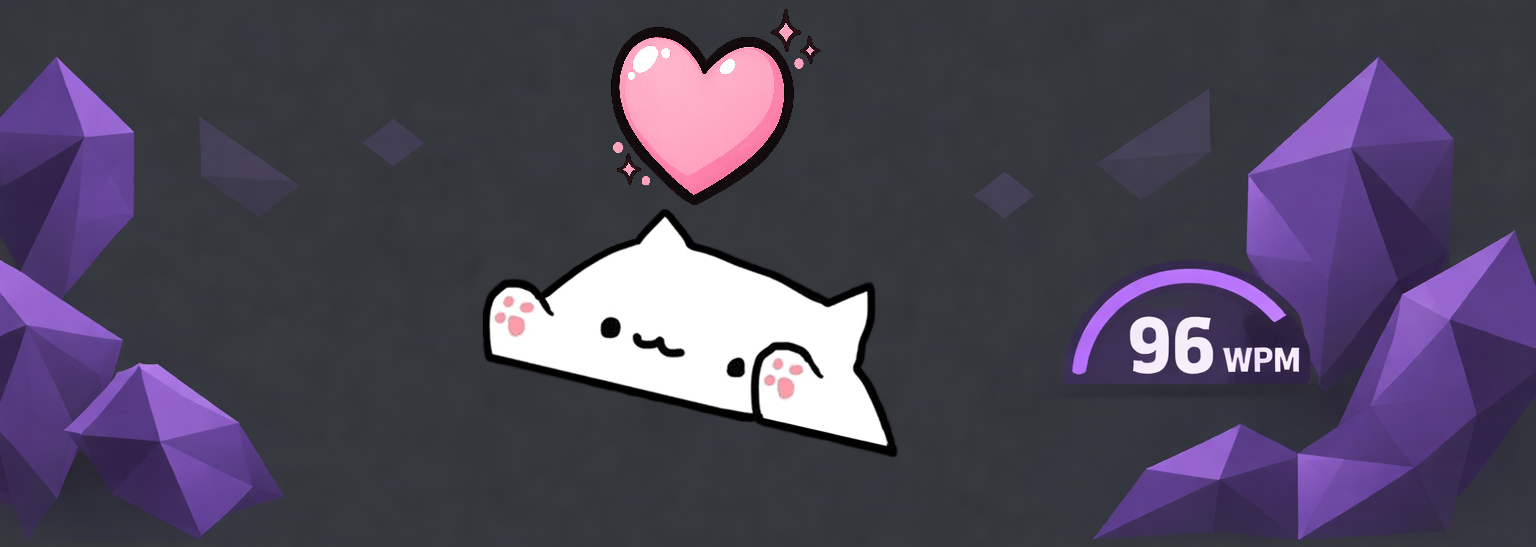
Features
- Cozy Companion: A cute cat overlay that types along with you in real-time.
- Speed Tracking: Monitors your typing speed with support for WPM (Words Per Minute), CPM (Characters Per Minute), and CPS (Characters Per Second).
- Visual Feedback: The cat "sweats" during intense typing sessions and shows a heart when clicked.
- Highly Customizable:
- Adjust position (left and bottom percentages)
- Change size and opacity
- Mirror the cat's orientation
- Toggle speed display and choose your preferred metric
- Desktop Ready: Designed to sit comfortably on your screen without interfering with your workflow.
Manual Installation
- Download
main.js,manifest.json, andstyles.cssfrom the latest release. - Create a folder named
typing-catin your vault's plugins directory:<Vault>/.obsidian/plugins/typing-cat/. - Copy the downloaded files into that folder.
- Reload Obsidian and enable Typing Cat in Settings → Community plugins.
Usage
Once enabled, the Typing Cat will appear as an overlay on your Obsidian window.
- Typing: As you type in any editor, the cat will move its paws to match your rhythm.
- Speedometer: If enabled, your current typing speed will be displayed below the cat.
- Interacting: If the "Clickable" setting is enabled, click on the cat to see a heart animation!
- Settings: Go to the plugin settings to customize the cat's appearance and behavior.
Development
npm install
npm run dev
Credits
Created by Egor Ilin.
For plugin developers
Search results and similarity scores are powered by semantic analysis of your plugin's README. If your plugin isn't appearing for searches you'd expect, try updating your README to clearly describe your plugin's purpose, features, and use cases.