Creation Ledger
pendingby Chris Adams
A creation activity ledger for tracking progress and resuming work-in-motion in long running creative projects.
Creation Ledger
Creation Ledger is a simple way to capture what you're working on, track progress, and quickly remember where to pick things up again — using plain Obsidian notes.
Who It's For
Creation Ledger is designed for people who:
- Work on multiple ideas or projects
- Frequently stop and restart work
- Want lightweight structure without turning notes into a rigid task system
Installation
Method A: Install from Obsidian Community Plugins
- Open Obsidian Settings
- Go to Community Plugins
- Search for "Creation Ledger"
- Install and enable
Method B: Install from GitHub ZIP (Manual Install)
- Download the plugin ZIP from GitHub: https://github.com/torusheadstudios/obsidian-creation-ledger
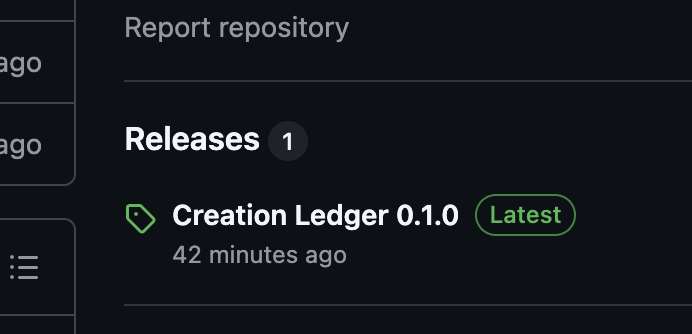
Download the .ZIP
-
Unzip the folder.
-
Rename the folder to:
creation-ledger -
Move the folder into:
<your-vault>/.obsidian/plugins/ -
Restart Obsidian
-
Enable "Creation Ledger" in Community Plugins.
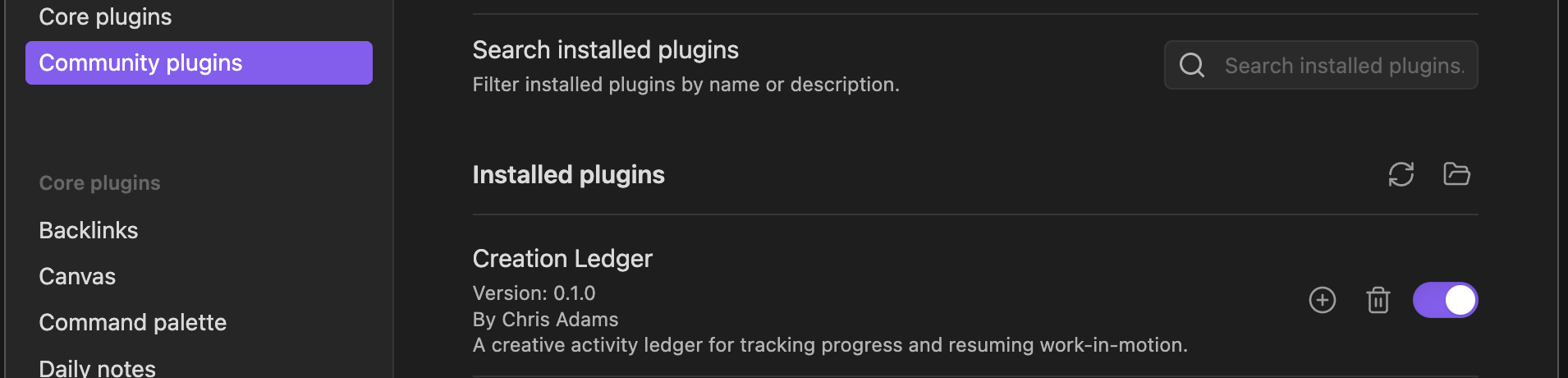
Enable Creation Ledger
Quick Start
-
Open the Command Palette (Cmd/Ctrl + P) and run "Creation Ledger: Capture Activity"
-
Fill in the form with a title and status (project and tags are optional)
-
Click Create — your note is saved automatically in the
CreationLedger/folder
That's it! Your activities are now being tracked as regular Markdown notes in your vault.
Optional: Install Dataview to use dashboards and the Kanban board. Activity capture works without it.
Documentation
- Index — Detailed installation and setup
- Getting Started — Detailed installation and setup
- Dashboards — Overview views of your work
- Kanban Board — Visual status board
- Registries — Customize dropdown options
- Troubleshooting — Common issues and solutions
Important to Know
- All files are normal Markdown
- You can move, rename, or delete anything
- You can stop using the plugin at any time
- Your notes remain usable forever
For plugin developers
Search results and similarity scores are powered by semantic analysis of your plugin's README. If your plugin isn't appearing for searches you'd expect, try updating your README to clearly describe your plugin's purpose, features, and use cases.