Spreadsheets
approvedby divamgupta
Create and edit advanced spreadsheets. Rich formatting, formulas, cells, filtering and more!
Obsidian Spreadsheets Plugin
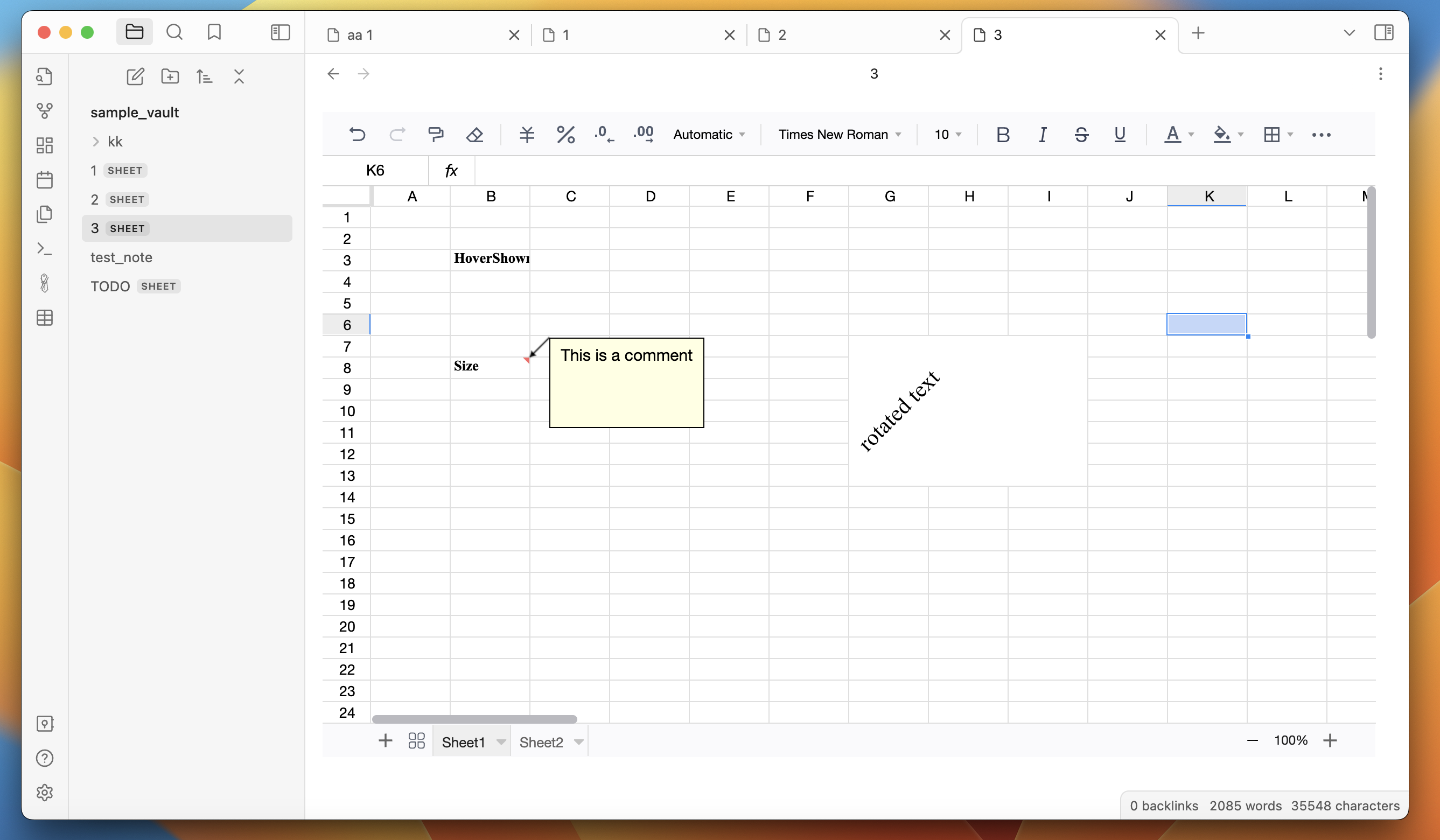
This plugin gives you all the features of a standard spreadsheet tool in Obsidian. You can build powerful spreadsheets within Obsidian.
This plugin is based on FortuneSheet, which is based on Luckysheet.
Features:
-
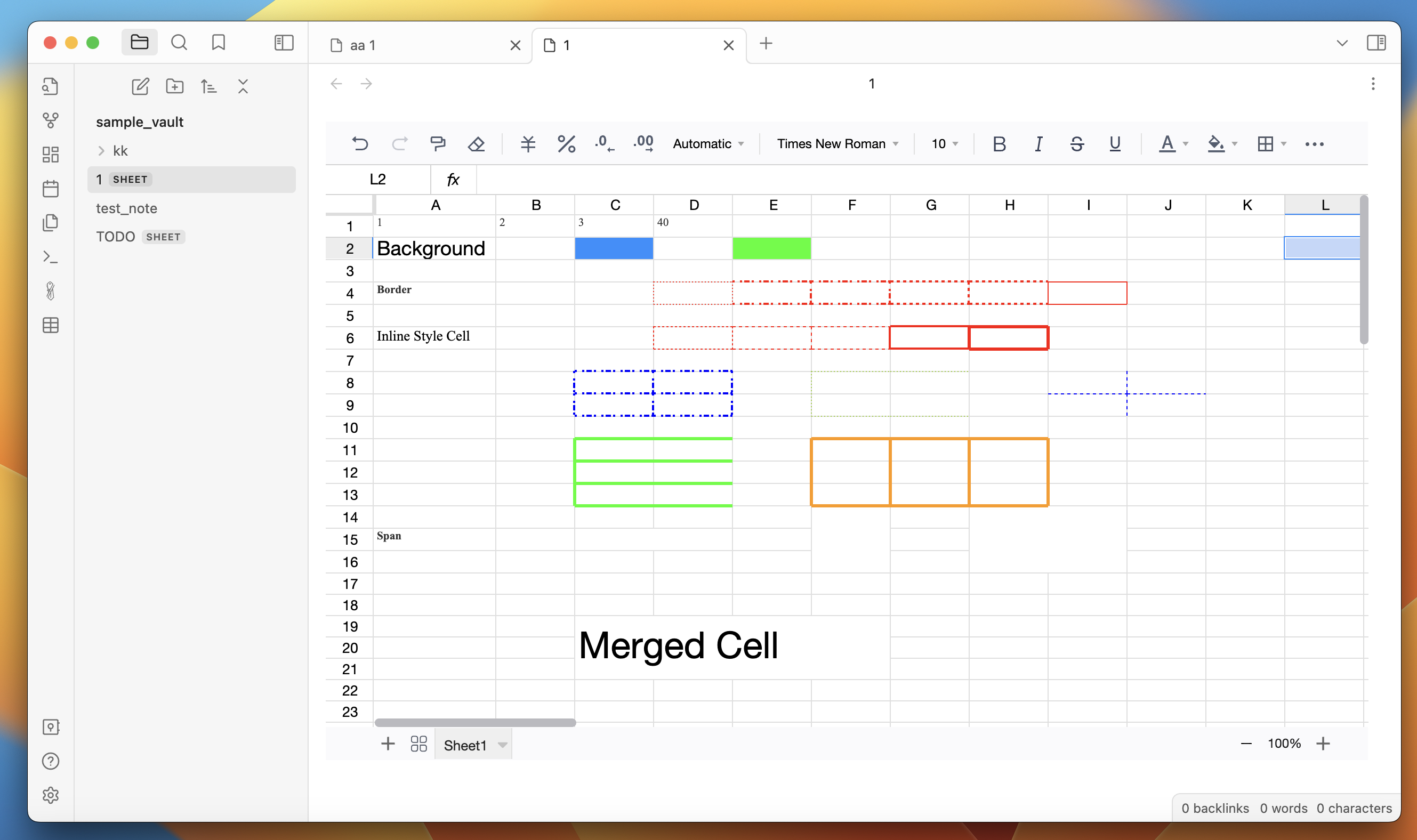
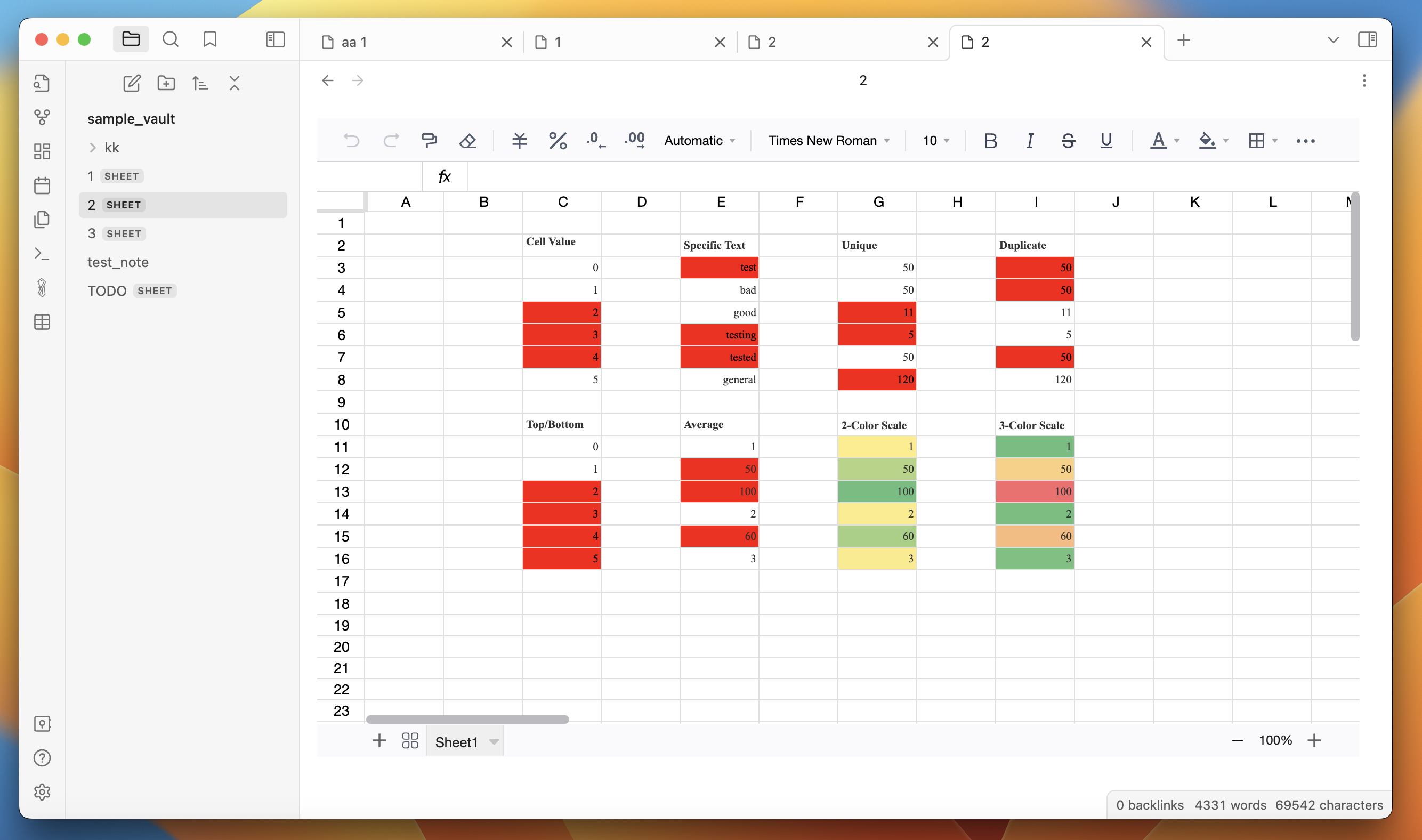
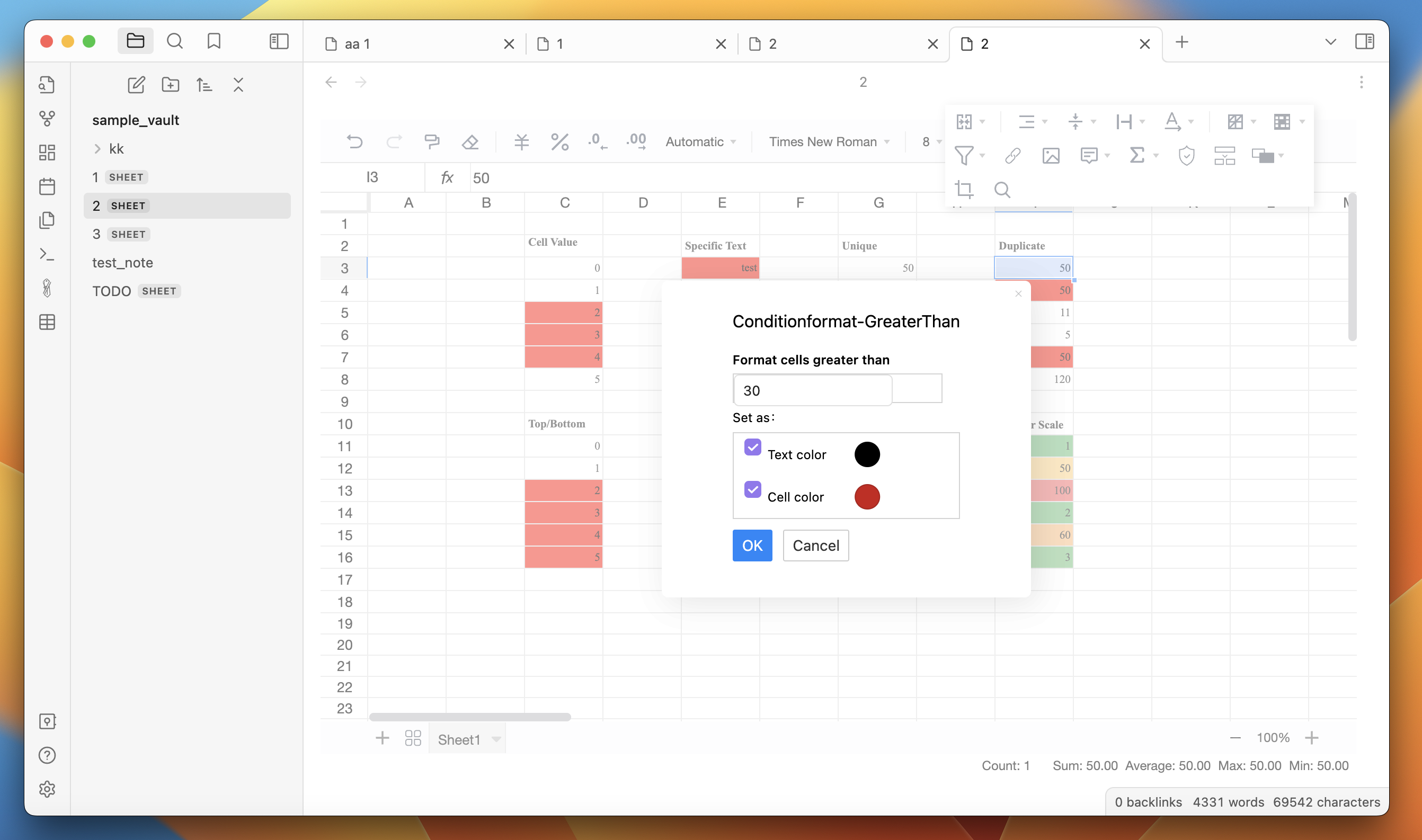
Rich text formatting - change fonts, size, colors, borders, cell color, line-wrapping, etc.
-
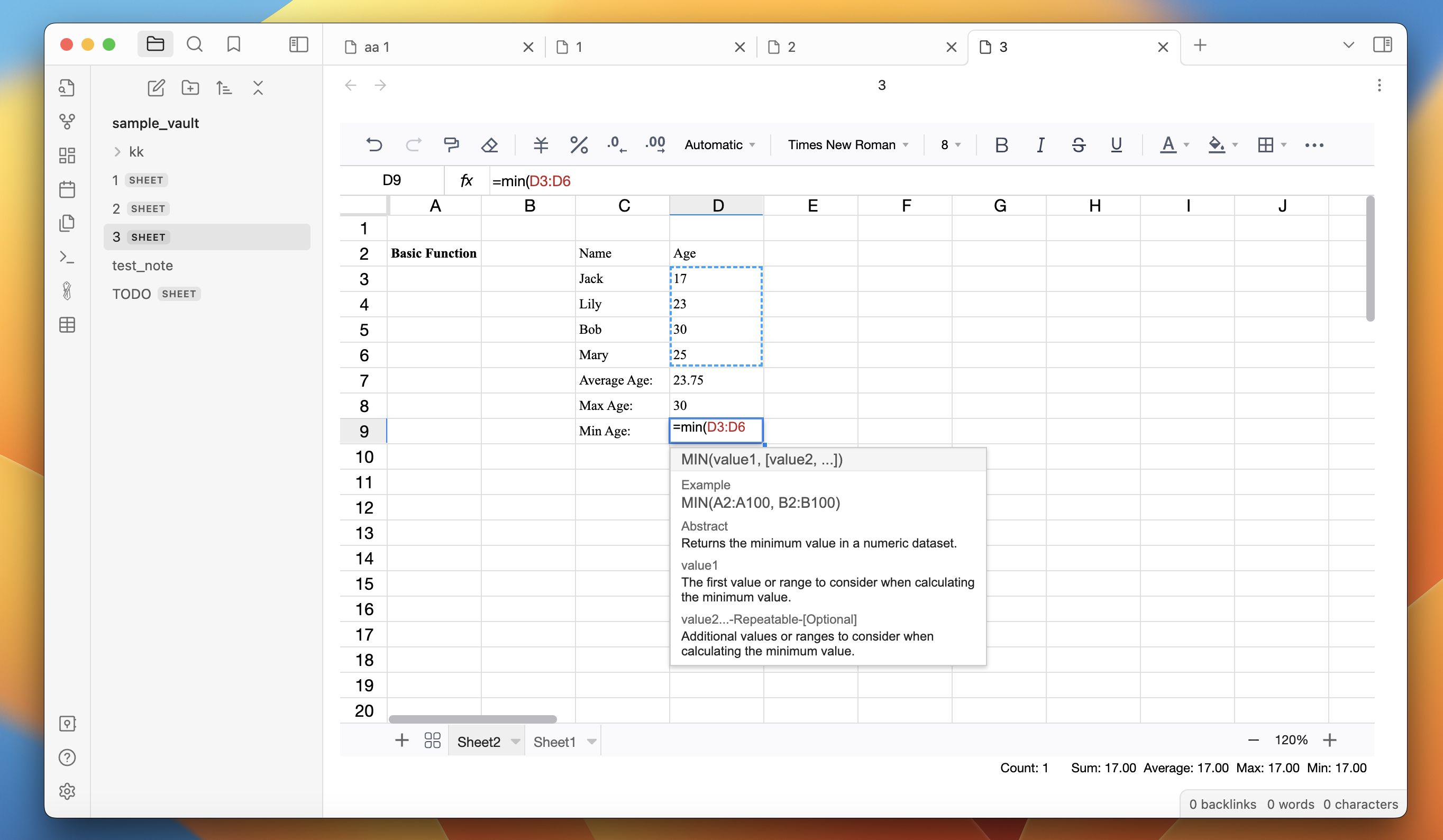
Formulas - several build in formulas
-
Filter and sort
-
Cells - merge cells, resize cells, drag cells
How to use:
-
Install the plugin.
-
Create a new spreadsheet by clicking on the "New Spreadsheet" ribbon button. Or right-click on a folder in the left sidebar and click on "New spreadsheet".
-
Start creating spreadsheets.
Screenshots:
For plugin developers
Search results and similarity scores are powered by semantic analysis of your plugin's README. If your plugin isn't appearing for searches you'd expect, try updating your README to clearly describe your plugin's purpose, features, and use cases.