by chengmiaofan
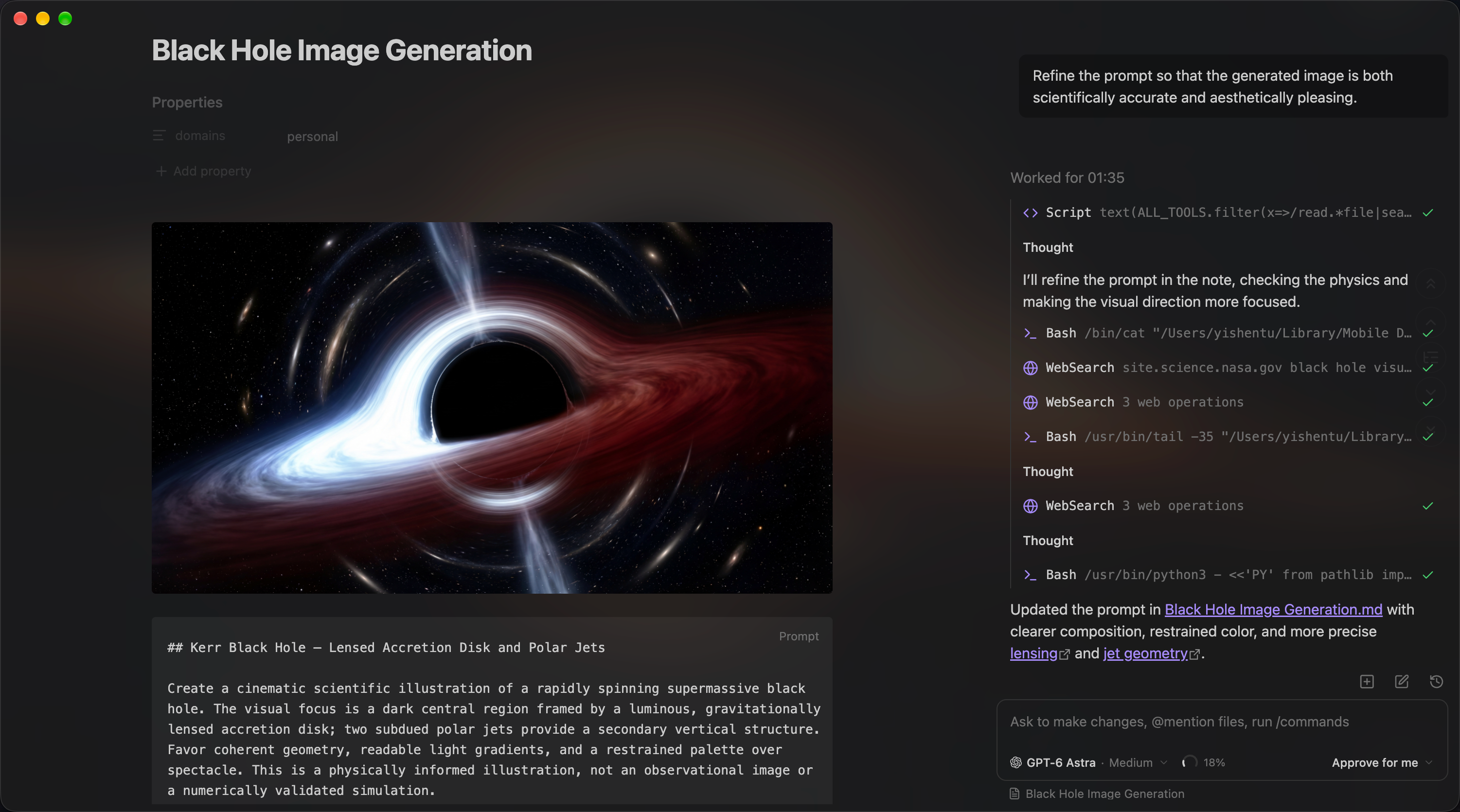
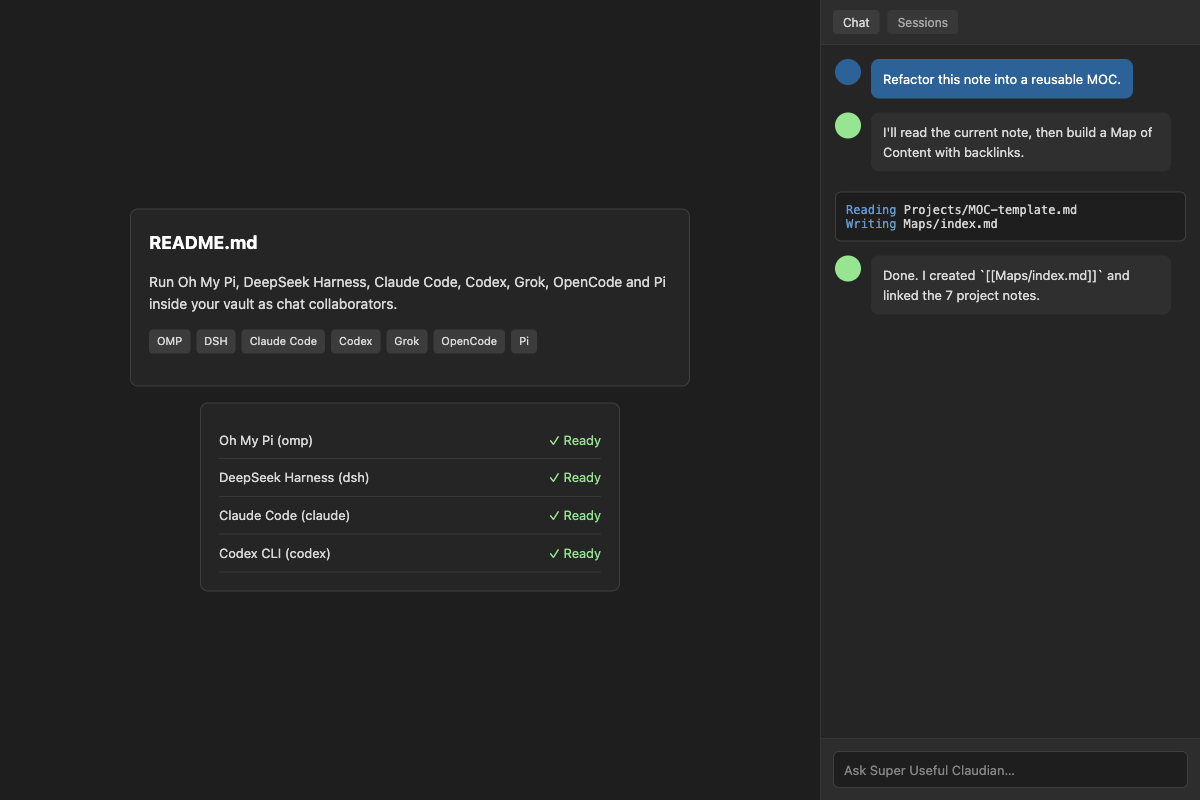
Run Oh My Pi, DeepSeek Harness, Claude Code, Codex, Grok, OpenCode and Pi inside your vault as chat collaborators. A fork of Claudian with provider readiness checks, a capability matrix and a token usage meter.
Super Useful Claudian
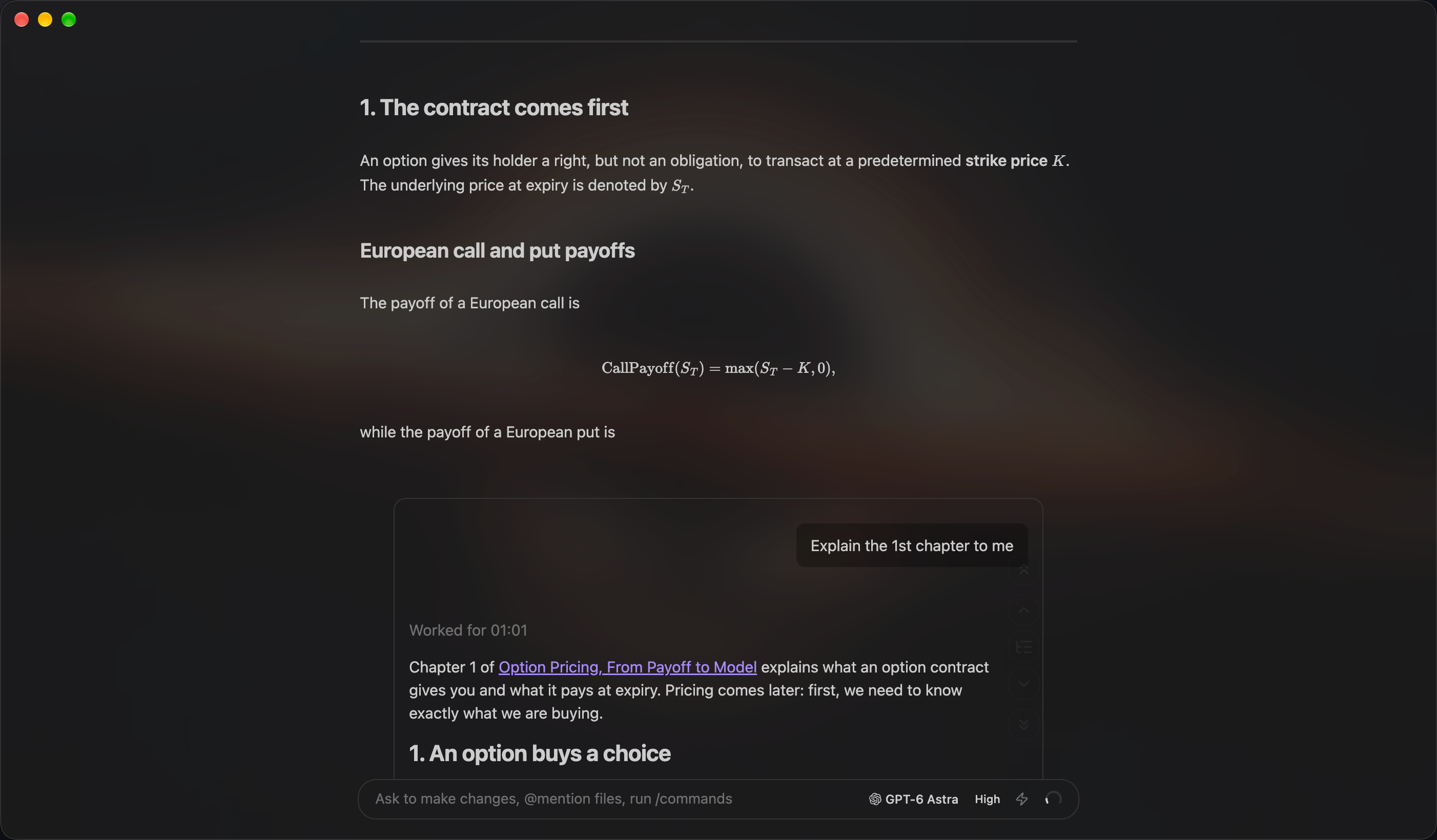
Run Oh My Pi, DeepSeek Harness, Claude Code, Codex, Grok, OpenCode and Pi inside your vault as chat collaborators, with provider readiness checks, a capability matrix and a token usage meter.
An independent fork of Claudian by Yishen Tu. It keeps everything Claudian already does — chat tabs, inline editing, session manager, Zen mode, dual pane, side chat, agent skills, turn steering, subagent history — and adds extra agent harnesses plus a few enhancements borrowed from oh-my-claudian by Lee.
Both upstream projects are MIT licensed; see NOTICE.md and LICENSE.
Requirements
- Obsidian v1.13.0+
- Desktop only (macOS, Linux, Windows)
- At least one agent CLI installed locally, plus whatever subscription or API access that CLI needs
Supported providers
Each provider is a locally installed agent CLI. The plugin drives it as a subprocess; nothing is bundled and nothing is downloaded for you.
| Provider | CLI | Notes |
|---|---|---|
| Claude Code | claude | @anthropic-ai/claude-code |
| Codex CLI | codex | @openai/codex |
| Grok Build | grok | speaks ACP |
| OpenCode | opencode | speaks ACP |
| Pi | pi | @earendil-works/pi-coding-agent |
| Oh My Pi (OMP) | omp | @oh-my-pi/pi-coding-agent — install with the omp.sh install script |
| DeepSeek Harness | dsh | @deepseek-ai/dsh — needs Node.js and a DeepSeek API key |
Providers can also be pointed at other model backends through their own configuration (for example running Claude Code against a non-Anthropic endpoint), which is covered by that CLI's own documentation.
What this fork adds over upstream Claudian
- Two extra agent harnesses: Oh My Pi (OMP) and DeepSeek Harness.
- Provider readiness panel at the top of every provider's settings tab: is it enabled, is the CLI installed and which version, was a model catalog discovered, is a model selected — each with a hint on what to do next. Install and update commands are shown for you to copy; the plugin never runs them.
- Provider capability matrix: which harness supports images, forking, rewind, turn steering, plan approval, instruction mode, provider commands and reasoning control, read live from the providers rather than from a table that can go stale.
- Token usage meter: per-turn consumption recorded locally and shown by day and by session, in Settings, General.
- Instruction mode (opt-in): type
#in an empty composer and a rough instruction is rewritten into a proper prompt, asking a clarifying question first when it needs one. - Inline plan approval: where a provider reports plan mode, exiting it renders a card you can approve or reject.
- Composer bash mode (opt-in): type
!to run a shell command and see its output in the transcript.
Disclosures
Required by the Obsidian developer policies, and true as of this fork:
- Network use. By default the plugin itself makes no network requests. The agent CLIs
it launches do: they talk to their own model providers (Anthropic, OpenAI, xAI, DeepSeek,
…) and to any MCP servers you configure. Which services are contacted, and with which
credentials, is determined by those CLIs and by the environment variables you set in each
provider's settings.
There is exactly one optional exception: if you turn on Check for CLI updates, the
plugin queries
https://registry.npmjs.org(public npm registry, no identifiers sent beyond the package names) to tell you when an installed CLI has a newer release. It is off by default and can be turned off again at any time. - Files outside the vault. Each agent CLI is started with your vault as its working
directory, but the CLIs may read and write outside it (their own config, credentials,
session stores and caches; OMP uses
~/.omp, Pi uses~/.pi, DeepSeek Harness uses~/.dsh). Session metadata is kept inside the vault under the plugin's own folder. - Running commands. The optional composer bash mode runs shell commands you type
yourself, in your vault, through your own shell — the same thing you could do in a
terminal. It is off by default; output is capped at 1 MiB and commands are killed
after 30 seconds. Nothing here is model-driven: it only runs what you type after
!. - What is stored locally. The plugin keeps its settings, session metadata and token
usage log inside your vault, under
.super-useful-claudian/. The usage log records, per turn, the conversation id, provider, model and token counts — never message content — and is trimmed to 90 days. Nothing is uploaded anywhere by the plugin itself. - Paid services. Some providers require a paid subscription or API key. The plugin does not sell anything and does not install or update any CLI for you.
- Desktop only.
isDesktopOnlyis true: the plugin spawns subprocesses through Node APIs and cannot work on mobile.
Installing
Not in the community directory — this is a fork, and Obsidian's developer policies require explicit permission from the original author before a fork may be listed there (https://docs.obsidian.md/community-directory/developer-policies). Until that is sorted out, install it manually or via BRAT:
- Download
main.js,manifest.jsonandstyles.cssfrom the latest release. - Put them in
YOUR_VAULT/.obsidian/plugins/super-useful-claudian/. - Enable Super Useful Claudian in Settings, Community plugins.
This fork registers its own view type and keeps its own .super-useful-claudian/ storage, so it can
sit next to upstream Claudian without either one registering the same view or
overwriting the other's settings. Install whichever you want to use.
Building
npm ci
npm run build      # produces main.js and styles.css in the repository root
Requires Node.js 24.x. npm run test:unit runs the unit suite; npm run typecheck and
npm run lint are also wired up.
Configuration
Settings live in .super-useful-claudian/ inside your vault. The plugin stores its settings file,
session metadata and cached catalogs there — separate from upstream Claudian, which uses
.claudian/, so the two can coexist on disk without corrupting each other.
Credits
- Claudian — Yishen Tu (MIT). The architecture, the provider framework, the chat UI and most provider implementations are theirs.
- oh-my-claudian — Lee (MIT). Several enhancements in this fork were ported from it, and it was the reference for the OMP and DeepSeek Harness providers.
For plugin developers
Search results and similarity scores are powered by semantic analysis of your plugin's README. If your plugin isn't appearing for searches you'd expect, try updating your README to clearly describe your plugin's purpose, features, and use cases.