Theme toggle
approvedby @gapmiss
Dark/light theme toggle via ribbon icon or command.
★ 3 stars↓ 2,122 downloadsUpdated 10mo agoMIT
Theme toggle
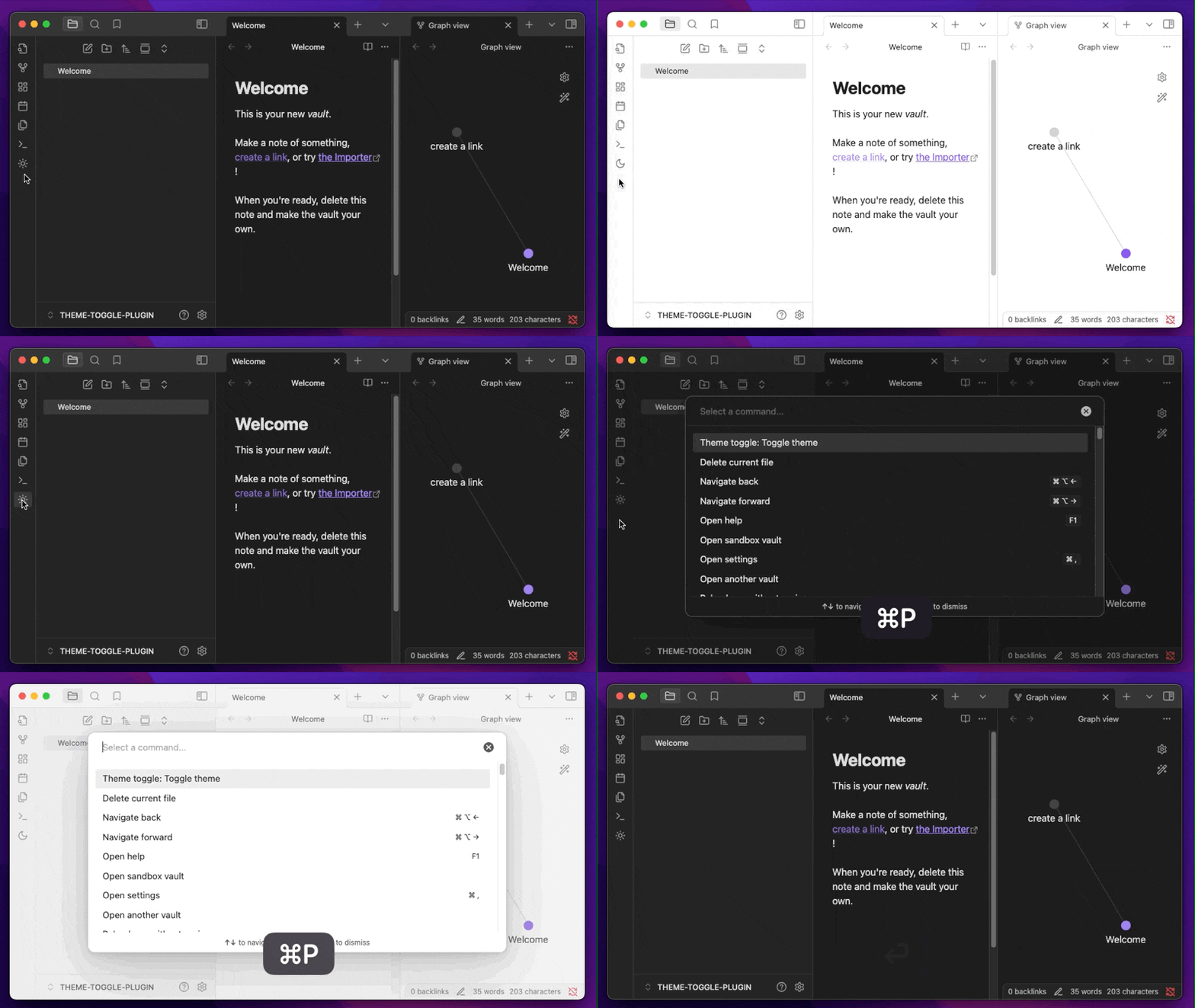
An Obsidian.md plugin which adds a ribbon icon and command for toggling between dark & light theme modes.
Installation
Find at http://obsidian.md/plugins/
or in the Obsidian.app:
- Settings > Community Plugins > Browse
- Search for "Theme toggle"
Manually:
- download
main.js&manifest.jsonfrom the latest release - create a new folder
/path/to/vault/.obsidian/plugins/theme-toggle - move both files to
/path/to/vault/.obsidian/plugins/theme-toggle - Settings > Community plugins > reload Installed plugins
- enable plugin
For plugin developers
Search results and similarity scores are powered by semantic analysis of your plugin's README. If your plugin isn't appearing for searches you'd expect, try updating your README to clearly describe your plugin's purpose, features, and use cases.