Tracker+
approvedby greater-than
Track and visualize data from your notes. Works with Tracker Markdown.
Tracker+
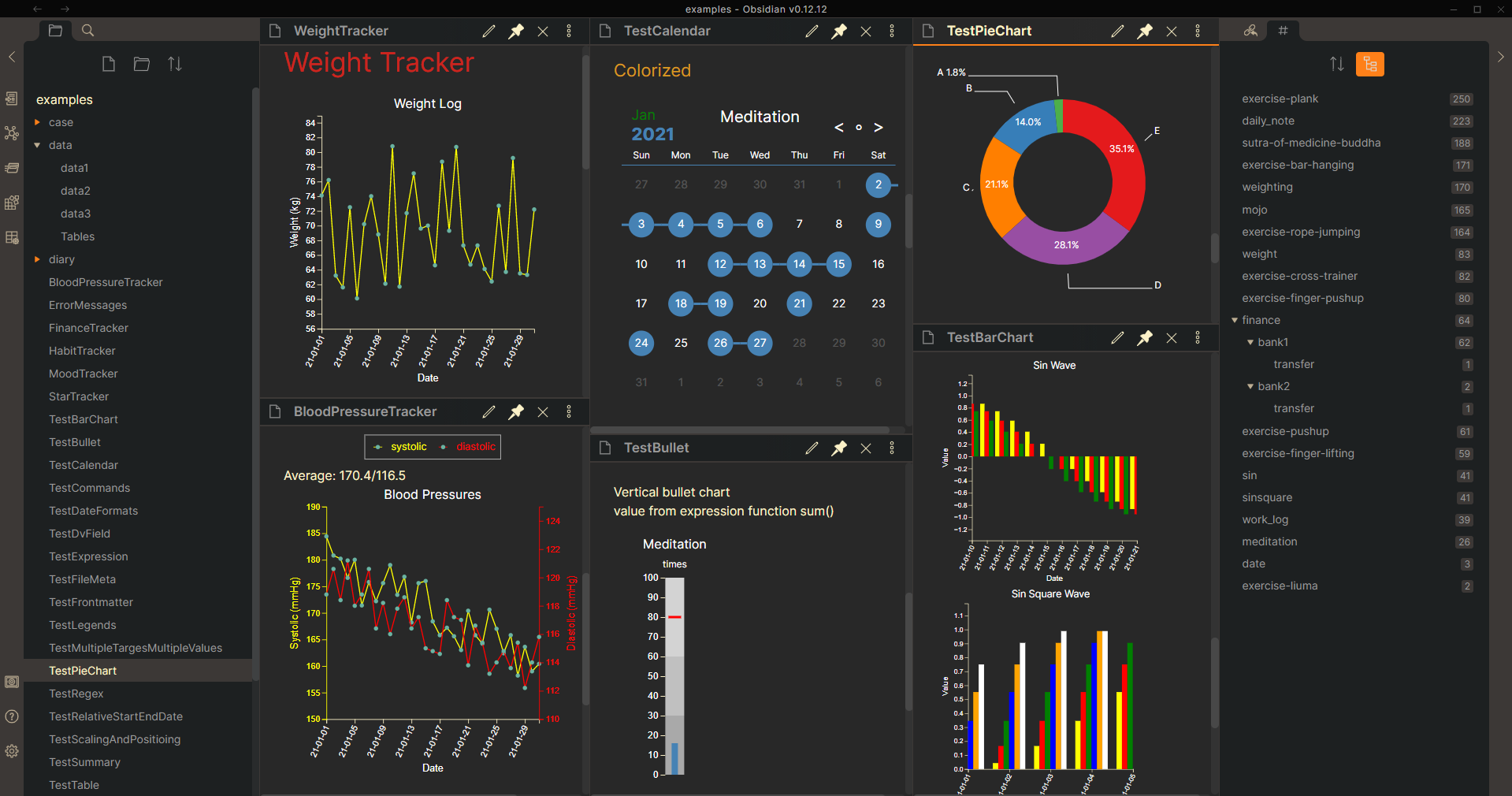
Track and visualize data in your Obsidian notes.
Are you enjoying Tracker+? Please help keep the new features coming

What's New: v2.0.0
- Organized Tracker+ [[Dashboard|Examples & Documentation]]
- Separated and renamed files to be more descriptive
- Added tags to allow for easier discovery while using the example vault in Obsidian
- Updates links to be relative
- Moved documentation to
/examples/Ξdocumentationso it is available while using the example vault in Obsidian
Usage
- Have some data you want to track in daily notes
- Add a new note for displaying the tracker
- Add tracker code blocks manually (examples) or using commands
- Switch the document view mode to 'Preview', then the code block will get rendered
Examples & Documentation
Tracker+ examples and documentation have been authored using Obsidian. Open the /sample-vault directory in Obsidian, and make sure the plugins are installed and enabled.
Additional Information
- Tracker+ is a continuation of the Tracker plugin from @pyrochlore, which at the time Tracker+ was released had not seen any updates since February, 2022
- Releases for Tracker+ start at 1.0.11. If you are looking for a prior release, you can find it in the original repo
Contributing
Contributions are welcome! Expect responses within a day (sometimes two) for any feature requests, issues, or pull requests.
Support
Thank you everyone who has downloaded the plugin, and to those who provided comments and suggestions!
- If you like this plugin and want to support future enhancements, please Buy Me a Coffee.
- Please report bugs and request features in GitHub Issues
For plugin developers
Search results and similarity scores are powered by semantic analysis of your plugin's README. If your plugin isn't appearing for searches you'd expect, try updating your README to clearly describe your plugin's purpose, features, and use cases.