DjVu Reader
unlistedby Egor
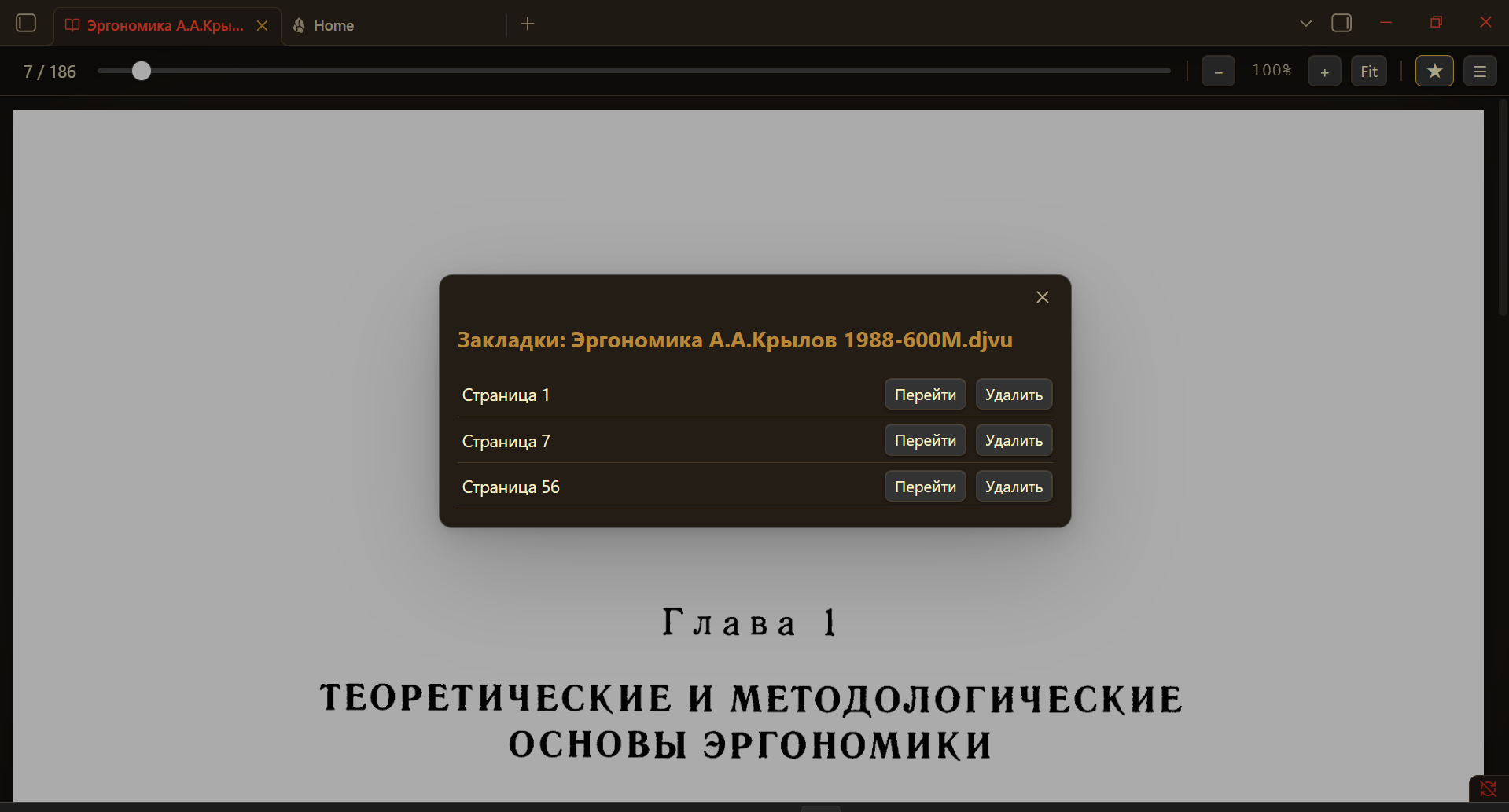
Read DjVu files inside Obsidian via a local DjVuLibre decoder. Offline, with wheel/keyboard/slider navigation and bookmarks.
Русский | English
DjVu Reader for Obsidian
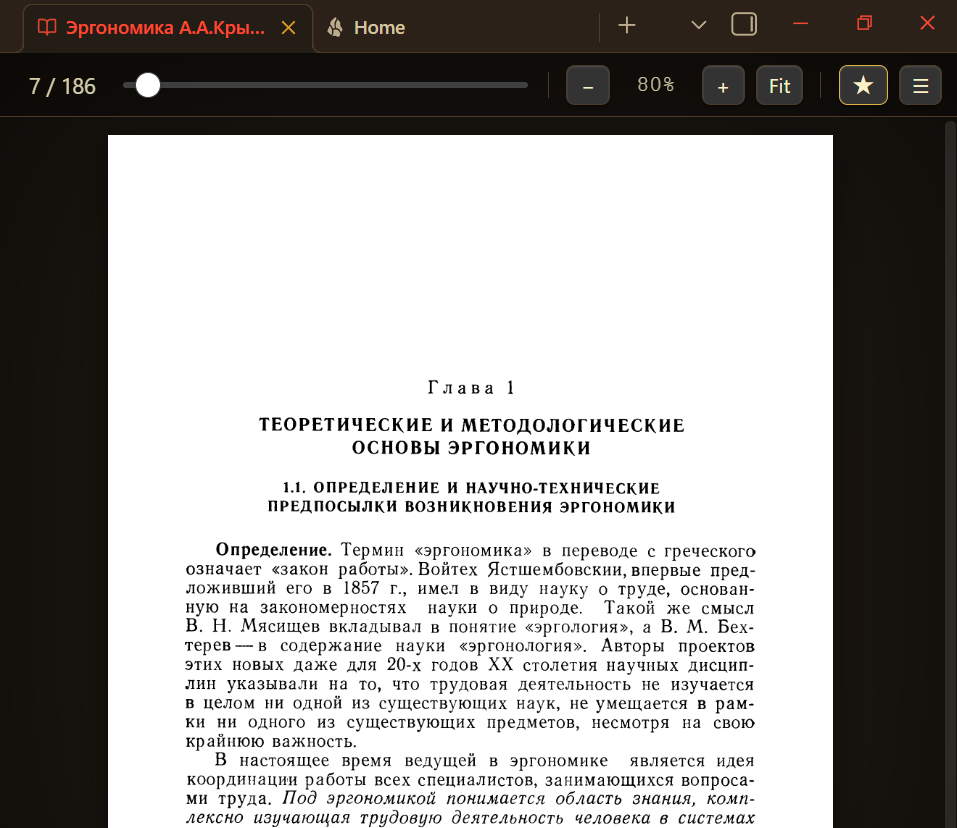
Read .djvu / .djv files directly inside Obsidian — page by page, with zoom — using a local DjVuLibre decoder. Fully offline: nothing is ever sent over the network.
Requirements
- Obsidian (desktop only — the plugin shells out to a local binary).
- DjVuLibre installed on your machine (provides
ddjvu/djvused).- Windows installer / sources: https://djvu.sourceforge.net/
- Linux:
sudo apt install djvulibre-bin(Debian/Ubuntu) or the equivalent for your distro. - macOS:
brew install djvulibre
The decoder is external and local by design. A future v2 is planned to bundle the decoder as WebAssembly so that no separate install is needed.
Installation
Via BRAT (recommended): add this repository URL in the BRAT plugin → it will install and update the plugin from GitHub releases.
Manual: copy the plugin folder into <vault>/.obsidian/plugins/djvu-reader/, then enable it in Settings → Community plugins.
After enabling, open Settings → DjVu Reader and press Detect now (or paste the DjVuLibre folder path if auto-detection fails).
Usage
- Click any
.djvufile in the file tree — it opens in the reader view. - Navigation: the mouse wheel and
↑/↓/PgUp/PgDn/Spacescroll the page and flip pages at the top/bottom edge;←/→/Home/Endjump pages directly; the slider scrubs through pages (drag to preview the number, release to jump). Click the page counter to type a page number. −/+— zoom out / in; Fit — fit to width; Ctrl/⌘ + mouse wheel over the page — smooth zoom.- Zoom level persists across pages; corrupt pages (e.g. from data-recovery tools) are shown as an inline notice while the rest of the book keeps working.
How it works
- The plugin registers a custom view for the
.djvu/.djvextensions and intercepts file opening. djvused -e nreturns the page count.ddjvu -format=ppm -page=N -size=WxHrenders one page to a raw PPM image.- A built-in, dependency-free PPM→PNG converter (pure Node
zlib) turns the raster into a PNG data-URL the browser can display. - Zoom is done in CSS over a high-resolution render, so it stays sharp at working zoom levels and responds instantly.
Limitations
- Pages are rendered as raster images — there is no selectable / searchable text layer (DjVu text layers are not extracted).
- Heavily corrupted files may fail per-page; this is a property of the file, not the plugin.
Roadmap
- v2: bundle DjVuLibre as WebAssembly → one-click install, no external binary.
- Keyboard navigation (
←/→,+/−), drag-to-pan while zoomed.
License
MIT — see LICENSE.
For plugin developers
Search results and similarity scores are powered by semantic analysis of your plugin's README. If your plugin isn't appearing for searches you'd expect, try updating your README to clearly describe your plugin's purpose, features, and use cases.