Kobo Highlights Importer
unlistedby Flavio Cordari
Import highlights from your Kobo device
Obsidian Kobo Highlights Importer
Import the highlights from your Kobo e-reader straight into your Obsidian vault.
Maintenance status: I'm not actively maintaining this plugin any more. Feel free to fork it. A more actively developed fork is OGKevin/obsidian-kobo-highlights-import.
It reads the KoboReader.sqlite database stored on the device and writes your highlights as notes. Tested with a Kobo Libra 2 and a small number of books. Desktop only.
Install
Download main.js and manifest.json from the latest release into <your vault>/.obsidian/plugins/obsidian-kobo-highlights-importer-plugin/, then enable the plugin in Settings → Community plugins.
To build from source:
npm install
npm run build
Usage
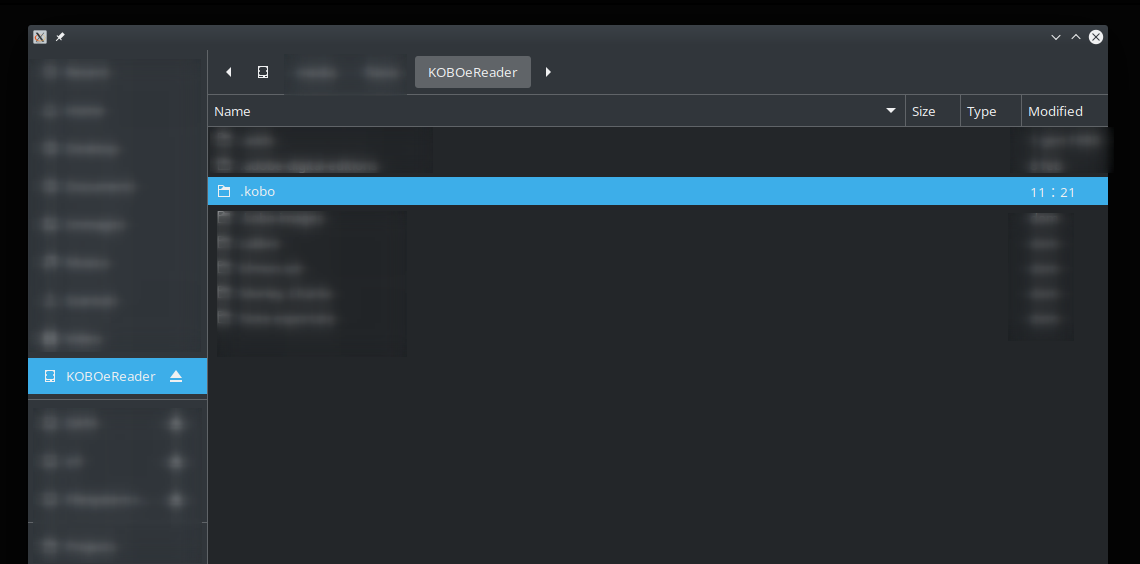
- Connect the Kobo to your computer with a USB cable and make sure it is mounted.
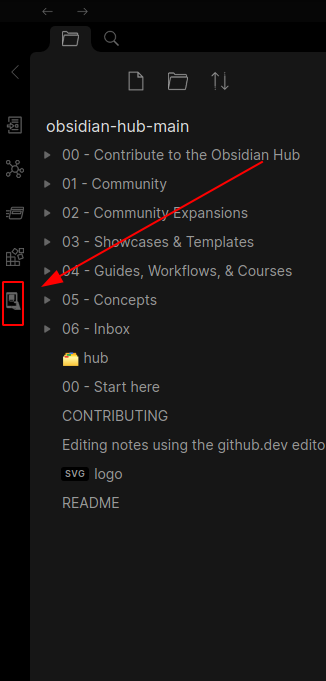
- Open the import window with the plugin's ribbon button.
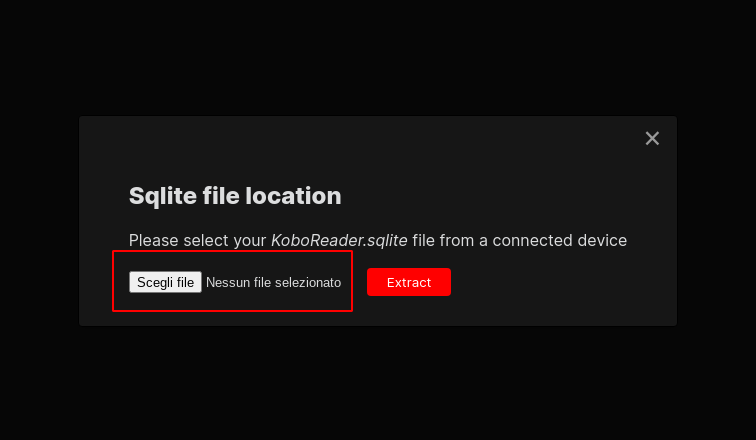
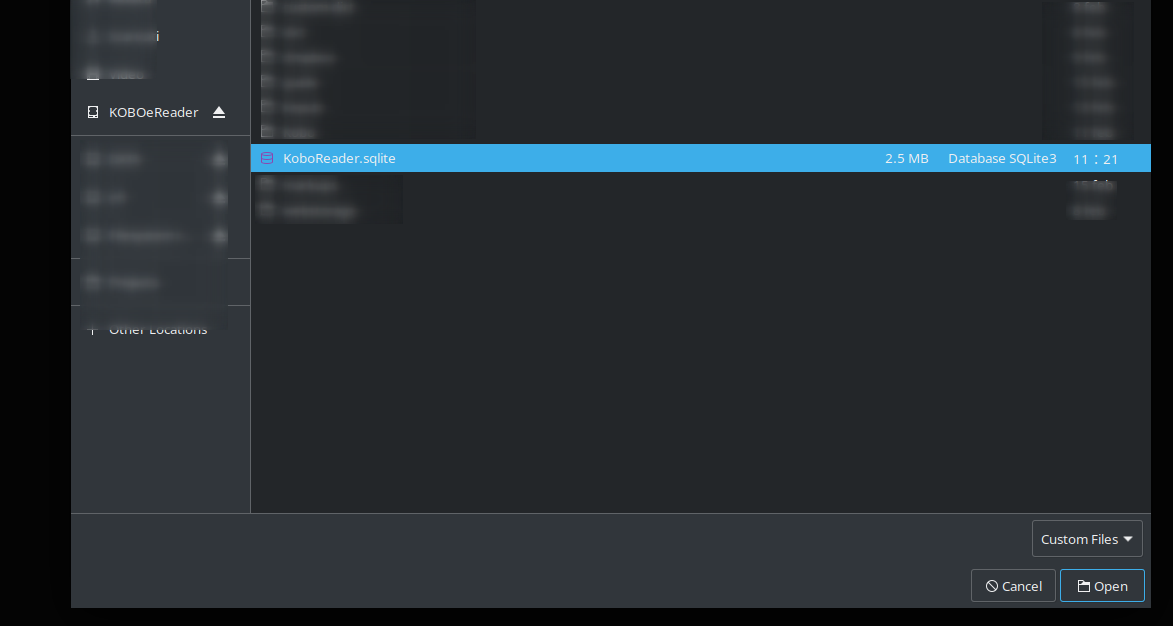
- Select
KoboReader.sqlitefrom the device's hidden.kobofolder (enable hidden files in your file manager if you can't see it). - Extract.
Roadmap (not planned)
- Import notes as well as highlights
- Auto-detect the
.sqlitefile - Generate notes from templates
Stack
TypeScript · Obsidian Plugin API · esbuild · SQLite (in the browser)
License
MIT, see LICENSE.
For plugin developers
Search results and similarity scores are powered by semantic analysis of your plugin's README. If your plugin isn't appearing for searches you'd expect, try updating your README to clearly describe your plugin's purpose, features, and use cases.