PDF to Markdown (pdf2md-local)
unlistedby jyothisable
Convert PDFs to Markdown on your computer: LaTeX maths, figures, tables and chapter notes. Needs the pdf2md tool.
pdf2md-local


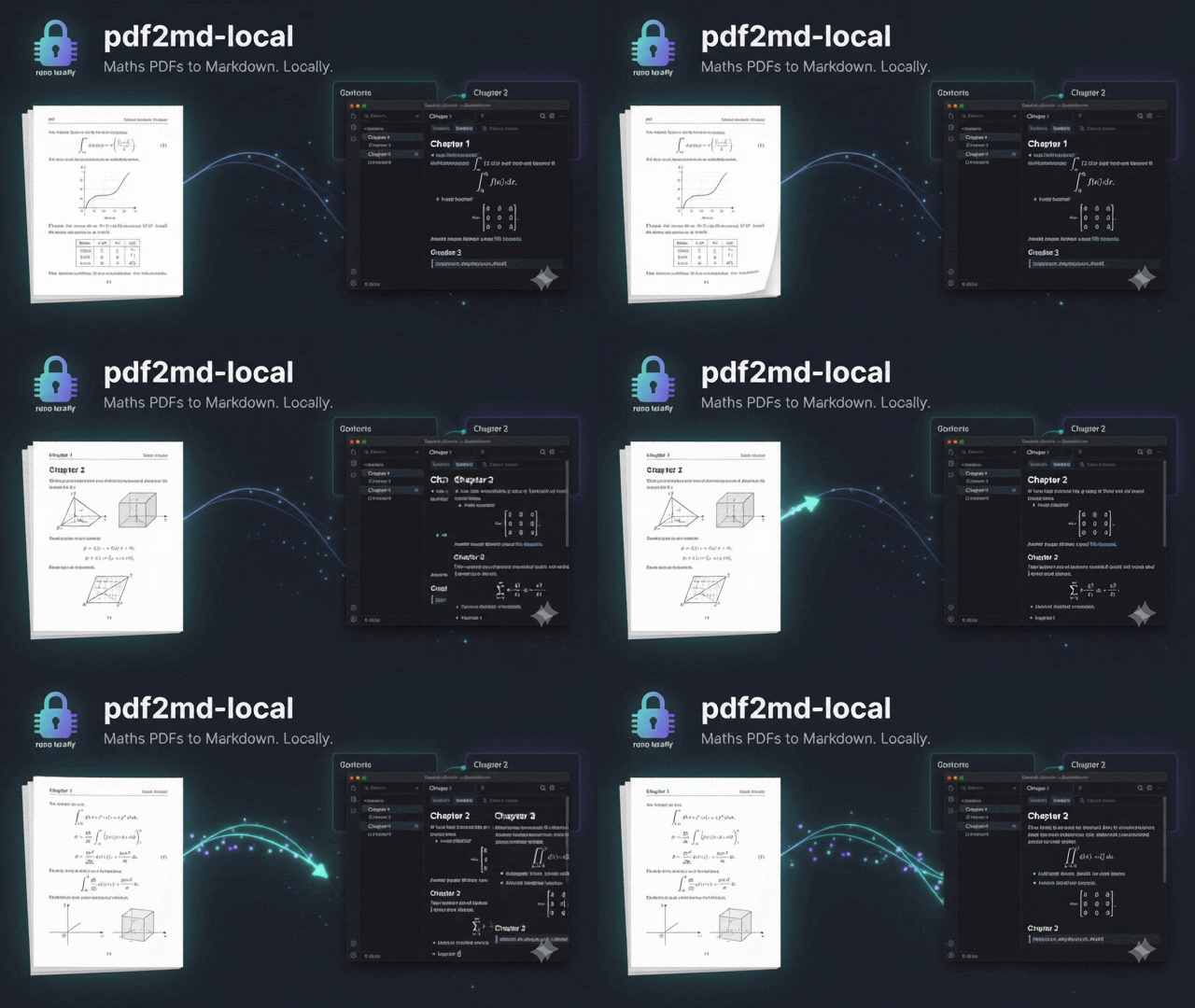
Convert maths and science PDFs to Markdown on your own machine: LaTeX equations, figures, tables, headings, and whole books split into linked chapter notes. Use it as a command-line tool (plain Markdown, works anywhere) or as an Obsidian plugin. Documents are never uploaded.
Features
- Inline/display LaTeX (
$…$,$$…$$), figures and tables. - Chapter splitting with a contents index and Previous / Contents / Next links.
- Convert chosen chapters from the PDF's bookmarks (
pdf2md outline,--pages 10-40,60-80). - Linked cross-references: "Figure 1.2", "Eq. (3.4)", "Theorem 2.1", "Section 1.2" become links to the figure, numbered equation, theorem or heading, across chapter notes. The PDF's own links are used first where it has them; its web links are kept.
- Theorem callouts: Theorem, Lemma, Definition, Proof, Example… become Obsidian callouts.
- PDF bookmarks guide heading hierarchy; optional page links connect notes to the source PDF.
- Source-backed checks retry damaged equations or keep an exact source image instead of guessing.
- Batch conversion, page ranges, checkpoint/resume and progress with ETA.
- Two output flavours:
plain(standard Markdown links and images) andobsidian(wikilinks and![[embeds]]). - Clean notes: the internal per-page comments are removed after heading repair (
--page-markerskeeps them). - Only new files are written; existing notes and source PDFs are never overwritten.
Model: PaddleOCR-VL-1.6 served by llama.cpp, with the recommended 2.5 Balanced page resolution. The tested setup used about 3 GB VRAM on a 16 GB GPU; an 8 GB card is expected to fit but is untested.
Install
You need uv and about 4 GB of disk: 1.8 GB model, 1.4 GB worker environment (PaddleOCR), and up to 0.7 GB for llama.cpp (the CUDA build; Vulkan and CPU builds are under 50 MB).
| Hardware | Speed (2.5 Balanced) | Memory |
|---|---|---|
| NVIDIA GPU (tested: 16 GB card) | about 3.4 s/page | about 3 GB VRAM |
| CPU only (tested: 12 cores) | about 22 s/page (a 300-page book takes about 2 hours) | about 3 GB RAM for the server |
Without an NVIDIA GPU, pdf2md setup uses Vulkan if available, else the CPU. Linux on ARM has no prebuilt
llama.cpp: build it yourself. Details, other platforms, update, uninstall and troubleshooting:
docs/install.md.
uv tool install git+https://github.com/jyothisable/pdf2md-local@0.7.1   # the pdf2md command (a fixed release)
pdf2md setup       # once: worker environment, model, and a prebuilt llama.cpp (llama-server) if you have none
pdf2md selftest    # converts a bundled 2-page sample and checks the result
pdf2md setup is the only step that downloads anything. The model is pinned to a fixed Hugging Face revision and
checked against its SHA-256; llama.cpp is a tested release (b12606) for your system (CUDA, Vulkan, Metal or CPU),
checked against the digest GitHub publishes. --llama skip leaves llama.cpp alone.
pdf2md check shows what is ready at any time, and pdf2md info book.pdf estimates the time before you convert.
Use
pdf2md serve                                   # terminal 1: start the model server (leave running)
pdf2md book.pdf --split-chapters               # terminal 2: convert (-o out/, --pages 60-79, --flavor plain|obsidian)
pdf2md a.pdf b.pdf -o out/                     # batch
pdf2md outline book.pdf                        # the bookmarks with page ranges, to pick chapters
pdf2md book.pdf --pages 19-84,155-195          # several ranges in one conversion
pdf2md --help
Or let the tool start and stop the server for you: pdf2md book.pdf --serve-command "pdf2md serve".
If some pages could not be read, they are listed in the note's pages_failed frontmatter, the checkpoint is kept, and
running the same command again re-reads only those pages. Pages whose formulas were kept as source pictures are
reported too. Cancelling (Ctrl-C or SIGTERM) stops the page worker and any model server the run started.
Cross-reference links and theorem callouts are on for obsidian output and off for plain output; turn them on or off
with --cross-links and --callouts (auto|on|off), and the PDF's own links with --pdf-links. Display equations keep
their printed number as \tag{1.2}.
Outside an Obsidian vault the output is plain Markdown; inside a vault (a folder containing .obsidian) it is
obsidian unless you pass --flavor. In a vault, a backup command of your choice can run first
(PDF2MD_BACKUP_COMMAND or --backup-command); nothing is run by default.
Machine-readable output: PROGRESS <done> <total> lines while converting, one RESULT <json> line per finished
PDF (notes written, failed pages, formulas kept as pictures, math warnings), pdf2md check --json (readiness and
version) and pdf2md info --json (time estimate). pdf2md --version prints the version.
Obsidian plugin
Desktop only. After installing and checking the command-line tool as above:
- Install PDF to Markdown (pdf2md-local) from Settings → Community plugins once it is listed, or for now
copy
main.js,manifest.jsonandstyles.cssfrom the latest release to<vault>/.obsidian/plugins/pdf2md-local/(or use BRAT). - In the plugin settings press Check; anything missing is listed with a command you can copy.
- Right-click a PDF or folder → Convert to Markdown. For a PDF with bookmarks you first pick chapters (all ticked, with page ranges and estimated times; Convert whole PDF skips the choice), or use the command palette (page ranges, several PDFs, cancel). Before a long conversion the plugin shows the page count and estimated time and asks you to confirm.
The progress window shows pages, stage and ETA; Run in background keeps the conversion running and the status bar
reopens it. When it finishes, it lists the notes written (one link per PDF in a batch) and a needs review report:
pages that could not be read and formulas kept as pictures, with links to the note and to that PDF page, and math
warnings per note. Retry failed pages (a button there, or a command on the converted note) moves the old output to
Obsidian's trash and re-reads only the failed pages. Check also warns when the pdf2md tool's version does not
match the plugin's.
What the plugin does and does not do
- It runs the
pdf2mdprogram you installed (and, only if nothing is listening,pdf2md serveor your own start command) as a local process, and stops it afterwards. It never installs, downloads or updates anything itself. - It reads the selected PDFs from your vault and writes new notes and images into your vault (or the output folder you set).
- No telemetry, ads or accounts. Converting only talks to the model server address you configure (default
127.0.0.1).pdf2md setup, which you run in a terminal, contacts PyPI (Python packages), Hugging Face (the model) and GitHub (the llama.cpp release list and download). - Files outside the vault: the
pdf2mdtool keeps its worker environment in~/.local/share/pdf2md-local, model files in~/.cache/pdf2md/models, and temporary checkpoints in~/.cache/pdf2md(removed after a successful run, kept while pages still need a retry). The llama.cpp download, the server log (logs/llama-server.log) and the speed estimate (rate.json) are also in~/.local/share/pdf2md-local. It reads and writes nothing else outside the vault. - Settings are stored in the plugin's
data.json; no secrets are involved.
Current benchmark
PaddleOCR-VL-1.6, source guards enabled, scale 2.5 Balanced (180 dpi). Measured on 46 single-page PDFs from a seeded olmOCR-bench development subset, with 279 checks across eight categories and the official scorer.
| Category | Passed | Score |
|---|---|---|
| arXiv maths | 52/57 | 91.2% |
| Scanned maths | 35/57 | 61.4% |
| Tables | 19/25 | 76.0% |
| Old scans | 12/31 | 38.7% |
| Headers and footers | 14/14 | 100.0% |
| Multi-column | 18/21 | 85.7% |
| Long/tiny text | 24/28 | 85.7% |
| Baseline checks | 45/46 | 97.8% |
| Overall: mean across categories | 79.6% ±3.6 points (95% CI) |
All 46 PDFs converted. Mean runtime: 6.48 seconds/PDF on an RTX 5060 Ti (16 GB), including per-PDF startup. This is a small, reused development set—not an independent accuracy test. Image fallbacks do not count as recognized LaTeX. Only scale 2.5 with Paddle is covered. Exact results and code hashes.
Book extraction validation
Two complete mathematical/deep-learning books, scale 2.5:
| Metric | Result |
|---|---|
| Source pages represented | 1,093 |
| Notes, including both contents indexes | 44 |
| Image assets | 946 |
| Combined conversion time | 61 minutes |
| Missing image targets / broken navigation links | 0 / 0 |
| Math-structure warnings | 0 |
| Formulas preserved as source images | 110 |
Chapter splitting, navigation and page coverage were checked. A 33-page sample was also compared with the PDFs. This was not a full factual proofread; code extraction was not validated.
Limitations
- OCR and heading errors can remain even with zero structural warnings. Check important equations against the PDF.
- Source-image fallbacks are not editable LaTeX. Merged-cell tables stay as HTML.
- Old scans and complex layouts remain difficult.
- Tested on Linux with a 16 GB GPU and on CPU; 8 GB GPUs, macOS and Windows are untested.
- Flatpak and Snap builds of Obsidian are sandboxed and cannot run
pdf2md; use the AppImage,.deb/.rpmor a distribution package.
Development
npm install
npm test               # plugin unit tests + contract test against the CLI's real --help
npm run test:py        # Python tests (no models needed)
npm run build          # type-check and bundle main.js
Layout: pdf2md_local/ (Python package), src/ (plugin), tests/, bench/ (benchmark harness), docs/.
See CONTRIBUTING.md and the changelog.
License
MIT. PaddleOCR-VL and llama.cpp are open source (Apache-2.0 and MIT); other models you use have their own licences.
For plugin developers
Search results and similarity scores are powered by semantic analysis of your plugin's README. If your plugin isn't appearing for searches you'd expect, try updating your README to clearly describe your plugin's purpose, features, and use cases.