Toworkboard
unlistedby Totoro
A local-first workboard for notes, tasks, read-only mail summaries, and engineering signals.
English · 简体中文
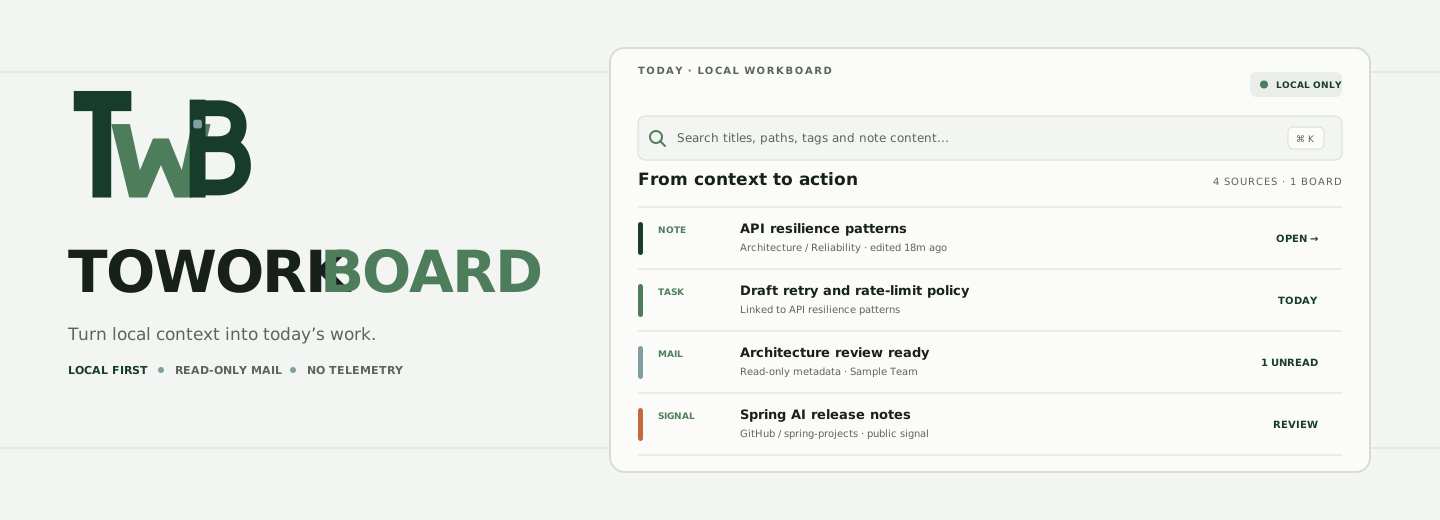


Toworkboard
A local-first desktop workspace for Obsidian by Totoro. It brings note search, frequent notes, small tasks, read-only mail summaries, and optional engineering signals into one calm dashboard.
Install · Use it · Optional integrations · Privacy
Early public preview: install it manually and review the privacy notes before connecting mail. It is not in the Obsidian Community Plugins catalog yet.
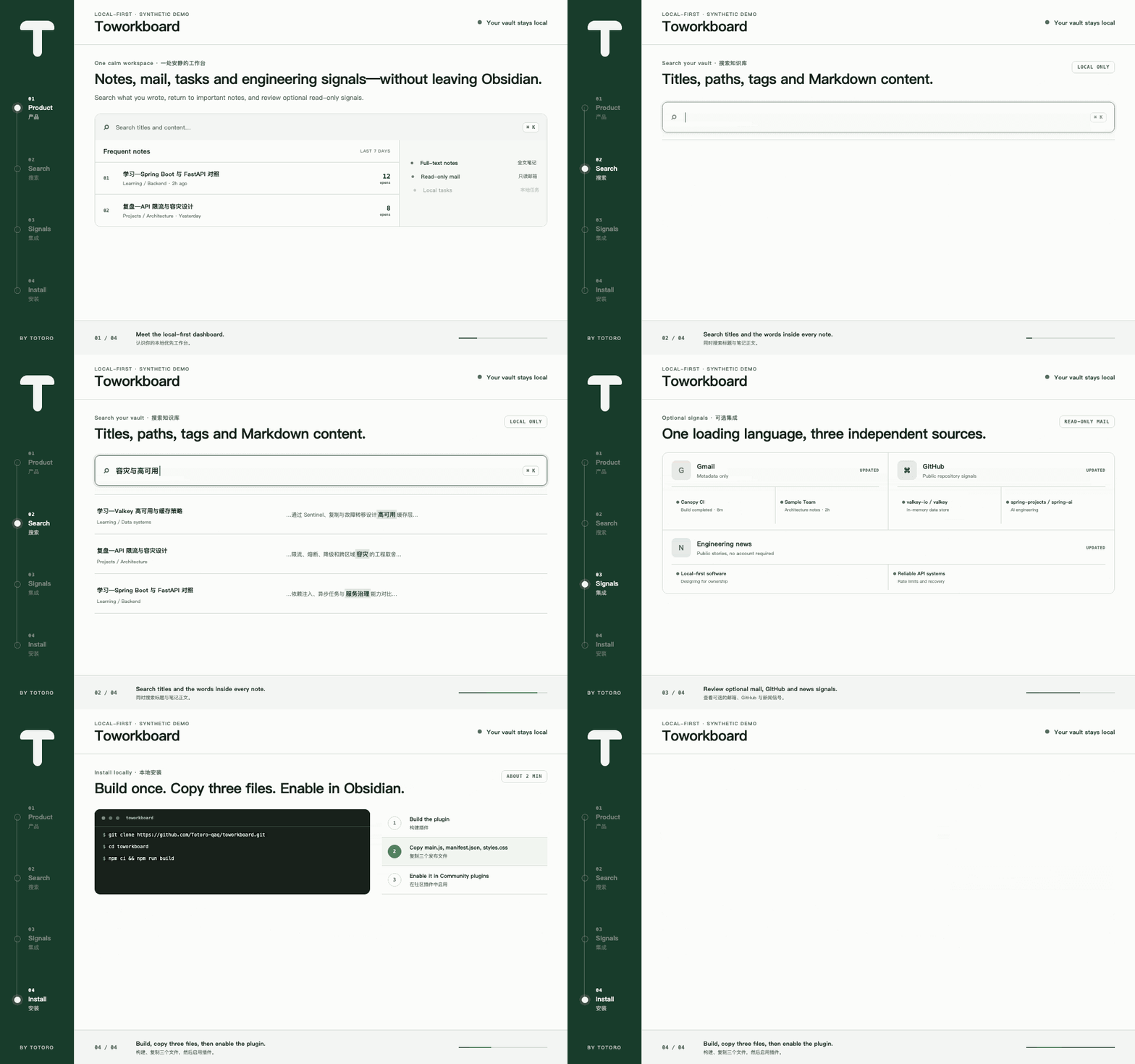
The animated tour uses synthetic notes and accounts. It demonstrates four real workflows: product overview, full-text vault search, optional signal loading, and local installation.
One board, five working loops
Obsidian already holds the context. Toworkboard gives that context an operational surface without moving the vault into a hosted service.
| Surface | What it helps you do | Boundary |
|---|---|---|
| Search | Find titles, paths, tags, and Markdown content. | Local vault only |
| Frequent notes | Return to notes ranked by local open history. | Local plugin data |
| Tasks | Keep small working actions beside their context. | Does not modify notes |
| Mailroom | Review Gmail and QQ Mail headers, unread, and recent pages. | Read-only, opt-in |
| Signals | Follow GitHub repositories and Hacker News stories. | Public or token-assisted, opt-in |
Core note, search, and task features work offline. Network integrations are explicit and optional.
Install
Requirements: Obsidian 1.8 or newer, desktop only. Building from source also requires Node.js 18 or newer and npm.
Option A — install the release
-
Download
main.js,manifest.json, andstyles.cssfrom the latest release. -
Create this folder inside your vault:
<vault>/.obsidian/plugins/toworkboard/ -
Copy the three downloaded files into that folder.
-
Restart Obsidian or select Reload app without saving from the command palette.
-
Open Settings → Community plugins, turn off Restricted mode if needed, and enable Toworkboard.
Option B — build from source
git clone https://github.com/Totoro-qaq/toworkboard.git
cd toworkboard
npm ci
npm run verify
Then copy the generated main.js, plus manifest.json and styles.css, into:
<vault>/.obsidian/plugins/toworkboard/
Reload Obsidian and enable the plugin under Settings → Community plugins.
Use it
Open the dashboard
- Select the Toworkboard mark in the left ribbon; or
- run Toworkboard: Open dashboard from the command palette.
Search notes
Select the search field and enter any title, path, tag, or phrase from a Markdown note. Results include the note title, location, and a matching excerpt. Selecting a result opens the original note.
Return to frequent notes
Open notes normally. The dashboard records a rolling local count and places the most frequently opened notes in Frequent notes. Use Browse all notes for the complete vault list. You can clear only this dashboard history from plugin settings; no note is changed.
Manage tasks
Add small working tasks from the dashboard, mark them complete, or remove them. Tasks stay in local plugin data and do not modify note files.
Review Mailroom
Mailroom keeps Gmail and QQ Mail in separate fixed-height panes. Switch between Unread and Recent, page through the configured in-memory result limit, and select a message to open it in the provider's inbox. The plugin does not mark messages read, send mail, or download bodies.
Review engineering signals
GitHub and Hacker News panels are opt-in. Refresh them when needed; their loading state uses the same Canopy rail language as Mailroom and honors reduced-motion preferences.
Optional integrations
| Integration | What it reads | Credential |
|---|---|---|
| Gmail | Read-only message metadata and Inbox counters | Google Desktop OAuth client |
| QQ Mail | IMAP headers within the configured limit | QQ Mail authorization code |
| GitHub | Public repository and star signals | Optional fine-grained token for higher limits |
| Hacker News | Public story metadata | None |
Connect Gmail
- Enable the Gmail API in a Google Cloud project.
- Configure the OAuth consent screen. While the app is in testing, add your Google account as a test user.
- Create an OAuth client of type Desktop app.
- Paste the client ID into Toworkboard settings → Gmail OAuth client ID. The desktop client secret is optional for installed-app clients.
- Open the dashboard, select Connect Gmail, and grant the read-only
gmail.metadatascope.
OAuth tokens and an optional client secret use Obsidian secure storage when available, with a macOS Keychain fallback.
Connect QQ Mail
- Enable IMAP in QQ Mail.
- Generate a QQ Mail authorization code.
- Enter the mailbox address and authorization code in plugin settings.
Use the authorization code, never the QQ account password.
Configure GitHub
Public data works without a token at lower rate limits. If you add a token, use a fine-grained token with the minimum read-only permissions. It is stored in secure storage and used only in the GitHub authorization header.
Privacy and security
- Vault search and history stay on the device.
- The plugin has no analytics or hidden telemetry.
- Mail integrations request read-only access and keep headers in memory.
- Credentials are never written into normal plugin settings when secure storage is available.
- Demo assets contain synthetic content only.
Read PRIVACY.md for the network and storage boundary, and SECURITY.md before reporting a vulnerability. Never attach a real vault, mailbox screenshot, OAuth response, app password, or token to an issue.
Local customization
Set Custom mascot image to a vault-relative path if you want a private image in your own header. The image remains local and is not included in releases or public demo material.
Development
npm run dev
npm run check:repo
npm test
npm run build
Release artifacts are main.js, manifest.json, and styles.css. Do not commit data.json, credentials, private vault fixtures, or personal screenshots.
Project decisions are documented in PRODUCT.md, DESIGN.md, PRIVACY.md, and CHANGELOG.md.
Visual identity and acknowledgement
The TWB Junction is an original ligature: a dark canopy T joins a fern-green workflow W and closes with a board-shaped B. A rain-colored node marks the handoff. It pairs with the Canopy rail used for loading states. The public plugin does not include, trace, or redraw any Studio Ghibli character or artwork. “Totoro” is the author identity, not a claim of affiliation or endorsement.
The idea of treating an Obsidian vault as an agent-oriented dashboard was conceptually inspired by Jason Zhou's Obsidian Agent Dashboard article. This repository is an independent implementation with original code, copy, fixtures, and visual identity.
Contributing and license
Bug reports and feature proposals are welcome. Read CONTRIBUTING.md, CODE_OF_CONDUCT.md, and SECURITY.md first.
MIT © 2026 Totoro.
For plugin developers
Search results and similarity scores are powered by semantic analysis of your plugin's README. If your plugin isn't appearing for searches you'd expect, try updating your README to clearly describe your plugin's purpose, features, and use cases.