by Ed Abbondanzio
Color code each vault's window so you can tell them apart at a glance.
Updated todayGPL-3.0
Vanity Windows
An Obsidian Notes plugin for changing the window color on a per vault basis. Handy for when you have multiple vaults open and need an easy way to tell them apart.
Inspired by the Peacock VS Code extension.
Setup
- Add the plugin to Obsidian and ensure it's enabled.
- In Settings, go to Community Plugins -> Vanity Windows.
- Select your desired theme.
Themes
Bubblegum
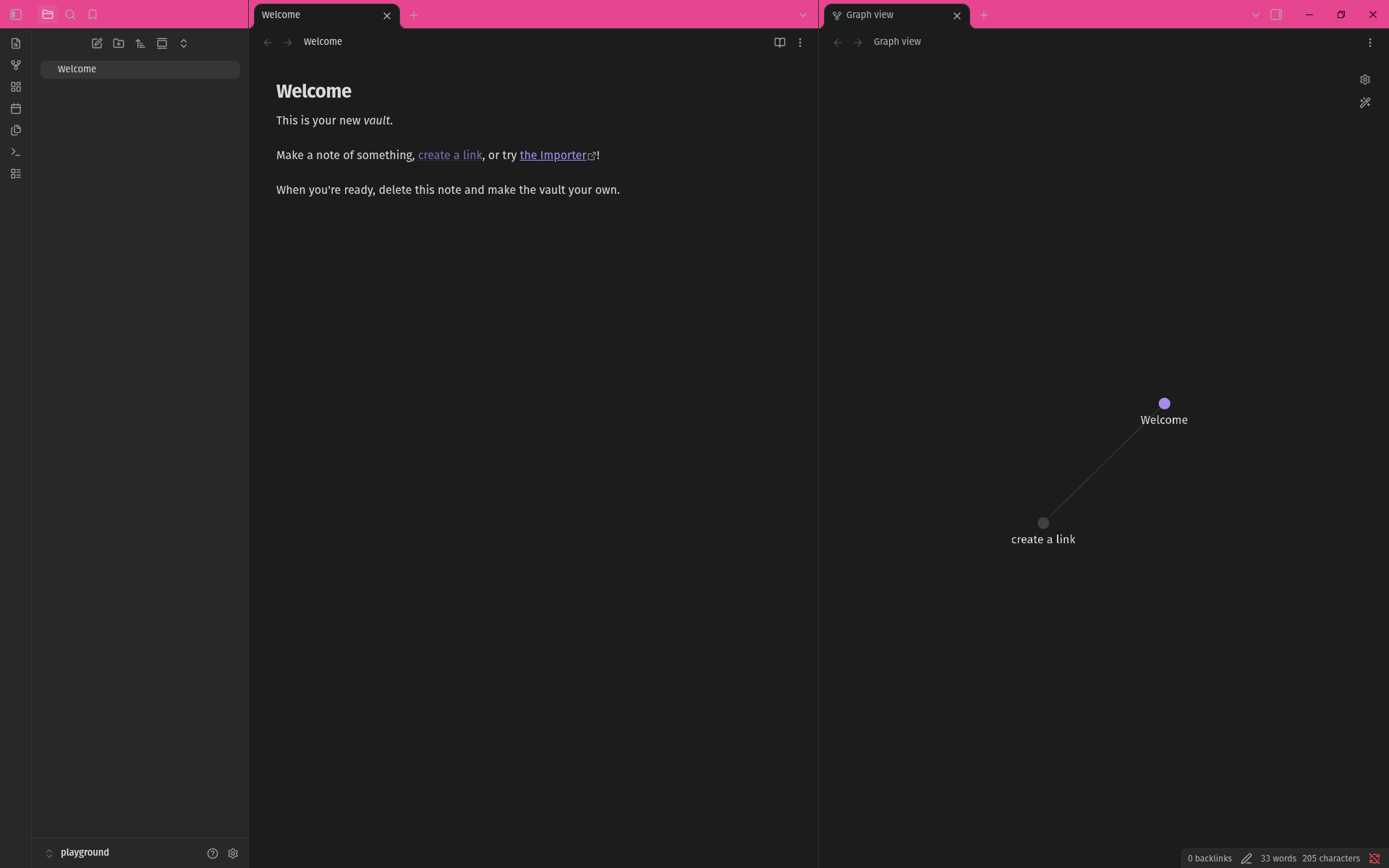
Tangerine

Lemonade
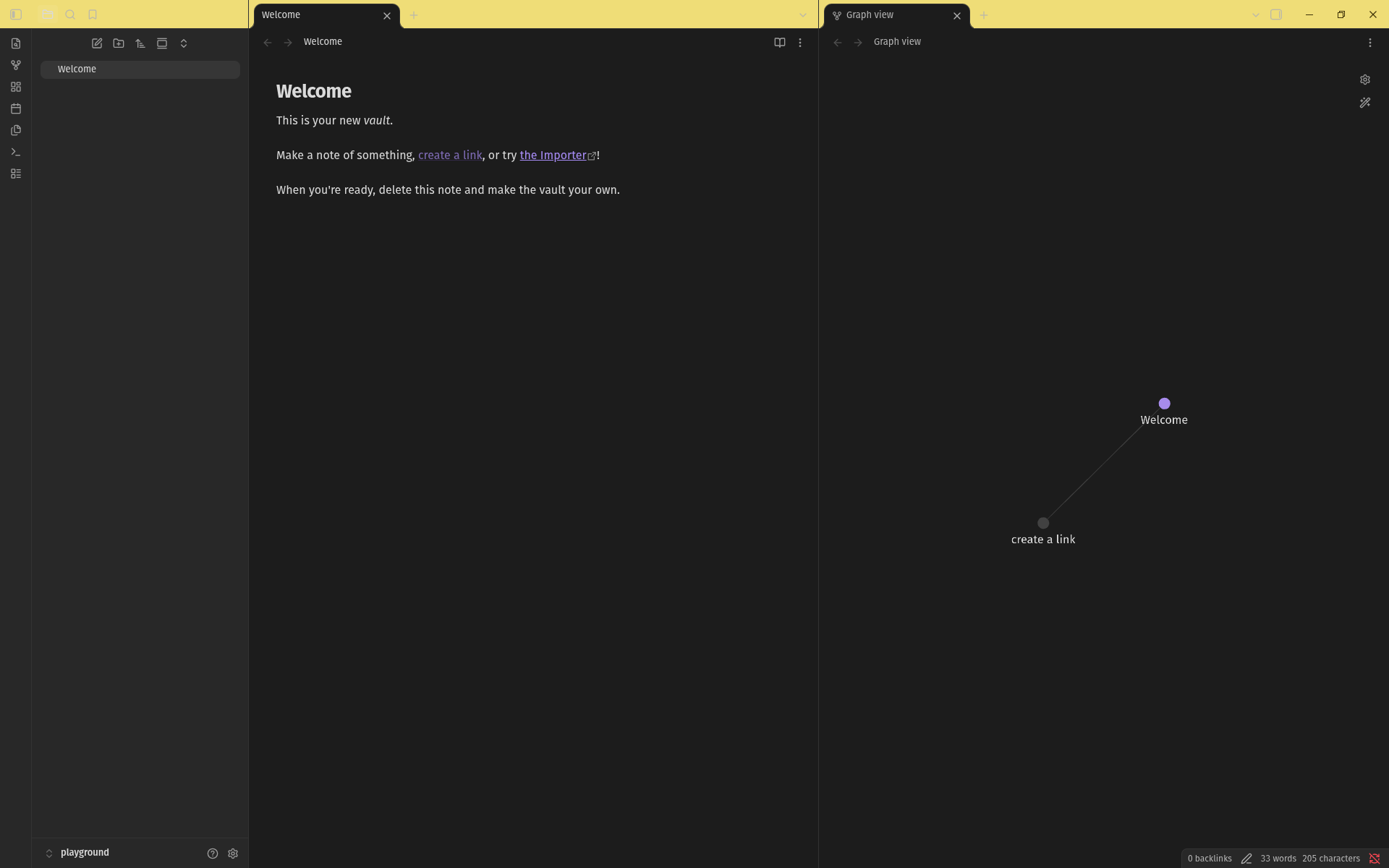
Lime Soda
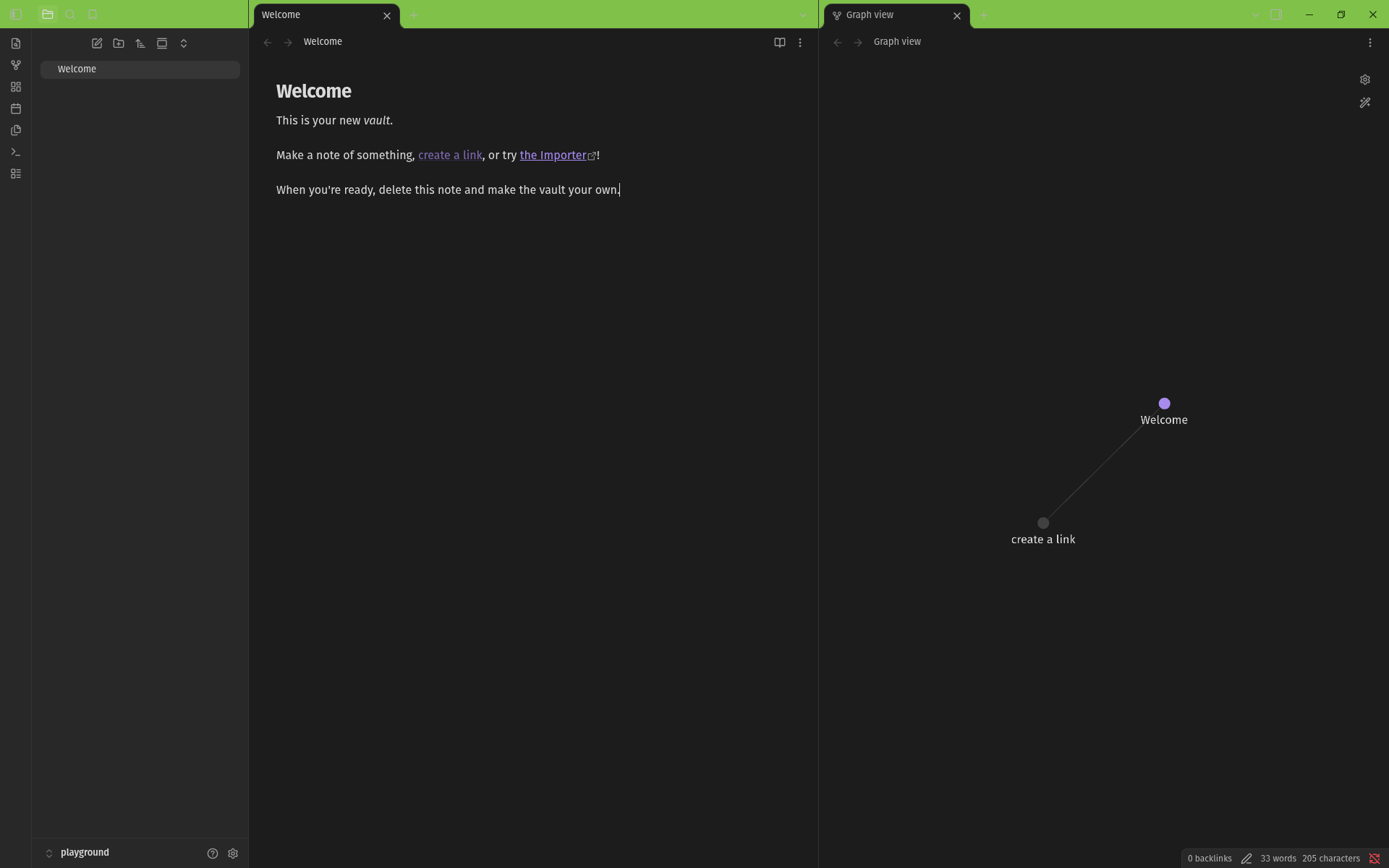
Aqua
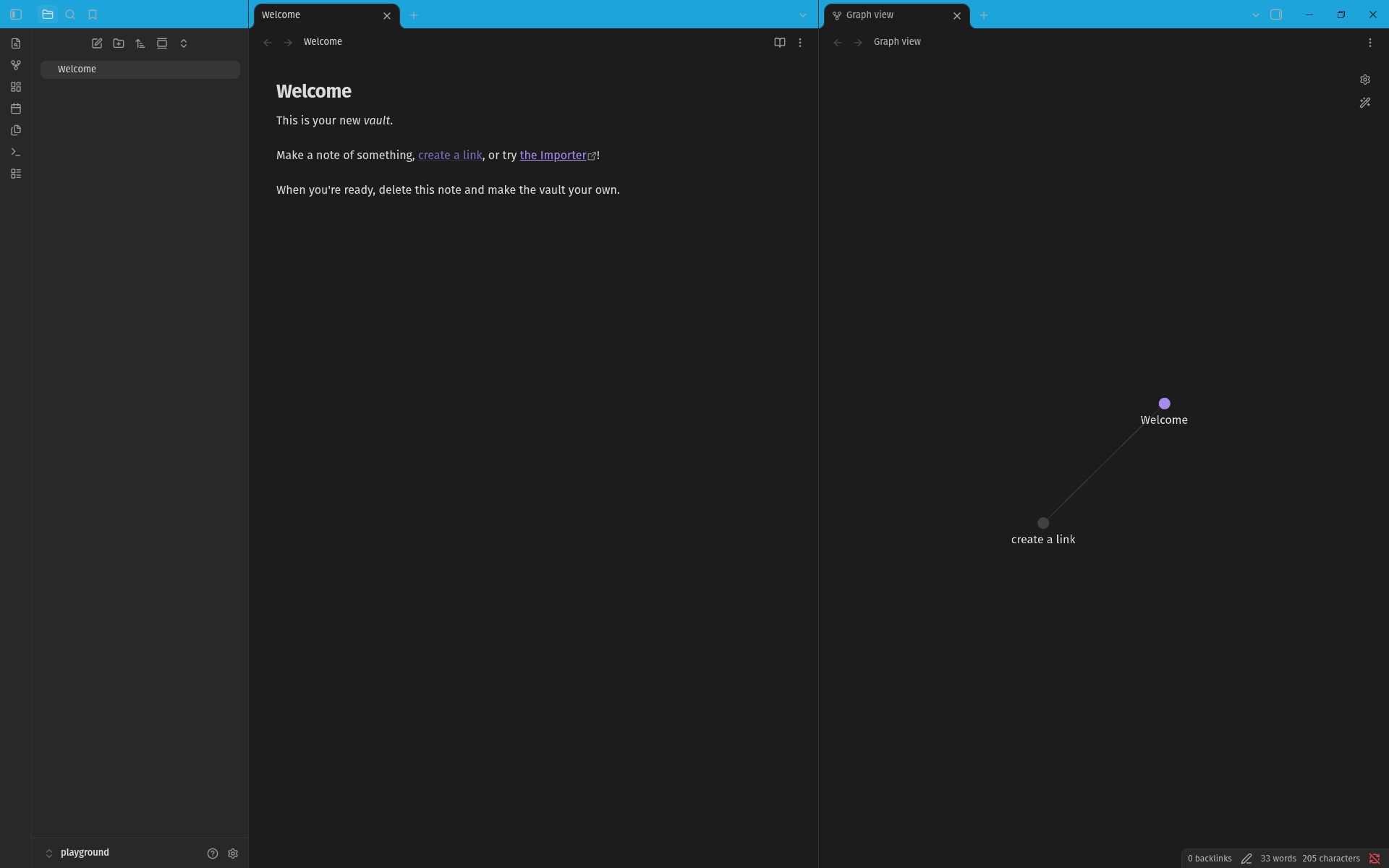
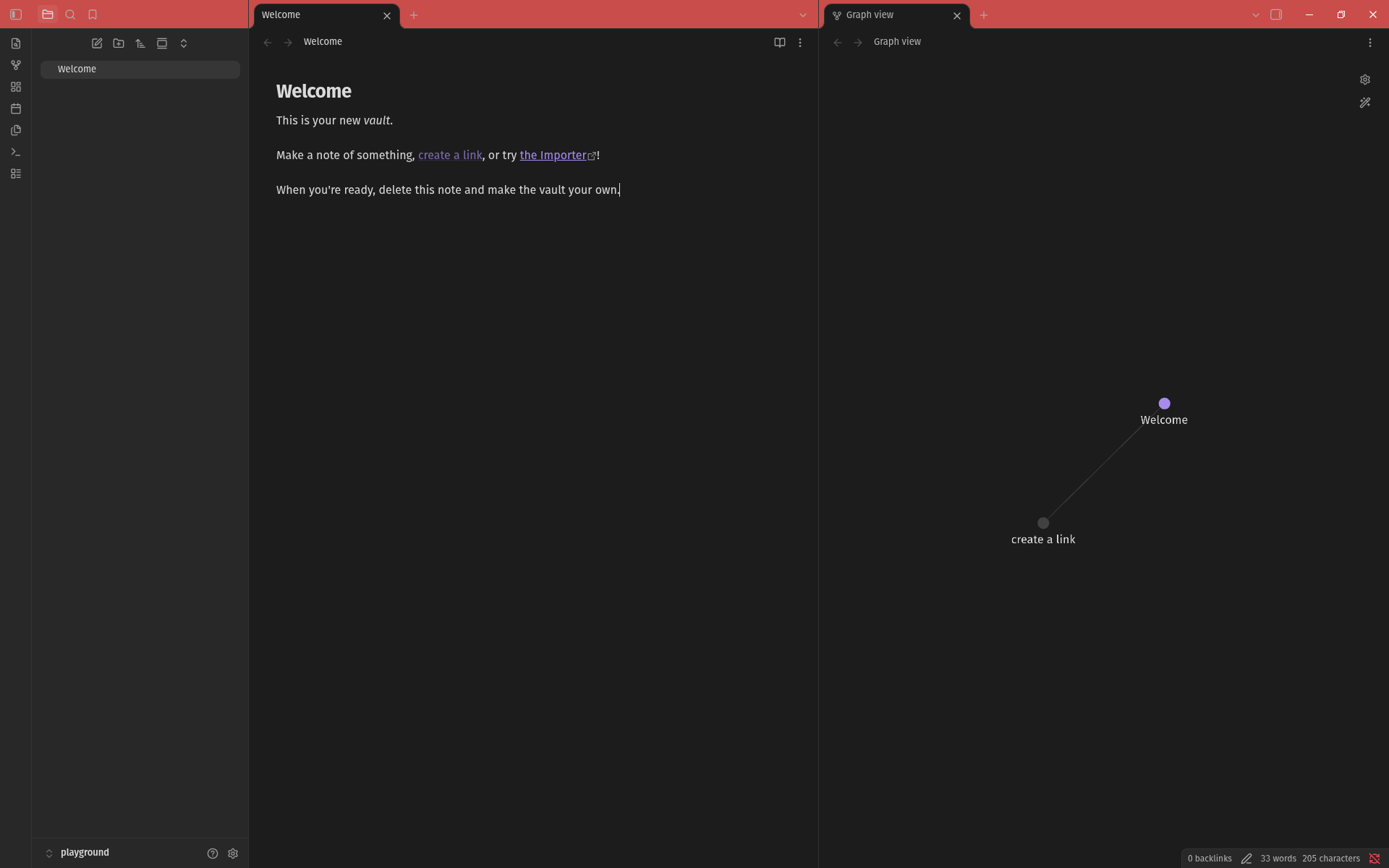
Electric Blue
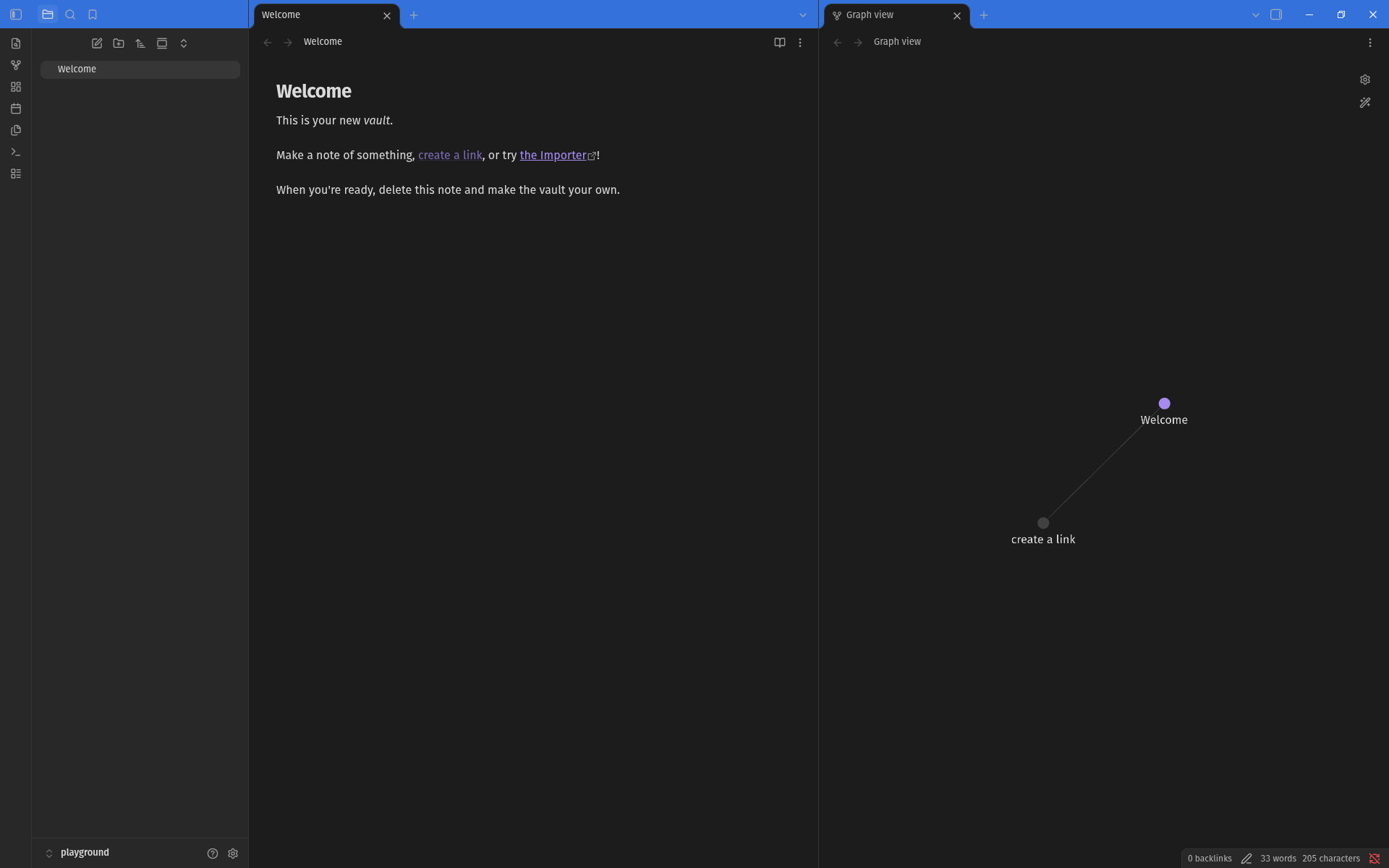
Grape
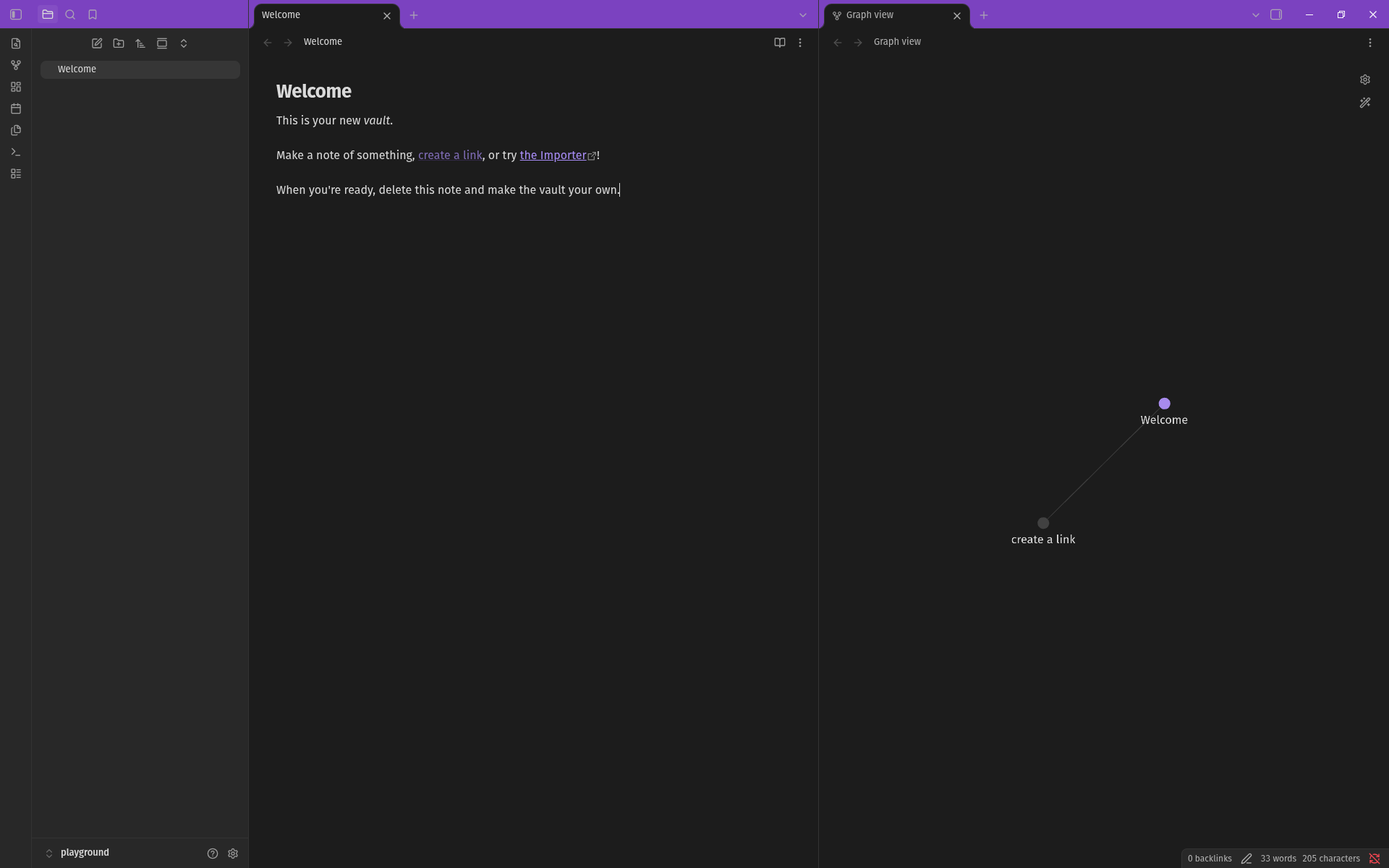
Coral
Development
- Basic steps:
npm install; npm run dev - Set up a symlink to your test vault:
ln -s "$PWD" <vault>/.obsidian/plugins/vanity-windows
Open settings and it'll show up under Community plugins.
For plugin developers
Search results and similarity scores are powered by semantic analysis of your plugin's README. If your plugin isn't appearing for searches you'd expect, try updating your README to clearly describe your plugin's purpose, features, and use cases.