by Viggo Meesters
Open .xlsx workbooks as read-only value tables with sheet tabs, search, and row limits.




XLSX Viewer
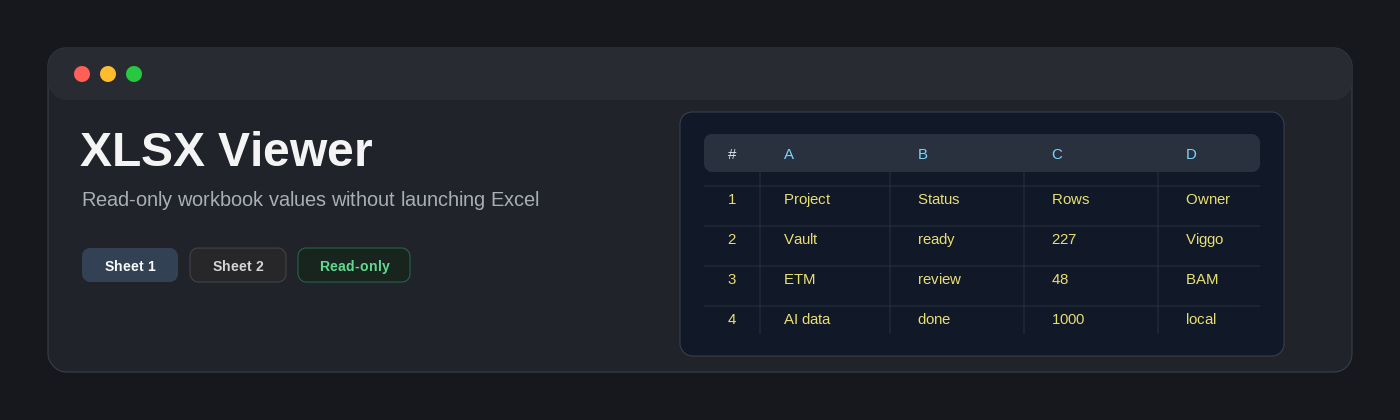
XLSX Viewer is a read-only plugin for opening .xlsx and .ods files as workbook tables without launching Excel or LibreOffice Calc. It is built for quick inspection of AI-generated spreadsheets, exports, and reference files inside a vault.
Features
- Opens
.xlsxand.odsfiles in a dedicated view. - Shows one sheet at a time with sheet tabs.
- Displays cell values only.
- Shows cached/formatted formula values when they are present in the workbook.
- Does not evaluate formulas.
- Filters visible rows by searching across cells.
- Shows sticky column letters and row numbers.
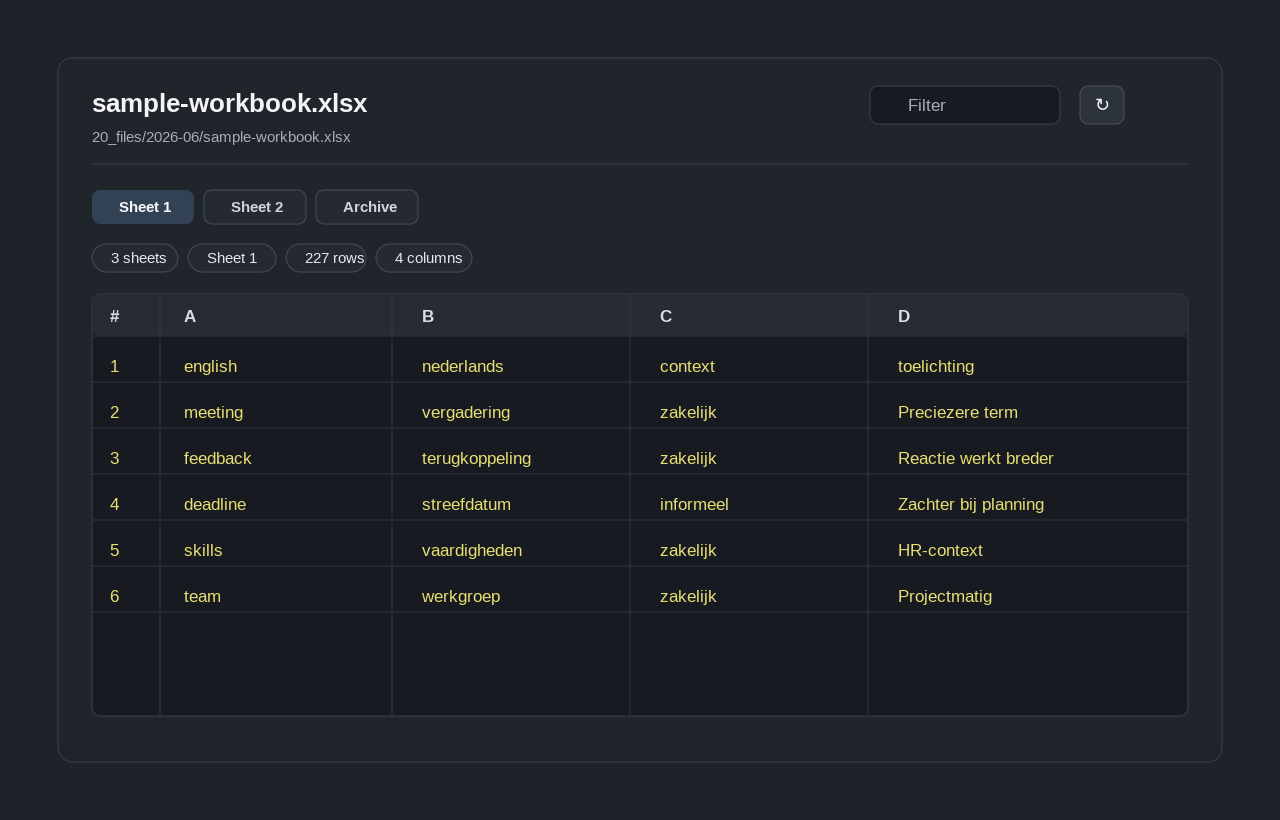
- Displays workbook sheet count, active sheet, row count, column count, and render-cap status.
- Handles empty sheets and malformed workbook input with plain error states.
- Renders the first 10,000 rows to keep the view responsive.
- Stays read-only by design: it never writes back to workbook files.
Scope
This is intentionally a v0.1 viewer, not a spreadsheet editor. It does not support editing, formatting, charts, merged-cell layout, formulas, pivot tables, comments, macros, or workbook protection. The goal is simple: open the file, show the values, and avoid leaving the vault for a quick look.
Large files
Spreadsheet files can become large quickly. XLSX Viewer parses the workbook and renders the first 10,000 rows of the active sheet. Additional rows are counted and reported in the warning area.
Privacy and security
XLSX Viewer does not make network requests and does not send vault content to external services. It does not use the system clipboard. It reads files through the vault API and renders a local view.
Installation
Community plugin directory
Install from the Obsidian Community directory or search for XLSX Viewer in Settings → Community plugins → Browse.
Manual installation
- Download
main.js,manifest.json, andstyles.cssfrom the latest release. - Create this folder in your vault:
.obsidian/plugins/xlsx-viewer/. - Put the downloaded files in that folder.
- Reload Obsidian.
- Enable XLSX Viewer in Settings -> Community plugins.
BRAT installation
For beta testing, install the plugin with BRAT using this repository URL:
https://github.com/viggomeesters/obsidian-xlsx-viewer
Usage
Open any .xlsx or .ods file in your vault. The file opens with XLSX Viewer.
Use the toolbar to:
- filter visible rows
- switch sheets
- refresh the file after external changes
Development
npm install
npm run build
npx tsc --noEmit
npm test
For local development, copy or symlink this repository into .obsidian/plugins/xlsx-viewer/ inside a test vault.
Release process
Obsidian installs community plugin files from GitHub releases. For each release:
- Update
manifest.json,package.json, andversions.json. - Run
npm install,npm run build,npx tsc --noEmit, andnpm test. - Create a GitHub release whose tag exactly matches
manifest.json.version. - Attach
main.js,manifest.json, andstyles.cssas release assets.
The repository includes a GitHub Actions release workflow with artifact attestation support. If GitHub Actions is disabled for the owner account, manual releases are still usable for Obsidian, but the Community automated review may show a recommendation about missing artifact attestations.
Community directory
XLSX Viewer is listed in the Obsidian Community directory.
Parser dependency
XLSX Viewer uses read-excel-file to read .xlsx workbook data. .ods files are read with fflate to unpack the archive and a built-in XML parser for the sheet content. These dependencies are bundled into main.js at build time.
ODS previews reject archives larger than 32 MiB, archives with more than 4,096 entries, and content.xml larger than 8 MiB. If the preview limits omit sheets or cells, the viewer shows a warning.
License
Obsidian 1.15.1 assessment: checked source, local results and remaining host validation.
For plugin developers
Search results and similarity scores are powered by semantic analysis of your plugin's README. If your plugin isn't appearing for searches you'd expect, try updating your README to clearly describe your plugin's purpose, features, and use cases.