Agentage Galaxy
approvedby Agentage
Visualize your vault as a 3D, rotating force-graph: notes are nodes, links are edges. Search, filter, and orbit your knowledge graph from the toolbar. Part of Agentage. - This plugin has not been manually reviewed by Obsidian staff.
Agentage Galaxy
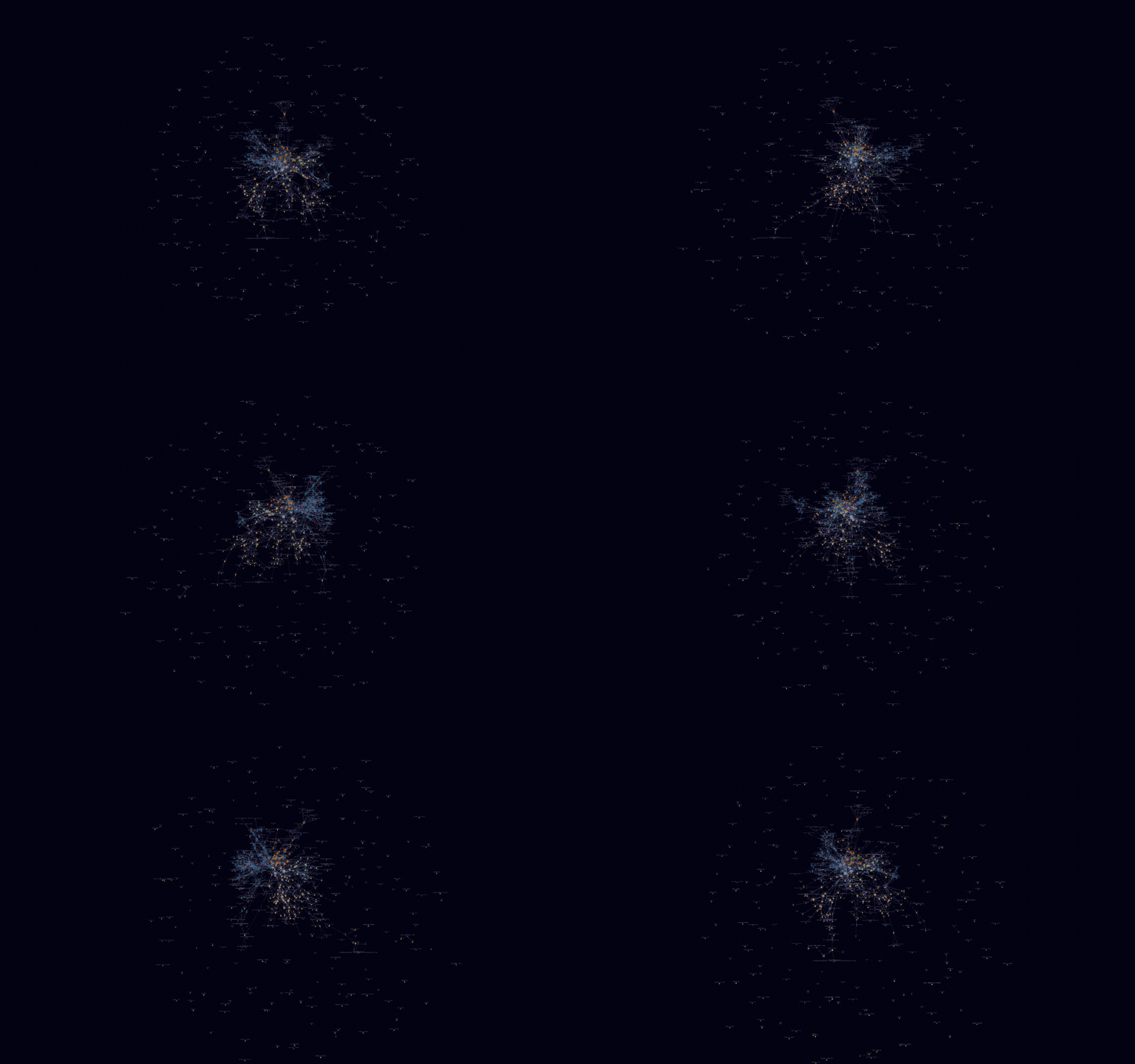
Fly through your vault as a living, rotating 3D galaxy of notes.





Turn your Obsidian vault into a cinematic 3D force-graph you can fly through: notes are
nodes, [[links]] are edges, and folders form colored clusters you can search, filter, and
orbit. Click the brain ribbon icon and take off. Actively maintained, with weekly releases.
Why Agentage Galaxy?
- Actively maintained - weekly releases, with new features shipping now.
- Zero-config clustering - folders, tags, and attachments form colored clusters on first open.
- The built-in graph, in 3D - the same node kinds and filters, so there's nothing new to learn.
- 100% local - a pure offline visualization of the files you own. Zero network calls.
Install
Community plugins (recommended)
→ Open in Obsidian - one-click, opens the plugin page in your Obsidian app (or copy obsidian://show-plugin?id=agentage-galaxy).
Or from inside the app: Settings → Community plugins → Browse → search "Agentage Galaxy" → Install → Enable.
Manual
Download main.js, manifest.json, and styles.css from the
latest release into
<your-vault>/.obsidian/plugins/agentage-galaxy/, then enable it under Community plugins.
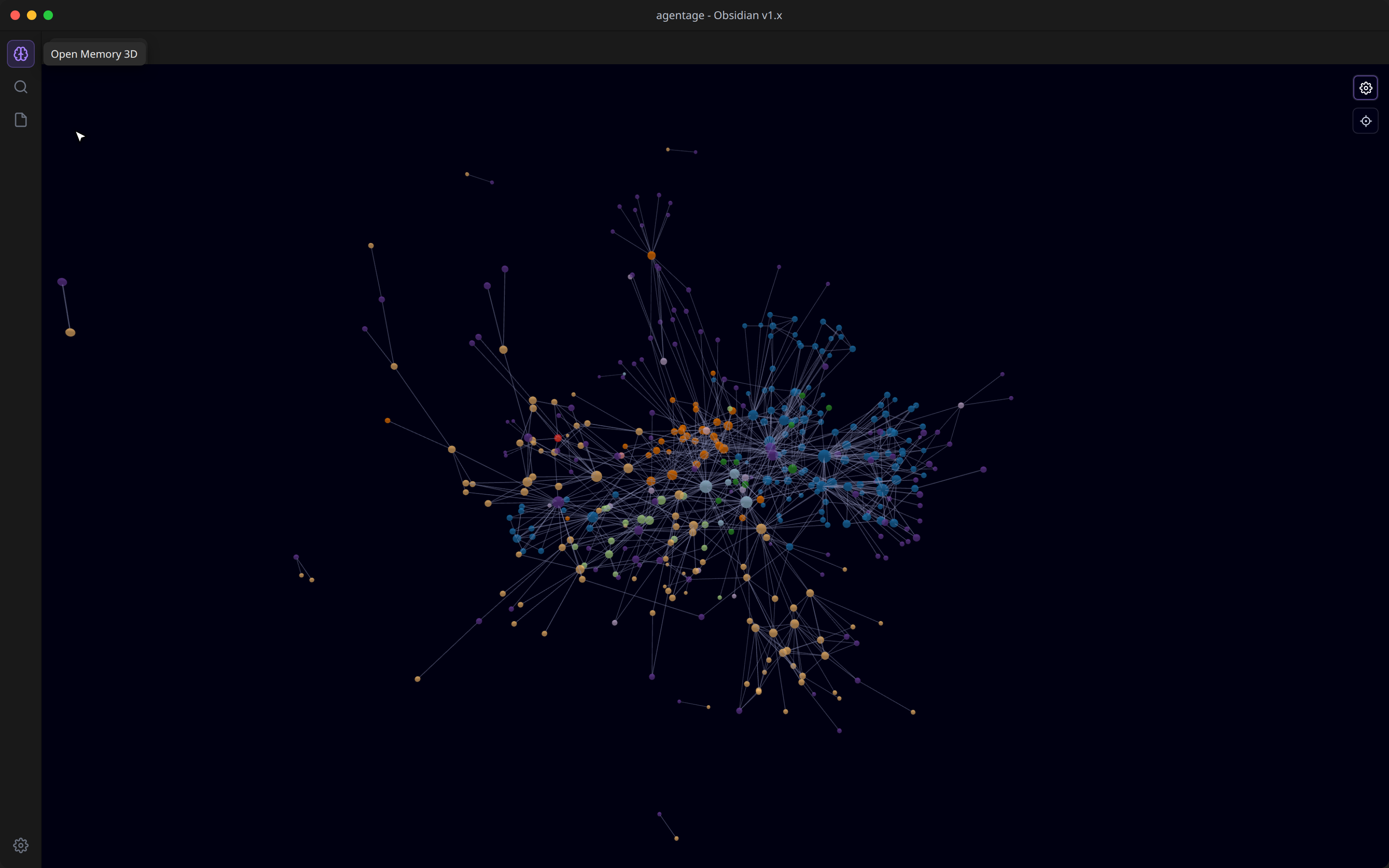
Then click the brain icon in the left ribbon (or run the Open 3D graph command).
Features
- Auto-clustered by folder, zero config - every top-level folder gets its own color, so
the structure of your vault pops on first open. Tags, attachments, and unresolved
[[links]]each form their own colored group. Nopath:/tag:rules to hand-write. - Tags as nodes - flip the Tags toggle and every
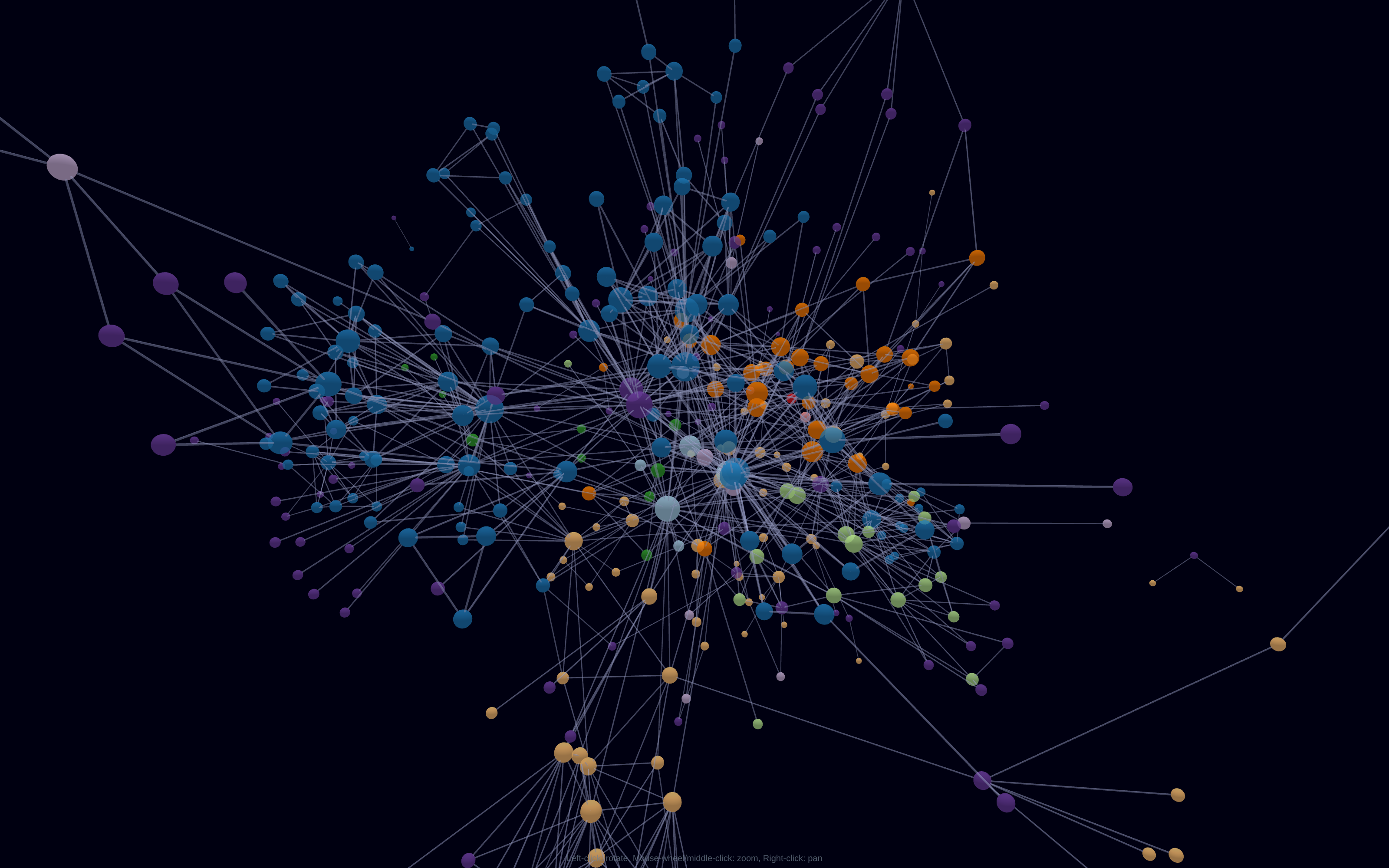
#tagbecomes a hub linking its notes. - Size by connections - your hub notes are visibly the biggest stars.
- It's the built-in graph view, in 3D - the same node kinds and the same filters (search, tags, attachments, existing-files-only, orphans), so there's nothing new to learn.
- Full force controls - center, repel, link, and link distance, plus node size, link thickness, labels, and arrows, in the gear-toggled panel.
- Fly through it - auto-orbit with speed control; left-drag to rotate, scroll to zoom toward your cursor, right-drag to pan, click a node to open it, center button to reframe.
- 100% local - a pure offline visualization of the files you own. Zero network calls.
Roadmap
- First-person fly-through camera
- Save camera + layout between sessions
- Vault timelapse animation
- Obsidian Canvas file support
Privacy
Agentage Galaxy runs entirely on your device and makes zero network calls - a pure, offline visualization of the Markdown you already own. (The agentage Memory cloud service below is a separate, optional product.)
Desktop only (isDesktopOnly: true): it renders with WebGL/three.js.
Part of agentage Memory
This plugin visualizes your local vault. It's part of agentage Memory - a shared memory layer for every AI: one set of plain-Markdown notes that Claude, ChatGPT, Cursor, and any MCP client can read and write, mirrored locally as files you own.
One memory. Every AI. Owned by you.
- Connect any AI over the Model Context Protocol at memory.agentage.io
(
https://memory.agentage.io/mcp- Streamable HTTP + OAuth 2.1). - The companion Agentage Sync plugin keeps your vault in sync with your private memory - this plugin gives you a 3D view of it.
→ Learn more at agentage.io.
Credits
Built on three.js, 3d-force-graph, and three-spritetext. See THIRD-PARTY-NOTICES.md.
License
For plugin developers
Search results and similarity scores are powered by semantic analysis of your plugin's README. If your plugin isn't appearing for searches you'd expect, try updating your README to clearly describe your plugin's purpose, features, and use cases.