Constellations
approvedby NikShukrem
A 3D star map alternative to Graph View: notes are stars, shared tags form constellations, top-level folders form universes. - This plugin has not been manually reviewed by Obsidian staff.
Constellations
A 3D star map alternative to Obsidian's Graph View.
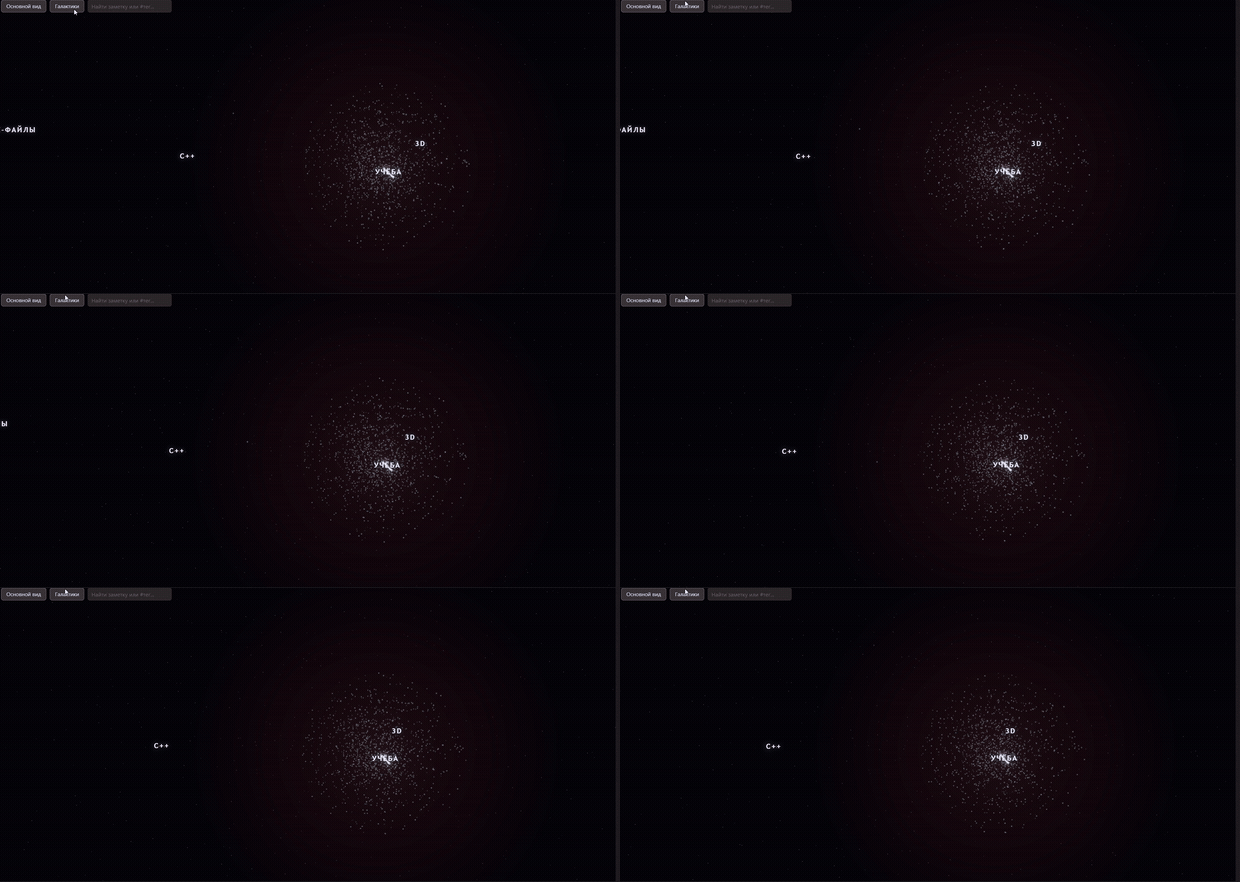
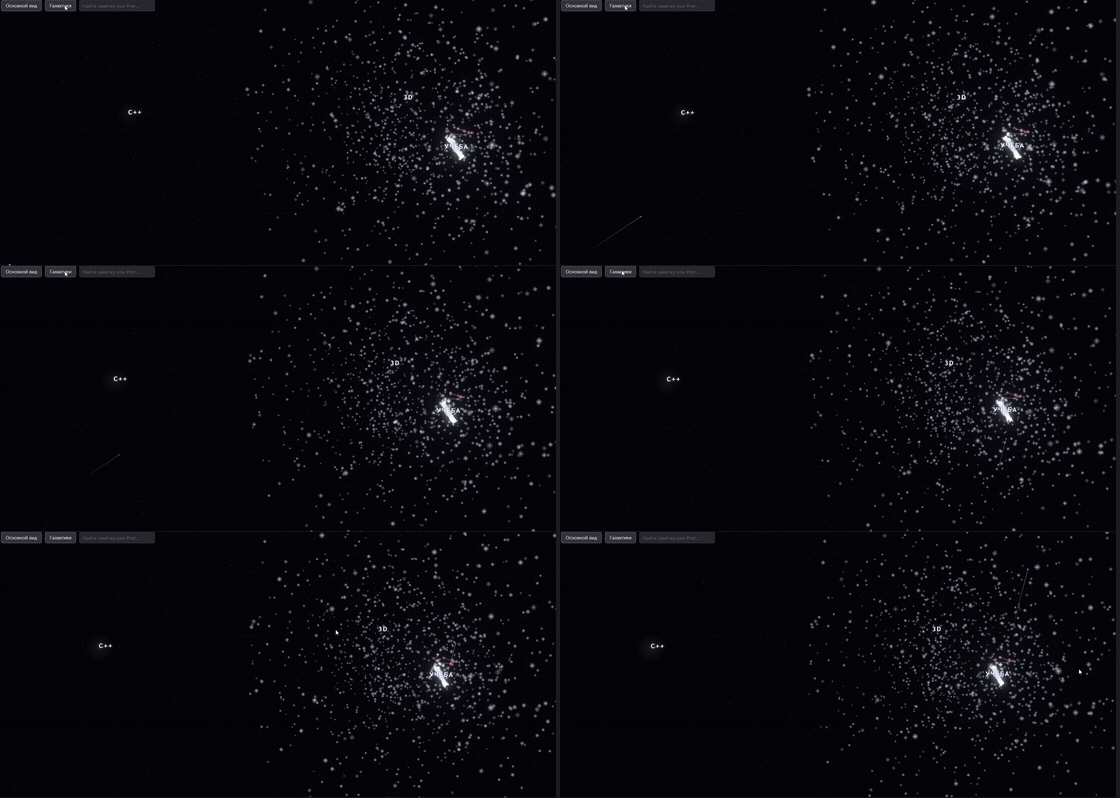
Notes become stars. Shared tags become constellations. Folders become universes. Fly through your vault instead of staring at a flat force graph.



What it does
| Vault concept | Becomes |
|---|---|
| A note | A star, sized and colored by how connected it is |
| A tag shared by ≥2 notes | A constellation — its stars are linked by lines |
| A top-level folder | A universe — its own region of space, spiral arms once it's big enough |
| The vault's most-connected note | A pulsating quasar with particle jets |
| A brand-new or fast-growing note | A flash — a "birth" or "supernova" — no rebuild needed |
Untagged notes drift as a dense galactic bulge at the core of their universe. Heavier (better-connected) notes gravitate toward the center of their constellation. Everything is jittered off a mathematically perfect spiral so it reads as a sky, not a diagram.
Features
- Fly-to navigation — click any star to swoop the camera to it and open an info card: tags, a text preview of the note, and its constellation neighbors (click through them to keep exploring).
- Galaxy jump list — a toolbar dropdown of every universe in the vault; pick one to fly straight there.
- Search — filter stars by name or tag right in the toolbar; matches
stay lit, everything else dims down;
Enterflies to the nearest match. - Alive by default — twinkling stars, bloom, comets drifting through the background, idle auto-rotate, all with no configuration required.
Installing
From a release (manual)
- Download
manifest.json,main.js, andstyles.cssfrom the latest release. - Create
<vault>/.obsidian/plugins/constellations/and put the three files there. - In Obsidian: Settings → Community plugins → enable "Constellations".
Via BRAT (before it's in the community catalog)
Install BRAT, then add this
repository (NikShukrem/obsidian-constellations) as a beta plugin. BRAT
keeps it updated automatically.
Development
npm install
npm run dev    # rebuilds main.js on file changes
npm run build  # production build
Symlink (or copy) the project folder into
<vault>/.obsidian/plugins/constellations/ so Obsidian picks up rebuilds.
The Rebuild view command (command palette) forces the 3D scene to
re-read the vault if notes changed while the panel was already open;
Recenter camera snaps back to the default view.
How it's built
src/graphBuilder.ts— builds the model: universes (top-level folders), constellations (tags shared by ≥2 notes in the same universe), and each star's connectivity-based weight (links + backlinks + tags).src/layout.ts— places everything in 3D: universes and constellations sit on a jittered Vogel spiral so nothing perfectly overlaps; universes with many constellations grow real spiral arms instead, with a dense bulge of untagged notes at the core; heavier stars gravitate toward the center of their constellation.src/view.ts— the Three.js renderer: shader-based twinkling/sparkle point stars, bloom post-processing, comets, the quasar, flash events for new/growing notes, camera fly-to, search, and the info panel.
Roadmap ideas
Not implemented yet, just on the shortlist:
- Black holes for orphaned notes (no links in or out).
- A pulsar-style faster flicker for recently-edited notes.
- Highlighting the star for whatever note is currently open in the editor.
Publishing checklist (for maintainers)
This repo is set up to submit to Obsidian's official Community Plugins list:
manifest.jsonhas a uniqueid,author,authorUrl, and aminAppVersionthat actually covers every Obsidian API used (checked via the automated review at submission time — see below).versions.jsonmaps plugin versions to the minimum Obsidian version.npm version patch|minor|majorbumpsmanifest.json/versions.jsontogether (seeversion-bump.mjs).- Pushing a tag (matching the version in
manifest.json, novprefix) triggers.github/workflows/release.yml, which builds, attests build provenance for the release assets, and attachesmain.js,manifest.json, andstyles.cssto a GitHub Release. npx eslint src/*.ts main.tschecks for unnecessary type assertions and floating promises — both of which the official review flags.- To submit: sign in at community.obsidian.md
with an Obsidian account, link your GitHub account, then Plugins → New
plugin → enter the repo URL. (
obsidianmd/obsidian-releasesno longer accepts direct PRs tocommunity-plugins.json— submissions go through this portal instead, which runs an automated review before human review.)
License
MIT — see LICENSE.
For plugin developers
Search results and similarity scores are powered by semantic analysis of your plugin's README. If your plugin isn't appearing for searches you'd expect, try updating your README to clearly describe your plugin's purpose, features, and use cases.