Emberly Maps
approvedby seagnu
Open Markdown notes as visual Emberly-style mind maps. - This plugin has not been manually reviewed by Obsidian staff.
Emberly Maps for Obsidian
This is the Obsidian plugin for ember.ly, the squiggly mind map note-taking tool. Since we're shutting Emberly down, we made this to give our users somewhere to bring their maps.
We also spent a lot of time polishing the mind map engine, and it feels bad not leaving it out there for others to use and take inspiration from.
Perhaps the Emberly mind map concept will have a more fitting life as an Obsidian plugin.
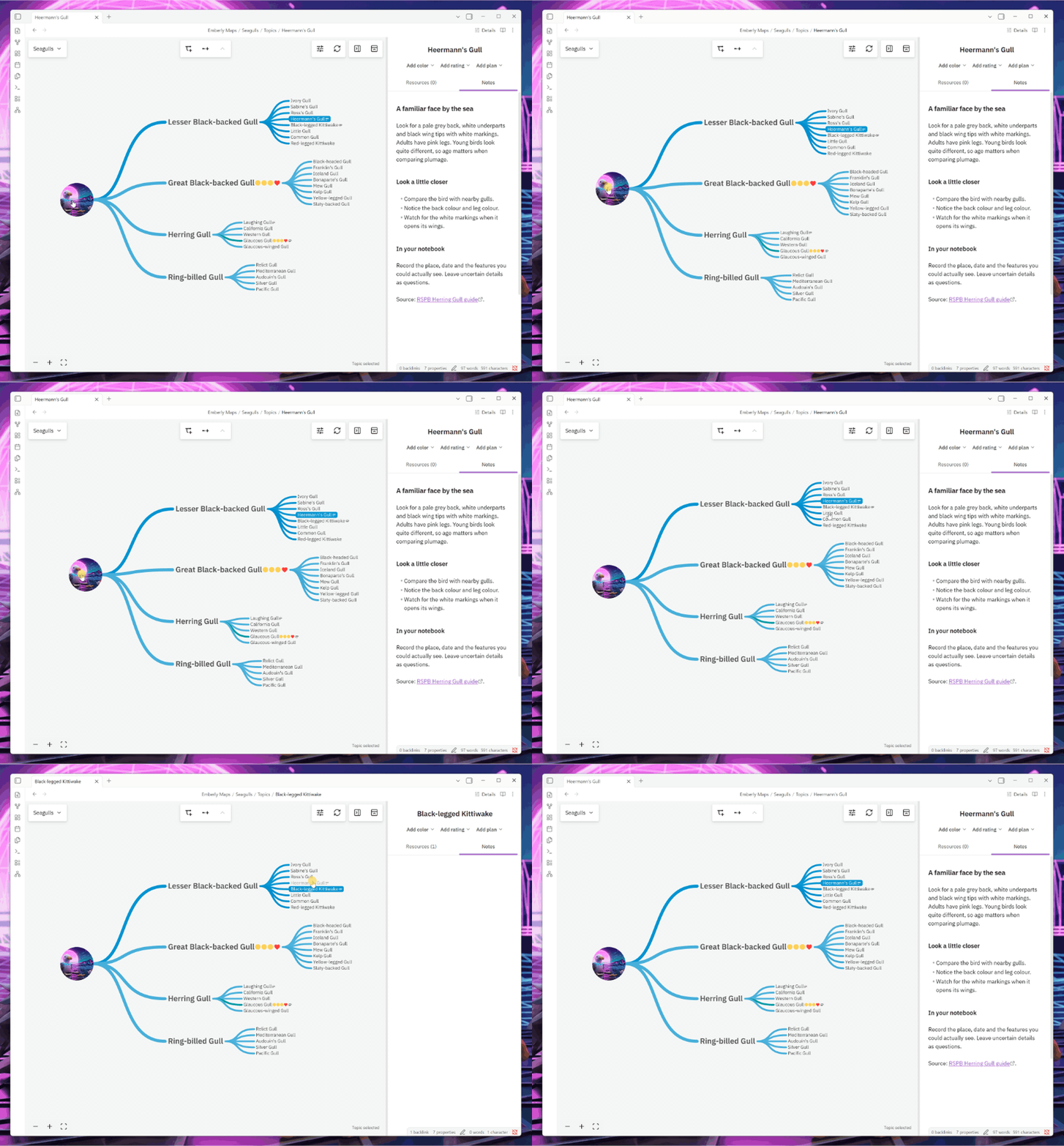
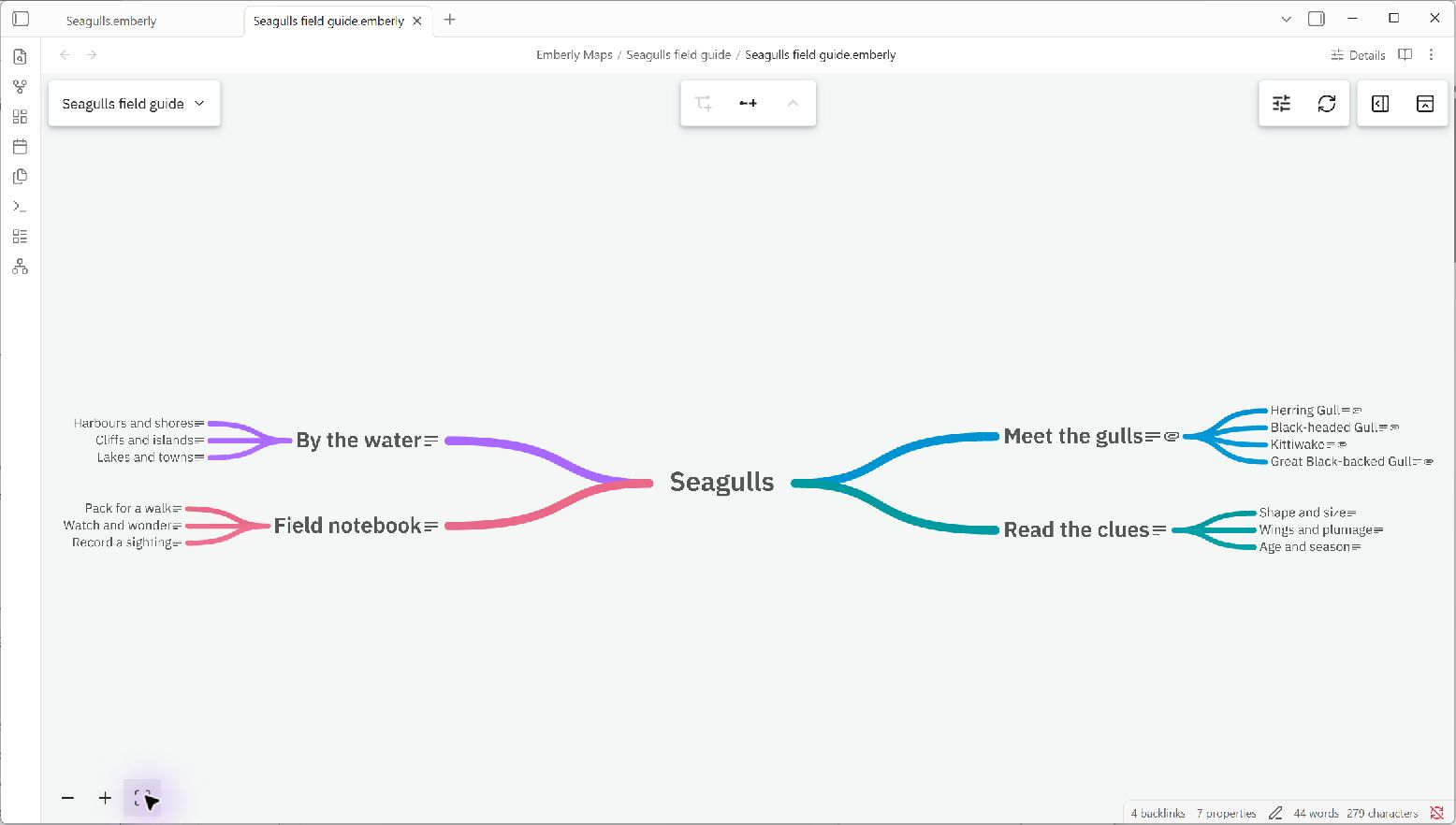
A little about the idea
We call it a knowledge tree: a map where each topic has a home for your notes, bookmarks, and files. You can remember where things live, see how they fit together, and let the branches grow as you learn.
No need to get the structure right the first time. Start with something you care about. Move things around later.
More on the idea: why Emberly works and growing a knowledge tree. These show the original app, but the idea is the same.
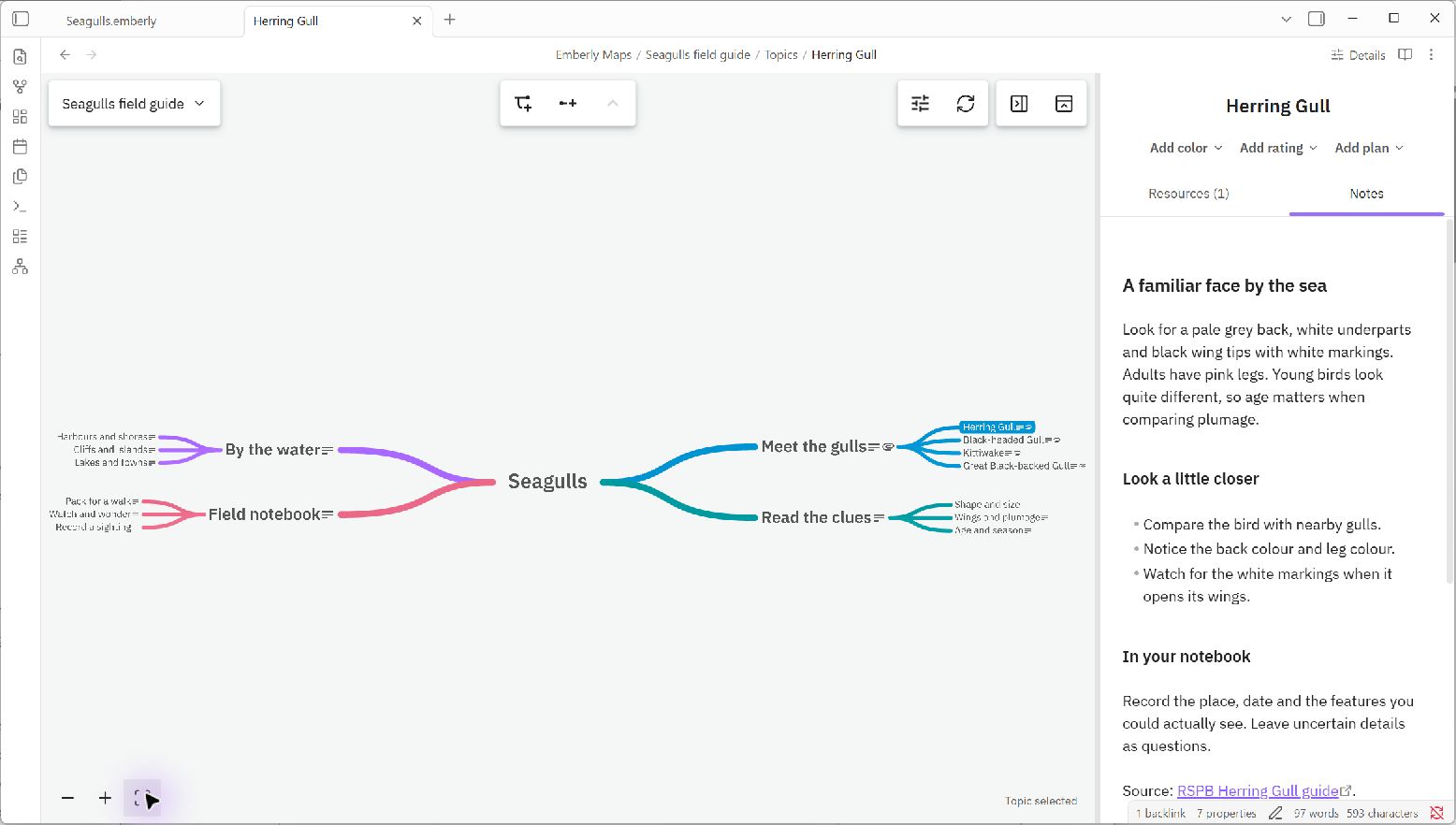
Click a topic to open its notes and resources. This is our little Seagulls field guide test map, if you'd like to try it.
Bring your maps along
Copy the map folders from a fresh Emberly Markdown export into your Obsidian vault, then choose Emberly Maps: Open map…. See the export guide if you're bringing an older export.
Your notes and attachments stay in the vault as ordinary files, readable without this plugin.
Try it
You'll need desktop Obsidian 1.13.7 or newer. Find Emberly Maps in Settings → Community plugins → Browse, install it, and enable it. You can also open its Community listing.
For a manual install, download a build from the releases page:
- Download
main.js,manifest.json, andstyles.css. - Put them in
<your vault>/.obsidian/plugins/emberly-maps/. - Reload Obsidian and enable Emberly Maps in Settings → Community plugins.
- Choose Emberly Maps: Open map… or Create map… from the command palette.
For now, you'll need to open the map again after restarting Obsidian. Return to plain note brings you back to the ordinary editor.
Your notes stay yours
No account, paid features, ads, tracking, or donation prompts. The map works offline, with fonts and assets bundled. Resource links open in your browser; we don't fetch those pages. Obsidian handles embeds in your notes as usual.
Help it grow
Ideas, bug reports, code, and docs are all welcome. Tell us about it. For bugs, please include your Obsidian version and what happened.
To build it yourself, use the Node version in .nvmrc:
npm ci
npm run verify
Install the three files as above. See contributing, the development notes, folder guide, and publishing guide.
License
Copyright (C) 2026 Emberly AS. Free and open source under the GNU AGPL v3. See third-party notices for component and asset licenses.
For plugin developers
Search results and similarity scores are powered by semantic analysis of your plugin's README. If your plugin isn't appearing for searches you'd expect, try updating your README to clearly describe your plugin's purpose, features, and use cases.