by fluxygram
Animated diagrams that explain themselves: write the JSON in a fluxygram code block and watch it play step by step.
Fluxygram for Obsidian
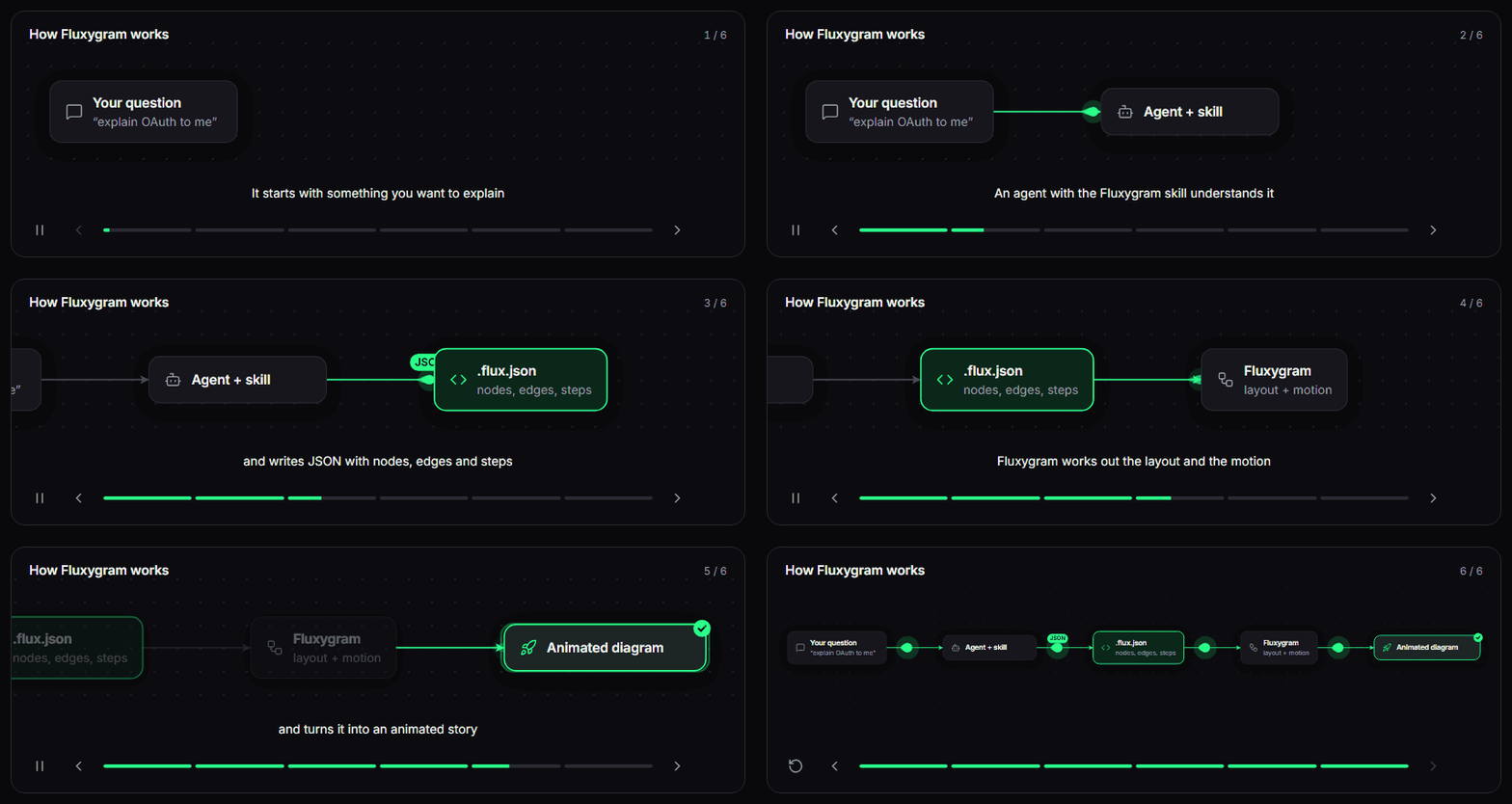
Animated diagrams that explain themselves, right in your notes. Write the diagram JSON in a fluxygram code block and it plays step by step: blocks appear, particles travel along each connection and the camera follows the story.
Usage
```fluxygram
{
  "type": "flow",
  "title": "Password reset",
  "nodes": [
    { "id": "ask", "label": "Forgot password", "icon": "user" },
    { "id": "mail", "label": "Email with link", "icon": "mail" },
    { "id": "new", "label": "New password", "icon": "lock" }
  ],
  "edges": [
    { "id": "ask-mail", "from": "ask", "to": "mail" },
    { "id": "mail-new", "from": "mail", "to": "new" }
  ],
  "steps": [
    { "show": ["ask"], "caption": "Someone forgets their password" },
    { "show": ["mail"], "flow": ["ask-mail"], "caption": "We email them a one-time link" },
    { "show": ["new"], "flow": ["mail-new"], "caption": "They pick a new one" }
  ]
}
```
The diagram works in reading view and live preview, and follows Obsidian's light or dark theme. If the JSON has a mistake, the block shows a short message saying what to fix.
- Build diagrams visually in the editor at fluxygram.app/play, then copy the JSON into your note.
- The format, diagram types and storytelling tips are in the docs.
- Ask an AI to write one: the format is plain JSON, so any assistant can produce it.
Everything runs locally. The plugin makes no network requests.
Install
From Obsidian: Settings → Community plugins → Browse, search for "Fluxygram".
Manually: download main.js and manifest.json from the latest release into <vault>/.obsidian/plugins/fluxygram/, then enable it under Community plugins.
Development
npm install
npm run build   # writes main.js
The diagram engine is @fluxygram/element, bundled into main.js.
License
MIT
For plugin developers
Search results and similarity scores are powered by semantic analysis of your plugin's README. If your plugin isn't appearing for searches you'd expect, try updating your README to clearly describe your plugin's purpose, features, and use cases.