Graphnosis
approvedby Nelu Lazar
Indexed, local, encrypted job memory for your vault, powered by Graphnosis. - This plugin has not been manually reviewed by Obsidian staff.





Graphnosis for Obsidian

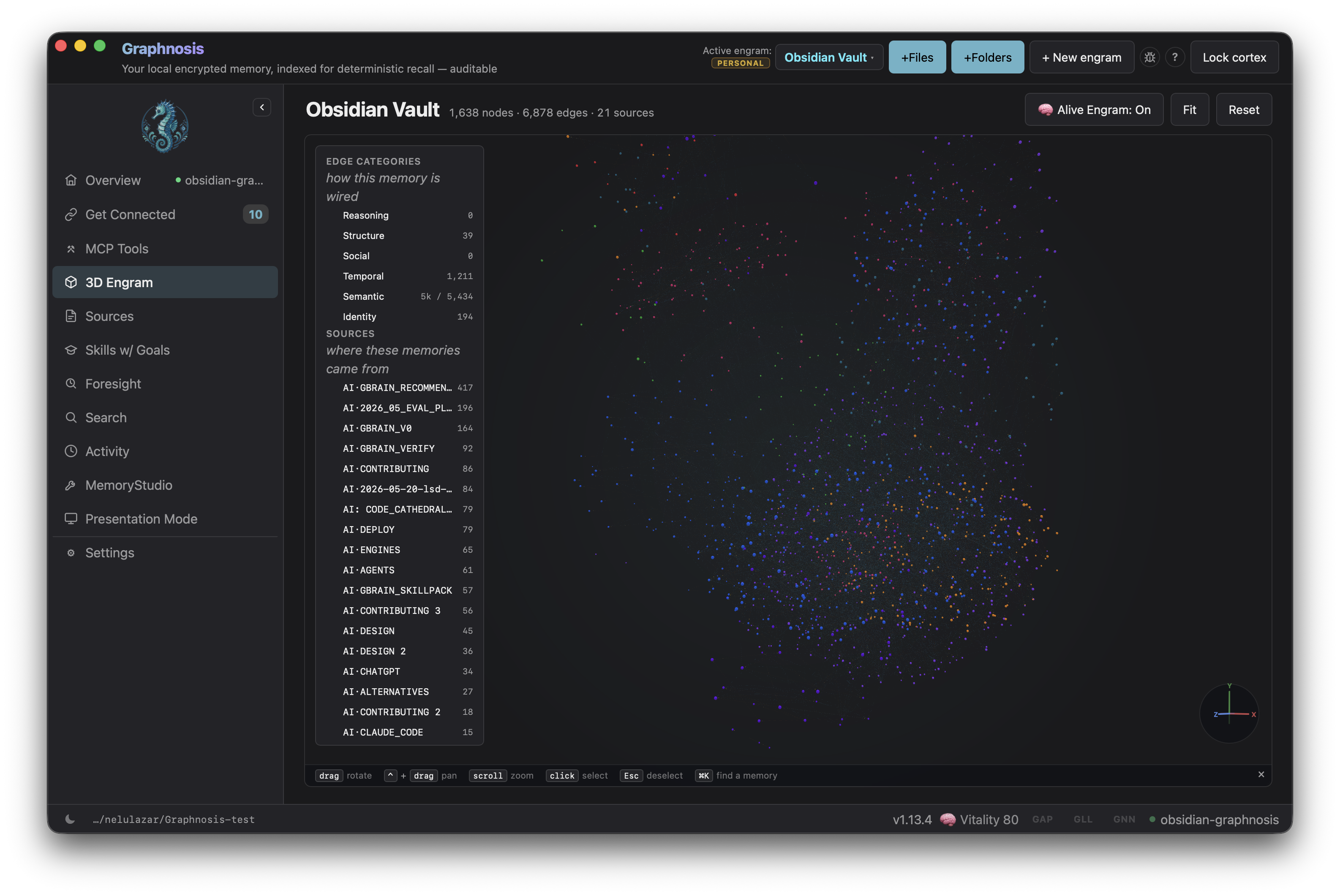
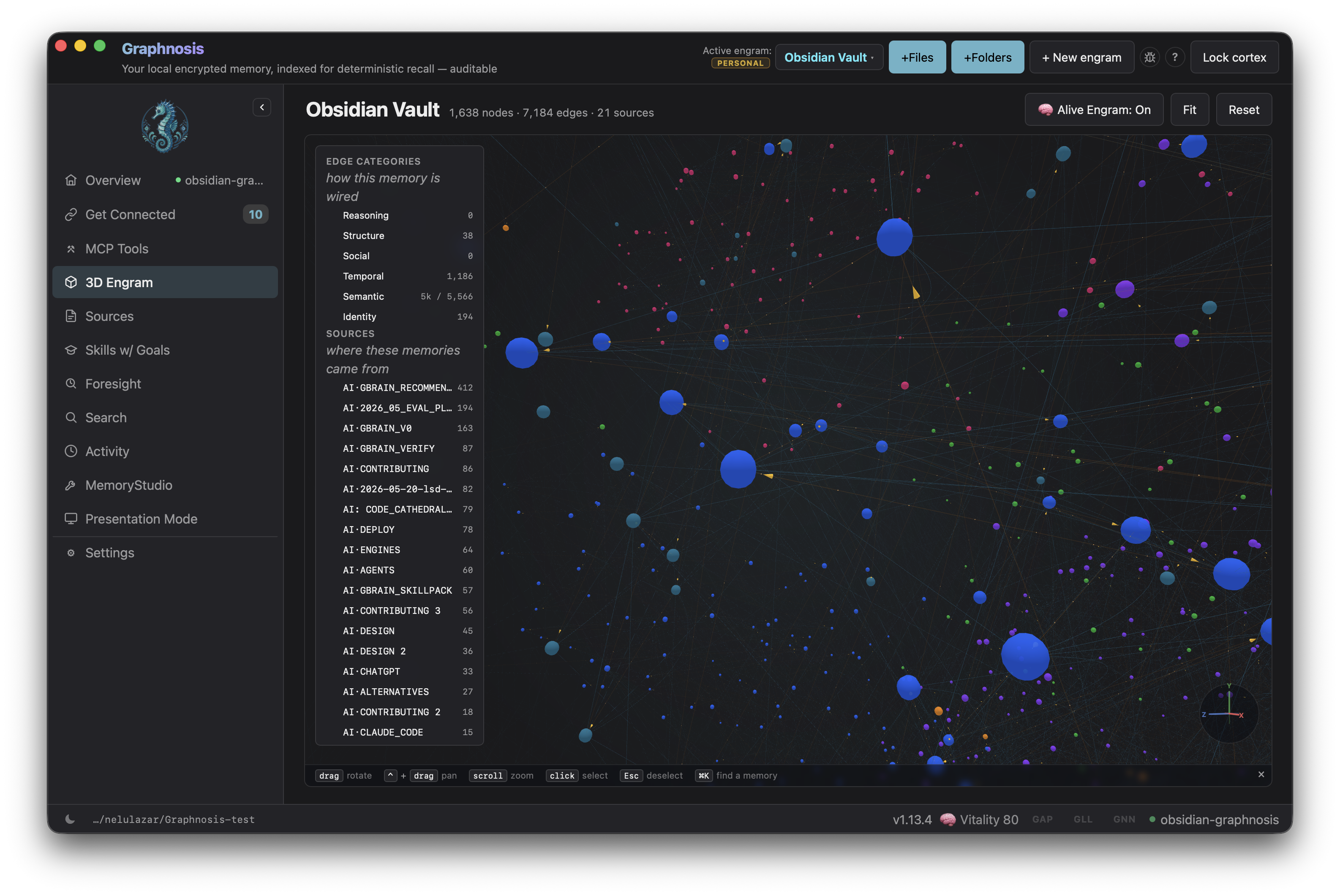
Indexed, local, encrypted job memory for your Obsidian vault, powered by Graphnosis.
- Recall — semantic search across your entire cortex from the command palette; click any result to insert it at the cursor
- Remember — save the current note to your encrypted cortex with a single command
- Vault sync — automatically push modified
.mdfiles to memory on save - Catch-up sync — on every launch, the plugin picks up notes edited outside Obsidian (Terminal, Cursor, cloud sync) and pushes them without any action from you
- Engram routing — direct vault notes into a specific memory graph (engram) to keep topics cleanly separated
- Token-budget control — tune recall depth per query from 100 to 8,000 tokens in Settings
- Insert at cursor — recall results drop straight into your note at the cursor
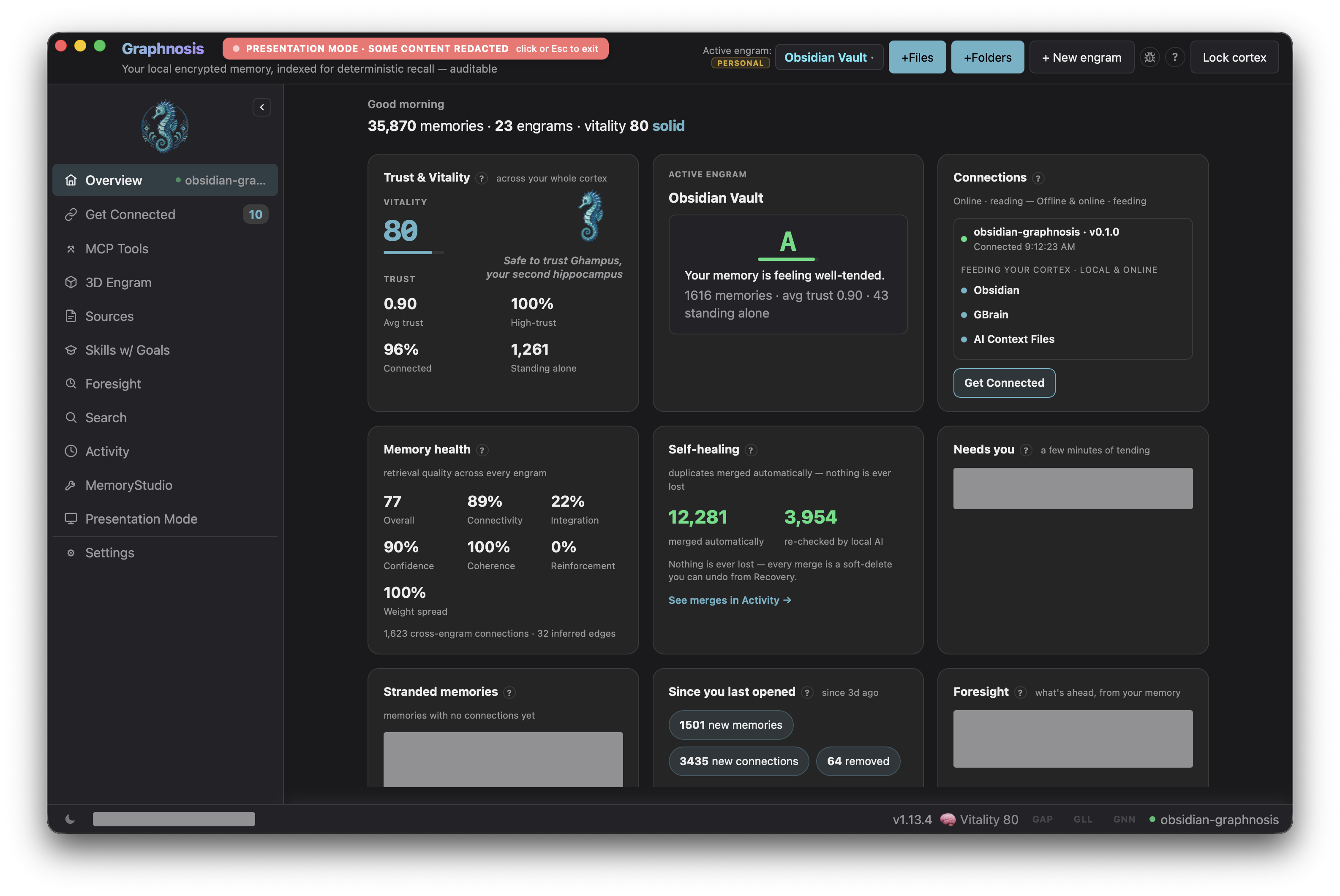
- Status bar — live cortex vitality score so you always know the bridge is up
- Local-only — talks to the Graphnosis sidecar on
localhost; AES-256-GCM encryption at rest; nothing leaves your machine
Prerequisites
- Graphnosis desktop app — download here. The app must be running and your cortex unlocked.
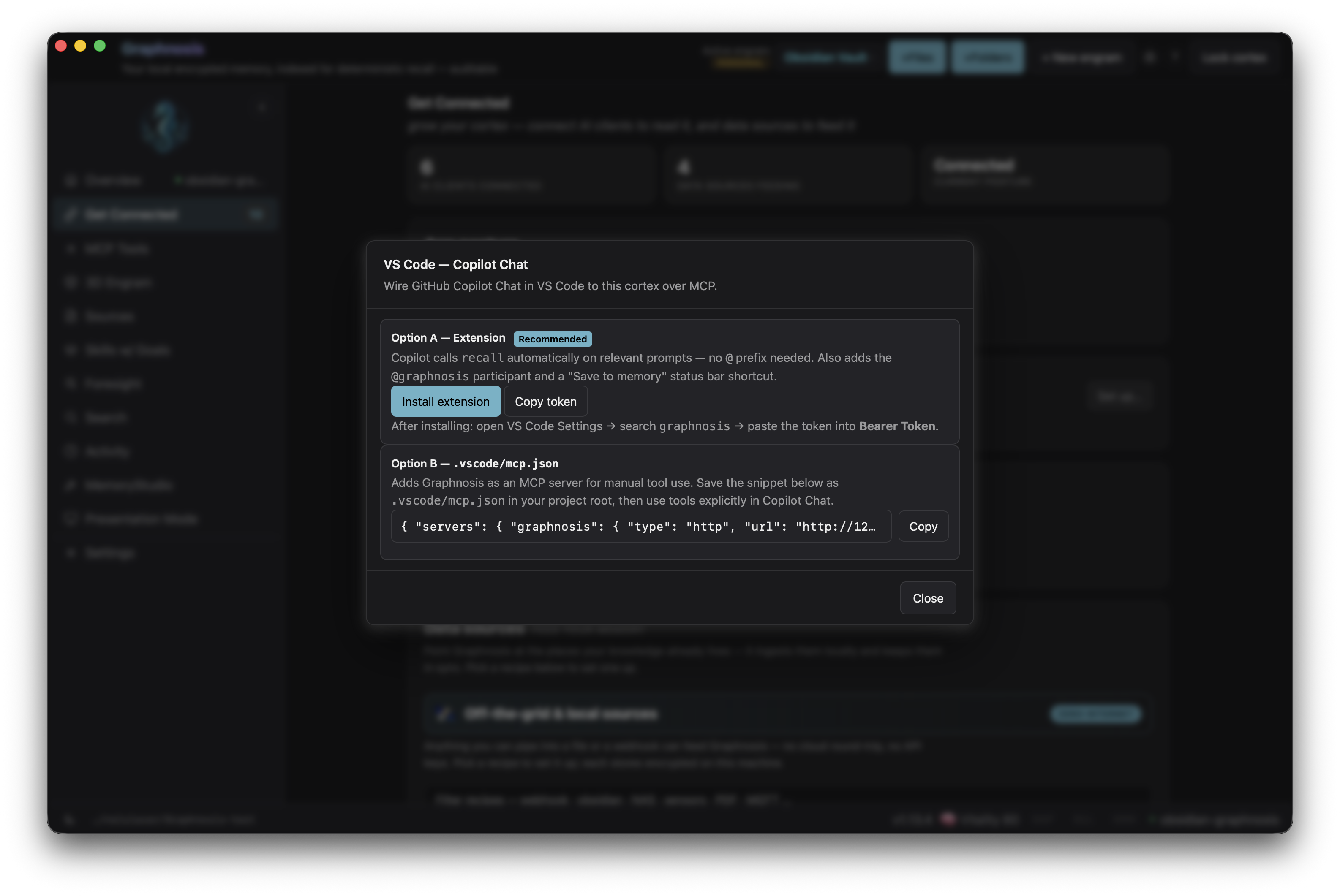
- Bearer token — open Graphnosis → Settings → VS Code tab and copy the token shown there. (The same token works for Obsidian — it's a local-only bridge.)
Installation
Via BRAT (pre-release / beta)
- Install the BRAT plugin from Obsidian's community plugin list.
- Open BRAT settings → Add Beta Plugin → paste
nehloo/graphnosis-obsidian-plugin. - Enable Graphnosis in Settings → Community plugins.
Via Obsidian Marketplace (once listed)
Search "Graphnosis" in Settings → Community plugins → Browse, then install and enable.
Configuration
Open Settings → Graphnosis:
| Setting | Default | Description |
|---|---|---|
| HTTP bridge URL | http://127.0.0.1:3457/mcp | URL of the local MCP bridge (rarely needs changing) |
| Bearer token | — | Paste from Graphnosis → Settings → VS Code tab |
| Target engram | personal | Engram that Save current note and vault sync write into |
| Enable vault sync | off | Push modified notes to memory on save |
| Max recall tokens | 2000 | Token budget per recall query (100–8000) |
Use Test connection to confirm the bridge is reachable after pasting the token.
[!IMPORTANT] Enabling vault sync imports your whole vault. The first time you turn it on, catch-up sync treats every existing
.mdfile as unsynced and pushes all of them to the Target engram in one pass (then only edited notes sync thereafter). If you don't want a bulk import, point Target engram at a dedicated engram first, or enable sync on a small vault. The target engram must already exist — if it doesn't, the Graphnosis app shows a one-click banner to create it on first write.
Commands
| Command | What it does |
|---|---|
Search memory… | Opens the recall modal — type a query, click a result to insert it |
Save current note to memory | Pushes the full current note to your cortex |
Related
- nehloo-interactive/graphnosis-app — desktop app monorepo (Tauri shell, Node sidecar, VS Code extension)
- @nehloo/graphnosis — core memory SDK (npm)
- nehloo-interactive/graphnosis-secure-sync — encryption, op-log, and federation layer the SDK is built on
License
Apache-2.0 — see LICENSE.
Demo
For plugin developers
Search results and similarity scores are powered by semantic analysis of your plugin's README. If your plugin isn't appearing for searches you'd expect, try updating your README to clearly describe your plugin's purpose, features, and use cases.