by droidstream
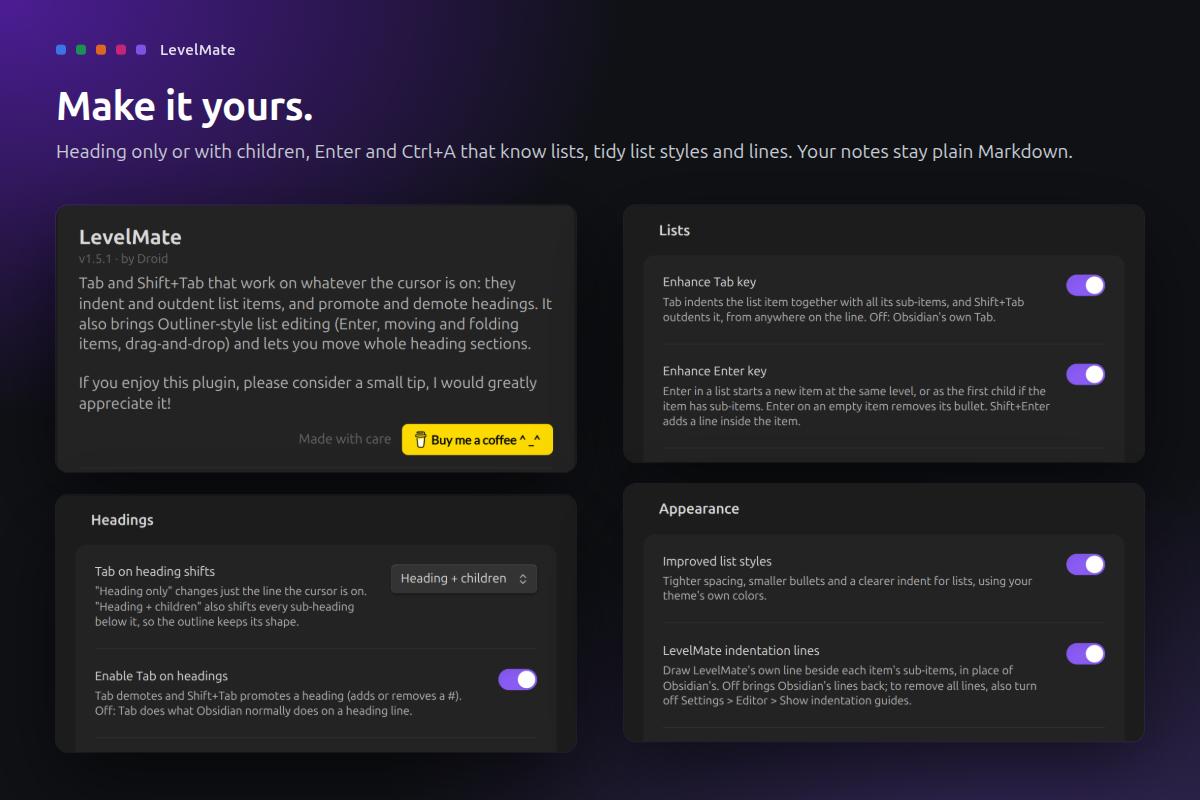
Tab and Shift+Tab that indent list items and shift heading levels, with Outliner-style list editing.
LevelMate
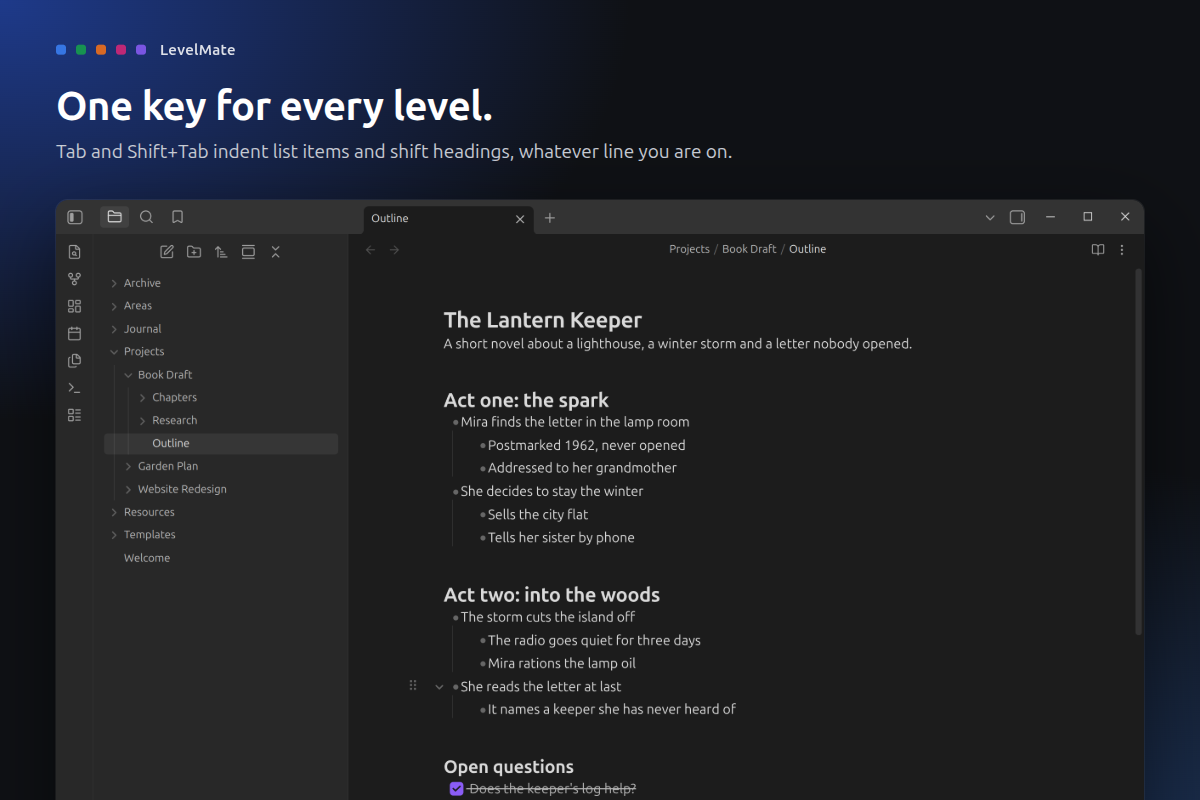
One key for every level. Lists and headings alike.
Obsidian's Tab key knows lists but not headings, so restructuring a note means juggling two plugins that fight over the same key. LevelMate gives Tab and Shift+Tab one job: move the line you are on up or down a level, whether it is a list item or a heading. Press Tab, done.
What it does
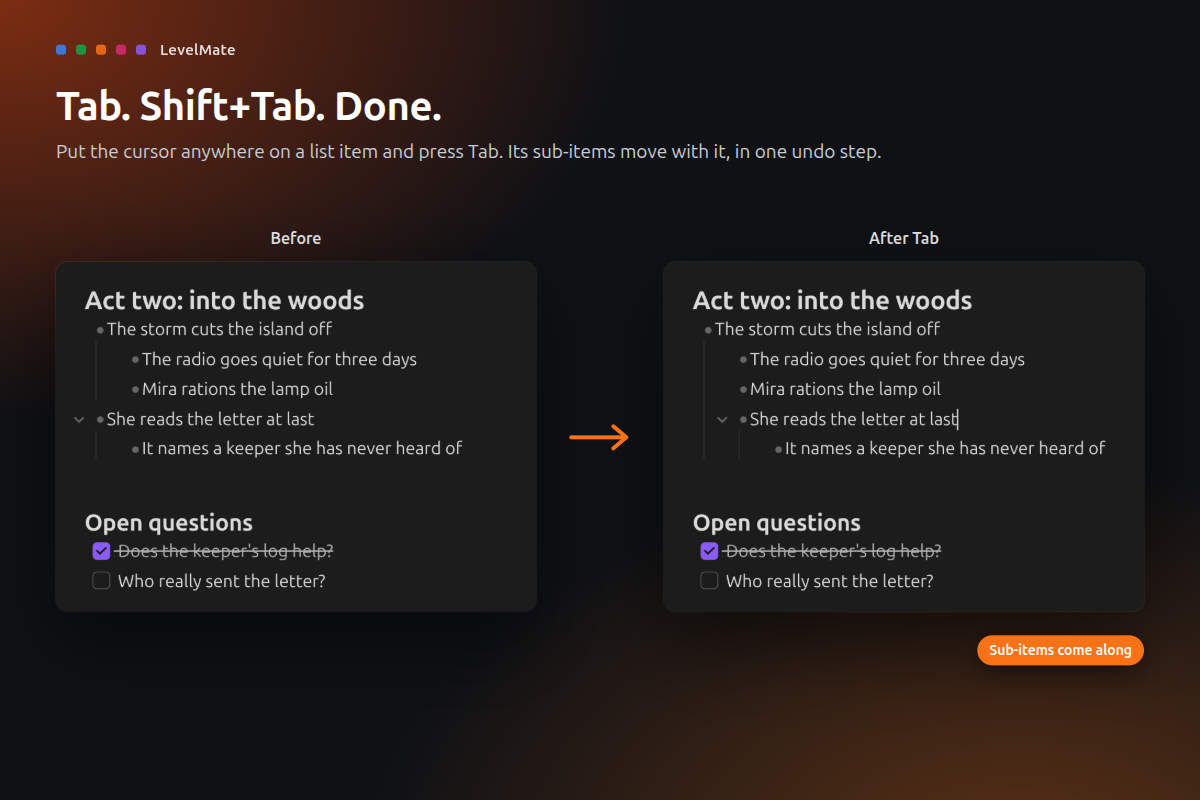
- Tab for lists. Tab indents a list item and Shift+Tab outdents it, from anywhere on the line. Its sub-items come along.
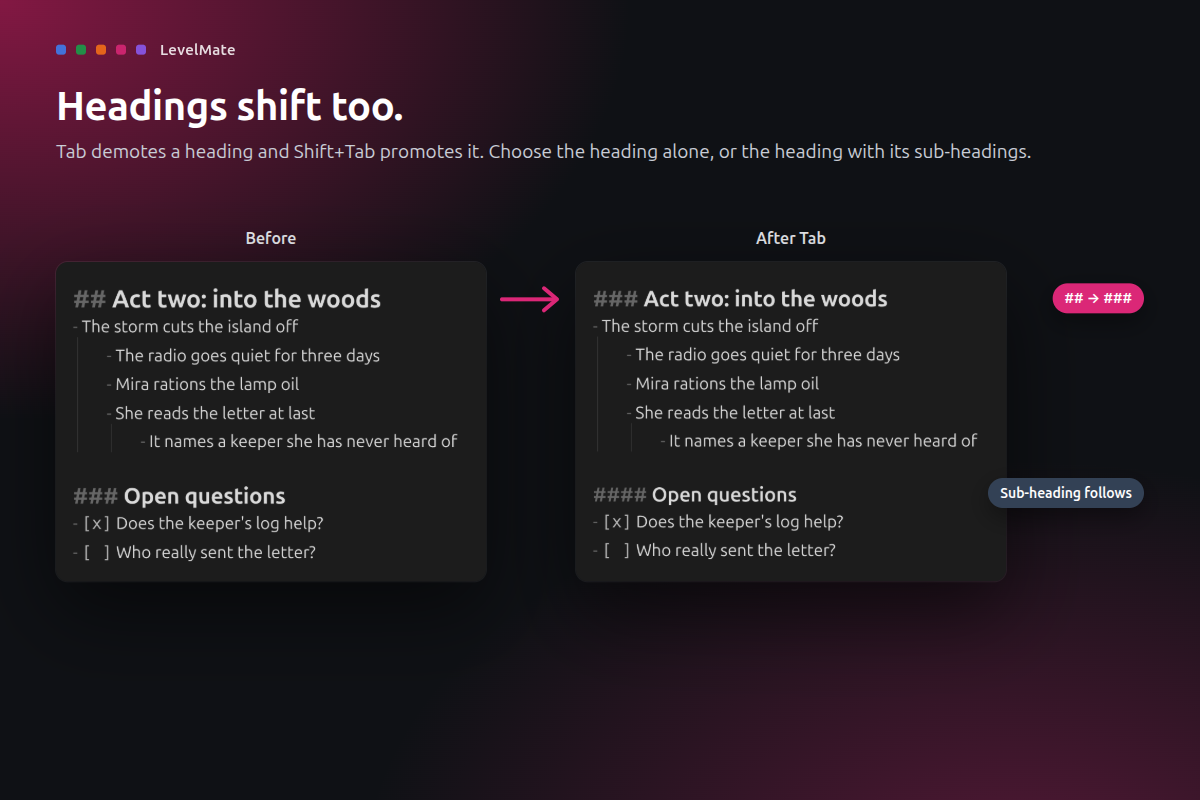
- Tab for headings. Tab turns
##into###and Shift+Tab goes back. Shift the heading alone, or the heading with its sub-headings. - Outliner-style editing. Enter that knows lists, a cursor that skips the bullet, step-by-step Ctrl+A, and commands to move and fold items, on the keys you choose.
- Whole sections move. Move up or down on a heading swaps its whole section with the one next to it.
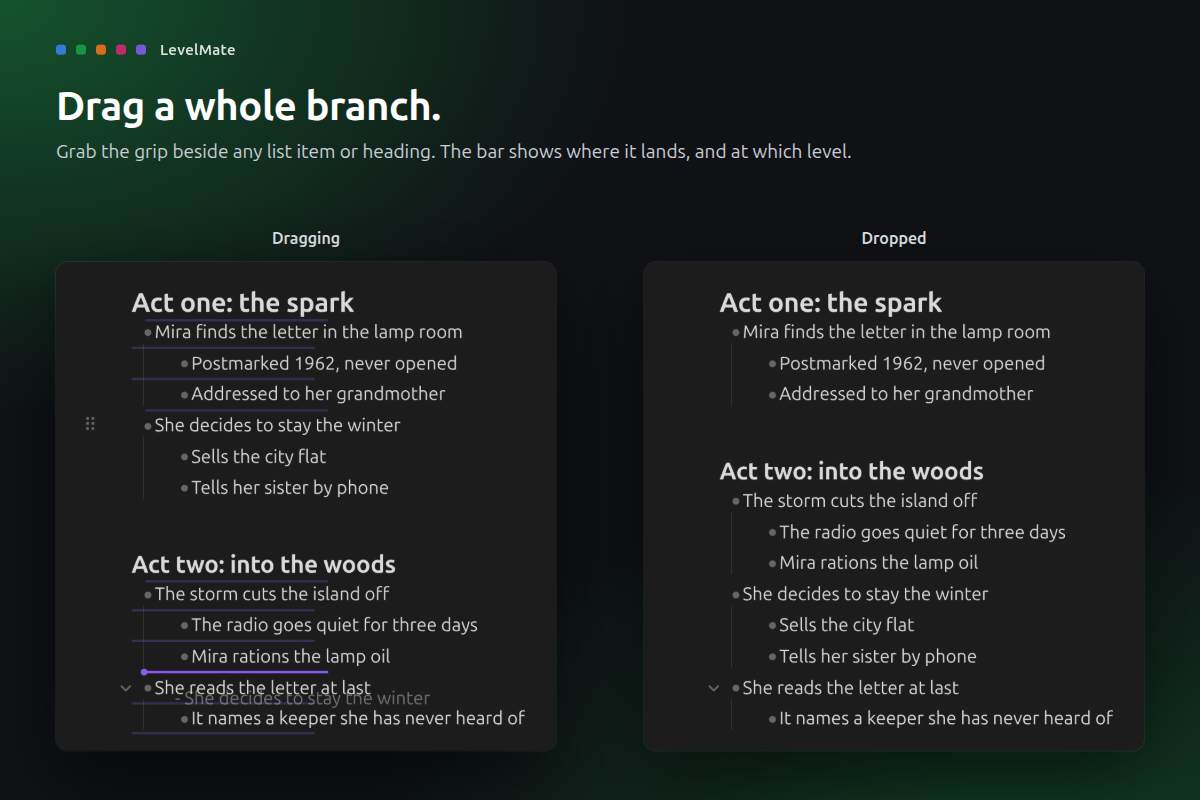
- Drag and drop. Grab the grip beside a list item or heading and drop the whole branch or section somewhere else. The bar shows the level it lands on.
- Tidy lists. Optional list styles and indentation lines that fold an item when you click them.
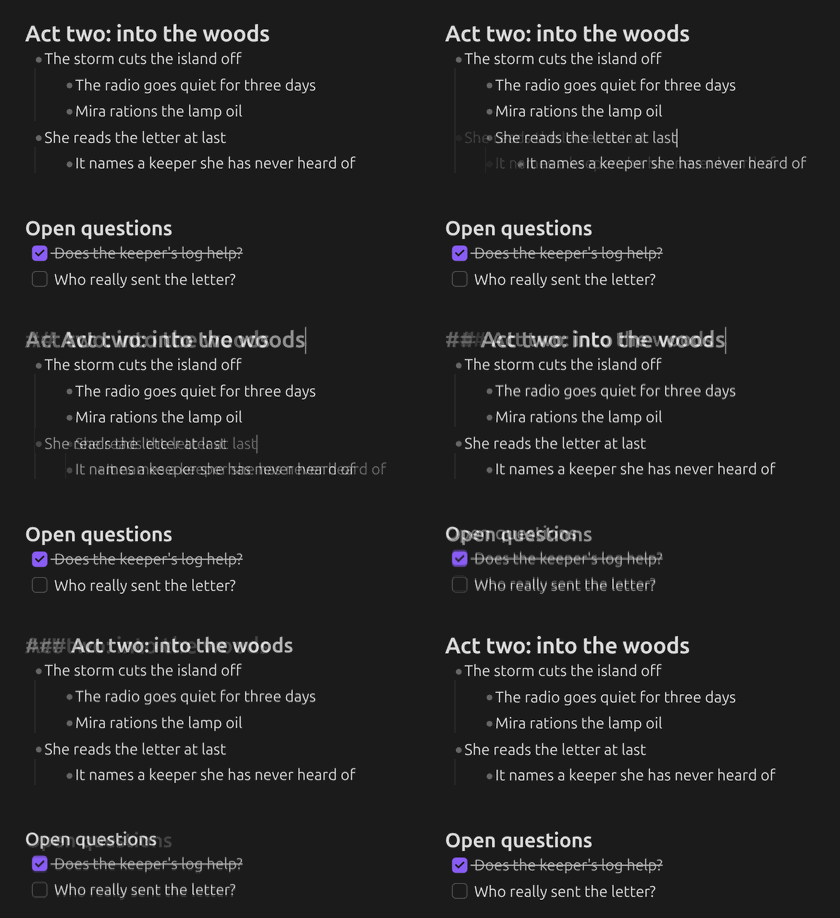
- One undo step. Every action, however many lines it touches, comes back with a single Ctrl+Z.
How to use
- Install LevelMate from Settings > Community plugins and enable it.
- Put the cursor on a list item or a heading and press Tab or Shift+Tab.
- To shift sub-headings too, open Settings > LevelMate and set Tab on heading shifts to Heading + children.
- To move and fold items from the keyboard, open Settings > Hotkeys, search for "LevelMate" and give Move up, Move down, Fold and Unfold the keys you like (Outliner users: Ctrl+Shift+Up/Down and Ctrl+Up/Down).
If you use Outliner or Heading Shifter, turn them off. They claim the same keys.
Privacy and safety
- Your notes stay plain Markdown. LevelMate only changes the lines you act on, in the note you are editing.
- No network, no telemetry. It also has no runtime dependencies.
- Safe zones. Code blocks, frontmatter, math blocks and tables are never treated as lists or headings.
- Desktop only. Needs Obsidian 1.13 or later.
- Signed releases. Every release is built by GitHub Actions from this repository and carries a build provenance attestation.
Support
If LevelMate makes your outlines a little easier, you can buy me a coffee. Thank you!
Develop
npm ci, npm test, npm run lint, npm run build (installs into ../test-vault), npm run obsidian:check (live checks in a real Obsidian), npm run showcase (store screenshots), npm run ship.
MIT licensed. Made by Droid.
For plugin developers
Search results and similarity scores are powered by semantic analysis of your plugin's README. If your plugin isn't appearing for searches you'd expect, try updating your README to clearly describe your plugin's purpose, features, and use cases.