Litos Companion
approvedby zerokei
Litos 主题的显示控制与 Mermaid / ELK 流程图增强。 - This plugin has not been manually reviewed by Obsidian staff.
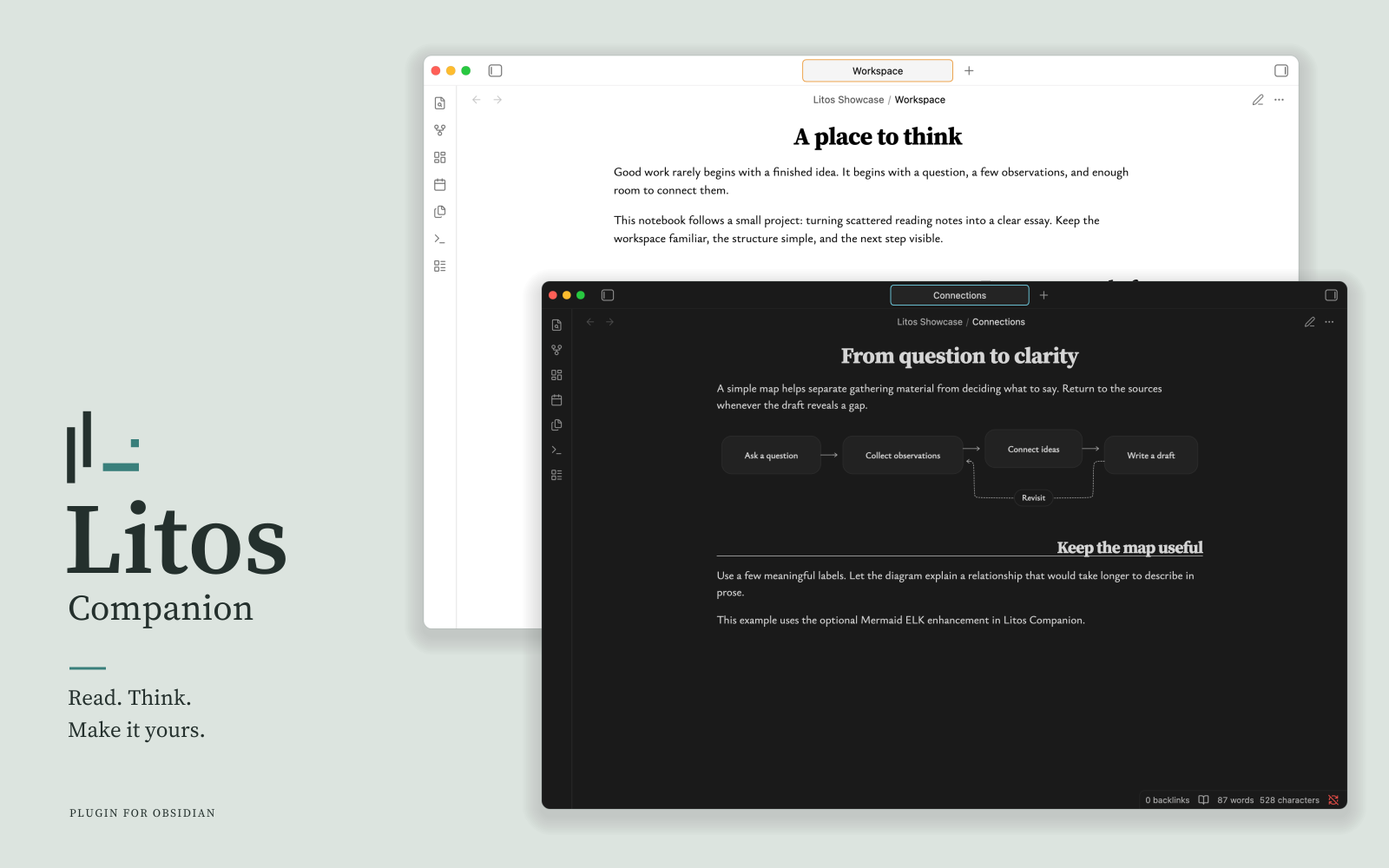
Make the Litos workspace your own with optional display controls and Mermaid ELK support.
Litos provides the theme; Litos Companion adds controls and diagram capabilities. Install either independently. Heading controls require a compatible Litos theme.
Features
- Zen mode: Hide workspace controls for a quieter view; toggle from settings or the command palette.
- Heading controls: Adjust H2 alignment in Reading view and Live Preview.
- Accent color: Adjust Obsidian’s native accent color from the plugin settings.
- Mermaid ELK support: Use ELK automatic layout for Mermaid flowcharts.
Requirements
- Obsidian 1.13.7 or later on desktop.
- Heading controls require a Litos theme version that supports Companion API 1.
- Mermaid ELK support also works with other themes. It is disabled by default and can be enabled in the plugin settings.
Download from GitHub Releases. See the user guide for installation and usage instructions.
Dependencies
| Dependency | Version | Purpose |
|---|---|---|
| Mermaid | 11.16.1 | Diagram parsing and rendering |
| @mermaid-js/layout-elk | 0.2.0 | ELK layout integration |
| yaml | ^2.9.1 | Diagram configuration parsing |
Built with TypeScript, esbuild, and Vitest. See package.json for the complete dependency list.
Documentation
License
MIT. Third-party components are distributed under their respective licenses; see third-party notices.
For plugin developers
Search results and similarity scores are powered by semantic analysis of your plugin's README. If your plugin isn't appearing for searches you'd expect, try updating your README to clearly describe your plugin's purpose, features, and use cases.