Mermaid ELK Renderer
approvedby smolblackhole
Re-enables the ELK (Eclipse Layout Kernel) renderer for Mermaid diagrams. - This plugin has not been manually reviewed by Obsidian staff.
Mermaid ELK Renderer
Re-enables the ELK (Eclipse Layout Kernel) layout engine for Mermaid diagrams in Obsidian.
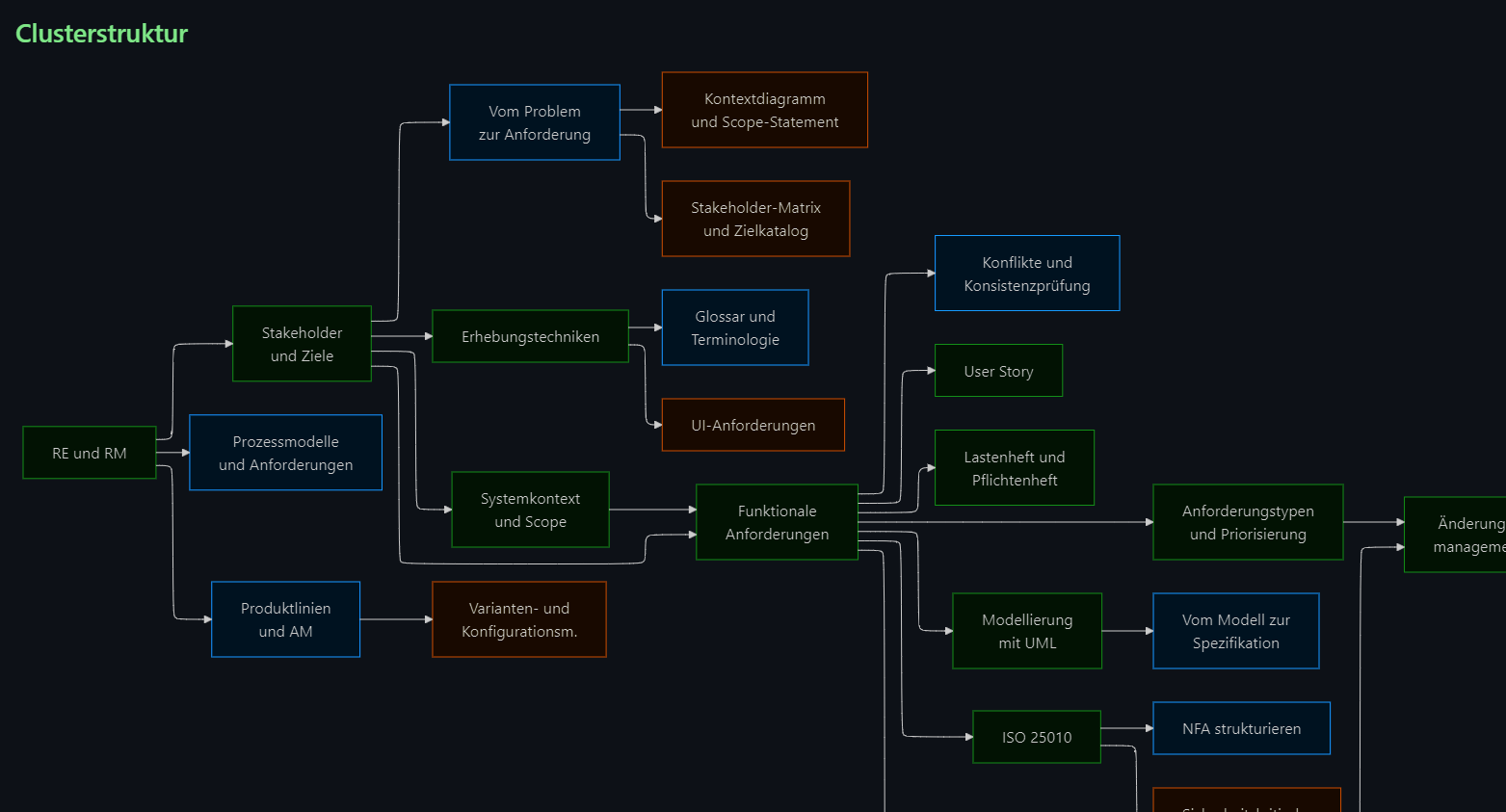
What this plugin does
- Adds
%% elk %%marker support. Put the marker inside any Mermaid block and that diagram gets ELK layout. - Can optionally load Mermaid 11.16.1 from the plugin instead of Obsidian's older built-in Mermaid. This is the switch for newer diagram types like
xychart-beta,cynefin-beta, orrailroad-beta. - Preserves your existing frontmatter.
look: handDrawn,theme: neutral, and other config values stay intact.
[!tip] Start simple Add
%% elk %%to a diagram. That is usually all you need.[!question] Want more control? See docs/advanced-settings.md.
Quick start
Add %% elk %% inside any Mermaid block and that diagram gets ELK layout:
```mermaid
%% elk %%
flowchart LR
    A[Start] --> B[Analyze]
    B --> C[Done]
```
[!example]- Example renders Here is what ELK layout looks like compared to stock dagre:
ELK also works on newer diagram types when you enable bundled Mermaid 11:
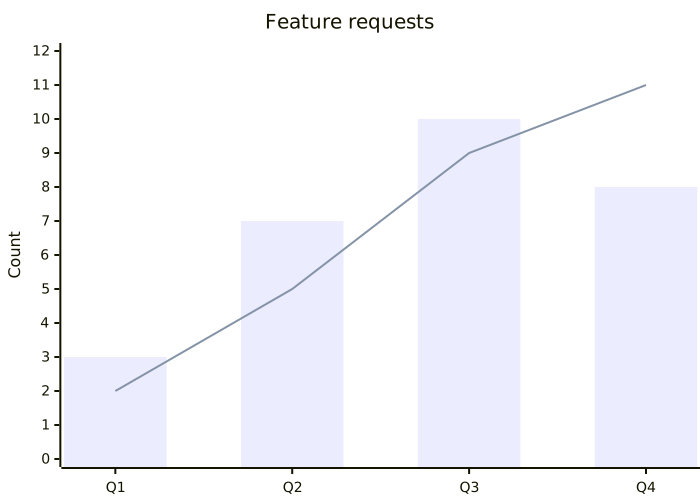
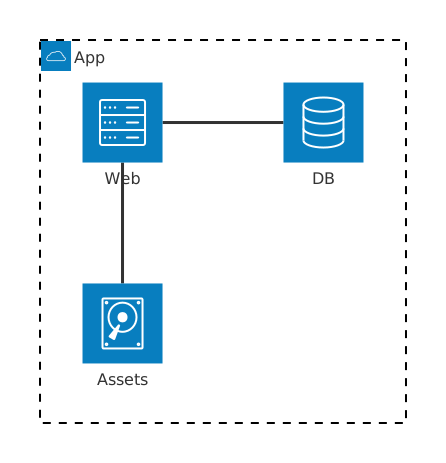
docs/mermaid-11-examples.md has a full showcase with prerendered images and copyable source snippets.

Installation
Community plugins
- Open Settings, Community plugins.
- Search for Mermaid ELK Renderer.
- Install and enable.
Manual
- Download
main.js,manifest.json, andstyles.cssfrom the latest GitHub release. - Create a folder named
mermaid-elk-rendererin your vault's plugin folder. - Copy the three files in.
- Enable the plugin.
Settings
Open Settings, Community plugins, Mermaid ELK Renderer.
| Setting | What it does |
|---|---|
| Debug logging | Logs plugin activity to the developer console. THIS DATA WILL NOT LEAVE YOUR DEVICE OR BE SENT OVER THE INTERNET |
| Use bundled Mermaid 11 | Load Mermaid 11.16.1 from the plugin. Turn this on when a diagram from the official Mermaid docs does not work in stock Obsidian. |
| Apply elk to all diagrams | Route every Mermaid diagram through ELK, marker or not. |
| Override existing layout | Replace an existing config.layout with elk. |
| Escape numbered labels | Prevent labels like 1. Step from triggering Markdown list rendering inside Mermaid. |
| Default Mermaid look / theme | Set global look and theme defaults for routed diagrams. |
[!warning] Restart after changing settings The plugin refreshes previews on change, but a full Obsidian restart is still the cleanest reset.
[!danger] Danger zone The regex overrides in advanced settings are for real edge cases. If your diagrams already work, leave them alone. If they do not, open an issue.
More docs
- Advanced settings
- Mermaid 11 example showcase
- Support and debug reports
- Development notes
- Official Mermaid docs
Try the examples in Obsidian
The examples/ folder contains ready-to-use Markdown files. Copy them into your vault, enable the plugin, and open them in Obsidian to see the diagrams render live.
examples/Mermaid-11.16-layout-comparison.md— dagre vs. elk side by sideexamples/Mermaid-11.16-charts.md— pie and XY chartexamples/Mermaid-11.16-cynefin-railroad.md— cynefin framework and railroad diagramsexamples/Mermaid-11.16-er-state-arch-gantt.md— ER, state, architecture, gantt, and tree view
License
For plugin developers
Search results and similarity scores are powered by semantic analysis of your plugin's README. If your plugin isn't appearing for searches you'd expect, try updating your README to clearly describe your plugin's purpose, features, and use cases.