by joepetrakovich
Adds an AI chat interface that connects to LM Studio so you can chat with your notes privately and offline.
 __         __    __     ______     ______
/\ \       /\ "-./  \   /\  ___\   /\  ___\
\ \ \____  \ \ \-./\ \  \ \___  \  \ \ \____
 \ \_____\  \ \_\ \ \_\  \/\_____\  \ \_____\
  \/_____/   \/_/  \/_/   \/_____/   \/_____/
LM Studio Connect
An Obsidian plugin that provides an AI chat interface to an LM Studio instance and a lightweight read-only agent harness around your vault. Allows you to use LLMs with your notes privately and offline.
Bugs, Issues, and Feature Requests
How to use
- Ensure you have LM Studio set up and that the server is running with the CORS option enabled.
- Once the plugin is installed, visit the plugin's settings page in Obsidian and verify it can connect to LM Studio.
Chat view
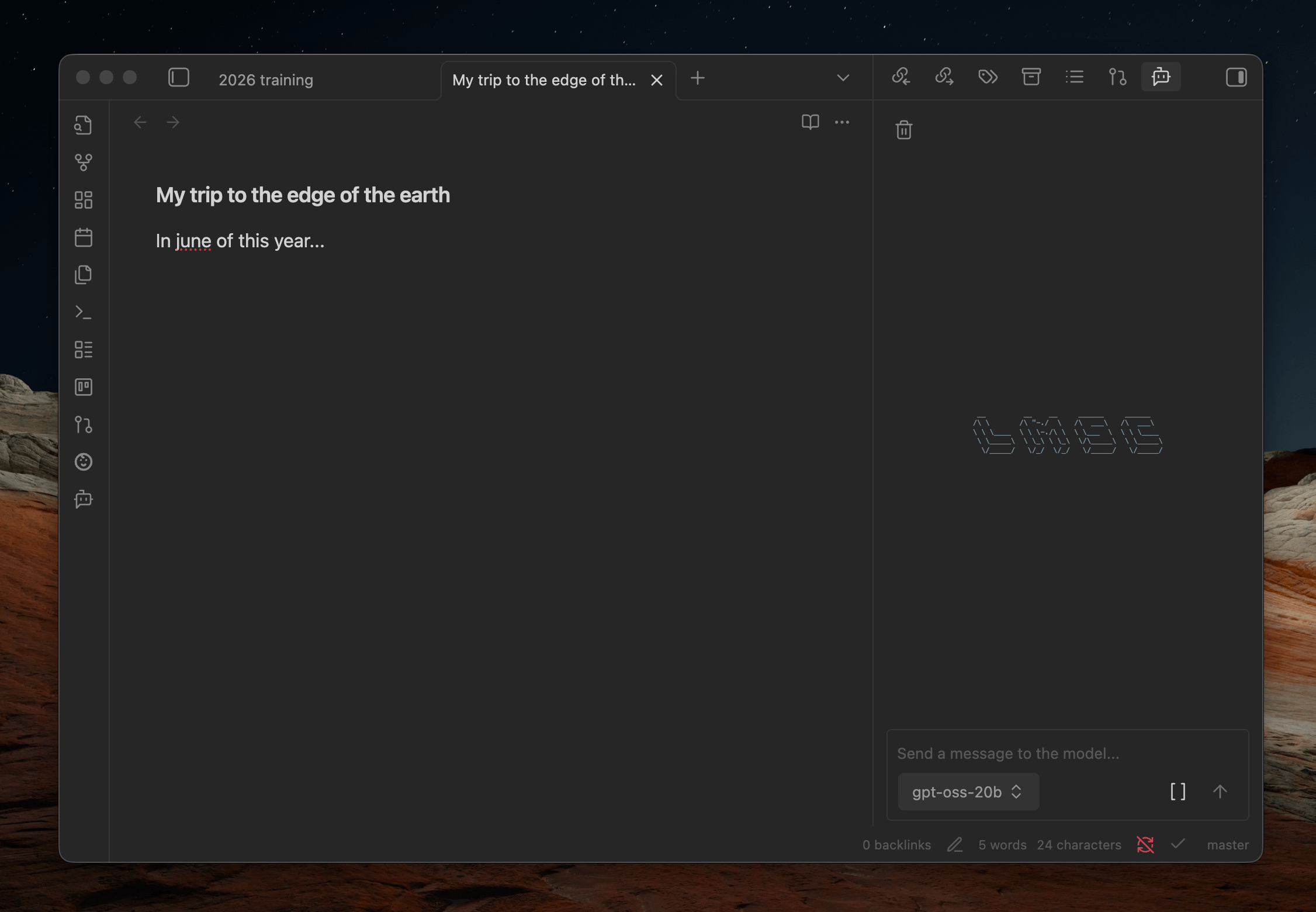
- You can reveal the chat window via the Obsidian command pallete or ribbon menu.
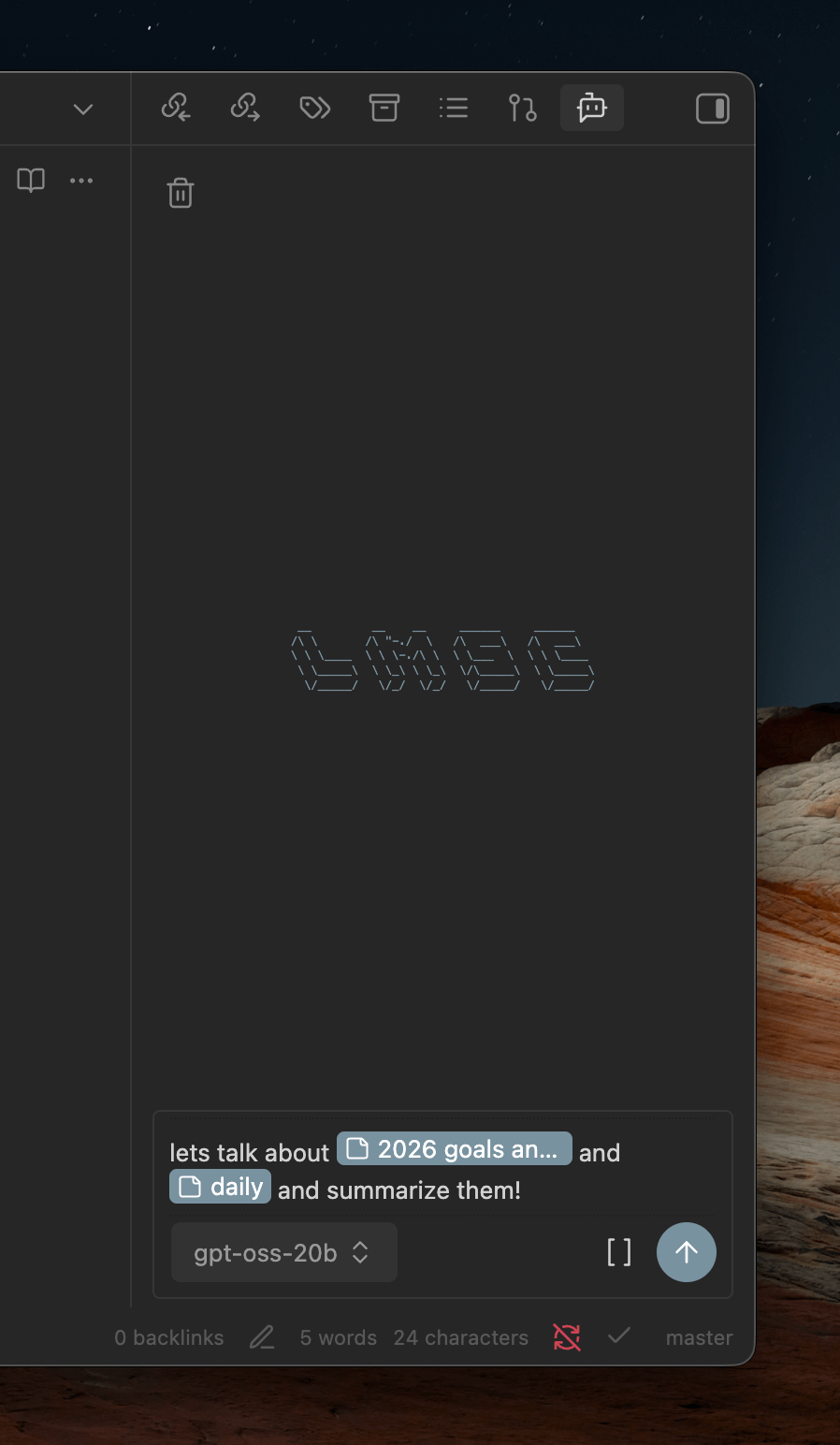
- To chat with notes, begin typing '[[' to open a file picker or use the file picker button at the bottom of the chatbox.
- The LLM is also made aware of your current open notes so you can talk about them without referencing them explicitly.
Use MCP servers configured in LM Studio
The plugin can use MCP servers you've configured in LM Studio directly.
- Add your MCP servers to LM Studio's
mcp.json. - In the plugin settings, disable Use vault tools to use LM Studio's system prompt and MCP server configuration directly.
- Enable the servers you want under the MCP servers section that appears.
[!WARNING] Requires authentication and the "Allow calling servers from mcp.json" setting to be enabled in LM Studio.
Codeblock prompts
You can also embed a prompt directly in your notes using a fenced codeblock with the lmsc language identifier:
```lmsc
prompt: What's the weather in New York today?
```
Options:
prompt(required) - The prompt to send to the LLMhideToolUse(optional, default:false) - Whentrue, hides tool call details from the responsehideReasoning(optional, default:false) - Whentrue, hides the reasoning/thinking output from the response
Note: Not affiliated with the official LM Studio company, Element Labs, Inc.
For plugin developers
Search results and similarity scores are powered by semantic analysis of your plugin's README. If your plugin isn't appearing for searches you'd expect, try updating your README to clearly describe your plugin's purpose, features, and use cases.