Local Media Embedder
approvedby seyf1elislam
Embed videos and images and audios from your local device in your notes.
★ 21 stars↓ 7,207 downloadsUpdated 7mo agoMIT
Local Media Embedder Plugin



The Local Media Embedder plugin for Obsidian allows you to easily embed local media files (videos, audio) into your notes. This plugin enhances your note-taking experience by enabling seamless integration of multimedia content.
Features
- Embed local videos, and audio files directly into your notes.
- Supports various media formats (e.g., MP4, MP3).
- Simple and intuitive interface for embedding media.
- Lightweight and efficient, ensuring smooth performance.
Change Log
0.1.4
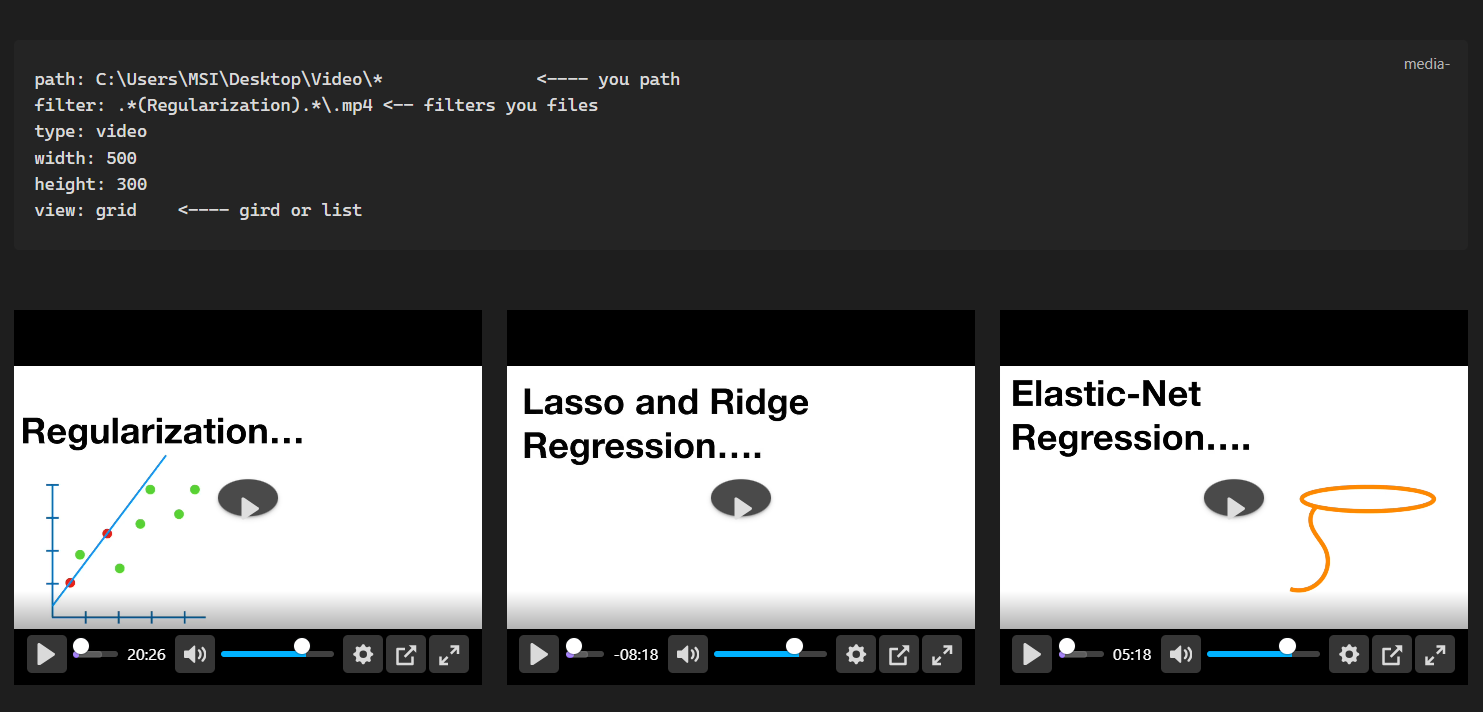
- multiple videos: Supports embedding multiple videos in a note as grid or list .
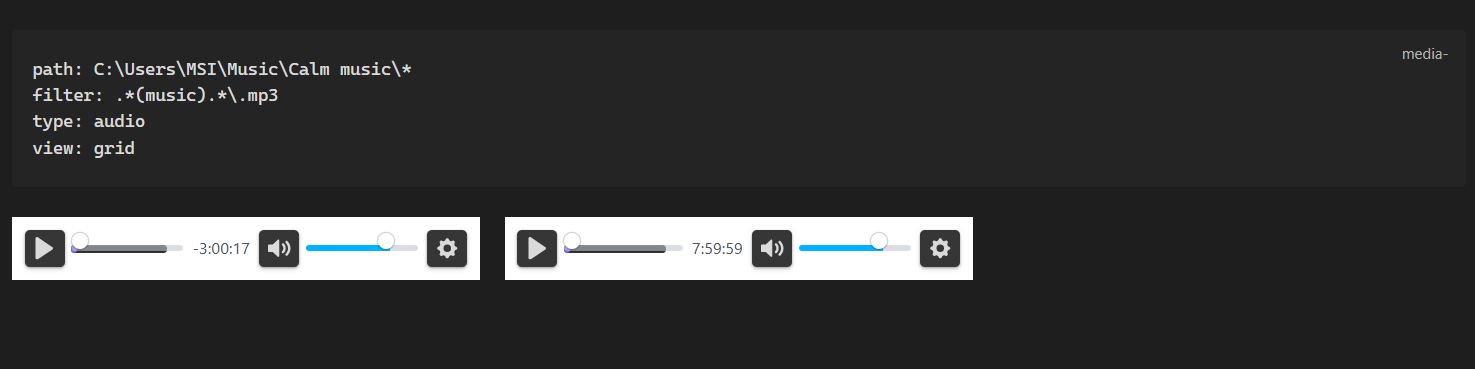
- multiple audios: Supports embedding multiple audios in a note.
- picture-in-picture: Supports picture-in-picture mode for videos.
0.1.3
- External Files Access: Allows using files located outside the vault, with no need to copy them into the vault.
- Enhanced Player: Integrated Better Video Player for a superior media experience.
- YouTube Support: Supports playing YouTube videos directly.
- Note Timestamps: Support adding timestamps to your notes when clicking seek in the video (for better video-synchronized notes).
Installation
The plugin is available in the Obsidian Community Plugins gallery. You can install it directly within Obsidian.
Usage :
- Easy Embedding: Select a file path in your note, right-click, and choose "Embed selected media path" to automatically generate the media code block.
- Interactive Timestamps: While a video is playing, right-click the player and select "Add timestamp". This inserts a timestamp into your note that, when clicked, will automatically seek the video to that exact moment.
Example Code Block:
One video /audio
 ```media
path: F:\Tutorial Videos\AI\deep learning\01.But what is a neural network- - Chapter 1, Deep learning.mp4
type: video
width: 640
height: 360
```
Multiple Videos / audios
```media
path: C:\Users\username\Music\* <---- you path (ends with *)
filter: .*(music).*\.mp3 <-- filters you files
type: audio
view: grid
```
```media
path: C:\Users\Username\Desktop\Video\*               <---- you path
filter: .*(Keyword).*\.mp4 <-- filters you files
type: video
width: 500
height: 300
view: grid    <---- gird or list
```
Acknowledgements
Special thanks to the Obsidian devs and the community ⭐
For plugin developers
Search results and similarity scores are powered by semantic analysis of your plugin's README. If your plugin isn't appearing for searches you'd expect, try updating your README to clearly describe your plugin's purpose, features, and use cases.