by bishop67
Move deleted media to an archive folder instead of the trash, and archive media that no note uses anymore.
Media Archive
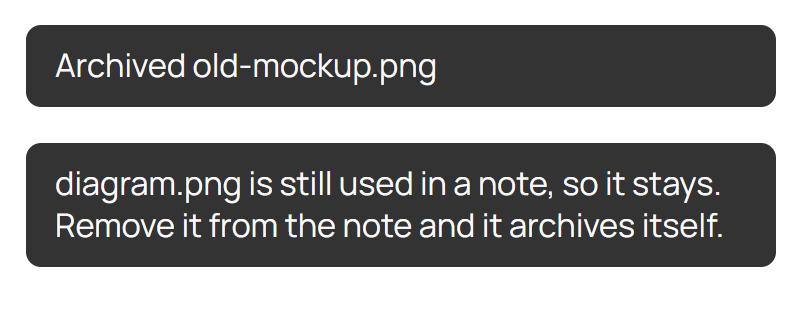
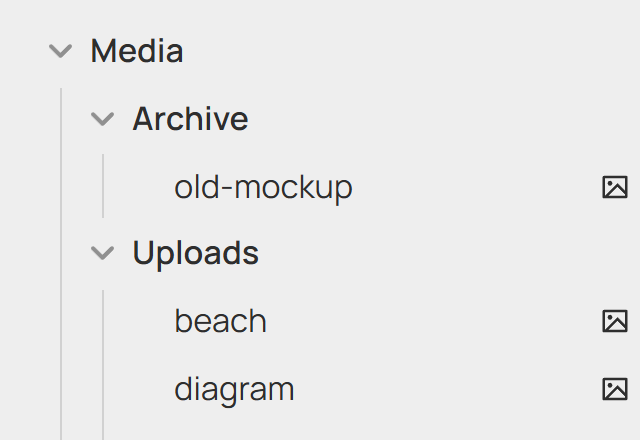
Deleting media in Obsidian moves it to Media/Archive instead of the trash. Deleting it from the archive removes it for real.
It also sorts on its own: unused files in Media/Uploads move to the archive, and archived files a note uses again move back. New files get 60 seconds before they can be archived.
- Media: images, video, audio, PDF.
- Used means linked or embedded in a note, named in frontmatter, or on a canvas.
- Still in use? Deleting does nothing and says so.
- Settings: the two folder paths. Point Obsidian's attachment folder at Uploads. Changing one doesn't move existing files.
- Command: Sort media by usage now.
Install
npm install && npm run build
Copy main.js and manifest.json to <vault>/.obsidian/plugins/media-archive/ and enable it. Needs Obsidian 1.13+.
To release: bump manifest.json, push a matching tag (1.0.1), publish the draft release.
MIT
For plugin developers
Search results and similarity scores are powered by semantic analysis of your plugin's README. If your plugin isn't appearing for searches you'd expect, try updating your README to clearly describe your plugin's purpose, features, and use cases.