NerdFont Icon Picker
approvedby xavwe
Search and insert nerdfont icons.
★ 6 stars↓ 3,247 downloadsUpdated 1mo agoMIT
NerdFont Icon Picker

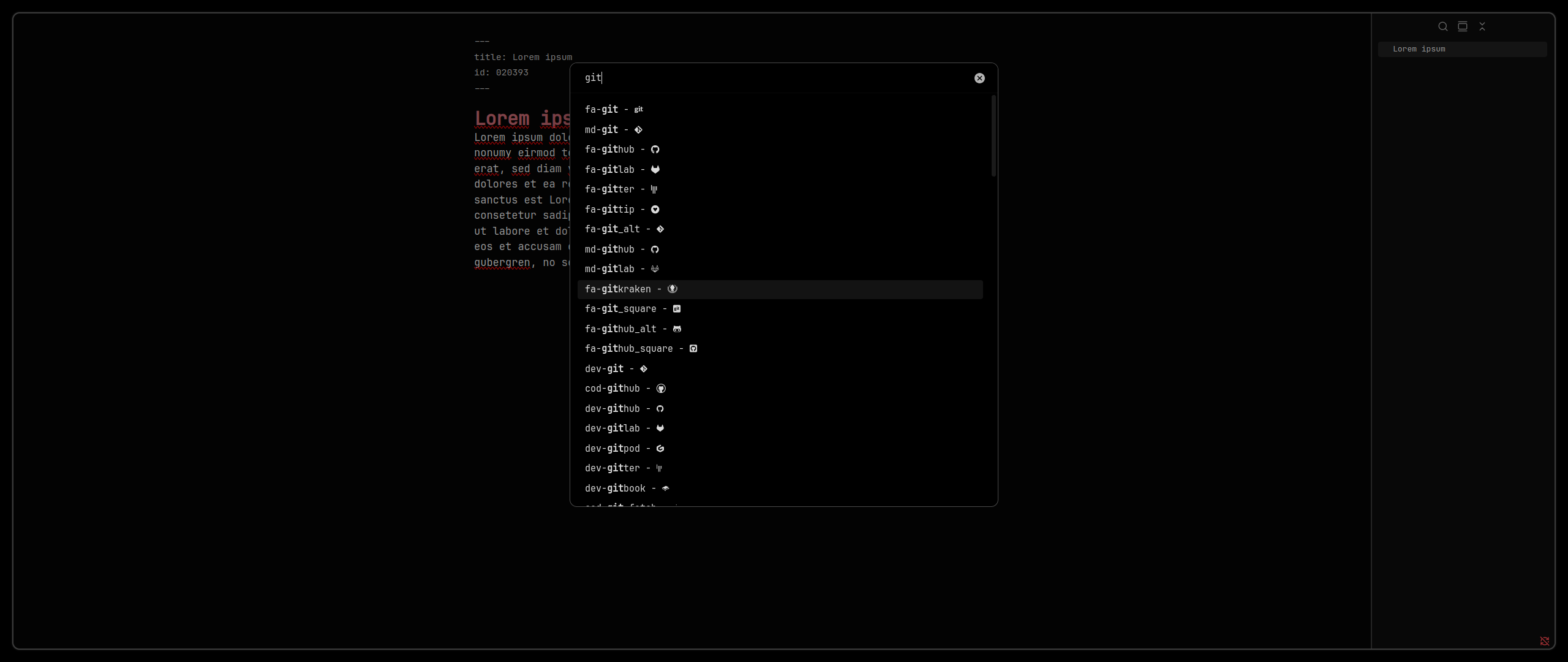
The NerdFont Icon Picker is a plugin for Obsidian. It adds an easy-to-use Nerd Font icon picker to Obsidian. You can assign a hotkey for quick access.
Getting Started
- Install from Obsidian Plugin Store: NerdFont Icon Picker
- Change
Settings > Appearance > Font > Interface FontandSettings > Appearance > Font > Text Fontto a NerdFont. Make sure it is installed on you system. For mobile use Custom Font Loader.
Troubleshooting
- If the icons are not rendered correctly, make sure you have a NerdFont installed and that Obsidian is configured to use it. Note that only Obsidian versions 1.0.3 and later are supported.
- If only some icons are not rendered properly, the installed version of the used NerdFont might be to old to support those symbols. Try updating your NerdFont to the latest version.
For plugin developers
Search results and similarity scores are powered by semantic analysis of your plugin's README. If your plugin isn't appearing for searches you'd expect, try updating your README to clearly describe your plugin's purpose, features, and use cases.