Doubleshift
approvedby qwyntex
Open the command palette by pressing Shift (or any other key) twice like in IntelliJ and create your own shortcuts.
Doubleshift
press Shift twice to activate Doubleshift. By default, it opens the command palette, but you can change to whatever you want
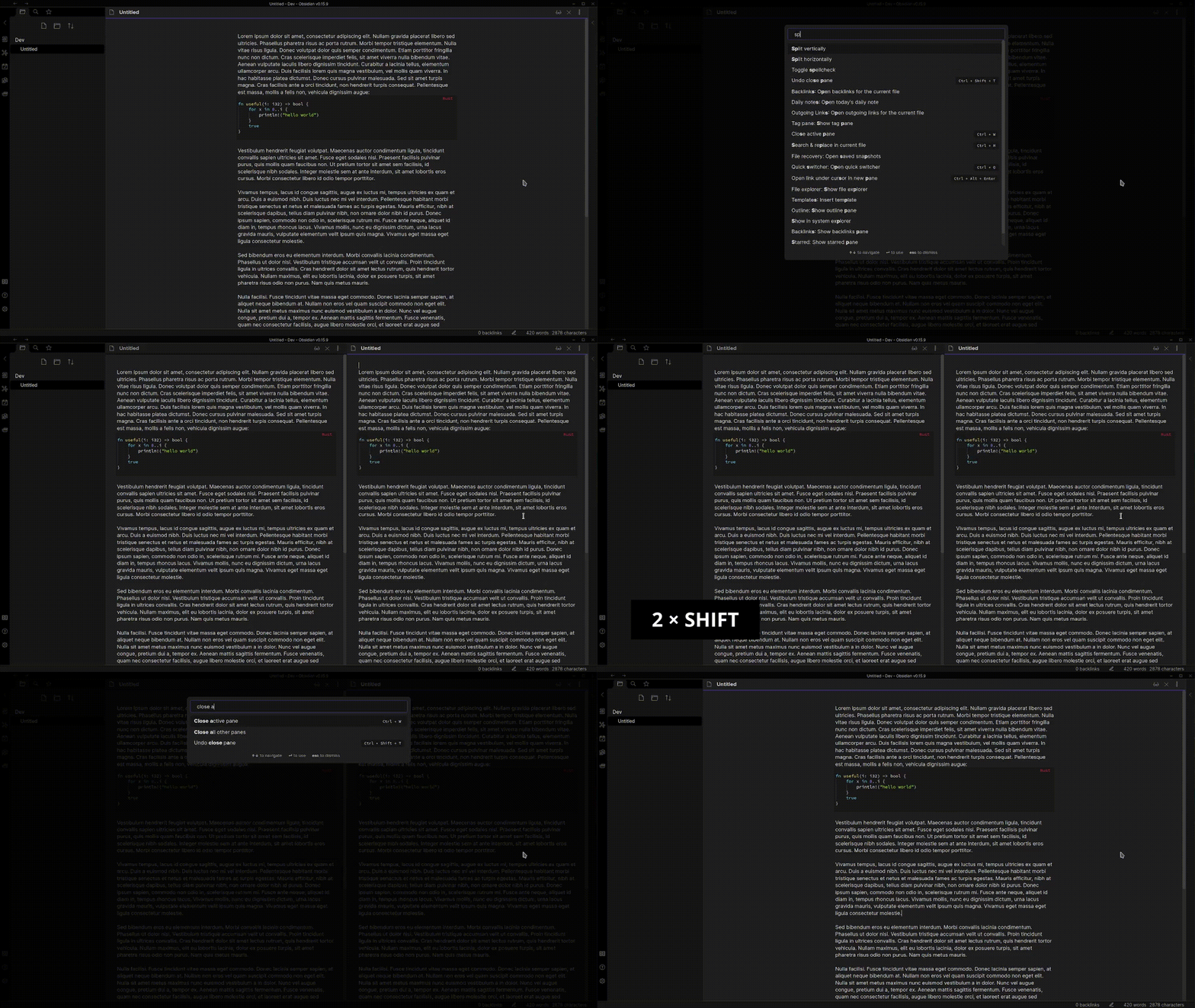
you can also add multiple other commands with different keys for whatever action you need to access frequently.
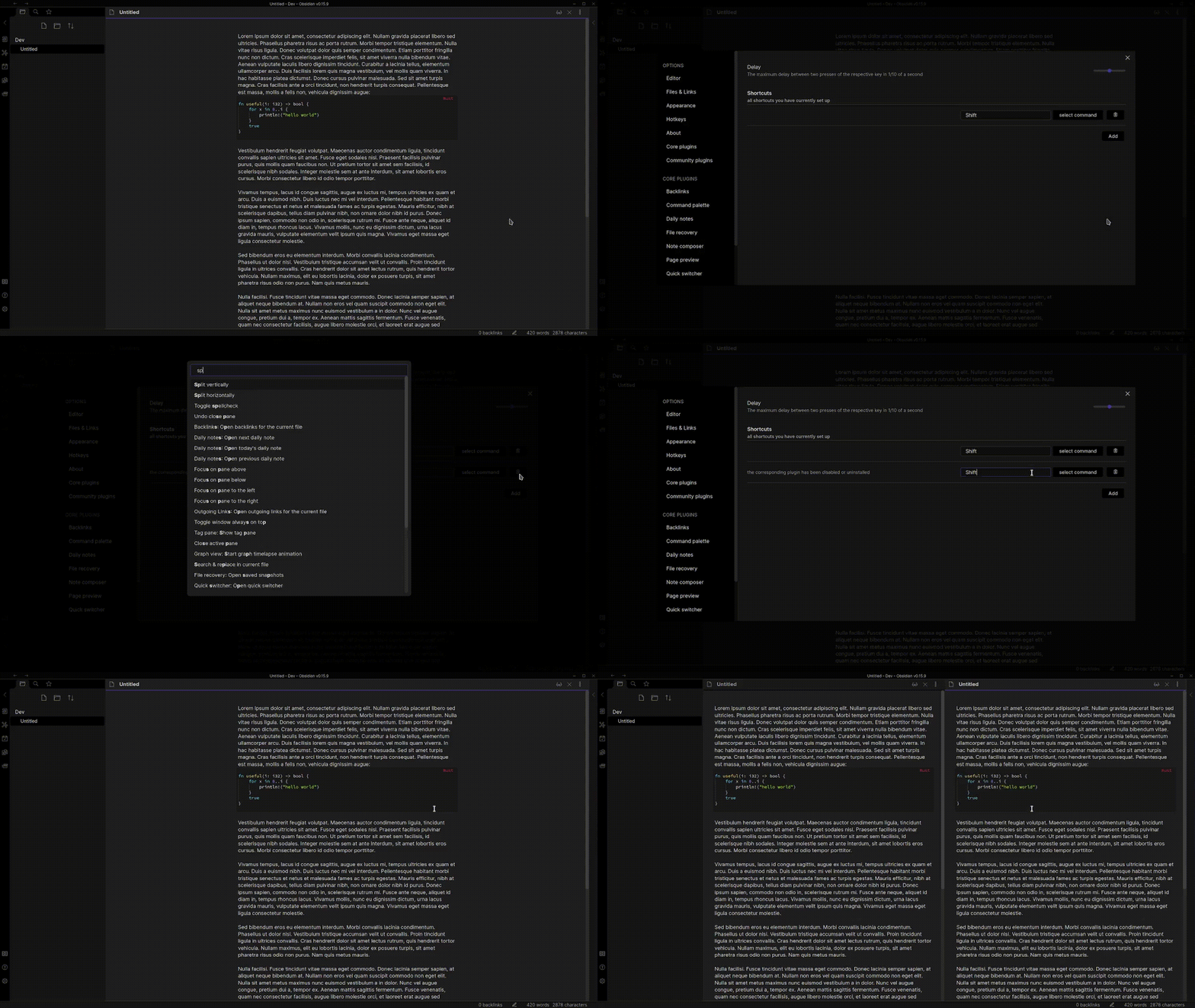
It works with every available command including commands from other plugins. So if you have a plugin like the better command palette plugin installed you can choose the command to open it in the Doubleshift settings tab.
This plugin can differentiate between Left Shift and Right Shift, Left Alt and Right Alt, etc. Bind the right side modifier to split vertically and the left side to split horizontally! (Thank you ericziko for this contribution!)
If you want to contribute to this plugin feel free to create a pull request at https://github.com/Qwyntex/doubleshift
Troubleshooting
For those wondering why a specific plugin or command doesn't show up in the command picker, try disabling and reenabling doubleshift in the community plugin settings tab
For plugin developers
Search results and similarity scores are powered by semantic analysis of your plugin's README. If your plugin isn't appearing for searches you'd expect, try updating your README to clearly describe your plugin's purpose, features, and use cases.