Nomnoml Diagram
approvedby daeik
Draw nomnoml diagrams.
Obsidian nomnoml Diagram
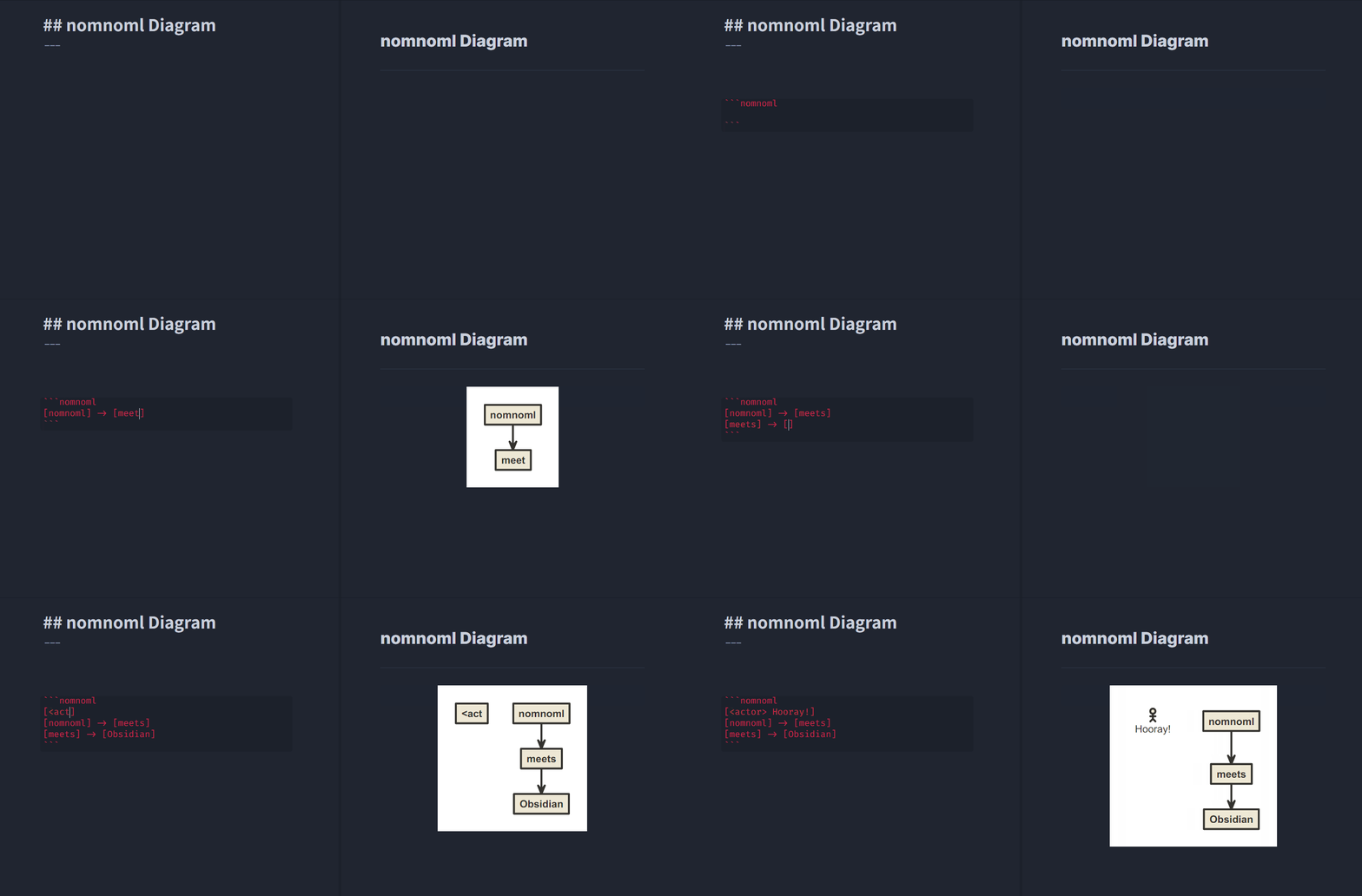
This Obsidian plugin lets you draw nomnoml diagrams inside of Obsidian notes.
Drawing a nomnoml diagram
To draw a nomnoml diagram inside of a note, you can simply use fenced code block syntax with nomnoml keyword. (Or use [Nomnoml Diagram: New Diagram] command to insert auto-generated fenced code block)
```nomnoml
[Example] -> [Diagram]
```
nomnoml directives are also supported to set diagram styles per diagram.
(Default directive settings can be set in [Plugin Options > Nomnoml Diagram].)
```nomnoml
#background: #000000
#arrowSize: 0.5

[Example] -> [Diagram]
```
Please check nomnoml's official website and GitHub repository for the full syntax references and more examples!
Notes
- All diagrams are generated as SVG(Scalable Vector Graphics)
- Obsidian's default "Export to PDF" includes generated SVG diagrams (and each text node is PDF annotatable!)
- Inserting new diagrams will be much easier using [Nomnoml Diagram: New Diagram] command by a hotkey or
/slash command (v0.12.17+)
Compatibility
- Supports Obsidian desktop and mobile versions
- Tested for Obsidian
v0.12.15+
License
For plugin developers
Search results and similarity scores are powered by semantic analysis of your plugin's README. If your plugin isn't appearing for searches you'd expect, try updating your README to clearly describe your plugin's purpose, features, and use cases.