Simple Mention
approvedby der-tobi
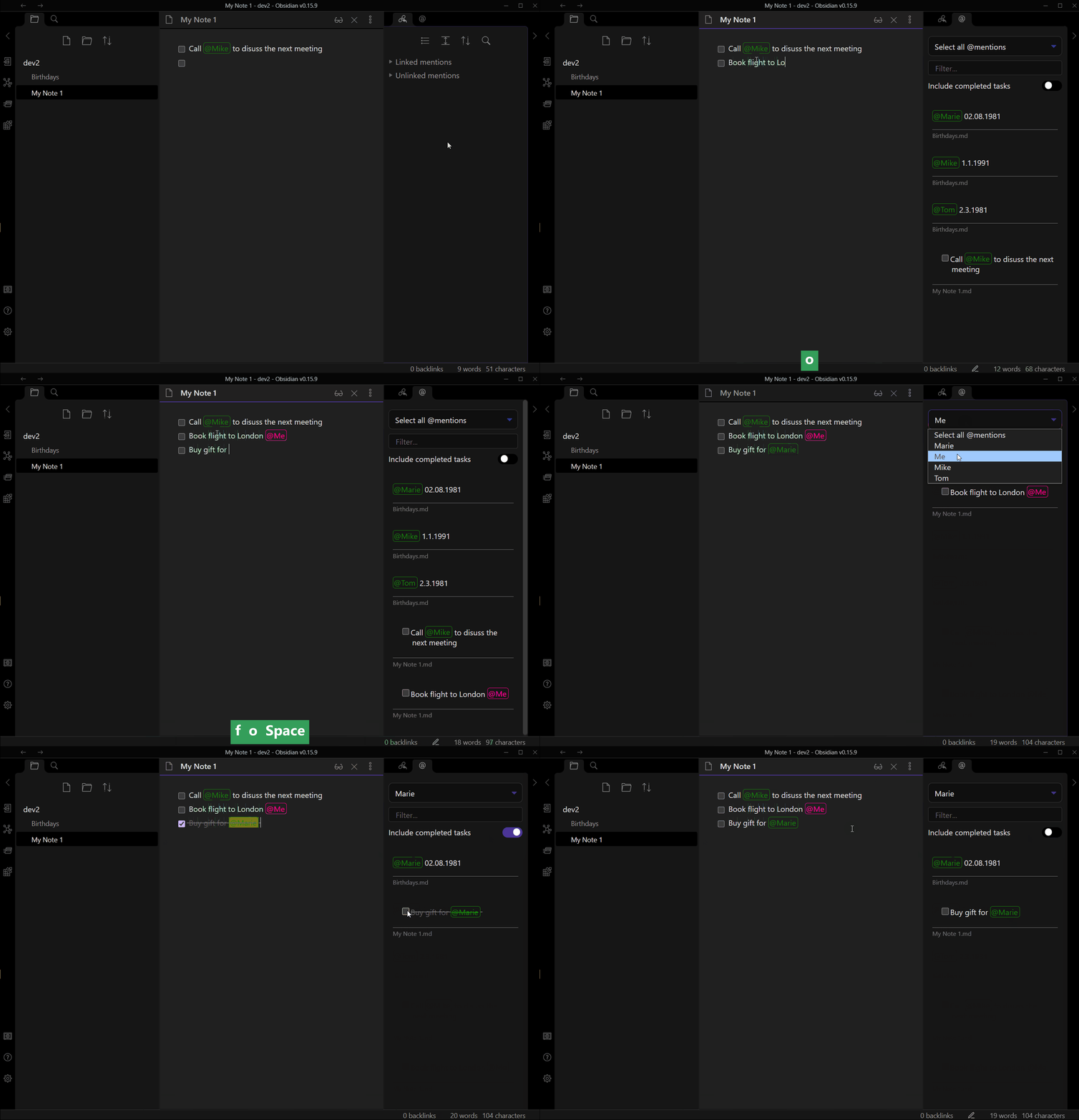
Get highlighted mentions and mention suggestions. Find all occurrences of a mention.
Obsidian simple mention
A simple plugin that visually highlights mentions and suggests existing ones as you write (except in codeblocks).
The mention prefix can be customized and defaults to @.
Find all occurrences of a mention in the side pane and jump to the corresponding line in the document.
Distinguish your personal mentions from the others by a different color.
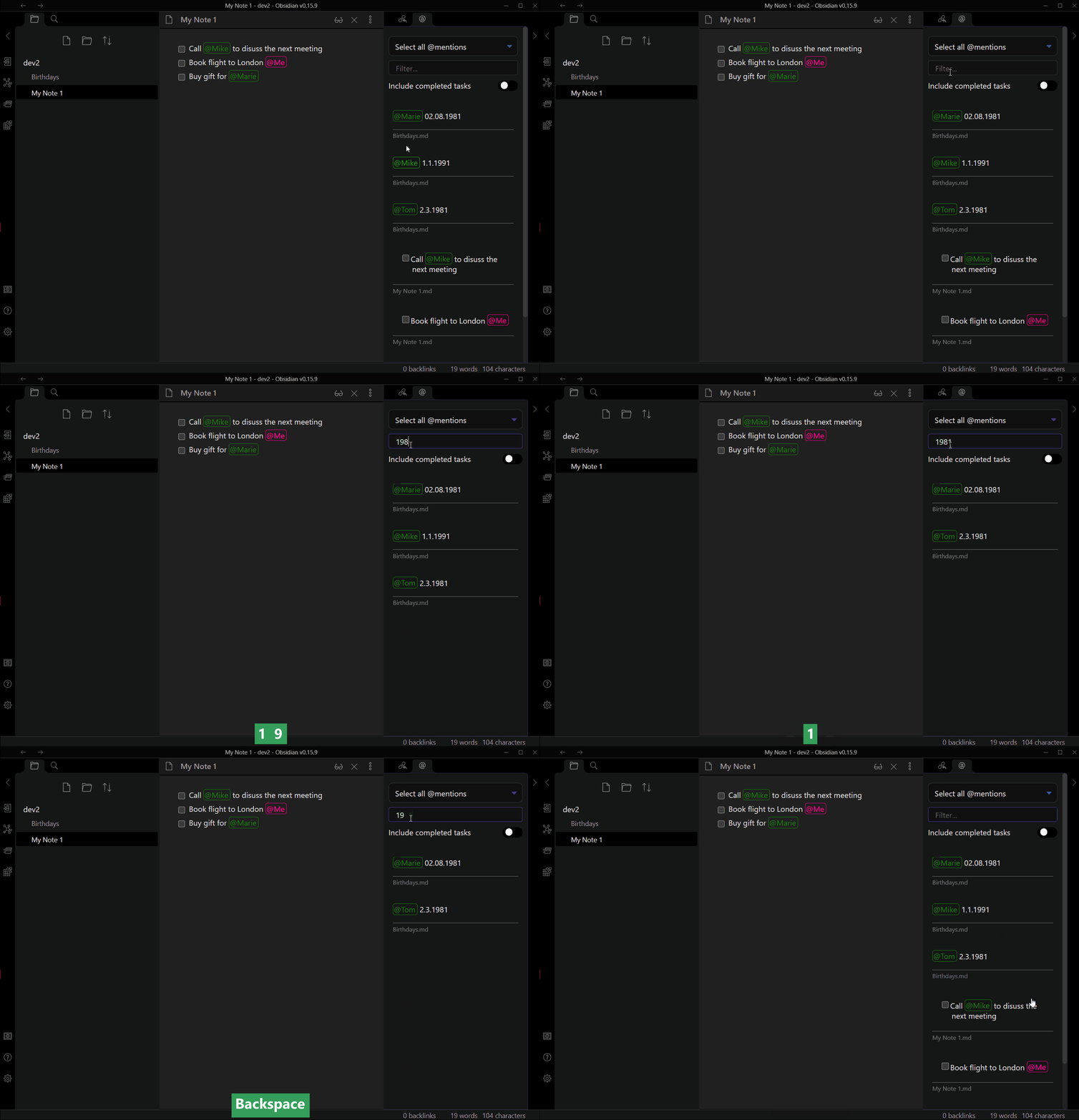
Filter your mentions by a phrase
Settings
You can:
- set the trigger phrase (@)
- set the color of the mentions (green)
- set the color of your own mentions (deeppink)
- set the name, how you want to mention yourself (Me)
- delete the cache (indexeddb)
Shortcuts
In edit mode
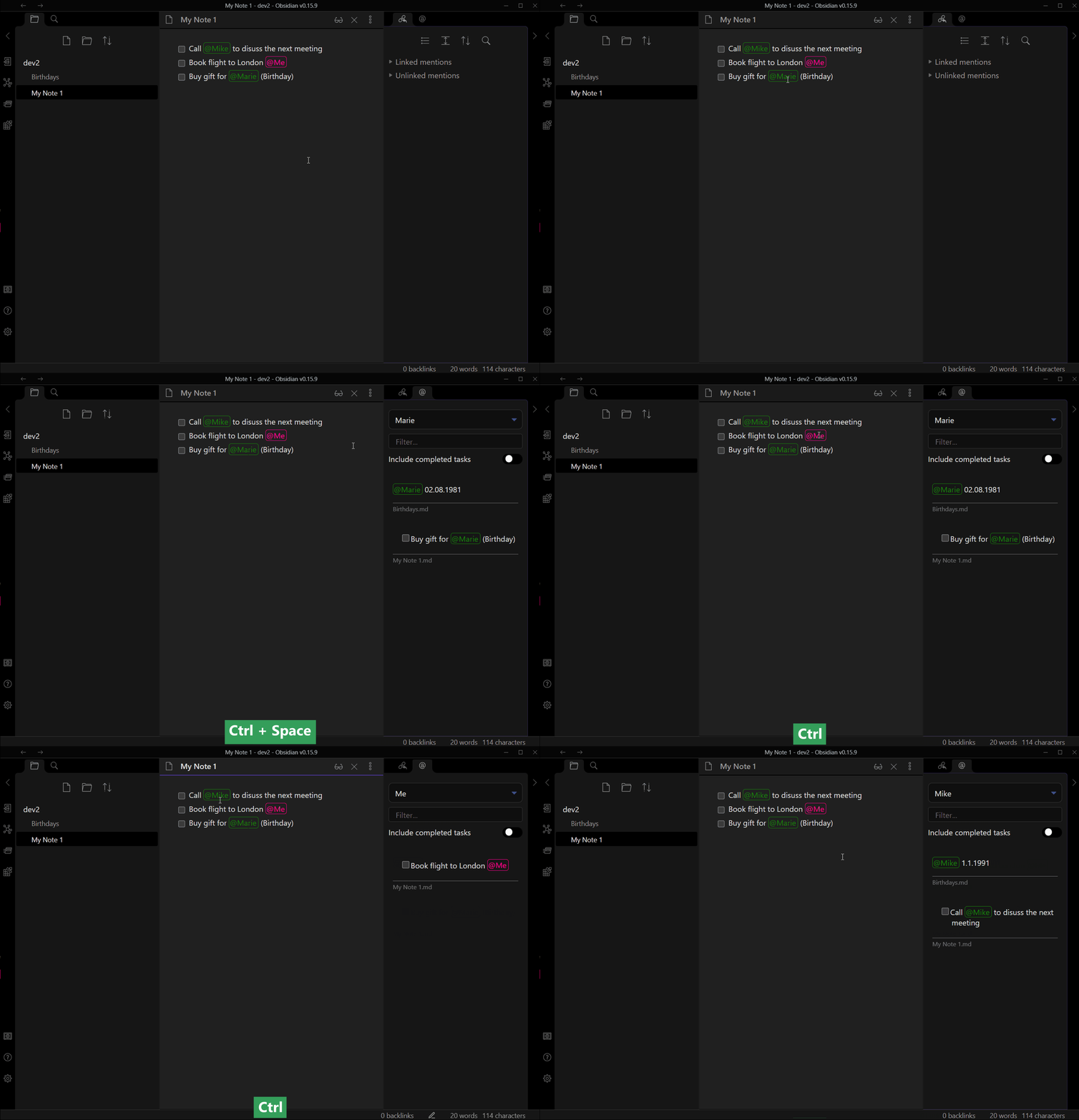
ctrl+space or ctrl+click on a mention, opens the right side pane with all occurrences of that mention.
In preview mode
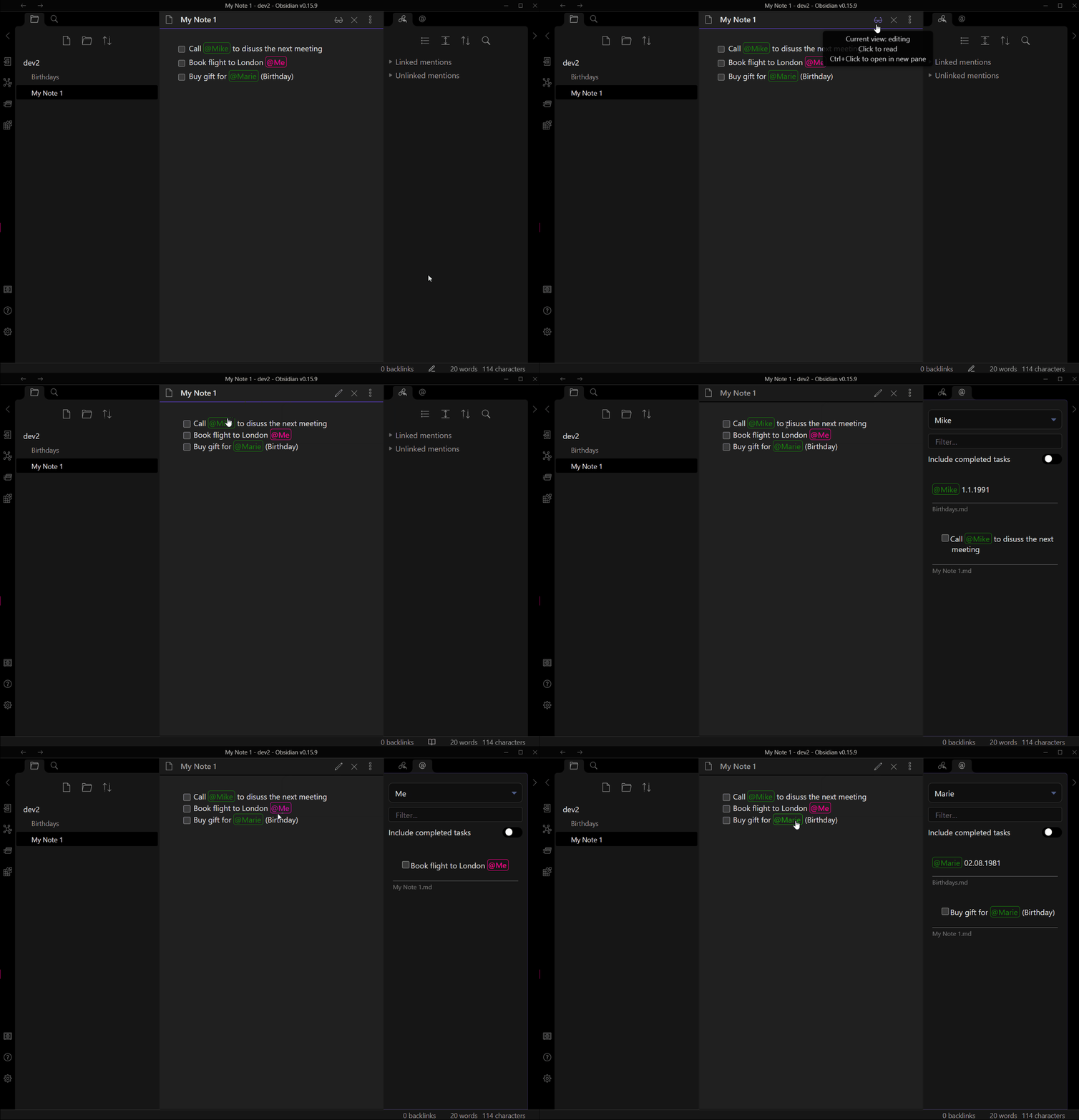
When you click on a mention, the right side pane opens with all occurrences of that mention.
Known issues
- We need to restart Obsidian after
- adjusting the trigger phrase for the changes to take effect.
- changing the name of yourself for the changes to take effect.
- ignoring a directory
- deleting the cache
- Style could currently not be overridden by a template (simple fix)
Ideas
- Group mentions
- eg. @group-x(@bob,@lisa)
- usage: find all mentions of @bob and @lisa by searching for @group-x
- Multi select of mentions in the view
- Show sub bullet points
- own color for each "person"
For plugin developers
Search results and similarity scores are powered by semantic analysis of your plugin's README. If your plugin isn't appearing for searches you'd expect, try updating your README to clearly describe your plugin's purpose, features, and use cases.